Text to Video AI: Text zu Video mit KI
Text to Video AI macht aus einer geschriebenen Szene einen kurzen Videoclip. Beschreibe, wer darin vorkommt, wo es spielt und was passiert, und wähle eines von 10 Modellen. Du bekommst ein MP4 mit Ton von 3 bis 30 Sekunden, meist in ein bis fünf Minuten. Eine Kamera oder Schnittkenntnisse brauchst du nicht.
Echte Ergebnisse
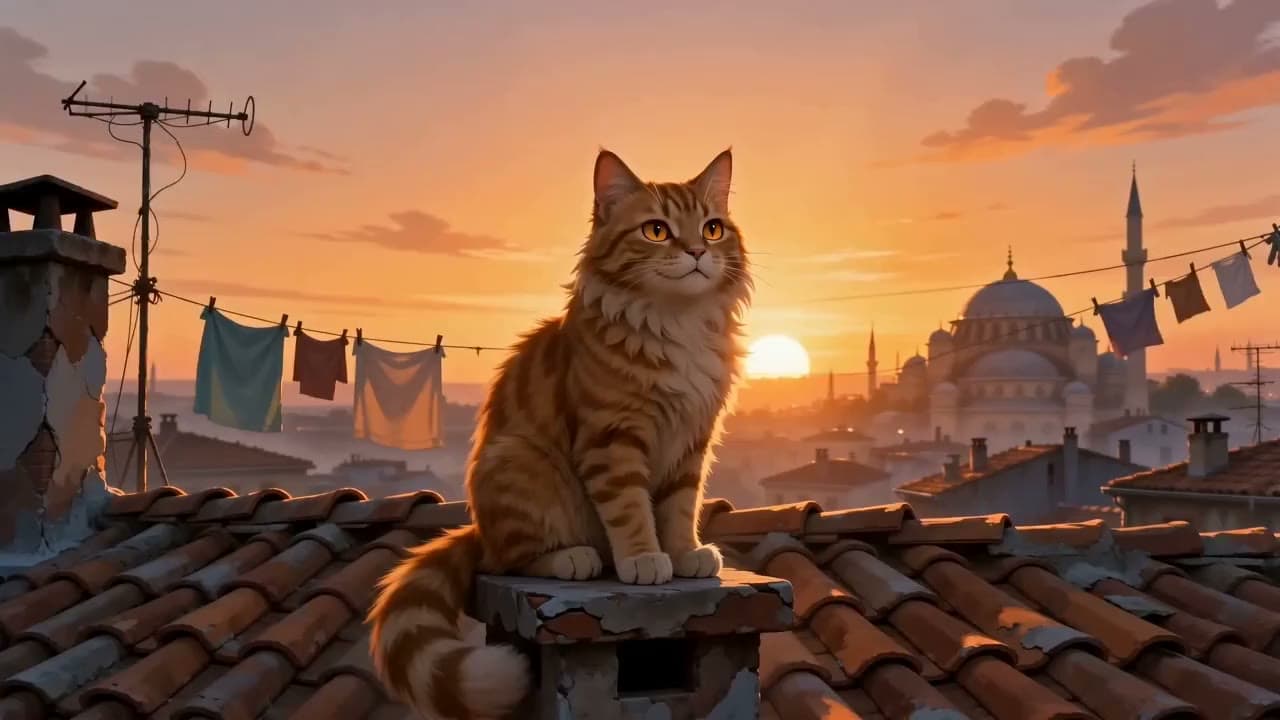
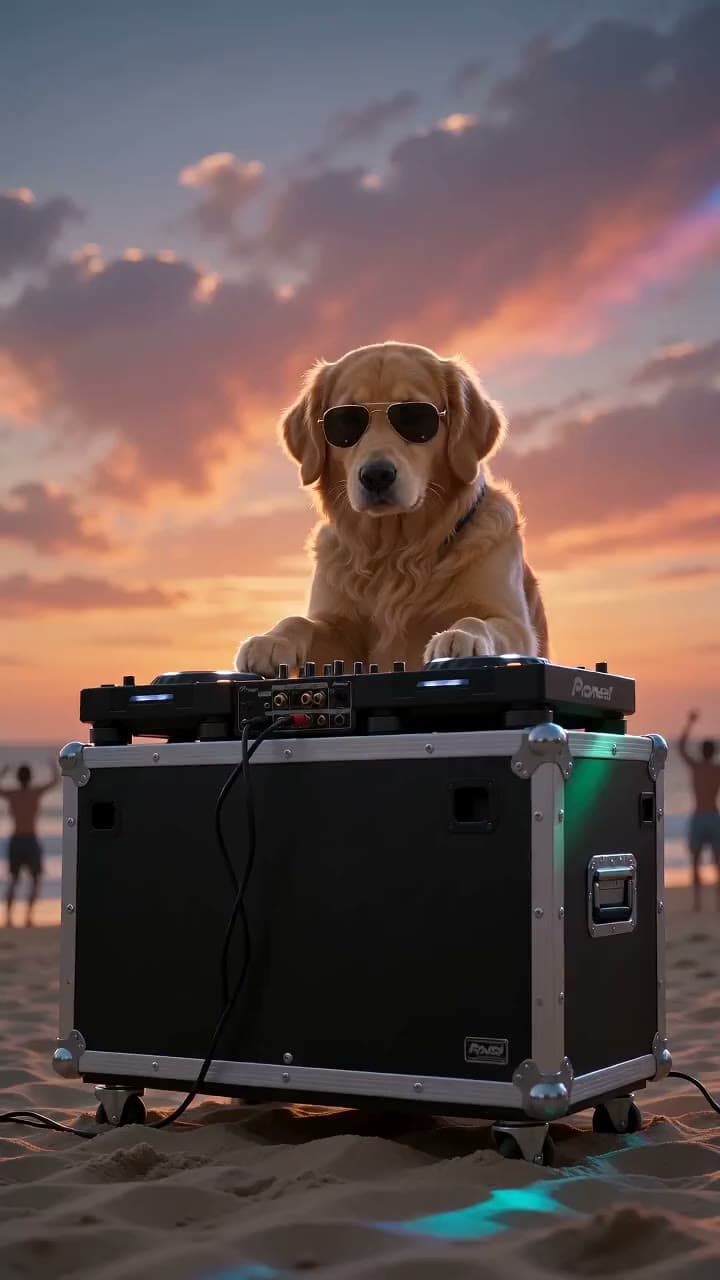
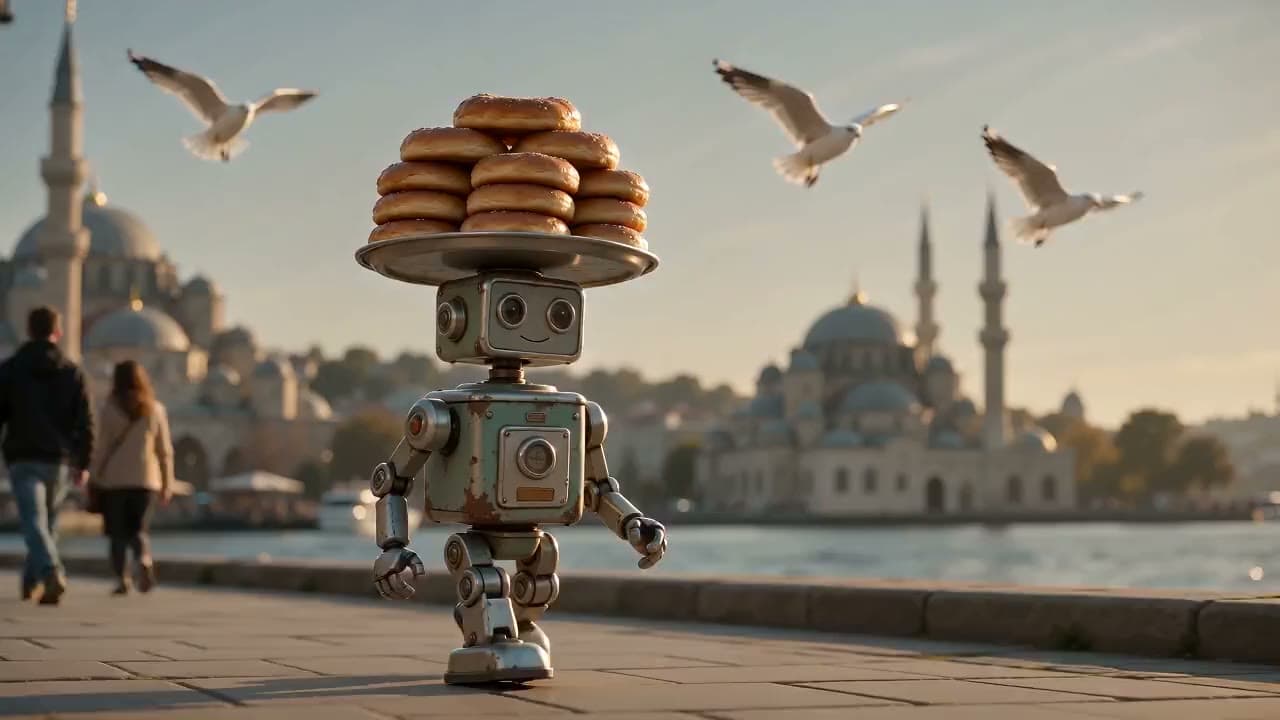
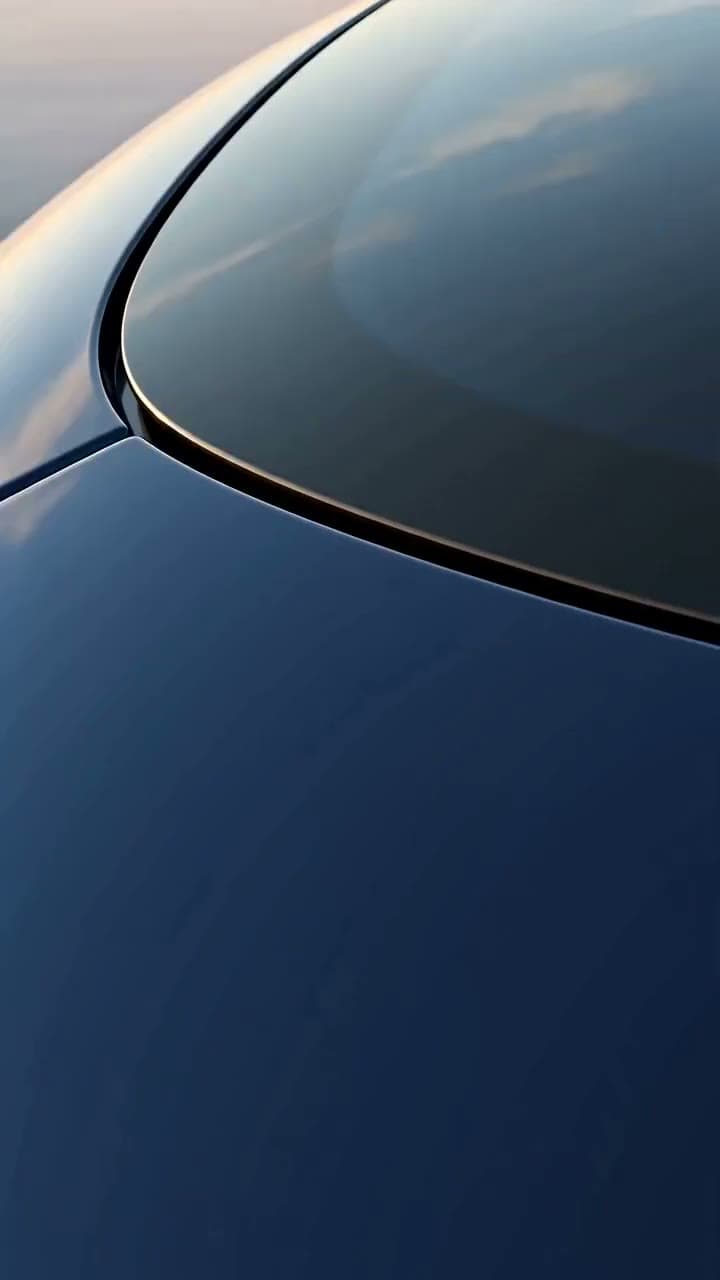
Erstellt mit diesem Tool
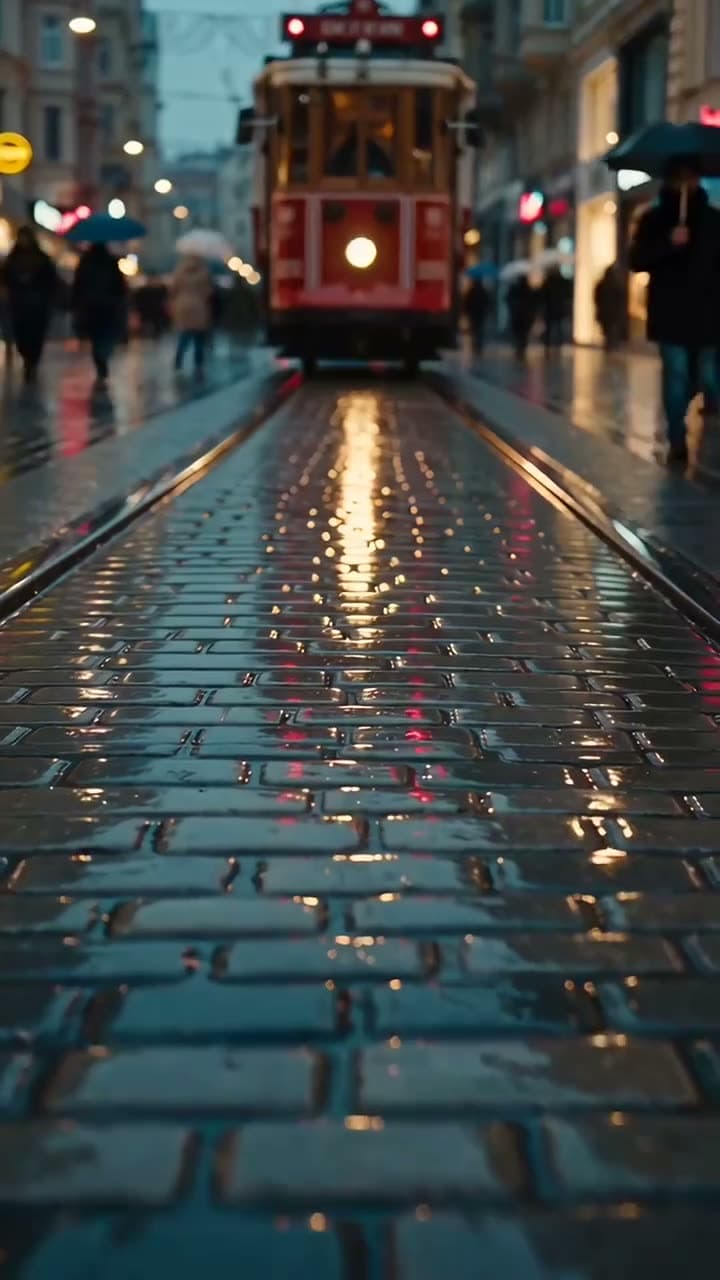
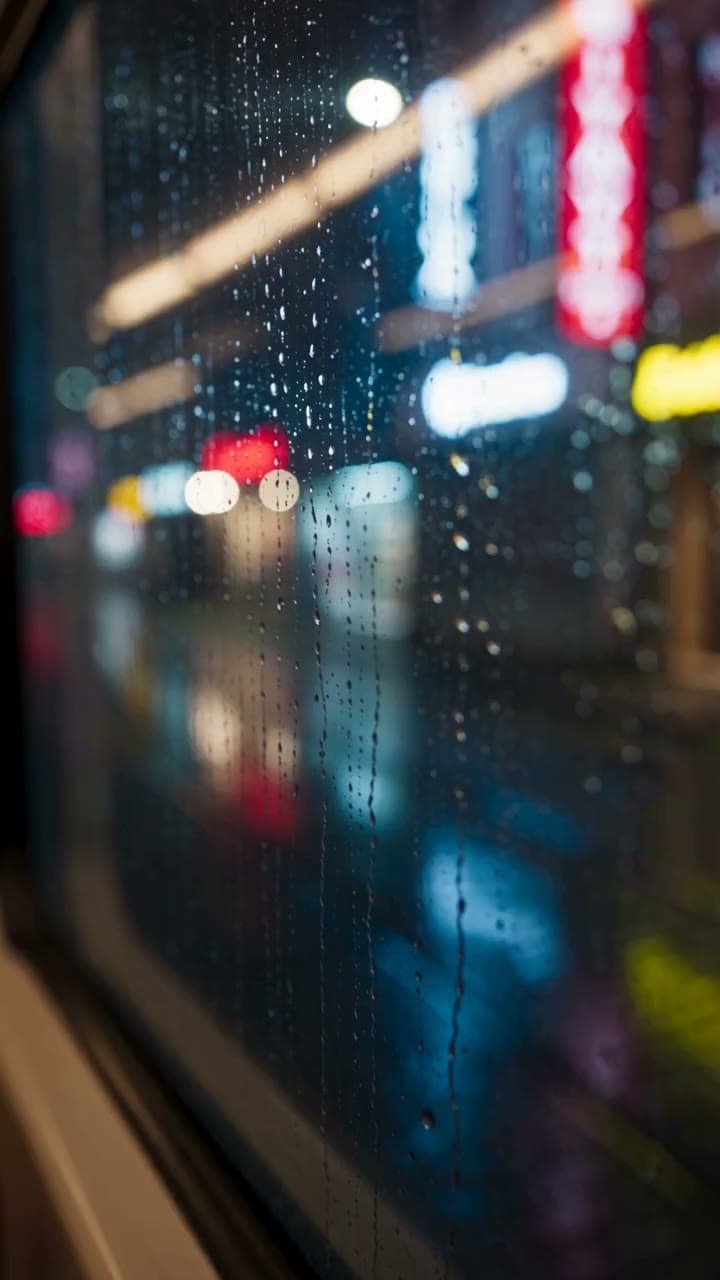
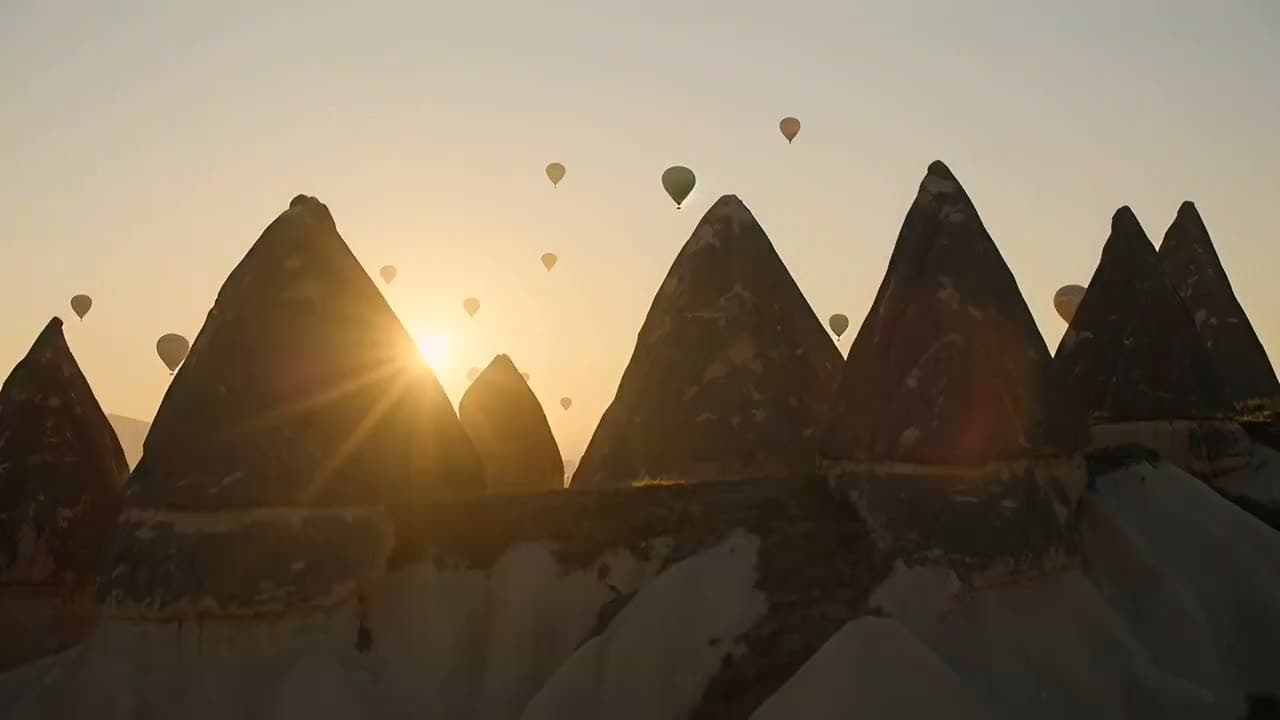
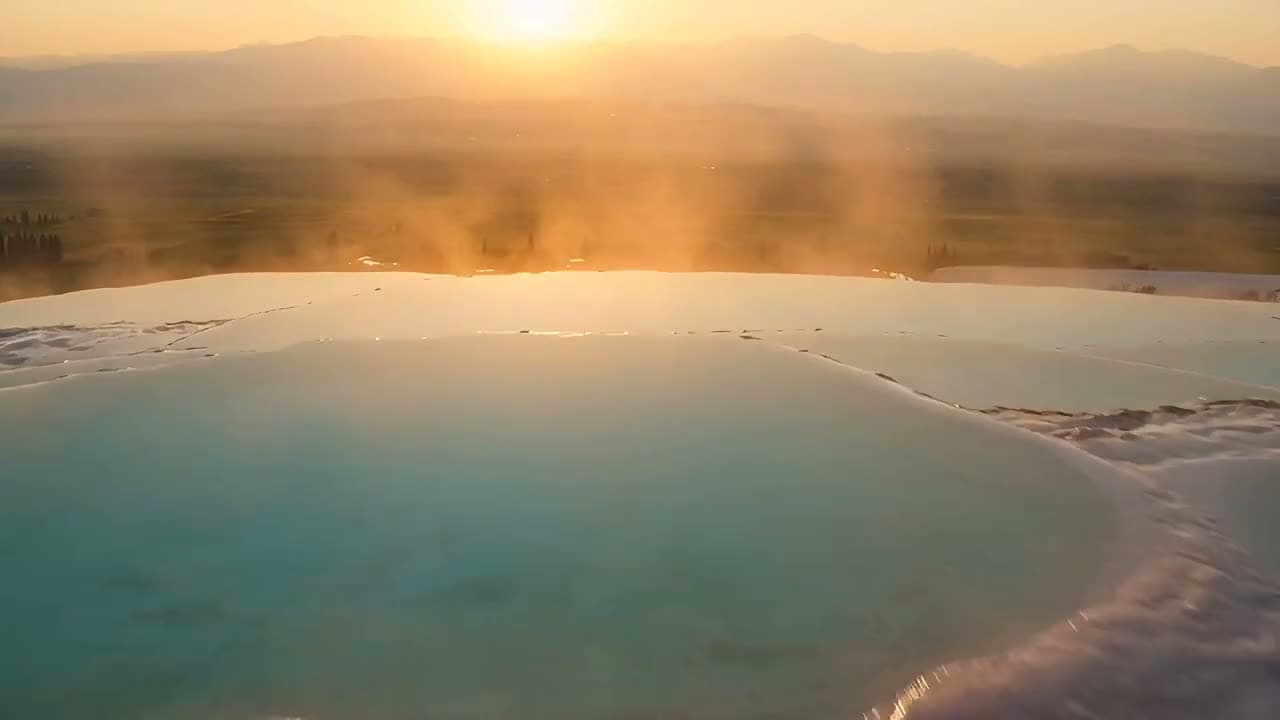
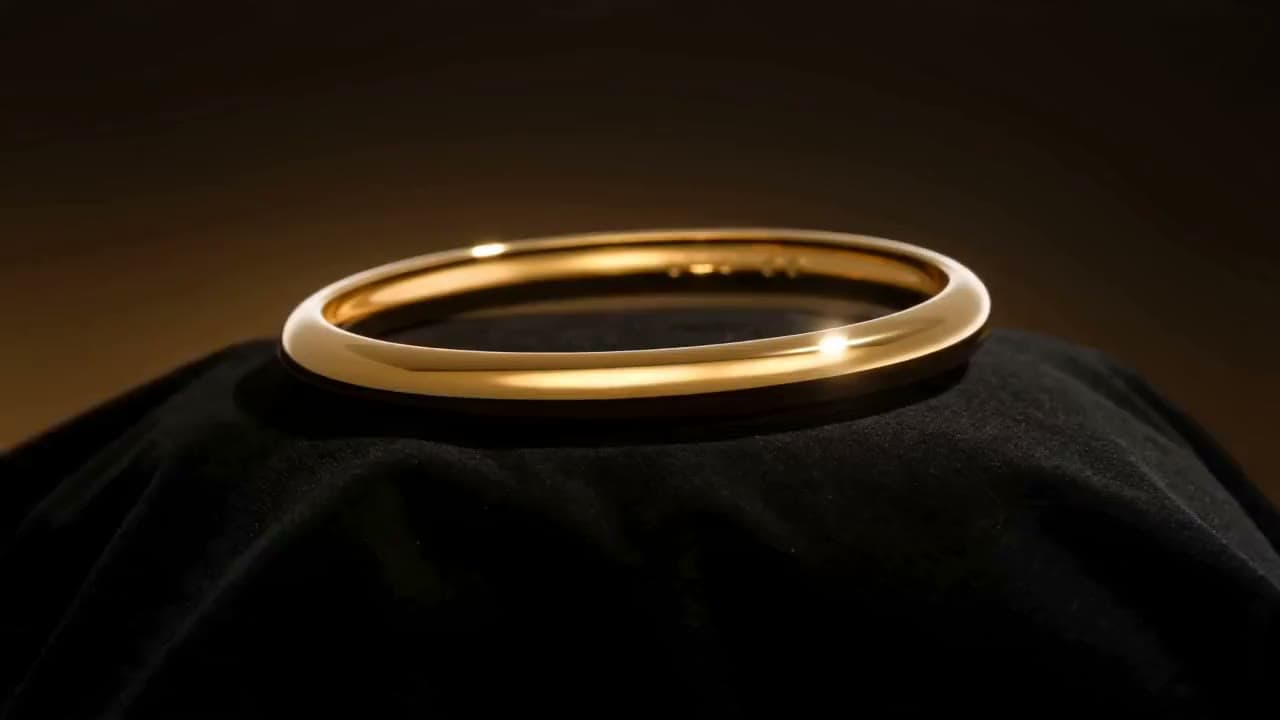
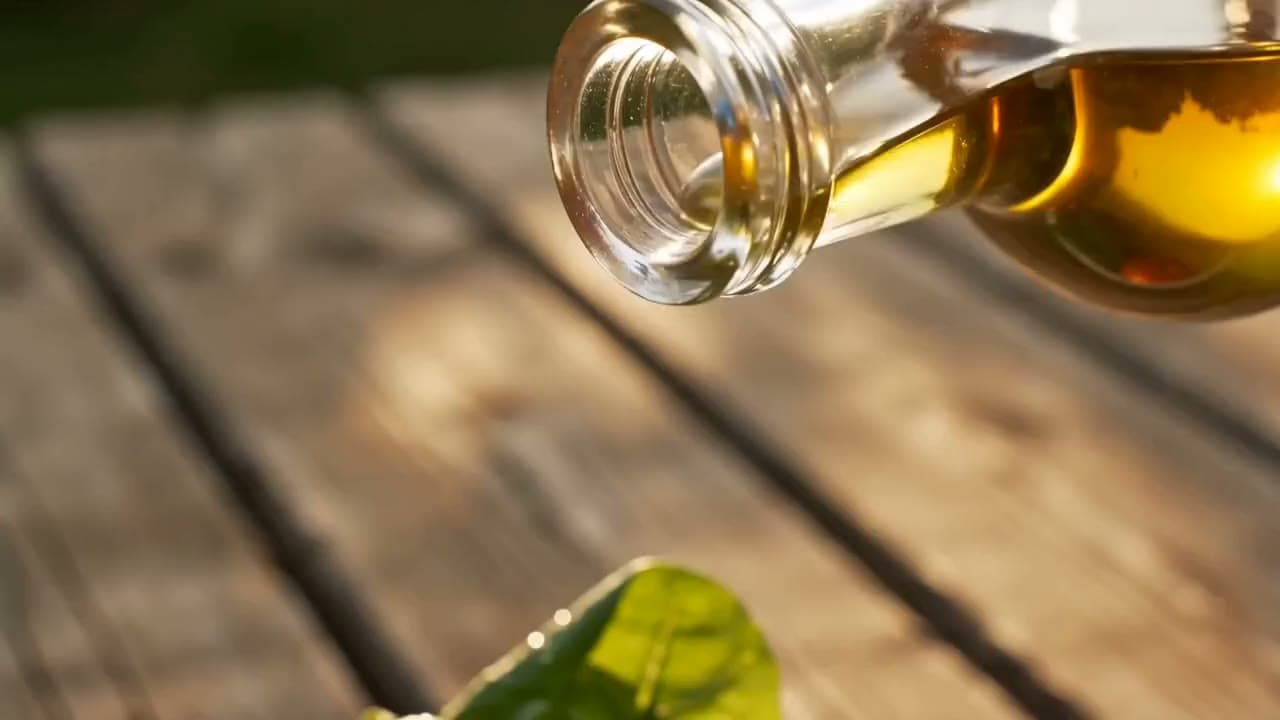
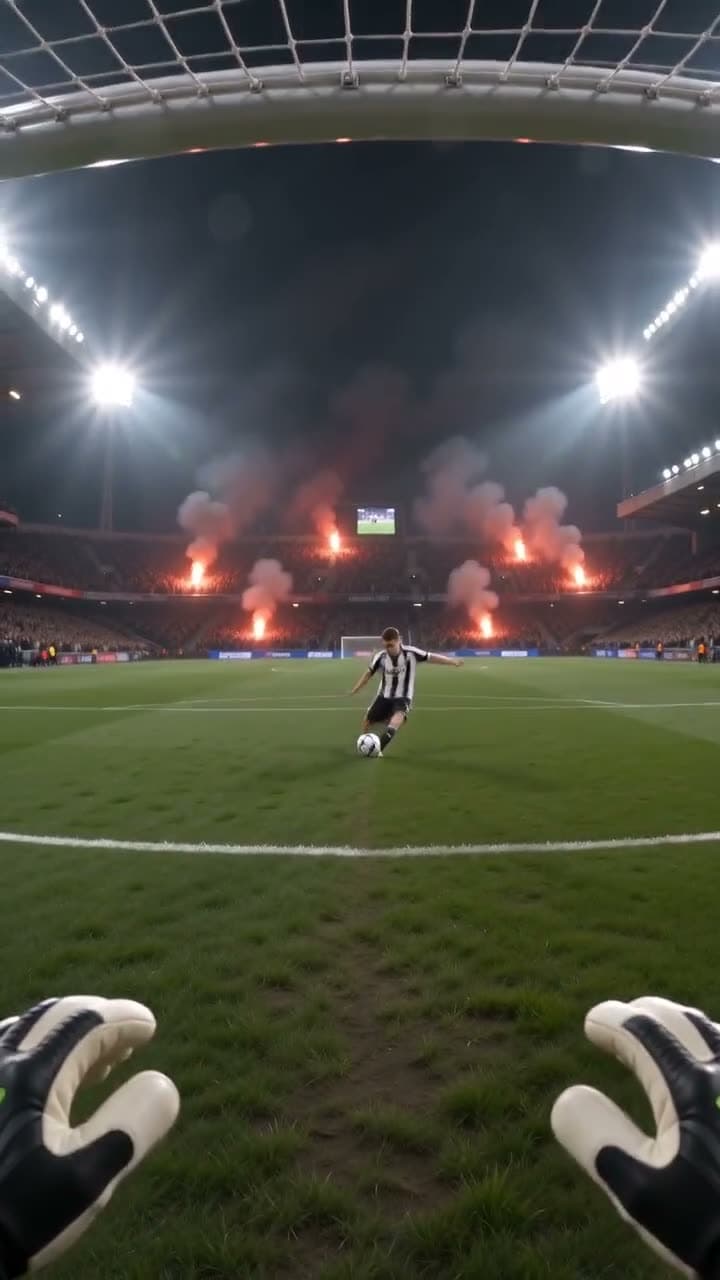
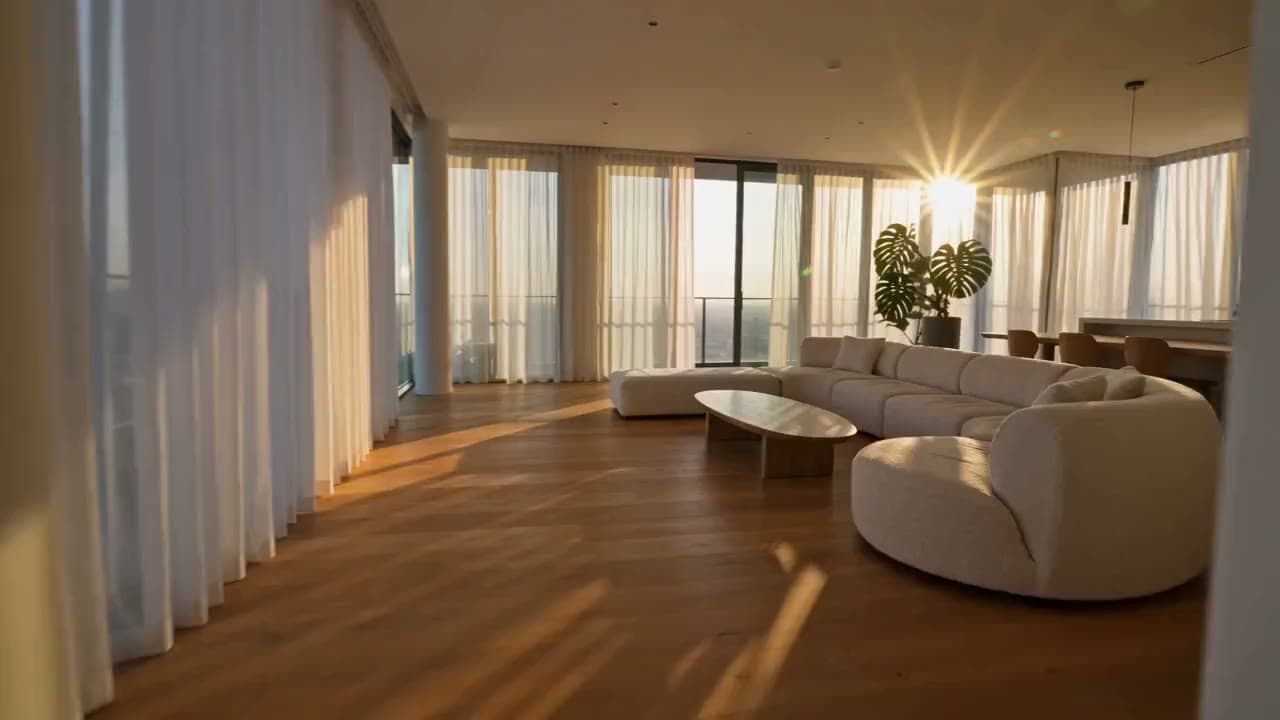
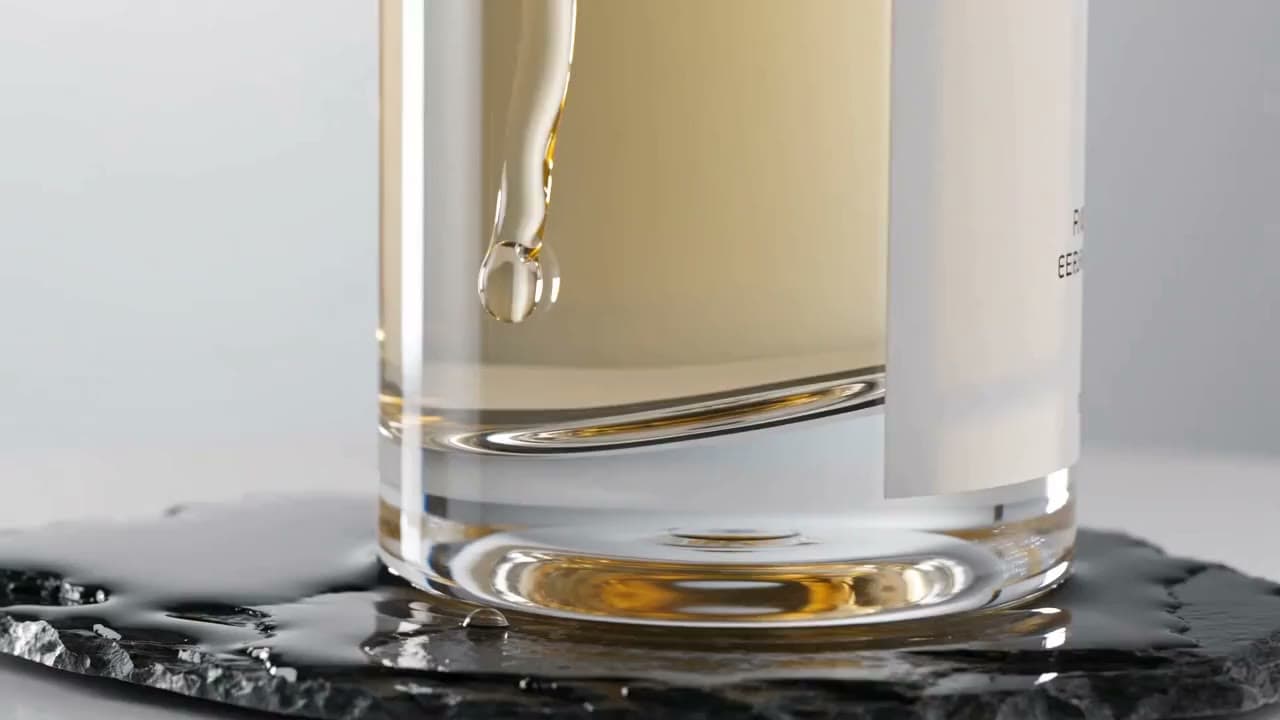
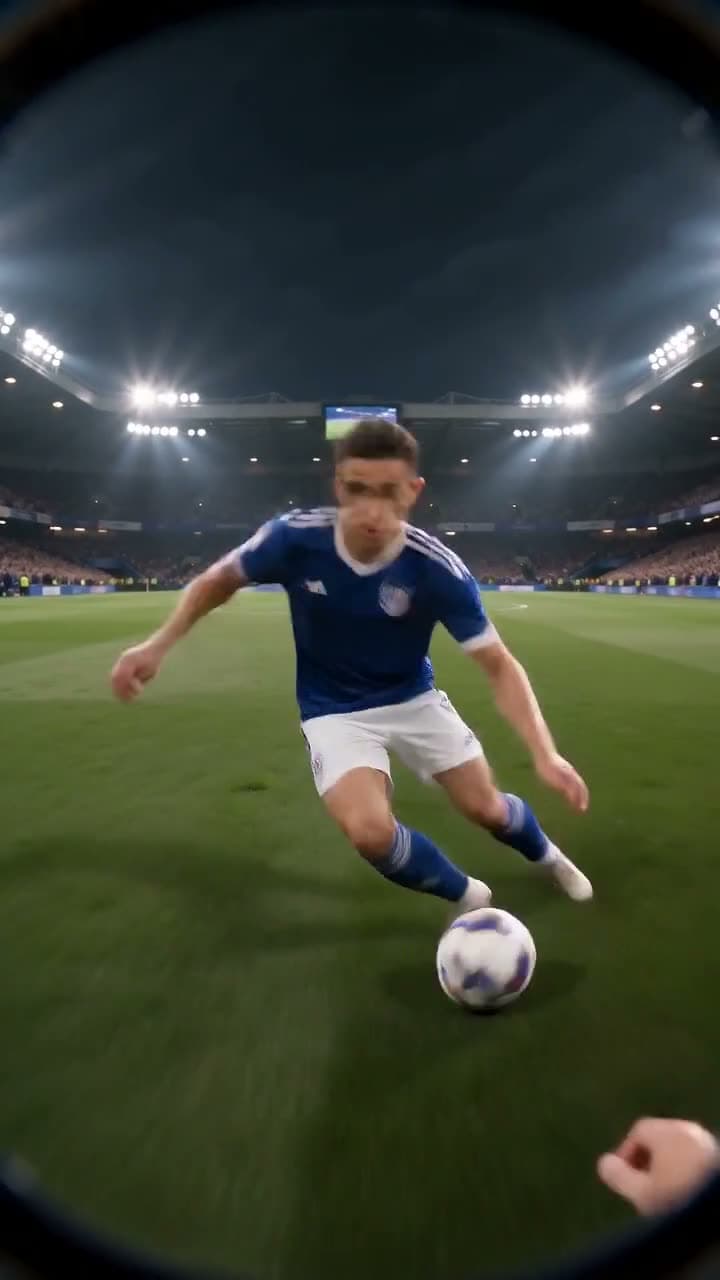
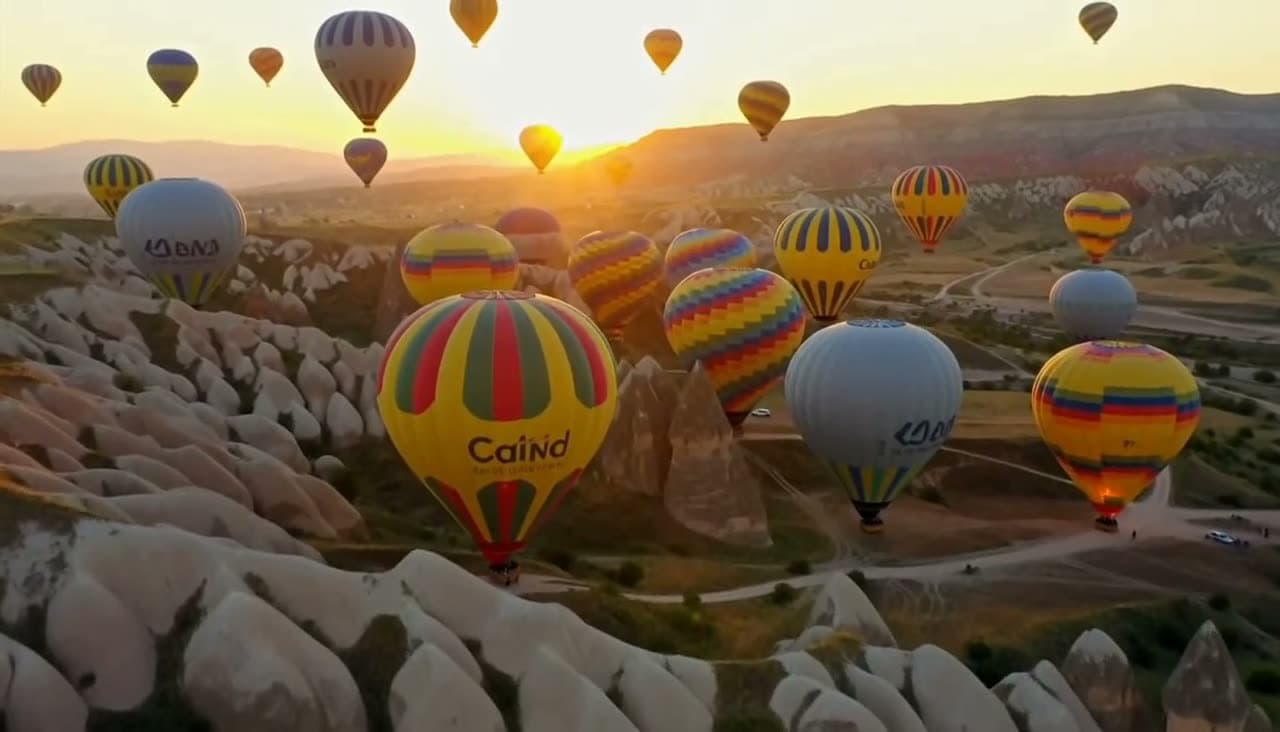
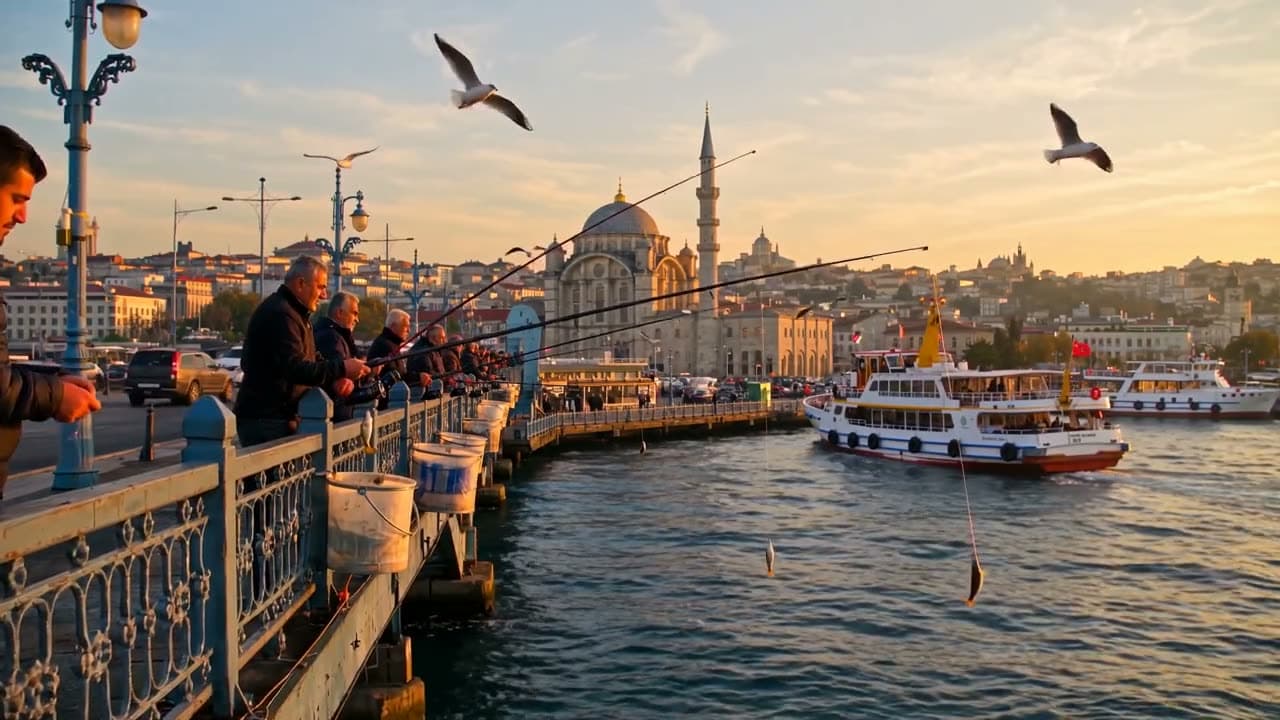
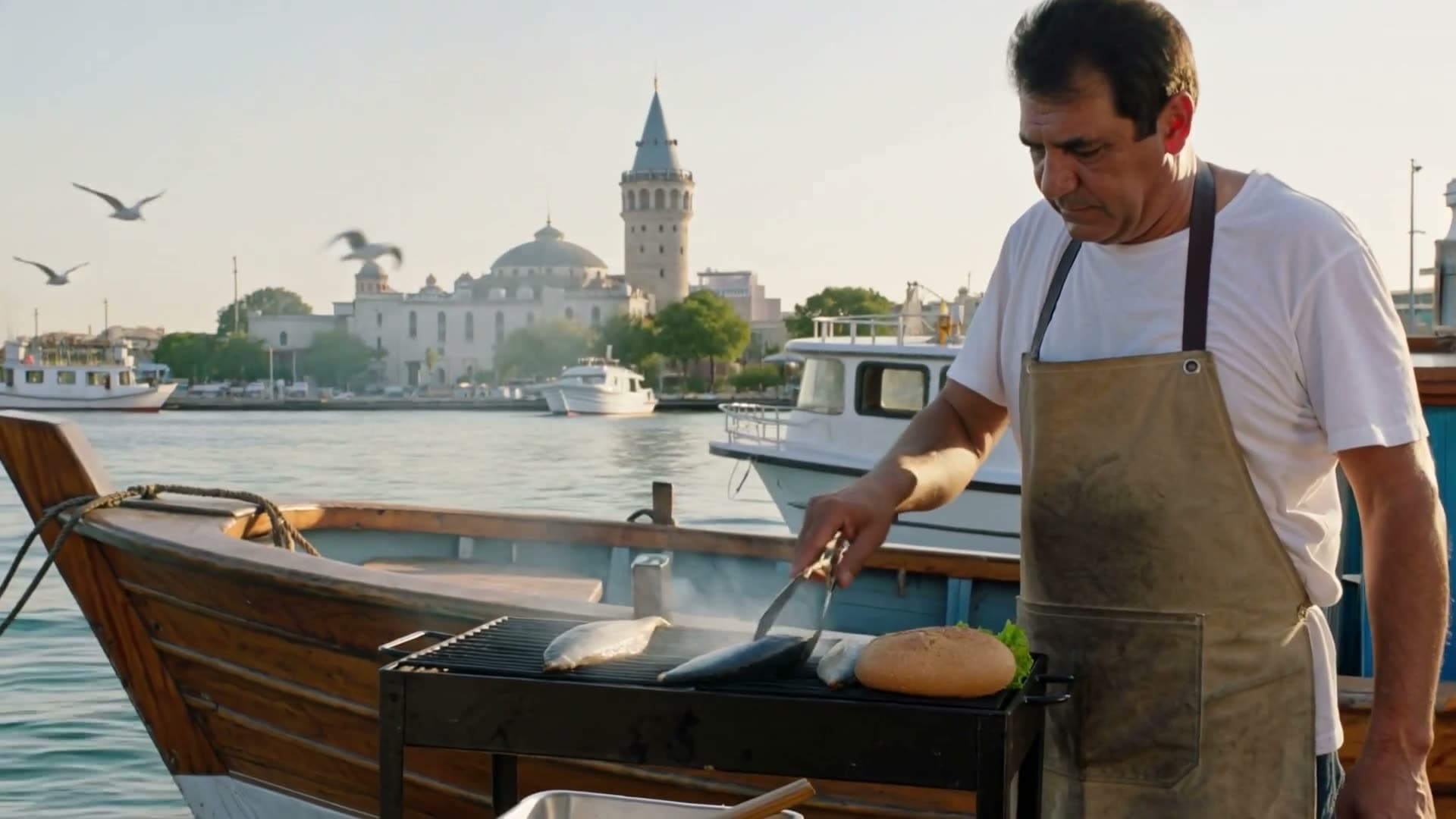
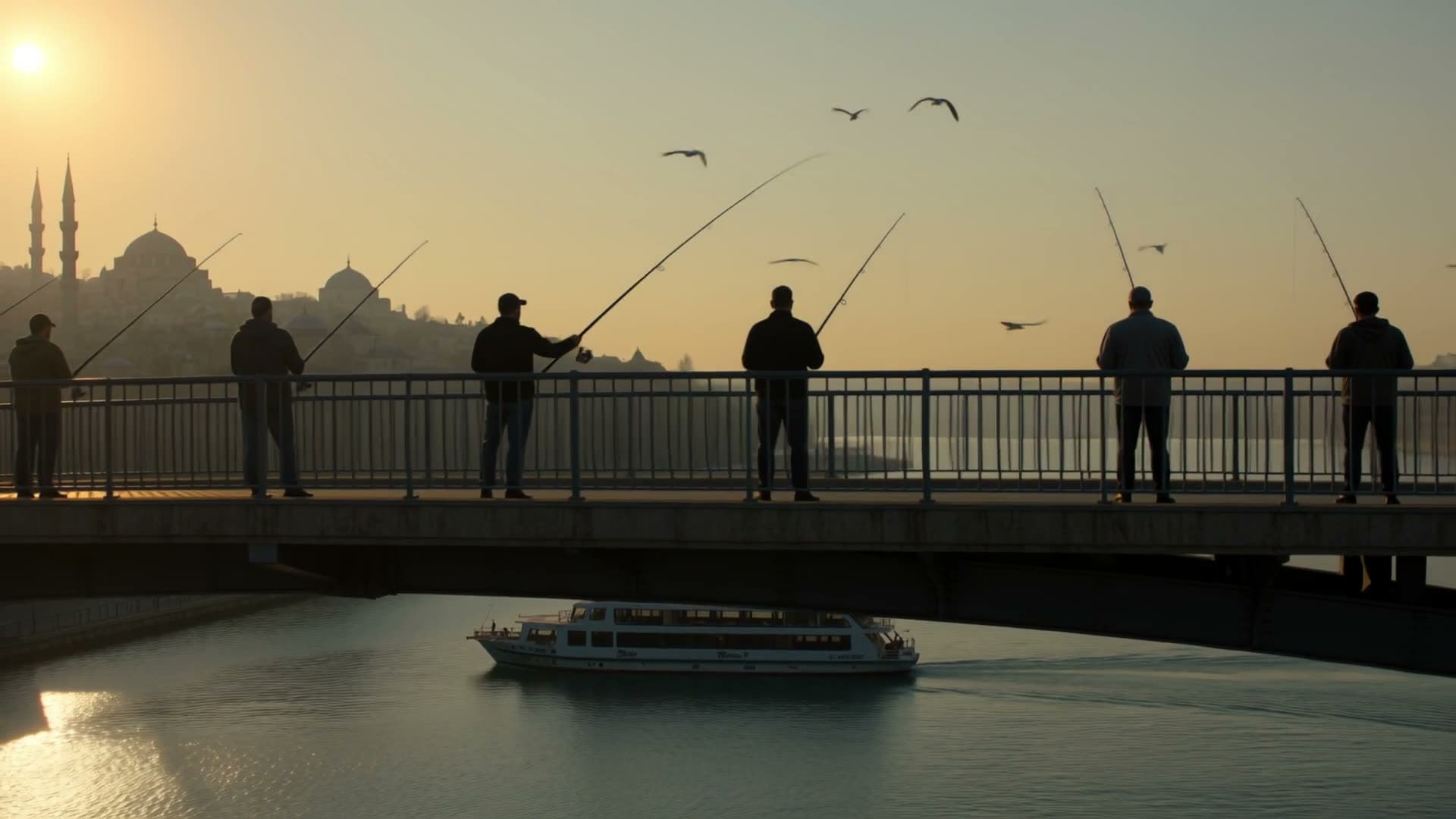
Bei jedem Beispiel steht das Modell, mit dem es erstellt wurde. Tippe auf ein Video, um es mit Ton zu öffnen.
















So funktioniert's
Drei Schritte
Szene beschreiben
Sag, wer zu sehen ist, wo es spielt und was passiert. Kamerabewegung, Licht oder Wetter ergänzt du, wenn sie dir wichtig sind.
Modell, Länge und Format wählen
Clips dauern je nach Modell 3 bis 30 Sekunden. Hochformat für TikTok, Reels und Shorts, Querformat für YouTube.
Erstellen und herunterladen
Die Erstellung läuft im Hintergrund, du kannst den Tab schließen. Das fertige Video wartet als MP4 in deiner Mediathek.
Modelle
Modelle zur Auswahl
Die Preise sind in Credits angegeben, und du siehst die genauen Kosten, bevor du etwas erstellst. Credit-Pakete gibt es ab 5,49 € für 75 Credits.
Seedance 2.5
ByteDance
Eine Einstellung mit bis zu 30 Sekunden, in Full HD bis zu 25 Sekunden. Das ambitionierteste Modell im Angebot und auch das teuerste.
Seedance 2.0
ByteDance
Das günstigere Seedance: Video mit Ton bis 15 Sekunden, bis 4K, zu einem ausgewogenen Preis.
Seedance 2.0 Mini
ByteDance
Das günstigste Seedance: schnelle, kurze Clips mit Ton für Social Media.
MiniMax H3 Max Turbo
MiniMax
Schnell und günstig, gut genug für Social-Media-Posts. Erzeugt auch Ton.
MiniMax H3 Max
MiniMax
Ein klarer Sprung bei Bewegung und Details. In unabhängigen Tests für Video mit Ton weit vorn.
Google Gemini Omni Flash
Die realistischsten Ergebnisse, mit synchronem Ton. Gemacht für Werbung und Promovideos.
Google Veo 3.1 Lite
Die günstigere Version des Videomodells von Google. Erzeugt Dialog und Umgebungston zusammen mit dem Bild.
Wan 3.0
Alibaba
Eine Einstellung mit bis zu 30 Sekunden in Full HD. Gut für längere Szenen.
Kling 4.0
Kuaishou
Das neueste Modell von Kling: eine Einstellung mit bis zu 30 Sekunden, immer mit Stereoton. 720p oder Full HD, auch im Kinoformat 21:9.
Kling 3.0
Kuaishou
Die Vorgängergeneration von Kling: bis zu 15 Sekunden, mit oder ohne Ton. Standard in 720p, Pro in 1080p. Eingebaute Sprache nur auf Englisch oder Chinesisch.
Highlights
Das spricht dafür
Ton inklusive
Jedes Modell hier erzeugt passenden Umgebungston zum Bild. Bei Seedance 2.5, Seedance 2.0, Seedance 2.0 Mini, Google Veo 3.1 Lite, Wan 3.0 und Kling 3.0 kannst du den Ton abschalten.
Top-Modelle, ein Guthaben
Modelle von Google, ByteDance, Alibaba und MiniMax nebeneinander. Teste denselben Prompt auf mehreren, ohne separate Abos.
Bis zu 30 Sekunden
Seedance 2.5, Wan 3.0 und Kling 4.0 erzeugen bis zu 30 Sekunden in einer einzigen Einstellung, ohne Schnitte zum Zusammensetzen.
Prompt-Hilfe eingebaut
Kurze Prompts werden um Kamera-, Licht- und Bewegungsdetails ergänzt. Du kannst das jederzeit abschalten und deinen eigenen Wortlaut senden.
Credits zurück bei Fehlern
Wird eine Erstellung nicht fertig, bekommst du deine Credits automatisch zurück. Ganz ohne Support-Ticket.
Passend für Social Media
Hochformat, Quadrat und Querformat (je nach Modell) passen ohne Zuschneiden zu TikTok, Instagram und YouTube.
Vergleich
Was jedes Text-to-Video-Modell kann
Länge, Auflösung, Seitenverhältnis und Ton hängen vom Modell ab. Die Tabelle kommt direkt aus unserem Modellkatalog und zeigt genau das, was du im Studio siehst.
| Modell | Länge | Auflösung | Format | Ton |
|---|---|---|---|---|
| Seedance 2.5ByteDance | 4, 5, 6, 8, 10, 12, 15, 20, 25, 30 Sek. | 480p / 720p / 1080p | 16:9, 9:16, 1:1, 4:3, 3:4, 21:9 | Ja, abschaltbar |
| Seedance 2.0ByteDance | 4, 5, 6, 8, 10, 12, 15 Sek. | 480p / 720p / 1080p / 4K | 16:9, 9:16, 1:1, 4:3, 3:4, 21:9 | Ja, abschaltbar |
| Seedance 2.0 MiniByteDance | 4, 5, 6, 8, 10, 12, 15 Sek. | 480p / 720p | 16:9, 9:16, 1:1, 4:3, 3:4, 21:9 | Ja, abschaltbar |
| MiniMax H3 Max TurboMiniMax | 5, 10, 15 Sek. | 480p / 768p / 1080p | 16:9, 9:16, 1:1, 4:3, 3:4, 21:9 | Ja |
| MiniMax H3 MaxMiniMax | 5, 10, 15 Sek. | 480p / 768p / 1080p | 16:9, 9:16, 1:1, 4:3, 3:4, 21:9 | Ja |
| Google Gemini Omni FlashGoogle | 5, 8, 10 Sek. | 360p / 720p / 1080p / 4K | 16:9, 9:16 | Ja |
| Google Veo 3.1 LiteGoogle | 4, 6, 8 Sek. | 720p / 1080p | 16:9, 9:16 | Ja, abschaltbar |
| Wan 3.0Alibaba | 5, 10, 15, 20, 30 Sek. | 480p / 720p / 1080p | 16:9, 9:16, 1:1, 4:3, 3:4 | Ja, abschaltbar |
| Kling 4.0Kuaishou | 3, 5, 8, 10, 15, 20, 25, 30 Sek. | 720p / 1080p | 16:9, 9:16, 1:1, 21:9 | Ja |
| Kling 3.0Kuaishou | 3, 5, 8, 10, 15 Sek. | 720p / 1080p | 16:9, 9:16, 1:1 | Ja, abschaltbar |
Kurz gesagt: Um eine Idee günstig zu testen, fang mit MiniMax H3 Max Turbo an (13 Credits für 5 Sekunden in 480p). Für eine einzelne Einstellung von bis zu 30 Sekunden nimm Seedance 2.5, Wan 3.0 oder Kling 4.0. Das realistischste Ergebnis und eine 4K-Option liefert Google Gemini Omni Flash. Veo 3.1 Lite liegt dazwischen und ist die richtige Wahl, wenn im Clip ein kurzer gesprochener Satz vorkommen soll.
Prompts
So schreibst du einen guten Text-to-Video-Prompt
Gute Prompts beantworten meist dieselben Fragen in derselben Reihenfolge: Wer oder was ist zu sehen, was passiert, wo spielt die Szene, wie bewegt sich die Kamera, wie ist das Licht und was hört man? Dieses Beispiel deckt alle sechs Punkte ab:
Ein Golden Retriever im gelben Regenmantel springt in der Abenddämmerung durch Pfützen auf einem Gehweg in der Stadt. Tiefe Kamerafahrt, die dem Hund folgt, warmes Straßenlicht spiegelt sich auf dem nassen Asphalt. Geräusche von Regen und entferntem Verkehr.
- Pro Clip nur eine Handlung. Drei Dinge in 5 Sekunden zu verlangen, macht meist alle drei unscharf.
- Nenne die Kamerabewegung: langsame Ranfahrt, Handkamera, Drohnenaufnahme, tiefe Kamerafahrt. Das setzen die Modelle gut um.
- Beschreibe den gewünschten Ton, etwa Regen, Stimmengewirr oder eine zischende Kaffeemaschine. Sonst entscheidet das Modell.
- Verzichte auf Text im Bild. Buchstaben kommen verzerrt heraus; Untertitel fügst du besser im Schnittprogramm hinzu.
- Bei Hochformat das Motiv in die Bildmitte setzen, damit nichts Wichtiges abgeschnitten wird.
Kurze Prompts funktionieren auch. Wir ergänzen sie vor der Übergabe an das Modell um Kamera-, Licht- und Bewegungsdetails. In den erweiterten Einstellungen kannst du das abschalten und deinen Text genau so senden, wie du ihn geschrieben hast.
Auswahl
Text to Video oder Bild zu Video?
Nimm Text to Video, wenn du kein Bild hast oder die Szene von Grund auf bauen willst. Wenn ein bestimmtes Produkt, ein Ort oder eine Person vorkommen muss, liefert Bild zu Video gleichmäßigere Ergebnisse, weil dein Foto zum ersten Frame wird.
Braucht die Einstellung ein Logo oder lesbaren Text, erstelle den ersten Frame mit dem KI-Bildgenerator und animiere ihn danach. Bildmodelle schreiben Buchstaben weit besser als Videomodelle.
Soll jemand einen bestimmten Satz in die Kamera sprechen, nimm Talking Photo. Dort wird dein Text zuerst eingesprochen und dann ein Porträt lippensynchron dazu bewegt. Das ist verlässlicher, als ein Videomodell sprechen zu lassen.
FAQ
Häufige Fragen
Wie funktioniert Text to Video mit KI?
Du schreibst eine Beschreibung einer Szene. Ein Videomodell, das mit riesigen Mengen Filmmaterial trainiert wurde, macht daraus neue Bilder und bei den Modellen hier auch einen passenden Ton. Es sucht keine vorhandenen Clips heraus; jedes Video entsteht neu.
Gibt es Text zu Video mit KI kostenlos?
Hier nicht. Wir bezahlen den KI-Anbieter für jedes Video und jedes Bild, und kostenlose Tests haben diese Kosten zu weit nach oben getrieben. Vor dem Kauf kannst du dir auf unserer Beispielseite unbearbeitete Ergebnisse ansehen, die wir mit genau diesen Modellen erstellt haben. Neue Konten bekommen nach der Bestätigung der E-Mail-Adresse 20 kostenlose Credits für Voiceovers; die Video-Tools werden nach dem ersten Credit-Kauf freigeschaltet. Ein 5-Sekunden-Clip mit MiniMax H3 Max Turbo kostet 13 Credits in 480p und 20 in 768p, und die kleinste Option ist das Mini-Paket mit 75 Credits für 5,49 €. Ein Abo ist nicht nötig, und Credits verfallen nicht.
Was kostet ein Text-to-Video-Clip?
Das hängt von Modell, Länge und Auflösung ab. Zu aktuellen Preisen kostet MiniMax H3 Max Turbo 13 Credits für 5 Sekunden in 480p (0,48 €–0,95 €), Veo 3.1 Lite 40 Credits für 8 Sekunden (1,47 €–2,93 €), Wan 3.0 100 Credits für 10 Sekunden und Seedance 2.5 147 Credits für 5 Sekunden. Der Geldbetrag hängt davon ab, welches Credit-Paket du kaufst. Die genauen Kosten stehen vor dem Ausgeben auf dem Erstellen-Button.
Welche KI-Videomodelle kann ich nutzen?
Seedance 2.5, Seedance 2.0, Seedance 2.0 Mini, MiniMax H3 Max Turbo, MiniMax H3 Max, Google Gemini Omni Flash, Google Veo 3.1 Lite, Wan 3.0, Kling 4.0 und Kling 3.0. Alle erzeugen Ton zum Video. Länge, Auflösung und Preis unterscheiden sich je nach Modell.
Wie lang kann ein Text-to-Video-Clip sein?
Zwischen 3 und 30 Sekunden pro Erstellung. Seedance 2.5, Wan 3.0 und Kling 4.0 schaffen bis zu 30 Sekunden; bei Seedance 2.5 sind in 1080p bis zu 25 Sekunden möglich. Für längere Videos erstellst du mehrere Clips und schneidest sie zusammen.
Kann das Video Sprache enthalten?
Videomodelle sind gut bei Umgebungsgeräuschen und schaffen auch einen kurzen gesprochenen Satz, aber Wortlaut und Lippenbewegung sind nicht verlässlich. Wenn der genaue Text zählt, nimm Talking Photo: Dein Skript wird zuerst eingesprochen, dann wird ein Porträt lippensynchron dazu animiert.
Wie lange dauert es?
Meist ein bis fünf Minuten, je nach Modell und Länge. Die Erstellung läuft weiter, wenn du den Tab schließt, und das Video erscheint danach in deiner Mediathek.
Darf ich die Videos kommerziell nutzen?
Ja, du kannst deine Ergebnisse für dein eigenes Unternehmen und für Werbung nutzen, solange du unsere Bedingungen einhältst. Du bist dafür verantwortlich, die Rechte an allem zu haben, was du hochlädst, und keine echten Personen ohne deren Erlaubnis darzustellen.
Muss ich etwas installieren?
Nein. Alles läuft im Browser auf Computer oder Smartphone, die Erstellung passiert auf den Servern des Modellanbieters. Das Ergebnis lädst du als MP4 herunter.
Was macht einen guten Text-to-Video-Prompt aus?
Beschreibe Motiv, Handlung, Ort, Kamerabewegung, Licht und Ton, in dieser Reihenfolge. Eine Handlung pro Clip und kein Text im Bild. Ein klarer Prompt aus zwei Sätzen schlägt eine lange Liste von Adjektiven.
- Eine Erstellung dauert höchstens 30 Sekunden. Für ein längeres Video erstellst du mehrere Clips und fügst sie im Schnittprogramm zusammen.
- Text im Video, etwa Schilder, Logos oder Untertitel, kommt oft verzerrt heraus. Erstelle den ersten Frame besser mit dem Bildgenerator und animiere ihn.
- Echte Personen, Prominente und urheberrechtlich geschützte Figuren lassen sich nicht erzeugen. Die Sicherheitsfilter der Modelle lehnen solche Prompts ab.
- Derselbe Prompt ergibt jedes Mal ein anderes Video. Einen Clip exakt zu wiederholen ist nicht möglich.
- Gesprochener Dialog gelingt nicht immer. Wenn eine Person einen bestimmten Satz sagen soll, ist Talking Photo mit lippensynchronem Voiceover deutlich verlässlicher.
Verwandte Seiten
- Bild zu VideoStarte mit deinem eigenen Foto für gleichmäßige Ergebnisse.
- KI-BildgeneratorErstelle einen ersten Frame mit lesbarem Text oder Logo.
- Talking PhotoEin Porträt, das dein Skript lippensynchron spricht.
- KI-VoiceoverSprechertext für deine Clips als MP3.
- KI-VideoeffekteVorlagen mit einem Foto, etwa Umarmung und Tanz.
- PreiseCredit-Pakete und Abos im Überblick.
Jetzt ausprobieren
Die Registrierung ist kostenlos. Dieses Tool wird nach deinem ersten Credit-Kauf freigeschaltet, Pakete gibt es ab 5,49 € für 75 Credits. Ein Abo brauchst du nicht, und die Beispiele oben kannst du dir vorher in Ruhe ansehen.
Video aus Text erstellen