Text to video AI generator
Text to video AI turns a written scene into a short video clip. Describe who's in it, where they are, and what happens, then pick one of 10 models. You get a 3- to 30-second MP4 with sound, usually within one to five minutes. No camera or editing skills needed.
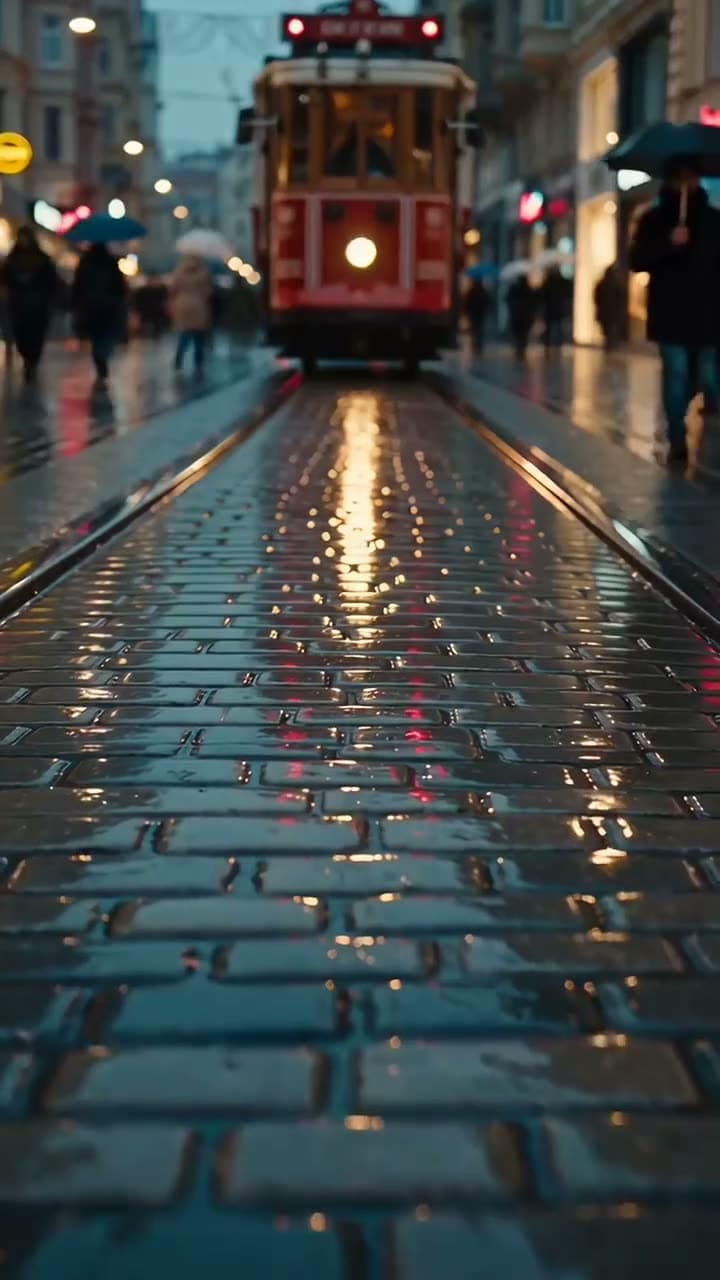
Real outputs
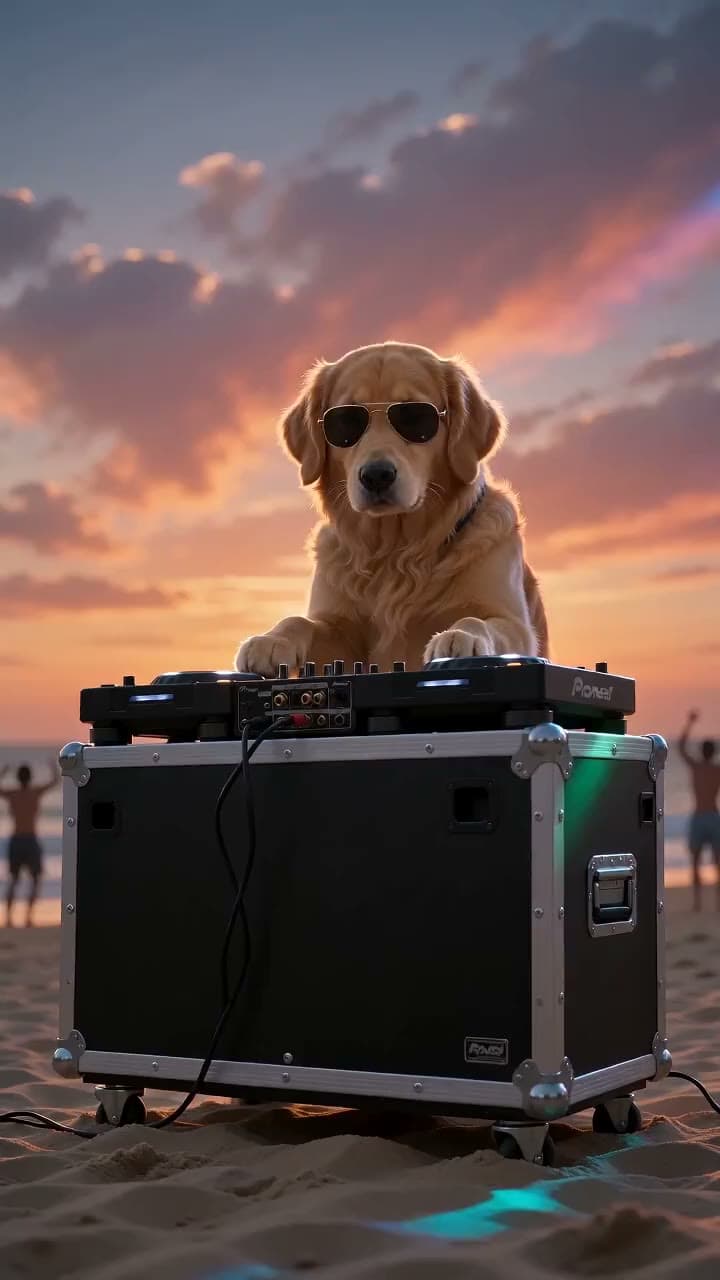
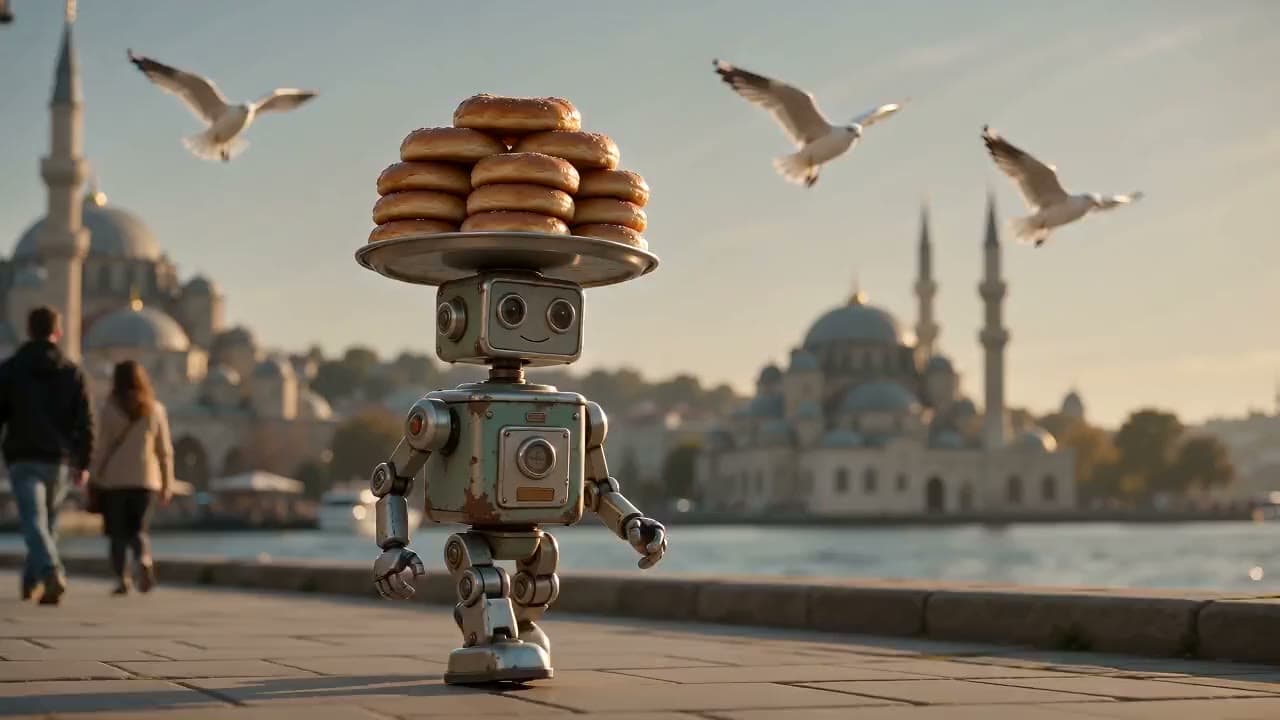
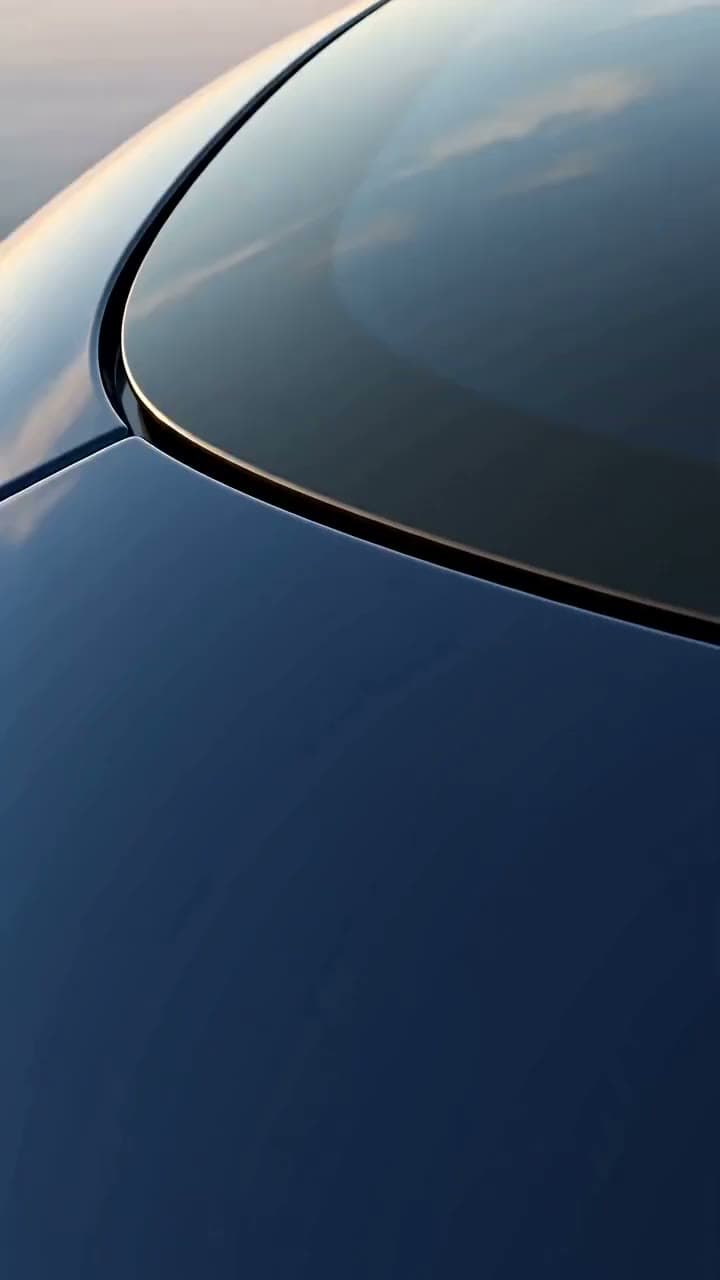
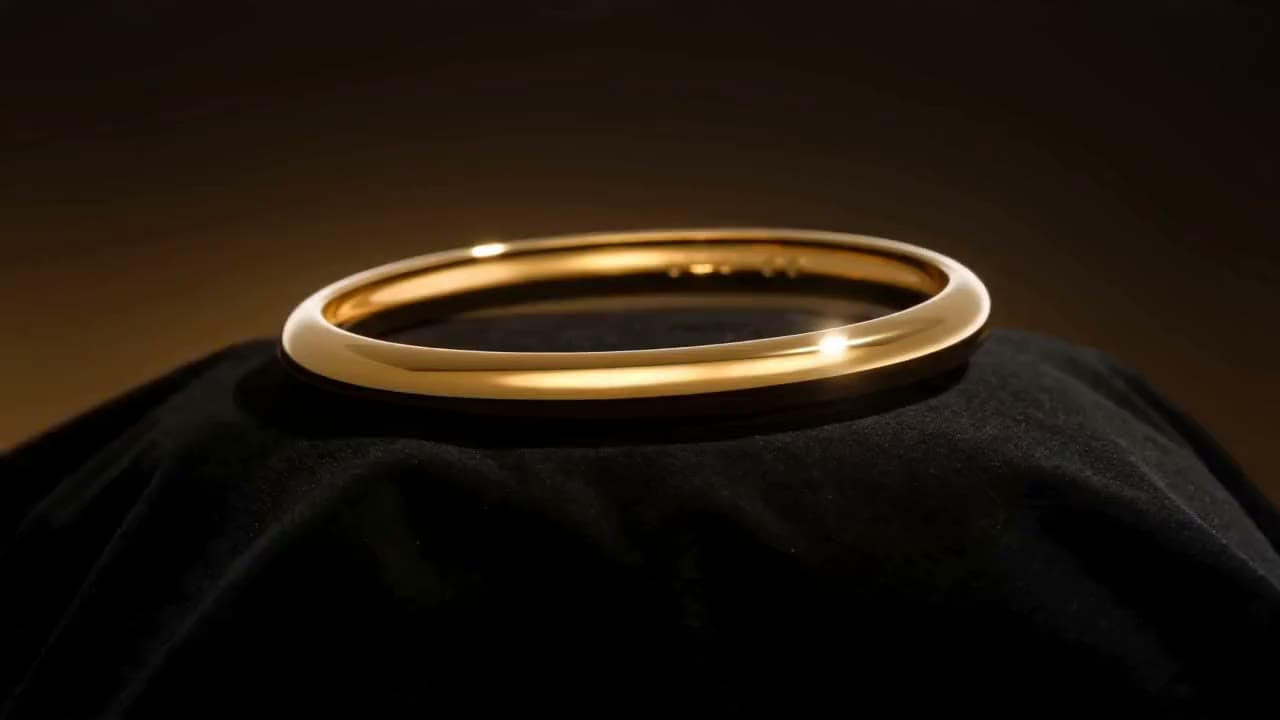
Made with this tool
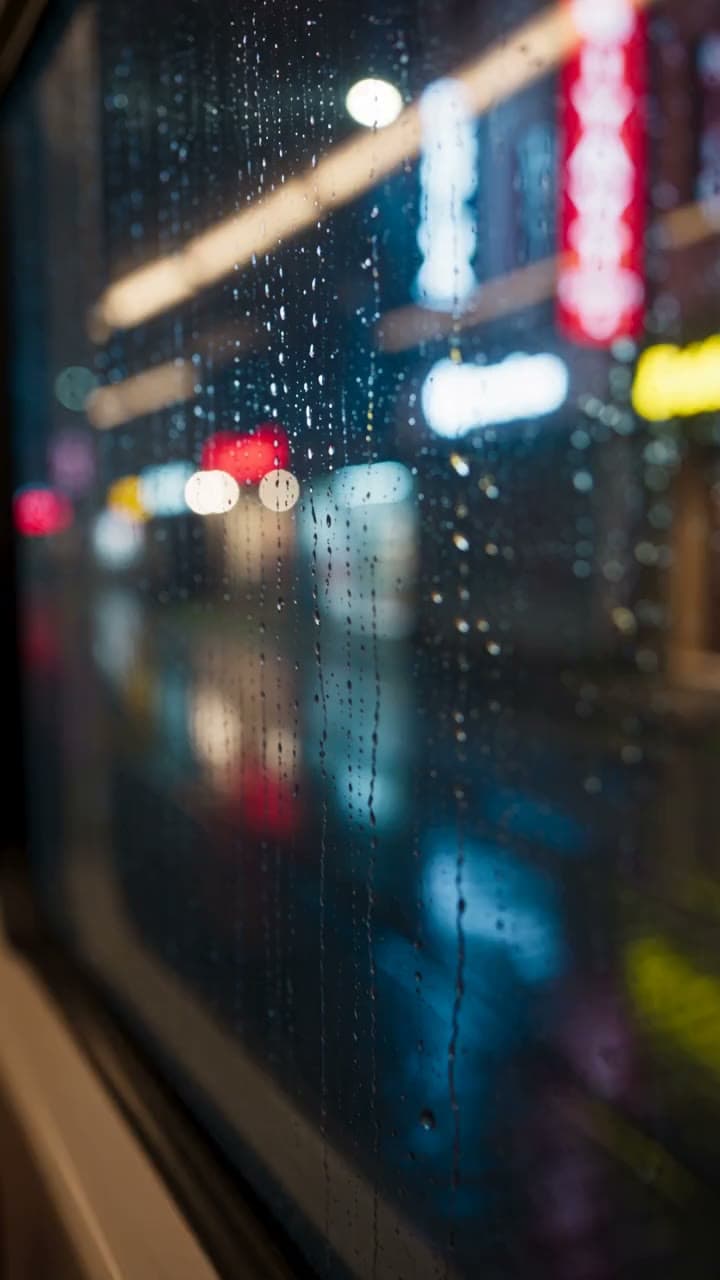
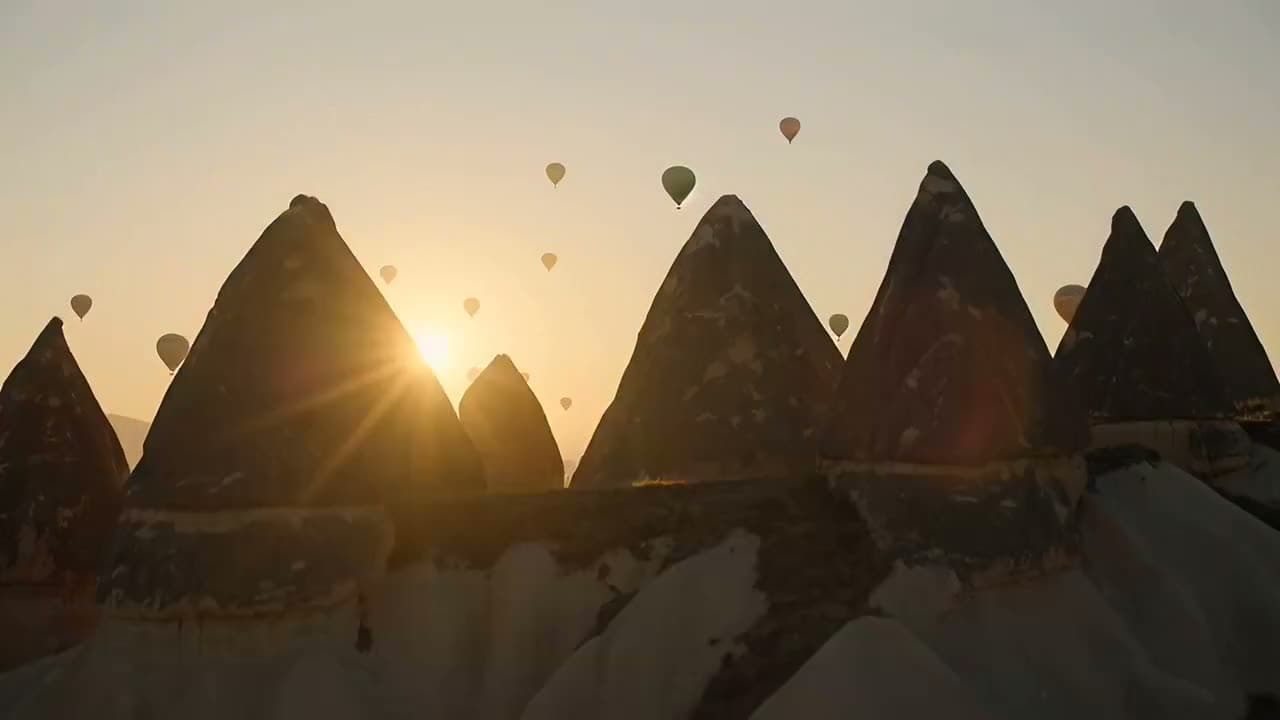
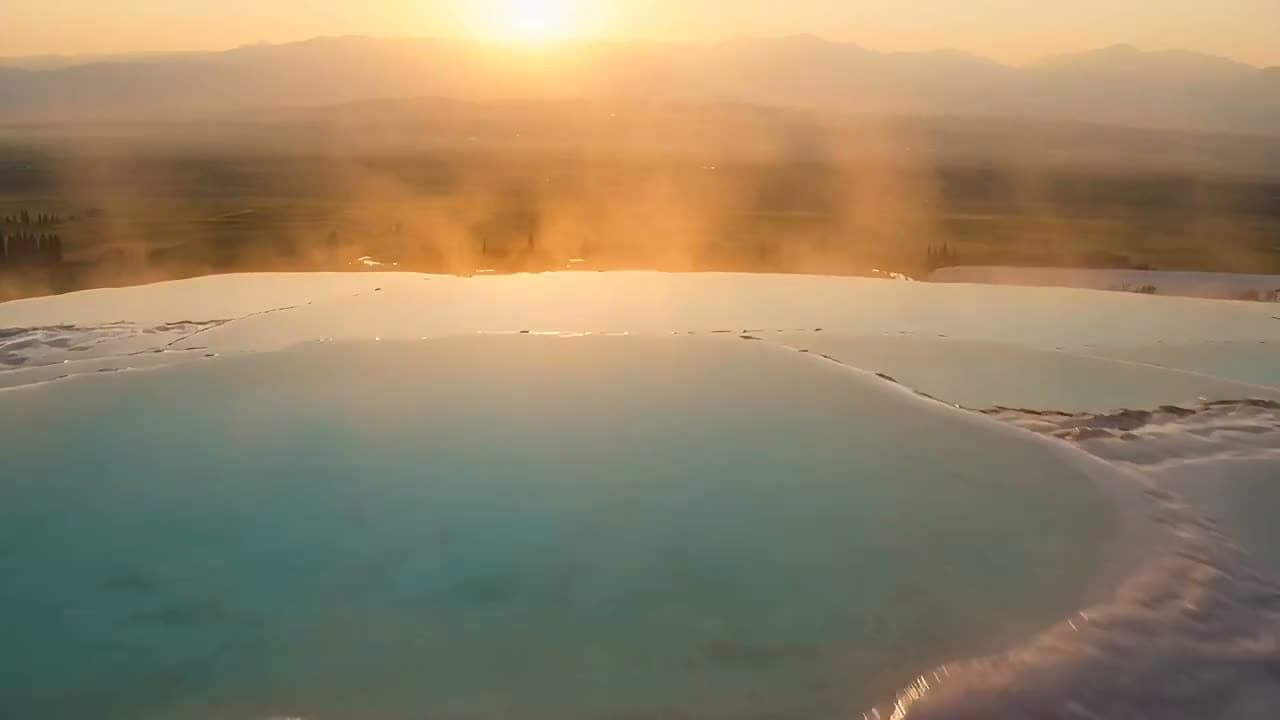
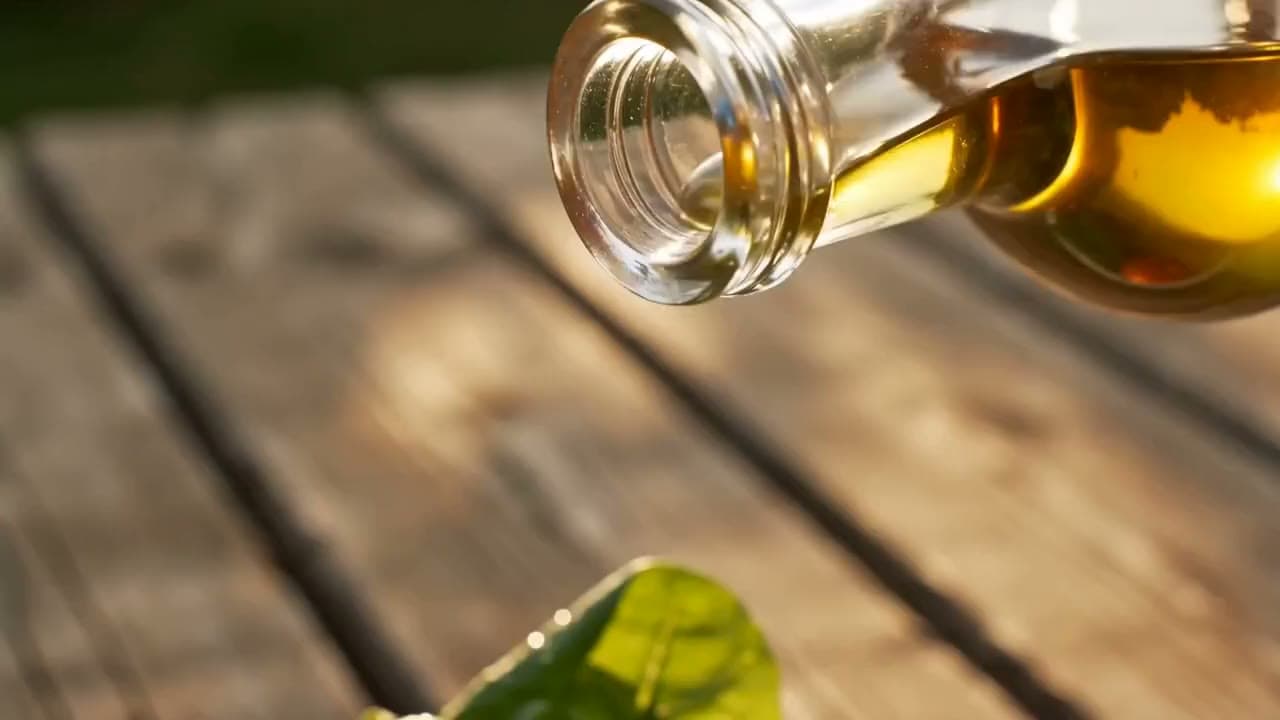
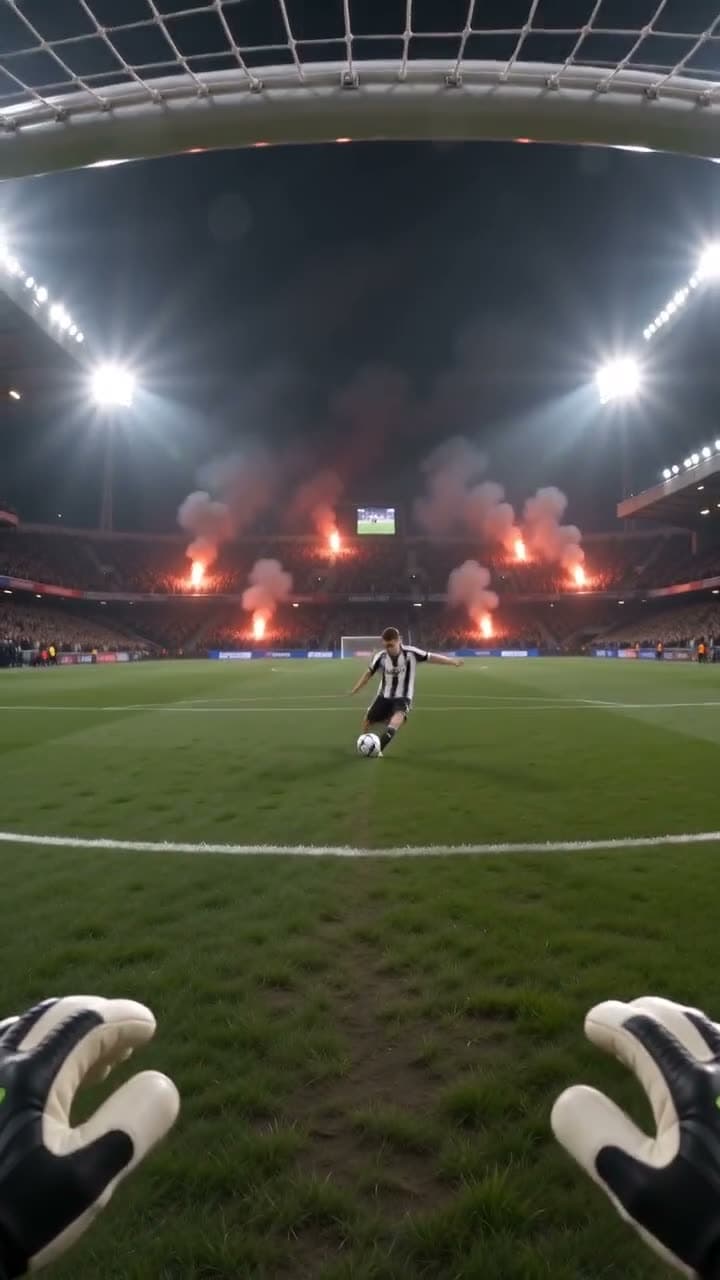
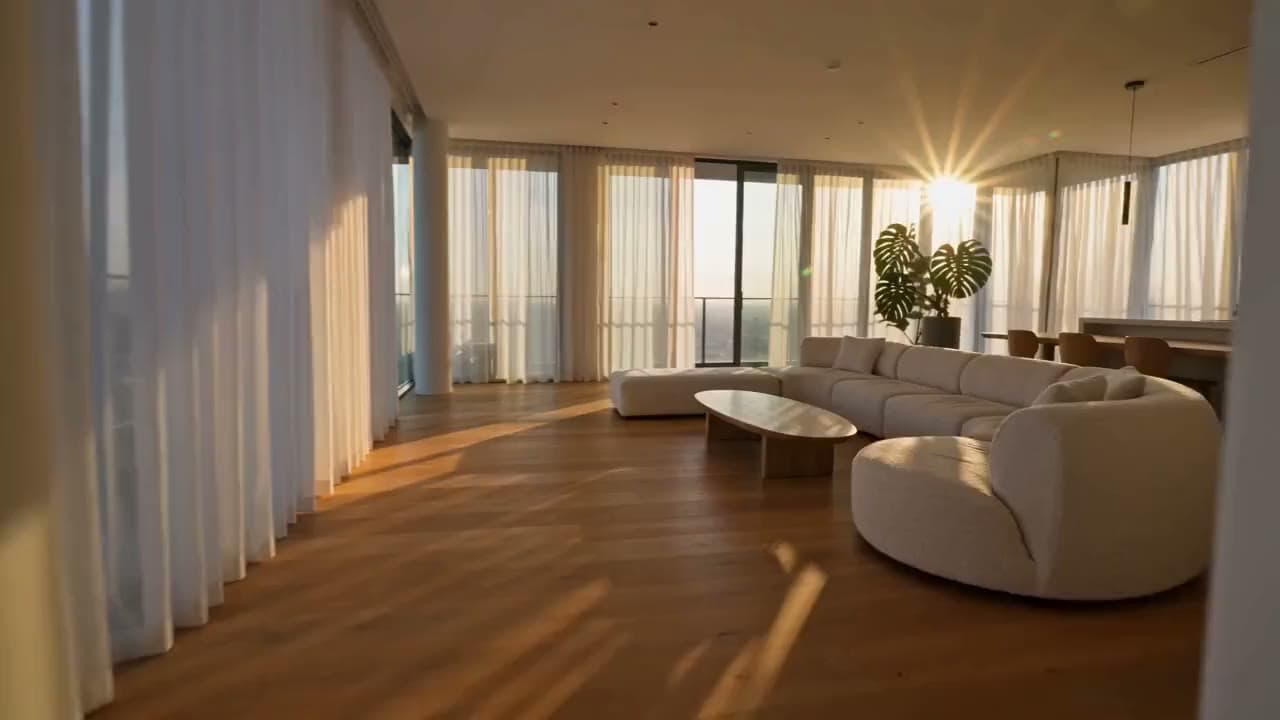
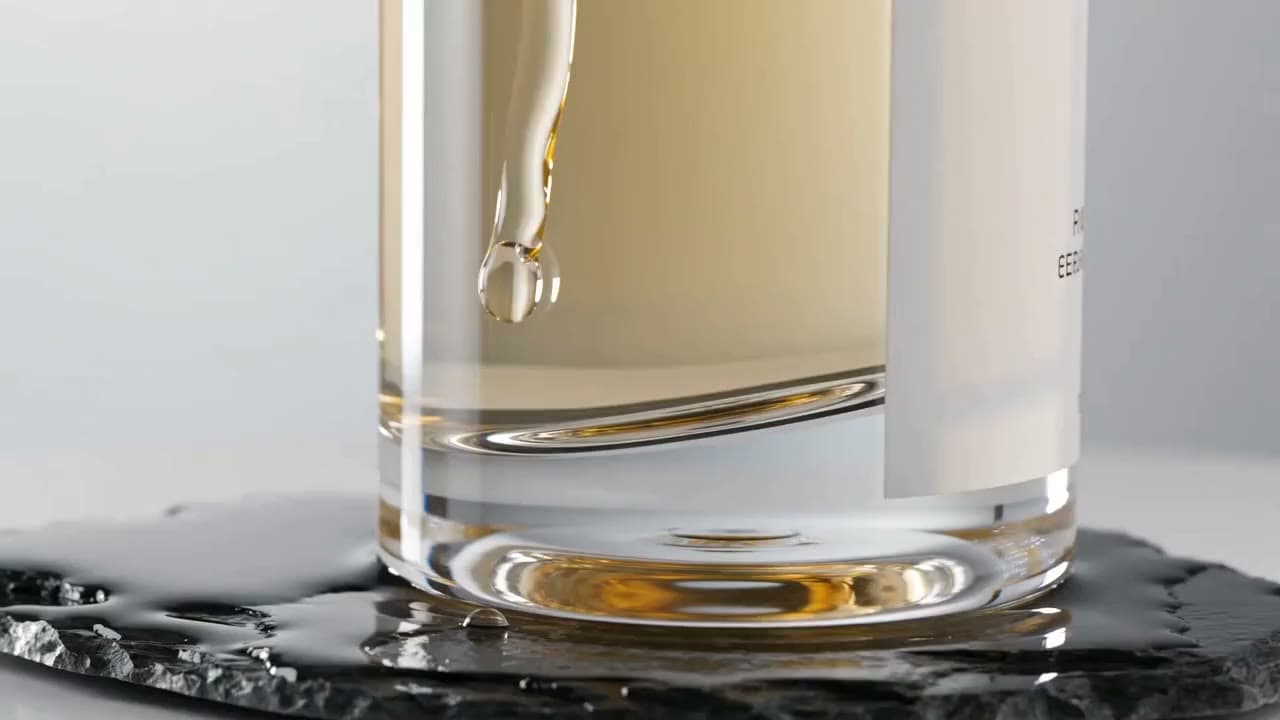
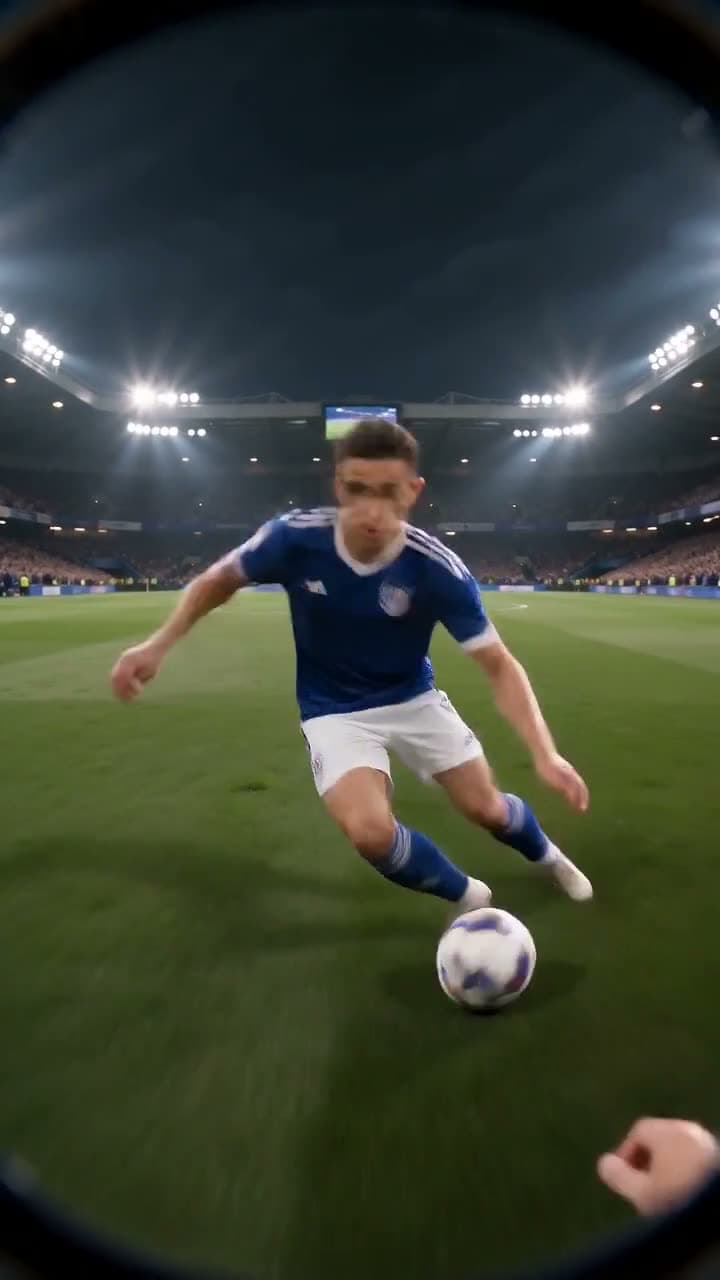
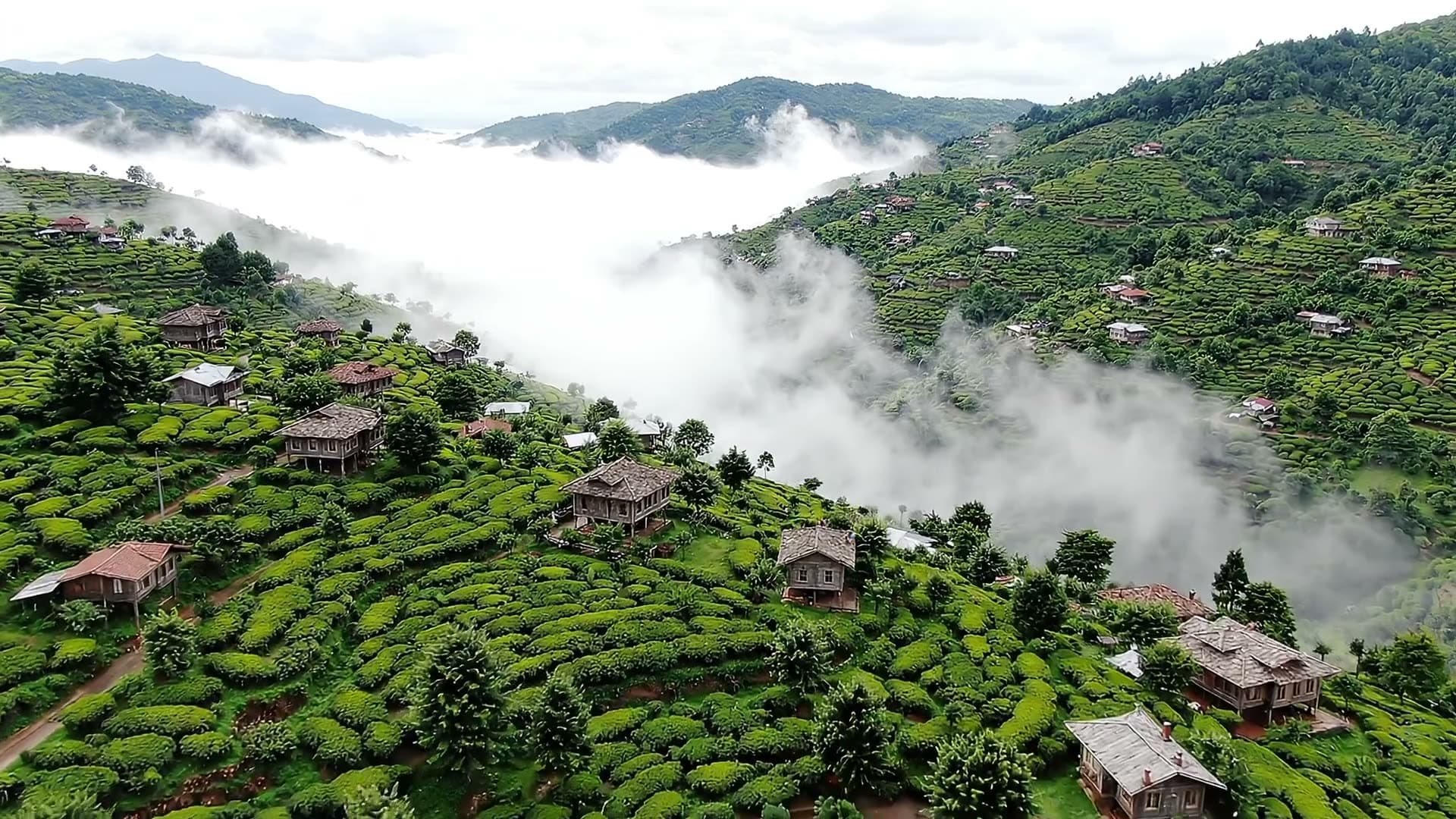
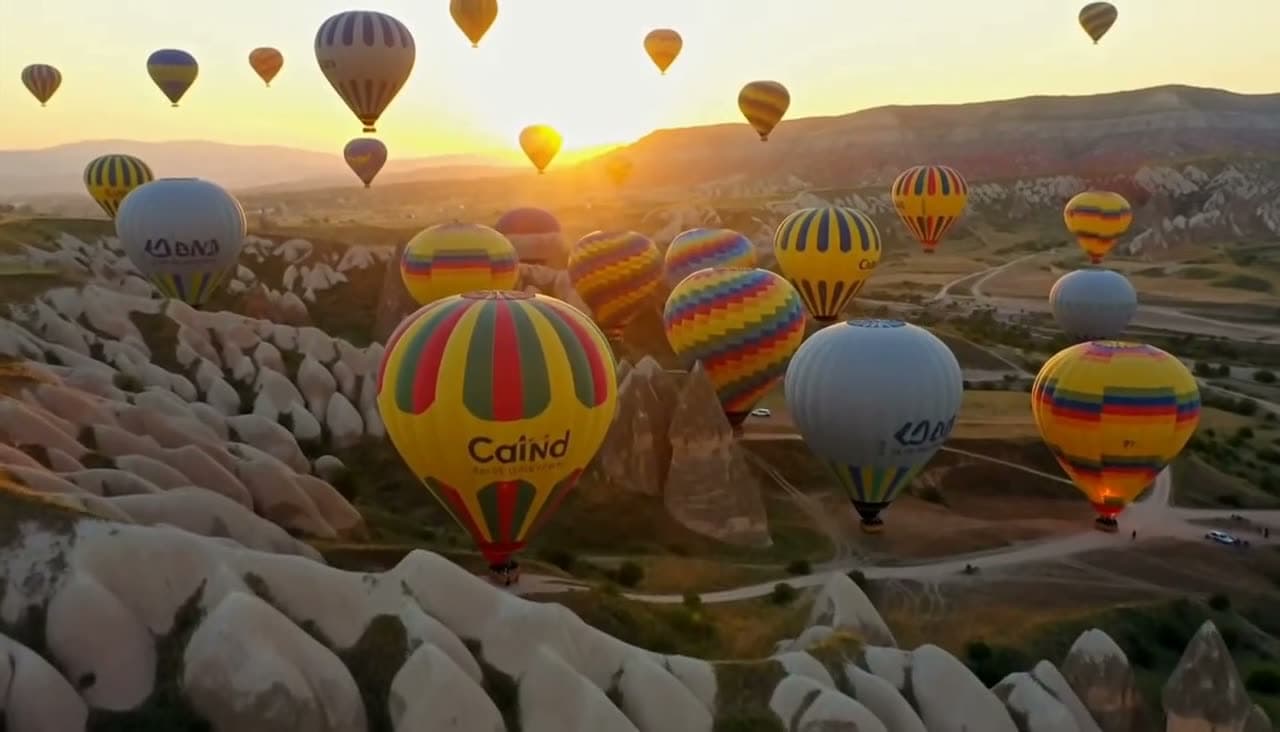
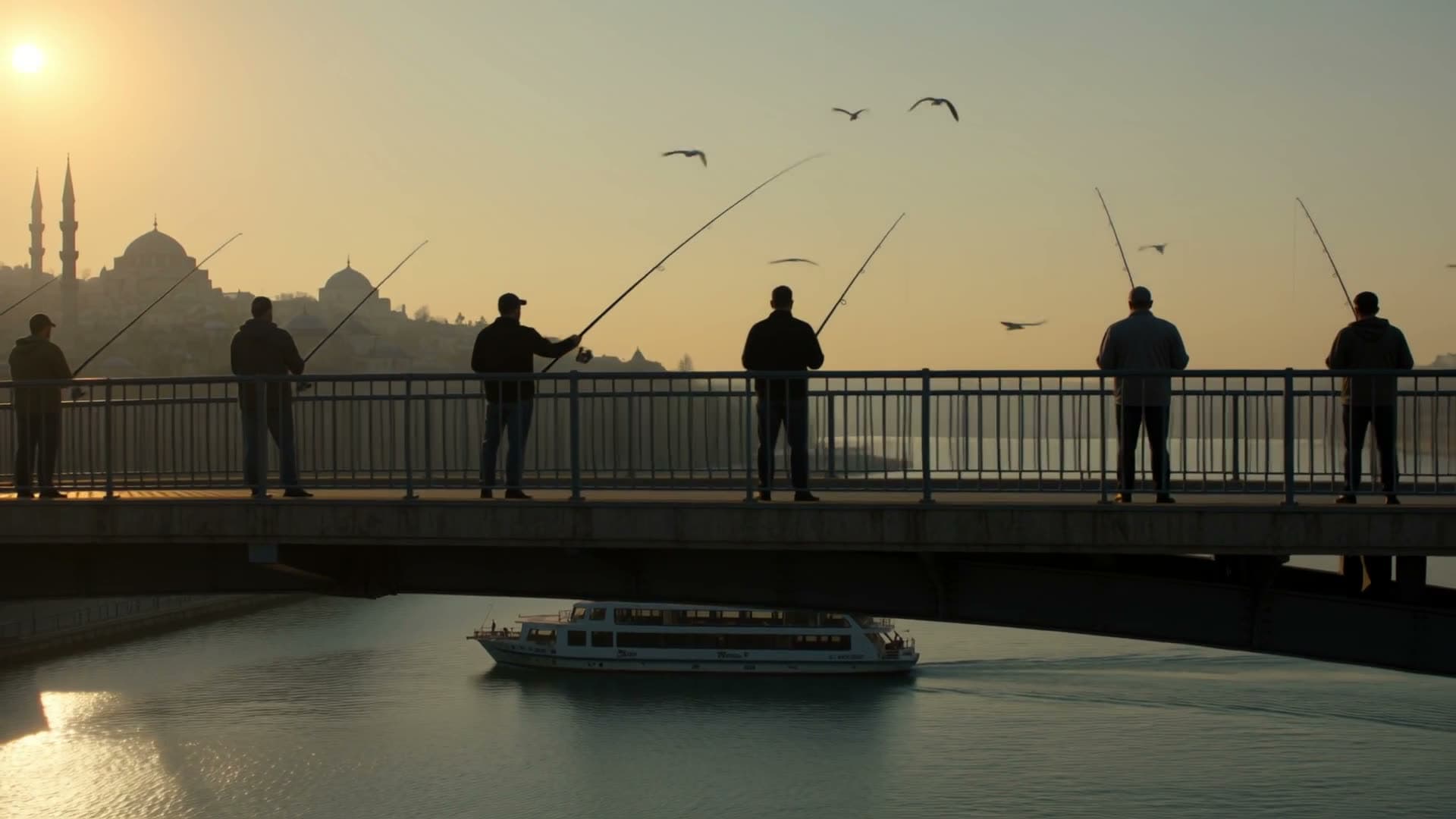
Each sample shows the model that made it. Tap a video to open it with sound.

















How it works
Three steps
Describe the scene
Say who's in it, where it happens, and what they do. Add camera movement, lighting, or weather if they matter to you.
Pick a model, length, and shape
Clips run from 3 to 30 seconds depending on the model. Choose vertical for TikTok, Reels, and Shorts, or horizontal for YouTube.
Generate and download
Generation runs in the background, so you can close the tab. The finished video waits in your Library as an MP4.
Models
Models you can use
Prices are in credits, and you see the exact cost before you generate. Credit packs start at $5 for 75 credits.
| Model | Best for | Credits |
|---|---|---|
| Seedance 2.5ByteDance | A single shot up to 30 seconds long, or up to 25 seconds in Full HD. The most ambitious model in the lineup, and the most expensive. | 1475 sec |
| Seedance 2.0ByteDance | The more affordable Seedance: video with sound up to 15 seconds, up to 4K, at a balanced price. | 955 sec |
| Seedance 2.0 MiniByteDance | The cheapest Seedance: quick, short clips with sound for social media. | 485 sec |
| MiniMax H3 Max TurboMiniMax | Fast and cheap, good enough for social posts. Generates sound too. | 205 sec |
| MiniMax H3 MaxMiniMax | A clear step up in motion and detail. Ranks near the top of independent tests for video with sound. | 405 sec |
| Google Gemini Omni FlashGoogle | The most realistic results, with synced sound. Made for ads and promo videos. | 505 sec |
| Google Veo 3.1 LiteGoogle | The more affordable version of Google's video model. Generates dialogue and ambient sound along with the picture. | 408 sec |
| Wan 3.0Alibaba | A single shot up to 30 seconds long, in Full HD. Good for longer scenes. | 10010 sec |
| Kling 4.0Kuaishou | Kling's newest model: a single shot up to 30 seconds, always with stereo sound. 720p or Full HD, including cinematic 21:9. | 795 sec |
| Kling 3.0Kuaishou | Kling's newest video model: up to 15 seconds, with or without sound. Standard is 720p, Pro is 1080p. Built-in speech is English or Chinese. | 635 sec |
Highlights
Why make it here
Sound included
Every model here generates ambient sound along with the picture. On Seedance 2.5, Seedance 2.0, Seedance 2.0 Mini, Google Veo 3.1 Lite, Wan 3.0, and Kling 3.0 you can switch audio off.
Top models, one balance
Google, ByteDance, Alibaba, and MiniMax models side by side. Try the same prompt on several without separate subscriptions.
Up to 30 seconds
Seedance 2.5, Wan 3.0, and Kling 4.0 generate up to 30 seconds in a single shot, with no cuts to stitch.
Prompt help built in
Short prompts get expanded with camera, lighting, and motion details. Turn it off anytime to send your own wording.
Credits back on failure
If a generation doesn't finish, your credits are refunded automatically. No support ticket needed.
Sized for social
Vertical, square, and horizontal outputs (depending on the model) fit TikTok, Instagram, and YouTube without cropping.
Compare
What each text to video model gives you
Length, resolution, aspect ratio, and sound options depend on the model. The table comes straight from our model catalog, so it matches what you see in the Studio.
| Model | Length | Resolution | Aspect ratio | Sound |
|---|---|---|---|---|
| Seedance 2.5ByteDance | 4, 5, 6, 8, 10, 12, 15, 20, 25, 30 sec | 480p / 720p / 1080p | 16:9, 9:16, 1:1, 4:3, 3:4, 21:9 | Yes, can be turned off |
| Seedance 2.0ByteDance | 4, 5, 6, 8, 10, 12, 15 sec | 480p / 720p / 1080p / 4K | 16:9, 9:16, 1:1, 4:3, 3:4, 21:9 | Yes, can be turned off |
| Seedance 2.0 MiniByteDance | 4, 5, 6, 8, 10, 12, 15 sec | 480p / 720p | 16:9, 9:16, 1:1, 4:3, 3:4, 21:9 | Yes, can be turned off |
| MiniMax H3 Max TurboMiniMax | 5, 10, 15 sec | 480p / 768p / 1080p | 16:9, 9:16, 1:1, 4:3, 3:4, 21:9 | Yes |
| MiniMax H3 MaxMiniMax | 5, 10, 15 sec | 480p / 768p / 1080p | 16:9, 9:16, 1:1, 4:3, 3:4, 21:9 | Yes |
| Google Gemini Omni FlashGoogle | 5, 8, 10 sec | 360p / 720p / 1080p / 4K | 16:9, 9:16 | Yes |
| Google Veo 3.1 LiteGoogle | 4, 6, 8 sec | 720p / 1080p | 16:9, 9:16 | Yes, can be turned off |
| Wan 3.0Alibaba | 5, 10, 15, 20, 30 sec | 480p / 720p / 1080p | 16:9, 9:16, 1:1, 4:3, 3:4 | Yes, can be turned off |
| Kling 4.0Kuaishou | 3, 5, 8, 10, 15, 20, 25, 30 sec | 720p / 1080p | 16:9, 9:16, 1:1, 21:9 | Yes |
| Kling 3.0Kuaishou | 3, 5, 8, 10, 15 sec | 720p / 1080p | 16:9, 9:16, 1:1 | Yes, can be turned off |
The short version: to test an idea cheaply, start with MiniMax H3 Max Turbo (13 credits for 5 seconds at 480p). For a single shot up to 30 seconds, use Seedance 2.5, Wan 3.0, or Kling 4.0. For the most realistic result and a 4K option, use Google Gemini Omni Flash. Veo 3.1 Lite sits in the middle and is the one to pick when you want a short spoken line in the clip.
Prompting
How to write a text to video prompt
Most good prompts answer the same questions in the same order: who or what is on screen, what they do, where it happens, how the camera moves, what the light looks like, and what you should hear. Here's one that covers all six:
A golden retriever in a yellow raincoat splashes through puddles on a city sidewalk at dusk. Low tracking shot following the dog, warm streetlights reflecting on the wet pavement. Sound of rain and distant traffic.
- Keep it to one action per clip. Asking for three things to happen in 5 seconds usually muddles all three.
- Name the camera move: slow push-in, handheld, drone shot, low tracking shot. Models follow these well.
- Describe the sound you want, like rain, crowd noise, or a coffee machine hissing. Otherwise, the model picks.
- Leave out on-screen text. Letters come out garbled; add captions in your editor instead.
- For vertical video, keep the subject in the center of the frame so nothing important gets cut off.
Short prompts work too. We expand them with camera, lighting, and motion details before they reach the model; you can switch that off in advanced settings and send your text exactly as written.
Choosing
Text to video or image to video?
Use text to video when you don't have a picture or want to build the scene from scratch. If a specific product, place, or person has to appear, Image to Video gives more consistent results, because your photo becomes the first frame.
If the shot needs a logo or readable text, create the first frame with the AI image generator, then animate it. Image models handle lettering far better than video models.
For someone saying a specific line to camera, use Talking Photo. It voices your line first, then lip-syncs a portrait to it, which is more reliable than asking a video model to speak.
Honest limits
What this tool can't do
- One generation is at most 30 seconds. For a longer video, generate several clips and join them in an editor.
- Text inside the video, like signs, logos, and captions, often comes out garbled. Make the first frame with the image generator and animate it instead.
- Real people, celebrities, and copyrighted characters can't be generated. The models' safety filters reject those prompts.
- The same prompt gives a different video every time. You can't reproduce a clip exactly.
- Spoken dialogue is hit or miss. For a person saying a specific line, Talking Photo lip-syncs a voiceover and is far more reliable.
FAQ
Common questions
How does text to video AI work?
You write a description of a scene. A video model trained on huge amounts of footage turns that description into new frames and, on the models here, a matching soundtrack. It doesn't search for existing clips; every video is generated from scratch.
Is there a free text to video AI?
Not here. We pay the AI provider for every video and image we generate, and free tries pushed that cost too high. Before you buy, you can watch the samples on our examples page: unedited outputs we made with these same models. New accounts get 20 free credits after verifying their email, and those work for voiceovers; video tools become available after your first credit purchase. A 5-second clip on MiniMax H3 Max Turbo is 13 credits at 480p and 20 at 768p, and the smallest option is the Mini pack, 75 credits for $5. There's no subscription requirement, and credits don't expire.
How much does a text to video clip cost?
It depends on the model, length, and resolution. At today's prices, MiniMax H3 Max Turbo is 13 credits for 5 seconds at 480p ($0.47–$0.87), Veo 3.1 Lite is 40 credits for 8 seconds ($1.45–$2.67), Wan 3.0 is 100 credits for 10 seconds, and Seedance 2.5 is 147 credits for 5 seconds. The dollar range depends on which credit pack you buy. The exact cost shows on the Generate button before you spend anything.
Which AI video models can I use?
Seedance 2.5, Seedance 2.0, Seedance 2.0 Mini, MiniMax H3 Max Turbo, MiniMax H3 Max, Google Gemini Omni Flash, Google Veo 3.1 Lite, Wan 3.0, Kling 4.0, and Kling 3.0. All of them generate sound with the video. Length, resolution, and price differ by model.
How long can a text to video clip be?
Between 3 and 30 seconds per generation. Seedance 2.5, Wan 3.0, and Kling 4.0 go up to 30 seconds; on Seedance 2.5, 1080p allows up to 25 seconds. For anything longer, generate several clips and edit them together.
Can the video include speech?
Video models are good at ambient sound and can manage a short spoken line, but the words and lip movement aren't dependable. When the exact wording matters, use Talking Photo: your script is voiced first, then a portrait is lip-synced to it.
How long does it take?
Usually one to five minutes, depending on the model and length. Generation keeps running if you close the tab, and the video shows up in your Library when it's done.
Can I use the videos commercially?
Yes, you can use what you generate for your own business and ads, as long as you follow our terms. You're responsible for having rights to anything you upload and for not depicting real people without their permission.
Do I need to install anything?
No. Everything runs in your browser on desktop or phone, and generation happens on the model provider's servers. You download the result as an MP4.
What makes a good text to video prompt?
Cover the subject, the action, the setting, the camera move, the light, and the sound, in that order. Keep one action per clip and skip on-screen text. A clear two-sentence prompt beats a long list of adjectives.
Try it now
Signing up is free. This tool becomes available after your first credit purchase, and packs start at $5 for 75 credits. No subscription needed, and you can watch the samples above before you decide.
Create a video from text