AI ad generator: product commercials from one photo
An AI ad generator turns a product photo into a short commercial without a shoot. Upload the product, add a photo of a location if you want, and describe the shot: the camera move, the light, the mood. The video model keeps the product close to your photo and adds sound. A 5-second clip starts at 48 credits.
Example
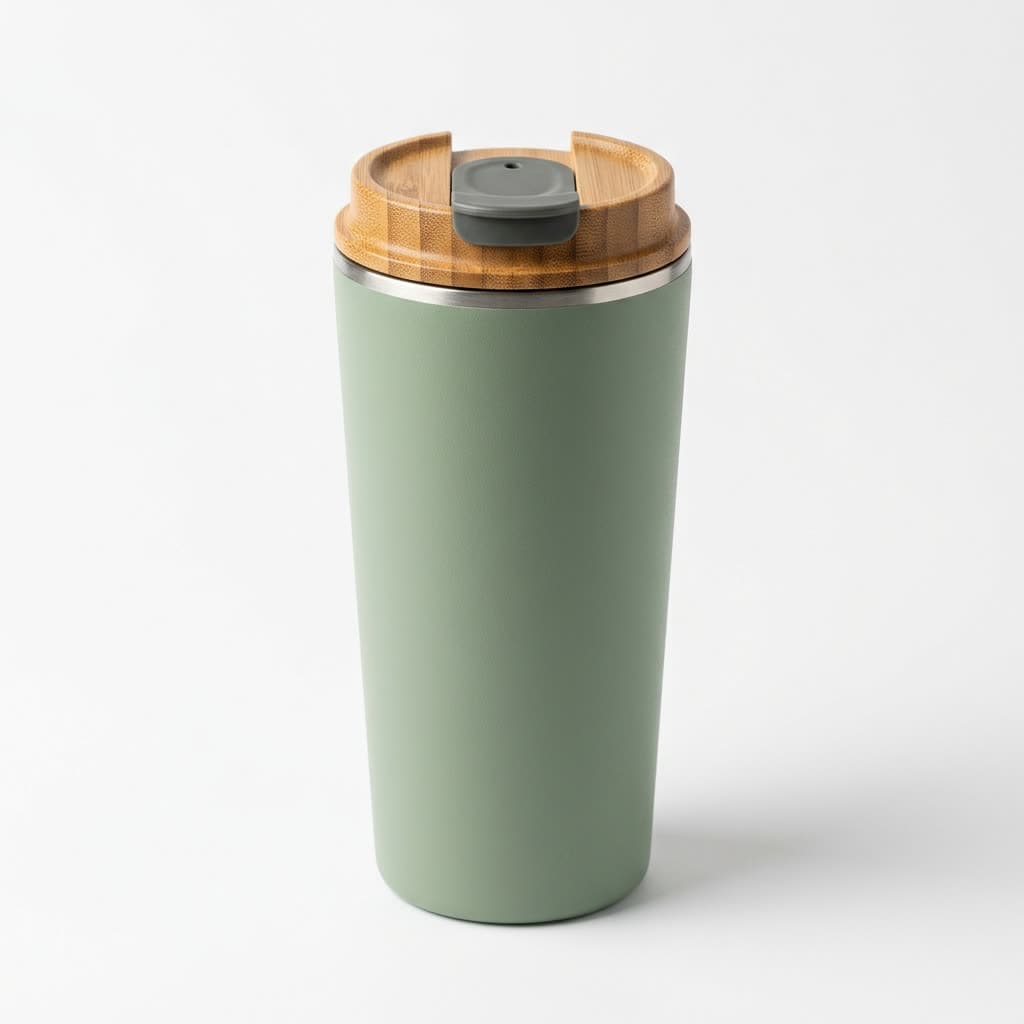
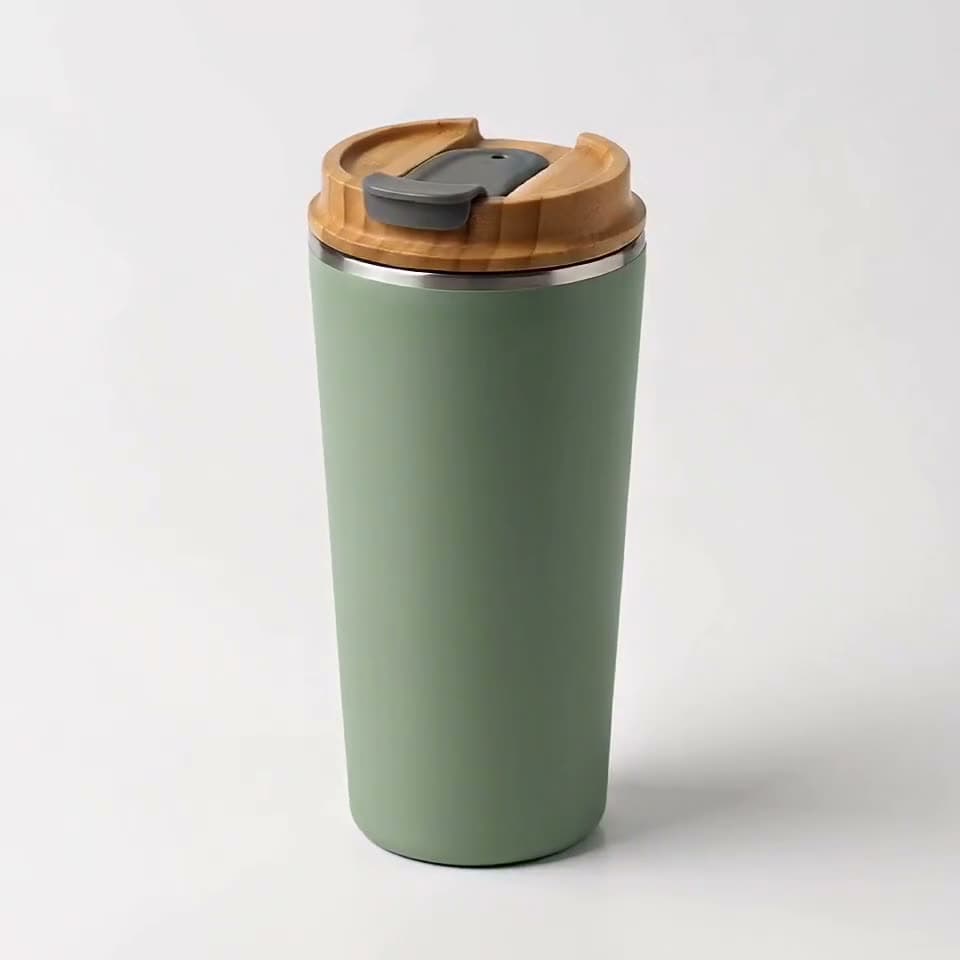
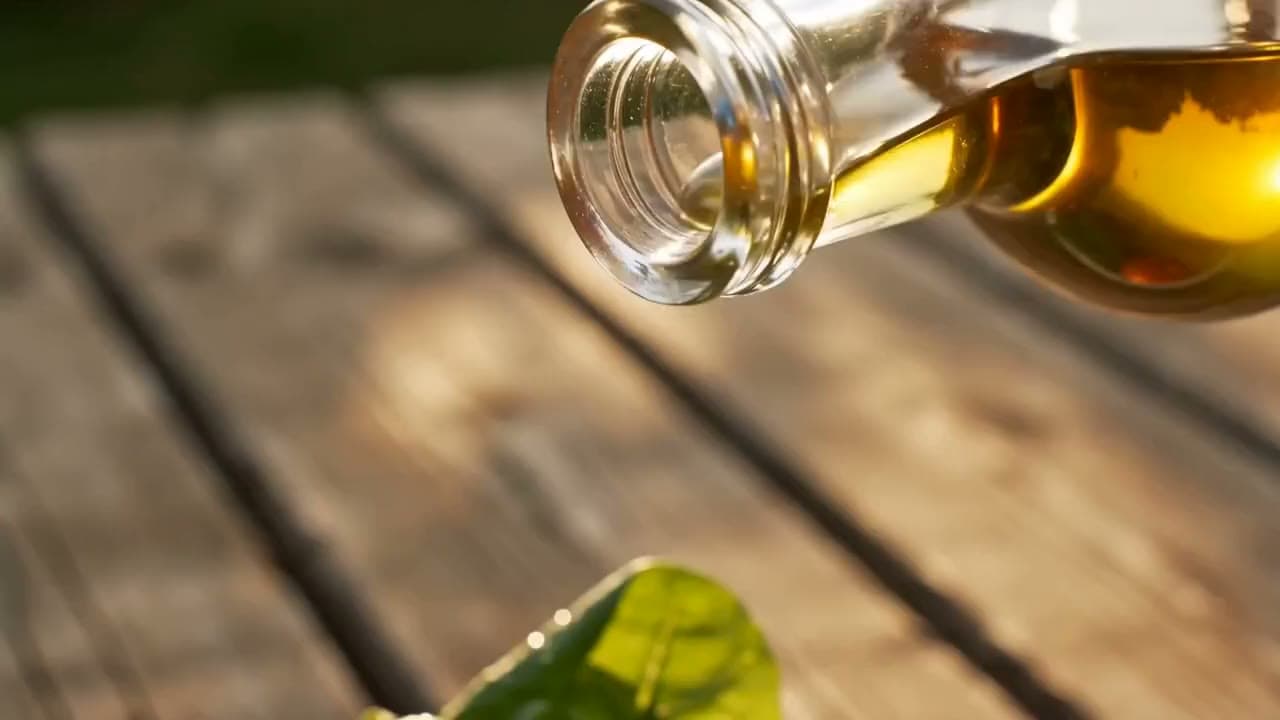
The photo that went in, the video that came out
This video was made on this site with one of the models listed below.
Real outputs
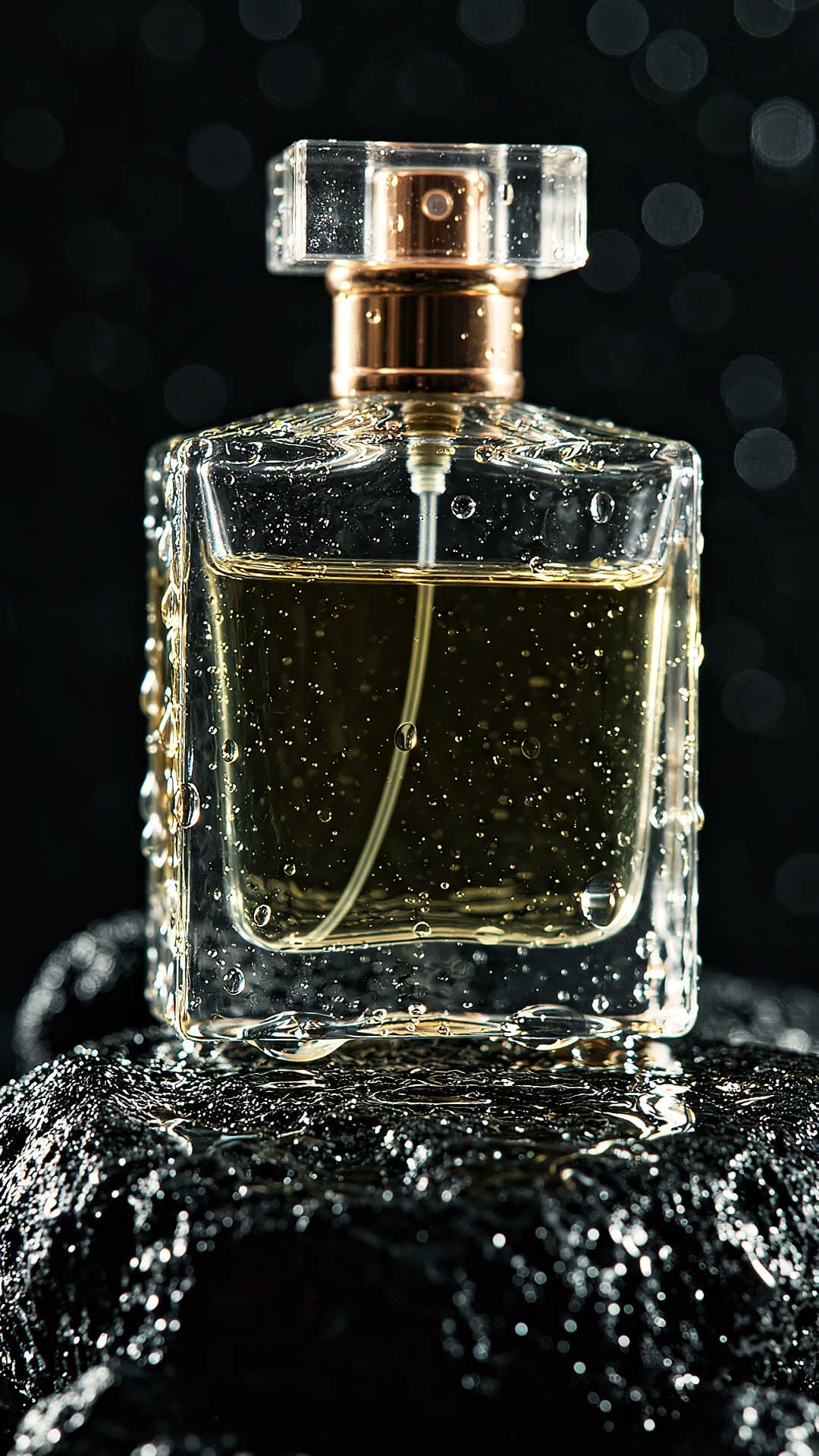
Made with this tool
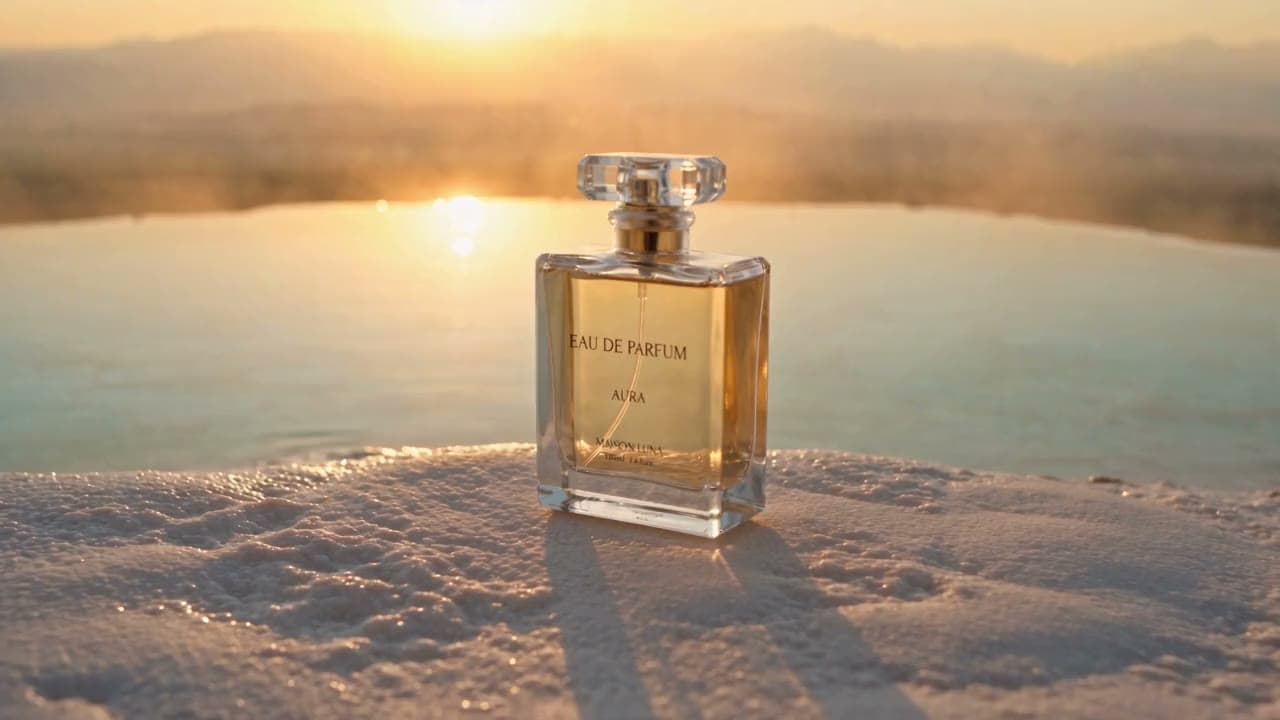
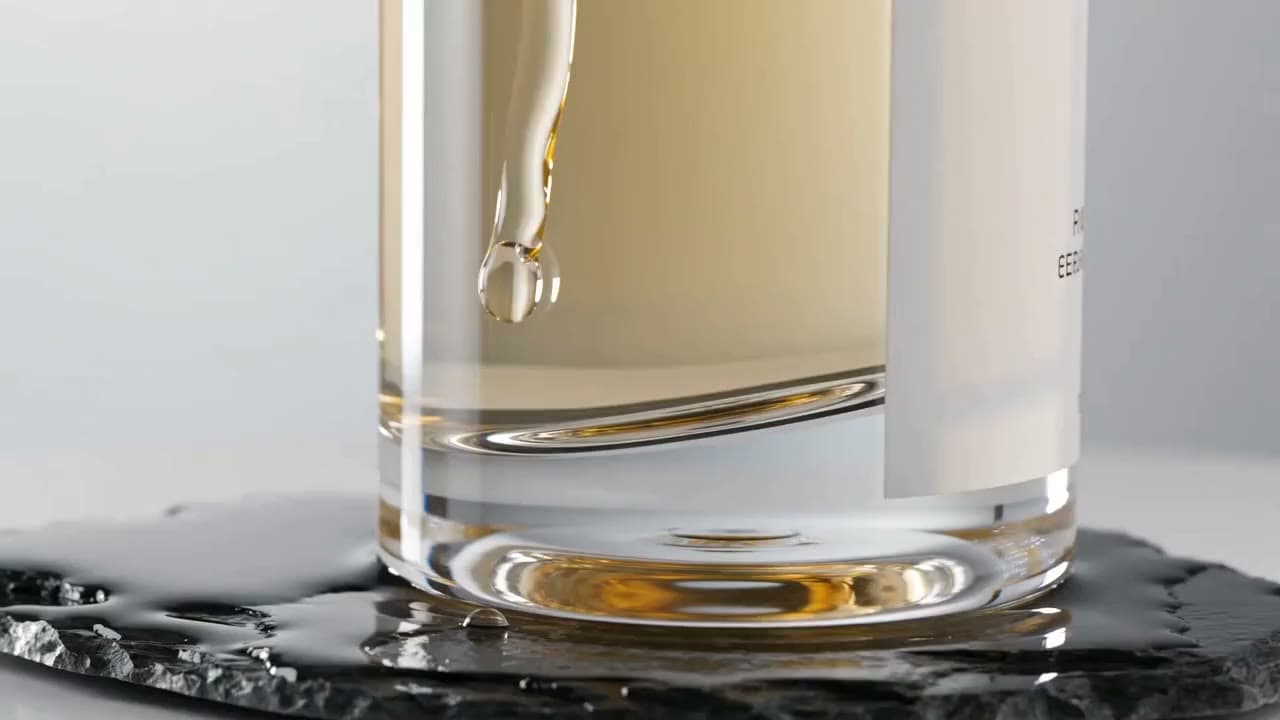
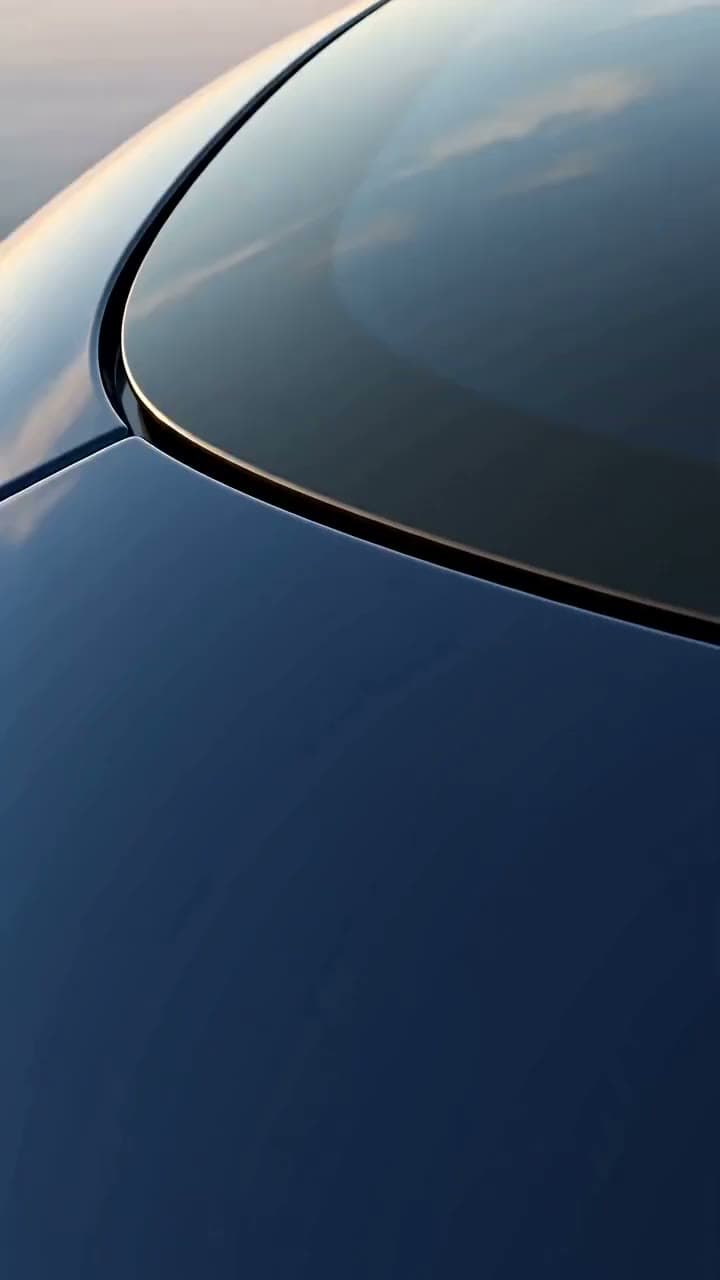
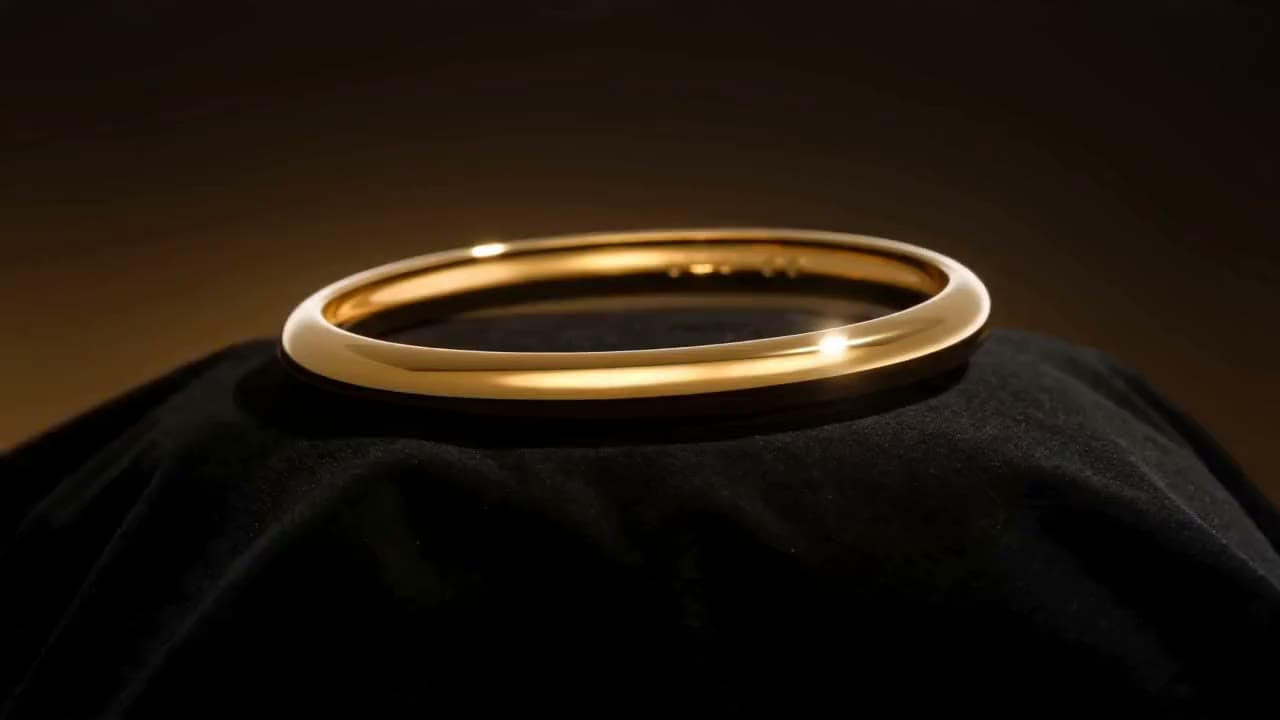
Each sample shows the model that made it. Tap a video to open it with sound.
How it works
Three steps
Upload the product photo
A sharp photo on a plain background works best. Add a second photo of a place, like a street or a beach, to put the product there.
Describe the shot
One sentence on the camera, the light, and the action: a slow orbit around the bottle, morning light, water splashing at the base.
Pick the format and generate
Vertical 9:16 for Reels and TikTok, square for feeds, 16:9 for YouTube. Make a few versions and keep the one that performs.
Highlights
Why make it here
One photo is enough
No studio, no product shipping, no reshoots. A phone photo on a plain background gives the model what it needs.
Your product, a new place
With Seedance 2.5 Reference, combine the product photo with a location photo and the product appears in that scene.
Camera moves on request
Orbits, push-ins, crane shots, and slow motion come from a plain-English description of the shot.
Sound included
Seedance and Veo add ambient sound to the clip. Turn it off if you'll add your own music.
Every ad format
Vertical, square, and wide. In Reference mode you choose the aspect ratio; Seedance with one photo follows the photo's shape, and Veo gives 9:16 or 16:9.
Cheap to test
A test clip costs 48 credits, so you can try several ideas before paying for the final render.
Costs
What an AI product ad costs
You pay per clip, and the exact price is on the button before you generate. Dollar amounts depend on the credit pack you buy.
| Setup | Model | Length | Credits |
|---|---|---|---|
| Product photo + location photo | Seedance 2.5 Reference | 5 sec, 720p | 116$4.21–$7.73 |
| Product photo + location photo | Seedance 2.5 Reference | 5 sec, 480p | 52$1.89–$3.47 |
| Product photo + location photo | Seedance 2.0 Mini Reference | 5 sec, 720p | 42$1.53–$2.80 |
| One product photo | Seedance 2.5 | 5 sec, 720p | 147$5.34–$9.80 |
| One product photo | Seedance 2.0 Mini | 5 sec, 720p | 48$1.74–$3.20 |
| One product photo | Google Veo 3.1 Lite | 8 sec, 720p | 40$1.45–$2.67 |
Start cheap while you test ideas: Seedance 2.0 Mini makes a 5-second clip for 48 credits. When a concept works, render the final version with Seedance 2.5 Reference (116 credits for 5 seconds at 720p) or Google Veo 3.1 Lite (40 credits for 8 seconds). Longer clips and 1080p cost more; all prices are on the pricing page.
UGC or cinematic?
Two kinds of AI ads
Pick by where the ad runs and what it has to do.
- Cinematic product ad (this page): the product is the star. Slow camera moves, light sliding over the surface, a splash or a reveal. No one talks. It works for product launches, e-commerce pages, YouTube pre-roll, and display ads.
- UGC ad: a presenter holds the product and talks to the camera like a creator on their phone. It works for TikTok, Reels, and Shorts, where native-looking content gets watched. Make it with the AI UGC ads tool.
Many brands run both: a cinematic clip for the product page and a few UGC variations for social.
Ad rules
Keep AI product ads honest
Platforms allow AI-generated ads. Misleading ones get rejected, or worse.
- Show the real product. The video model redraws your product from the photo. Compare the shape, color, and label with the real item before you publish, and regenerate if something changed.
- Disclose AI where it's required. TikTok, Meta, and YouTube each have rules for labeling realistic AI-generated content. Turn on the platform's AI label where it's offered.
- No claims the video can't prove. A slow-motion splash is fine; implying results, health effects, or features the product doesn't have is not.
- Use photos you have rights to. Your own product shots, a location you photographed, or images you made with the AI image generator. Other brands' logos and products don't belong in your ad.
This isn't legal advice. Check the ad policies of each platform you run on.
Honest limits
What this tool can't do
- Each generation is one continuous shot. Cut several clips together in your editor for a longer ad.
- Text, prices, and small print on the label can come out distorted. Add text overlays and your logo in your editor.
- The product is redrawn, not pasted in. Check the shape, color, and label against the real item before you publish.
- There's no voiceover or presenter in this setup. For a person talking about the product, use AI UGC ads.
- Use only photos and brands you have the rights to, and disclose AI where the platform requires it.
FAQ
Common questions
How do I make an AI product ad?
Open Image to Video in the Studio, upload a clear photo of your product, and describe the shot in one sentence: the camera move, the light, and what happens. To place the product somewhere specific, switch to Several photos and add a location photo. Pick the aspect ratio and generate.
How much does an AI video ad cost?
A 5-second clip is 48 credits with Seedance 2.0 Mini ($1.74–$3.20, depending on your credit pack), 40 credits for 8 seconds with Google Veo 3.1 Lite, and 116 credits for 5 seconds at 720p with Seedance 2.5 Reference using a product and a location photo. The exact price shows before you generate.
Can it put my product in a different location?
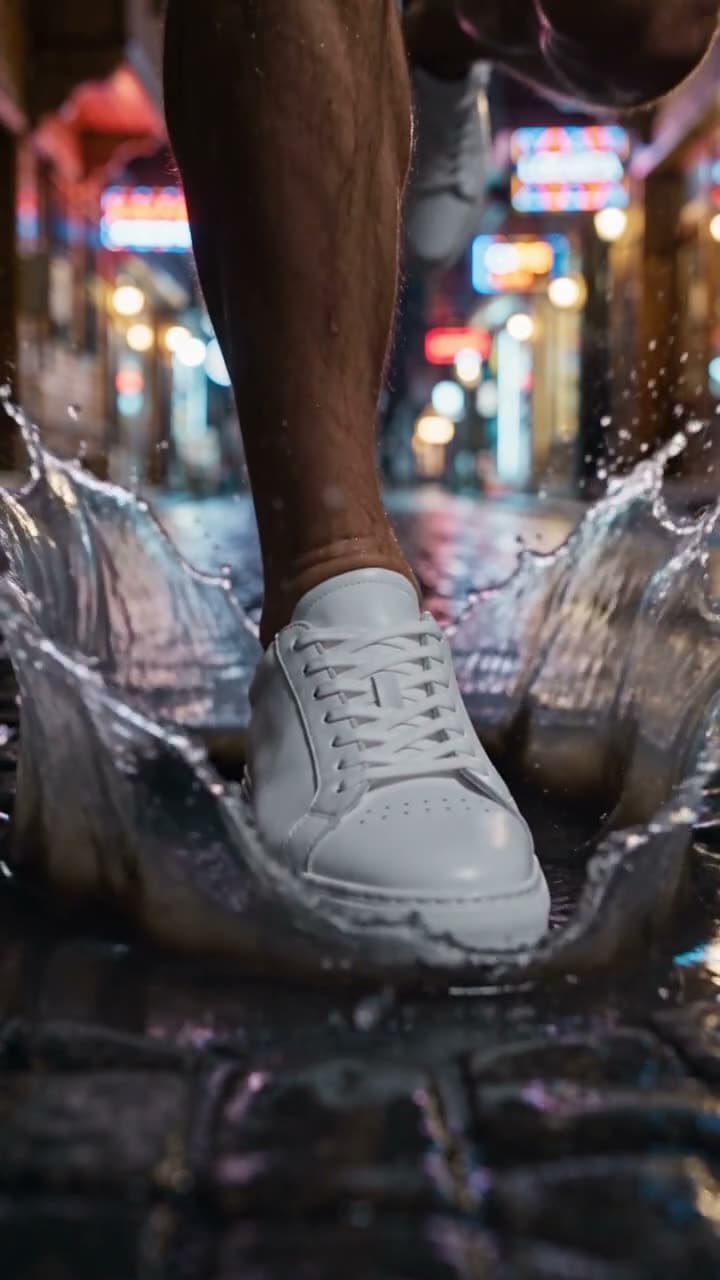
Yes. Seedance 2.5 Reference takes several photos as references, so a product photo and a location photo become one scene: a sneaker on a rainy street, a perfume bottle on travertine terraces. Describe how the product should appear and move.
What's the difference between this and a UGC ad?
A cinematic product ad shows the product with camera moves and lighting, with no one talking. A UGC ad has a presenter holding the product and speaking your script. The UGC ad tool makes the second kind.
Can the AI add my price, logo, or a tagline?
Not reliably. Video models tend to distort text, so add prices, logos, and taglines as overlays in your editor after you download the clip.
Which formats can I export?
Vertical 9:16, square 1:1, and wide 16:9, plus 4:3, 3:4, and 21:9 in Reference mode. With a single photo, Seedance keeps the photo's aspect ratio, so shoot or crop the photo in the shape you need; Google Veo 3.1 Lite gives 9:16 or 16:9.
Can I use the videos in paid ads?
Yes. Our terms let you use what you create for personal and commercial work, ads included. You're responsible for the rights to the photos you upload and for what the ad claims, and you should label AI-generated content where the platform asks for it.
Try it now
Signing up is free. This tool becomes available after your first credit purchase, and packs start at $5 for 75 credits. No subscription needed, and you can watch the samples above before you decide.
Make a product ad