Kling Motion Control: put any move on your character
Motion transfer takes the dance or movement from a reference clip and applies it to the character in your photo. Upload a 3–30 second motion clip and a character photo, and the character performs the same moves with its own look. Faces aren't swapped: only the motion is taken from the clip.
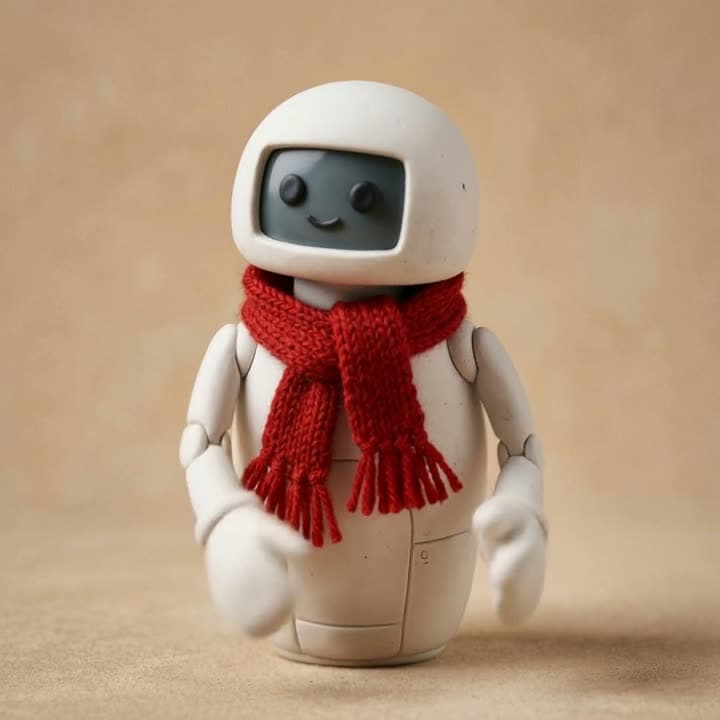
Real outputs
Made with this tool
Each sample shows the model that made it. Tap a video to open it with sound.
How it works
Three steps
Upload the motion clip
A 3–30 second clip of one person dancing or moving, with a steady camera and the person in frame.
Upload the character photo
A drawing, a toy, a mascot, a pet, or an adult who gave you permission. A similar pose gives steadier results.
Generate and download
The video runs as long as the reference clip. Upscale it to 4K afterwards if you like.
Models
Models you can use
Prices are in credits, and you see the exact cost before you generate. Credit packs start at $5 for 75 credits.
| Model | Best for | Credits |
|---|---|---|
| Kling 3.0 Motion ControlKuaishou | Transfers the dance or motion in a clip onto the character in your photo. 720p, up to 30 seconds. | 635-sec clip |
| Kling 3.0 Motion Control ProKuaishou | The same motion transfer in 1080p, with steadier faces and hands. For videos you'll post. | 845-sec clip |
Highlights
Why make it here
Kling 3.0, two quality levels
Standard is 720p; Pro is 1080p with steadier faces and hands. A 10-second video costs 126 credits on Standard ($4.58–$8.40) and 168 on Pro.
Up to 30 seconds
Transfer a full 30-second routine in one go. You pay per second, so short clips cost less.
Fictional characters dance too
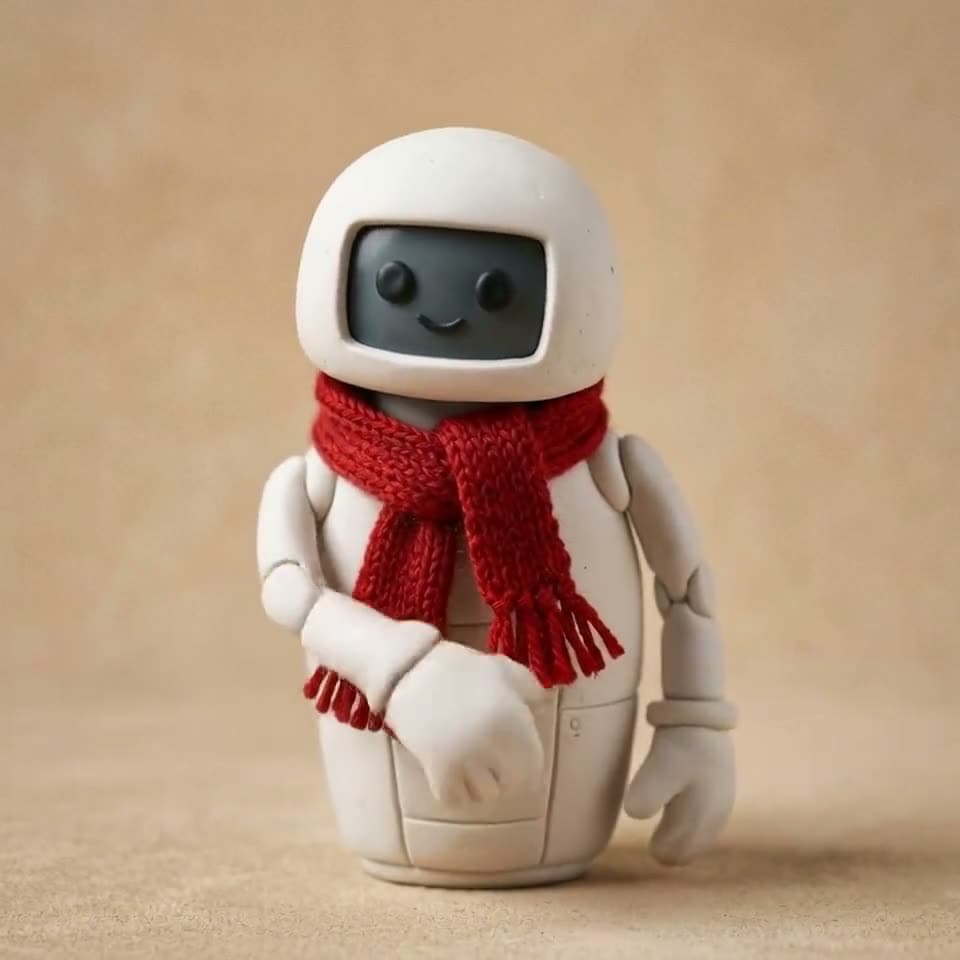
Your own drawing, a clay figure, a plush toy, or your brand's mascot can take on the moves.
Safety checks first
Frames from the photo and the clip are checked before anything is generated. Celebrities, children, and explicit content are blocked, and no credits are used.
Honest limits
What this tool can't do
- The clip's audio isn't carried over, so the result is silent.
- More than one person in the clip or the photo can confuse the model; one person works best.
- Photos or videos showing anyone under 18, celebrities, or public figures can't be used.
- If the person in the photo isn't you, you need their explicit permission. Say it's AI-made when you share it.
FAQ
Common questions
What is Kling Motion Control?
It's the motion transfer model in Kuaishou's Kling 3.0 family. It reads the body movement, gestures, and expressions in a reference clip and applies them to the character in a photo.
Is this a deepfake or a face swap?
No. Nobody's face is replaced. Only the motion is taken from the clip, and the character from your photo performs it. You can still only use a real person's photo if it's you or you have their explicit permission, and photos of children and celebrities are blocked.
How long can the reference clip be?
Between 3 and 30 seconds, up to 50 MB, as MP4, MOV, or WEBM. Phone videos work as they are; orientation is fixed automatically.
Try it now
Signing up is free. This tool becomes available after your first credit purchase, and packs start at $5 for 75 credits. No subscription needed, and you can watch the samples above before you decide.
Try motion transfer