Image to video AI: turn a photo into video
Image to video AI takes a still photo and animates it: a product turns, a person smiles and waves, steam rises from a cup. Upload your image, describe the motion in one sentence, and pick one of 17 models. Your photo becomes the first frame of a 3- to 30-second video, usually with sound.
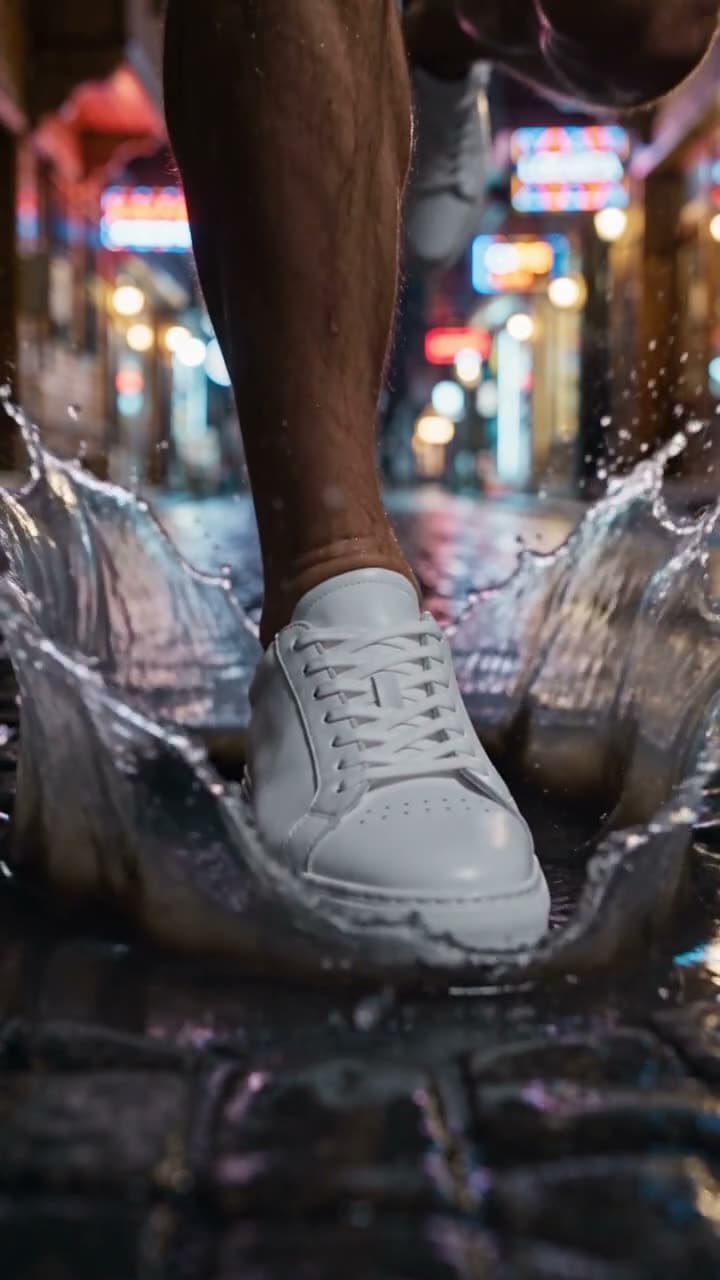
Example
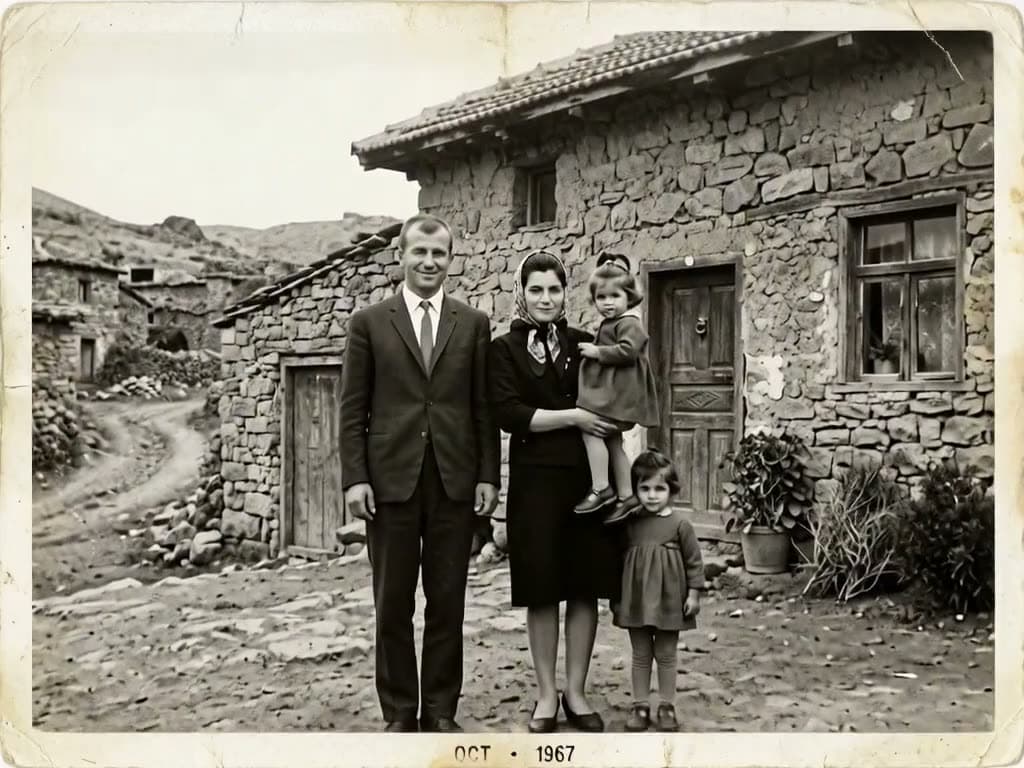
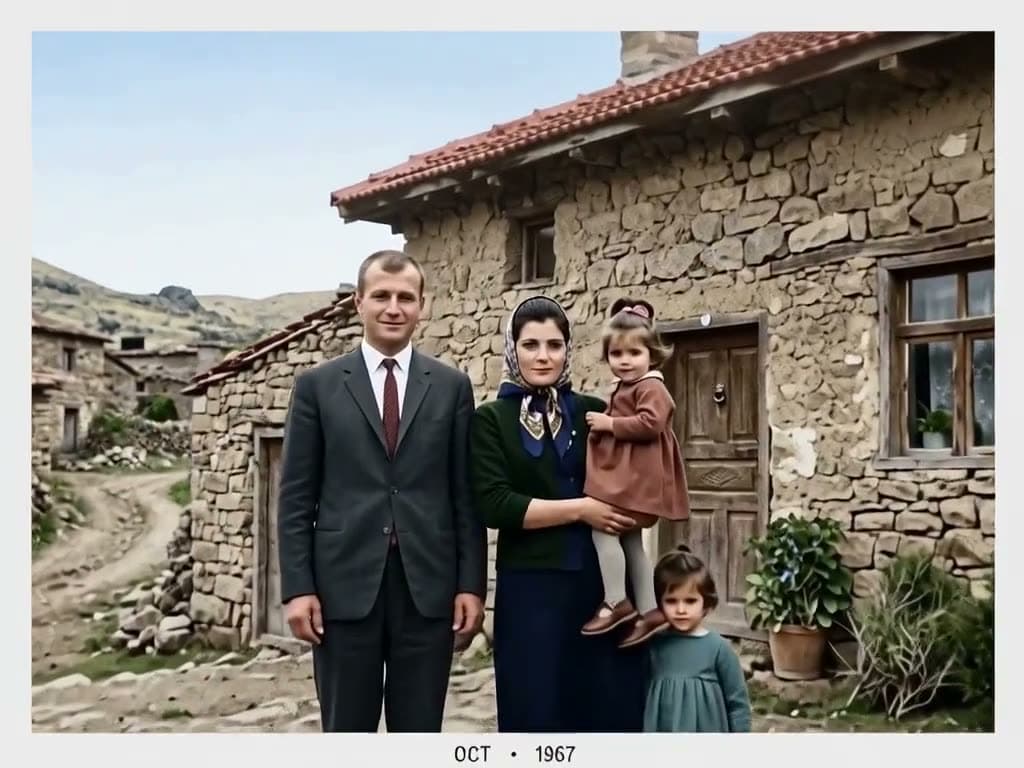
The photo that went in, the video that came out
This video was made on this site with one of the models listed below.

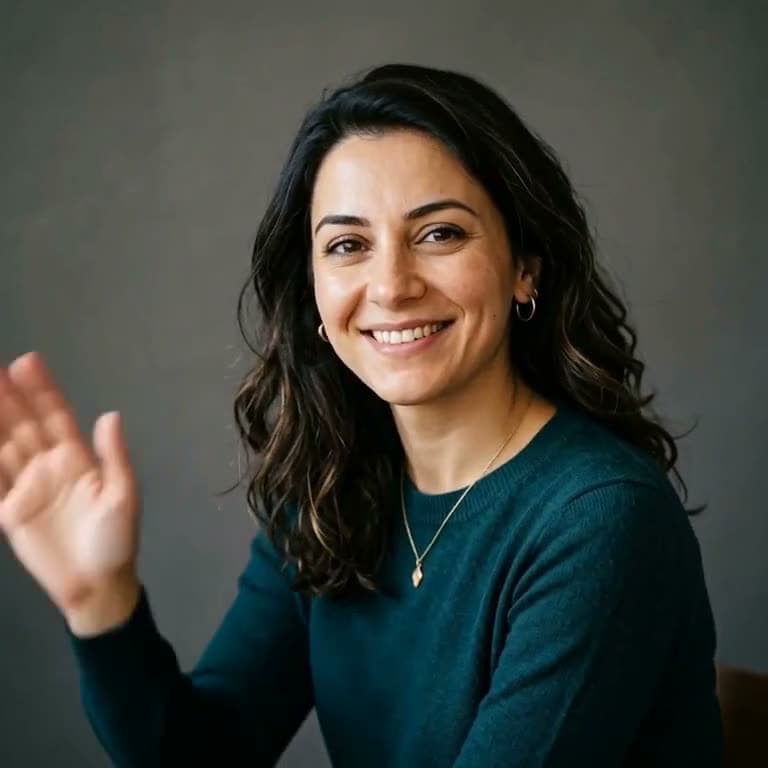
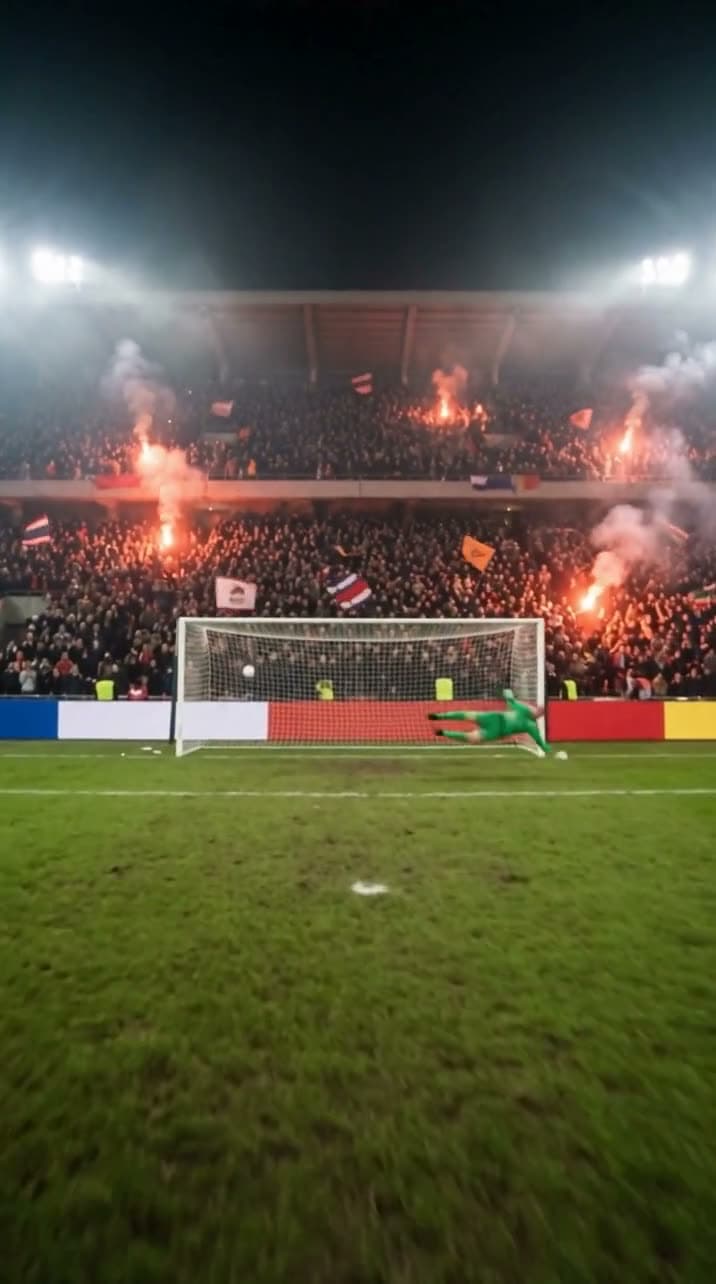
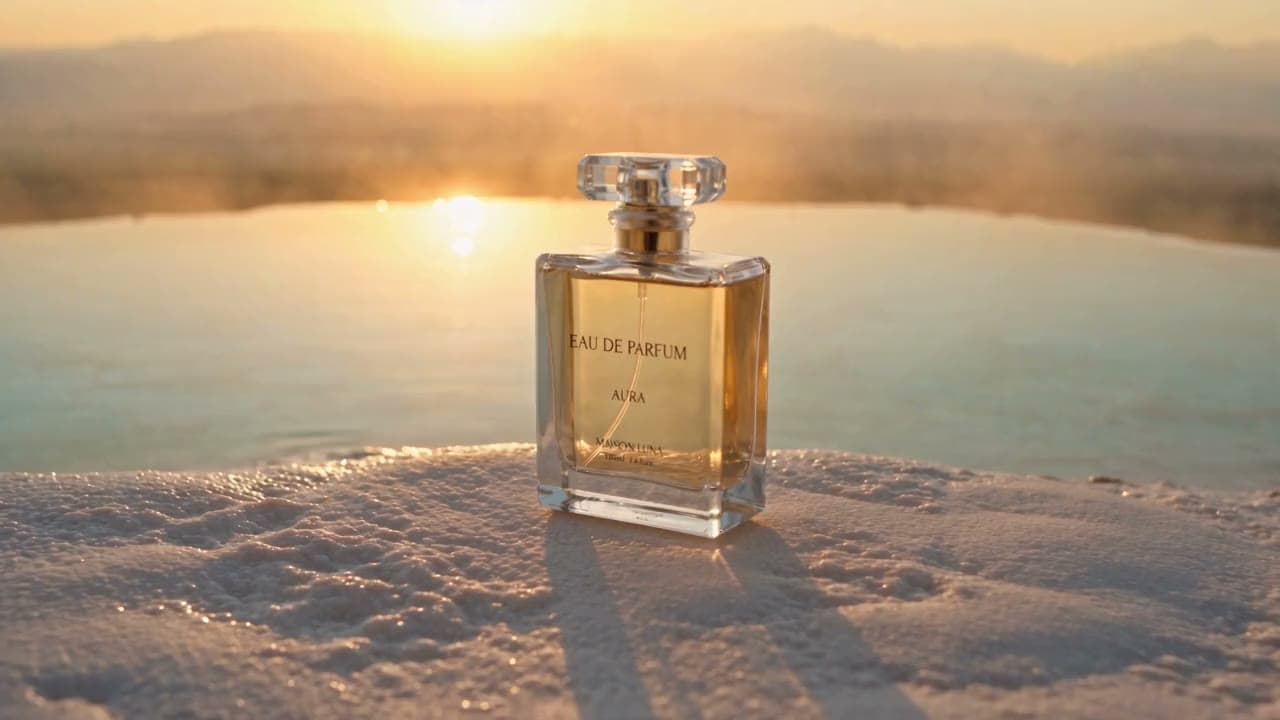
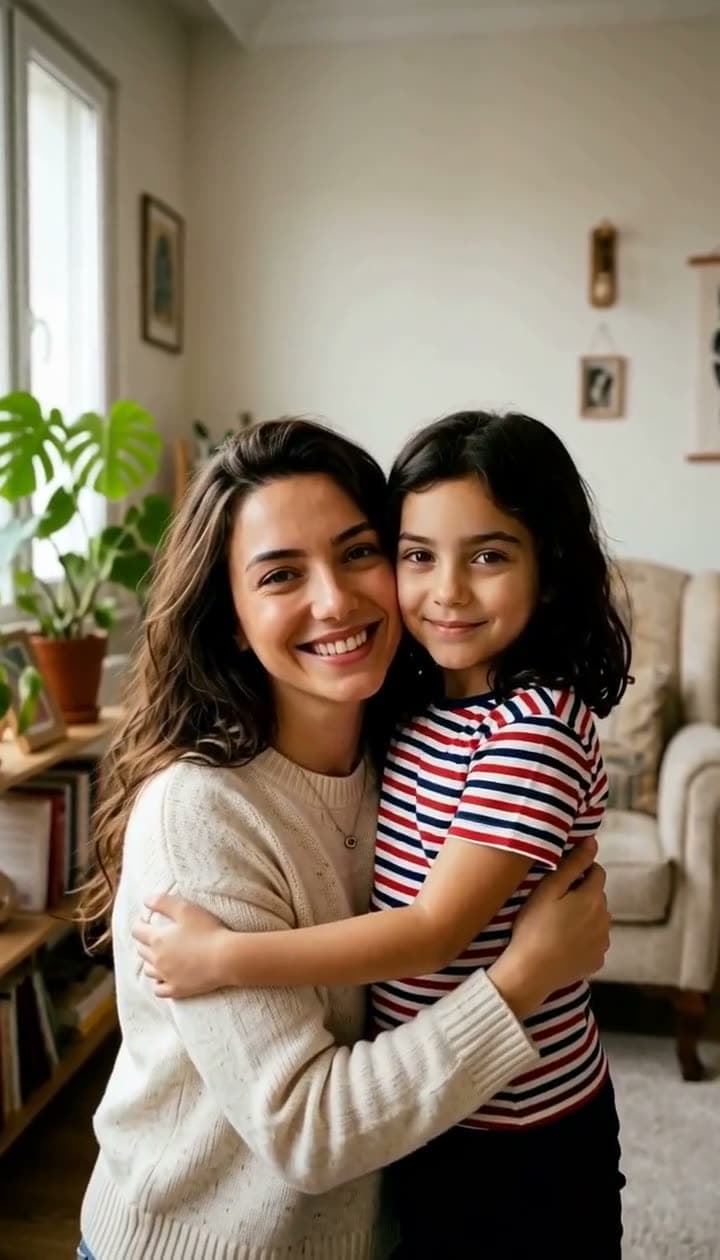
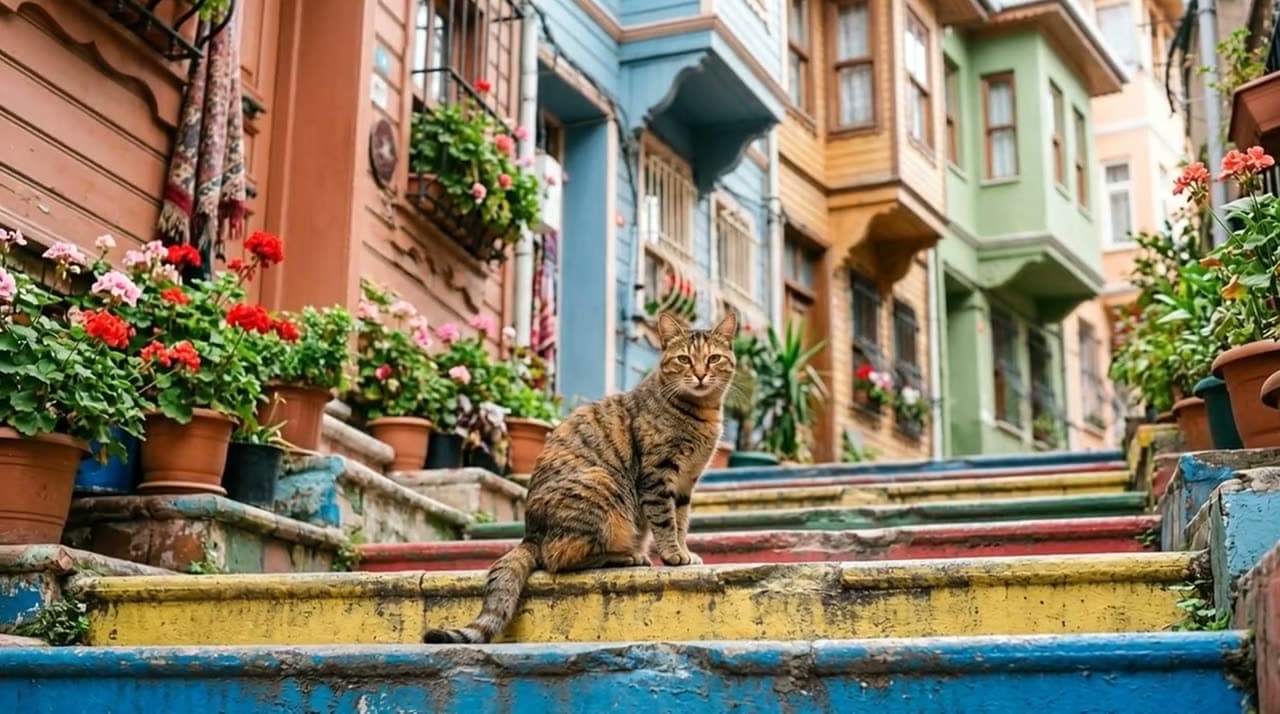
Real outputs
Made with this tool
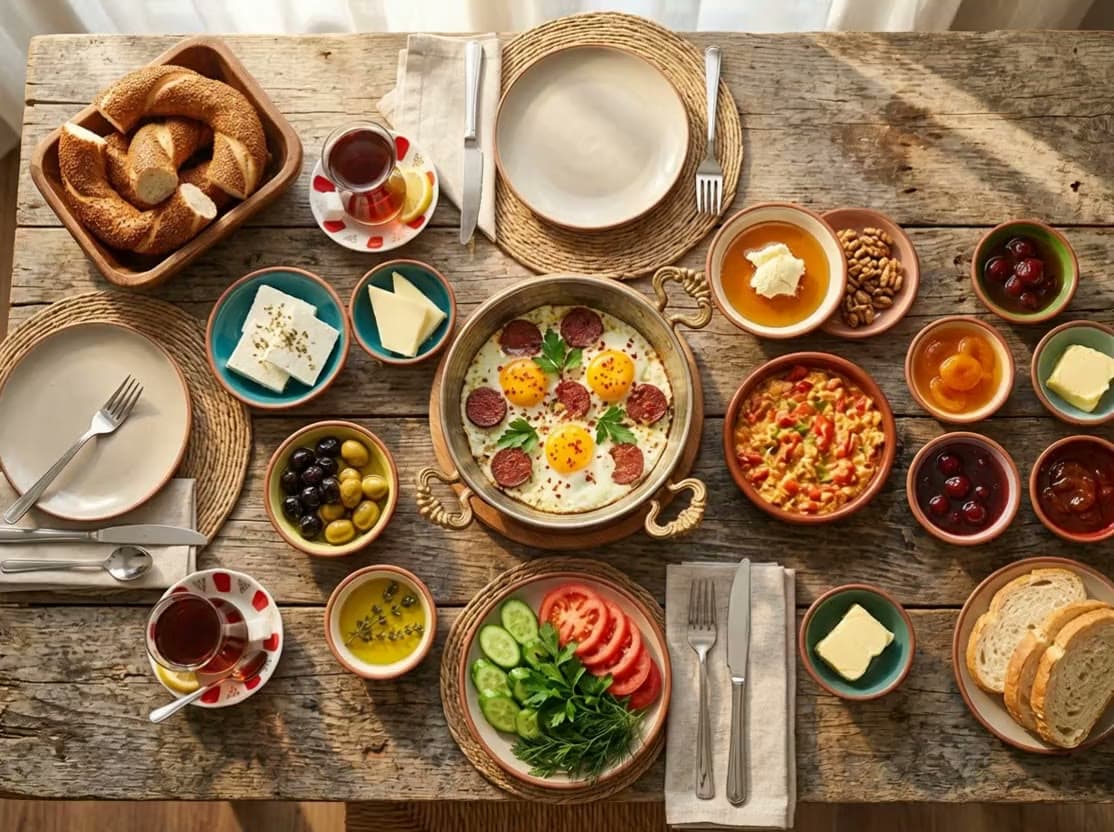
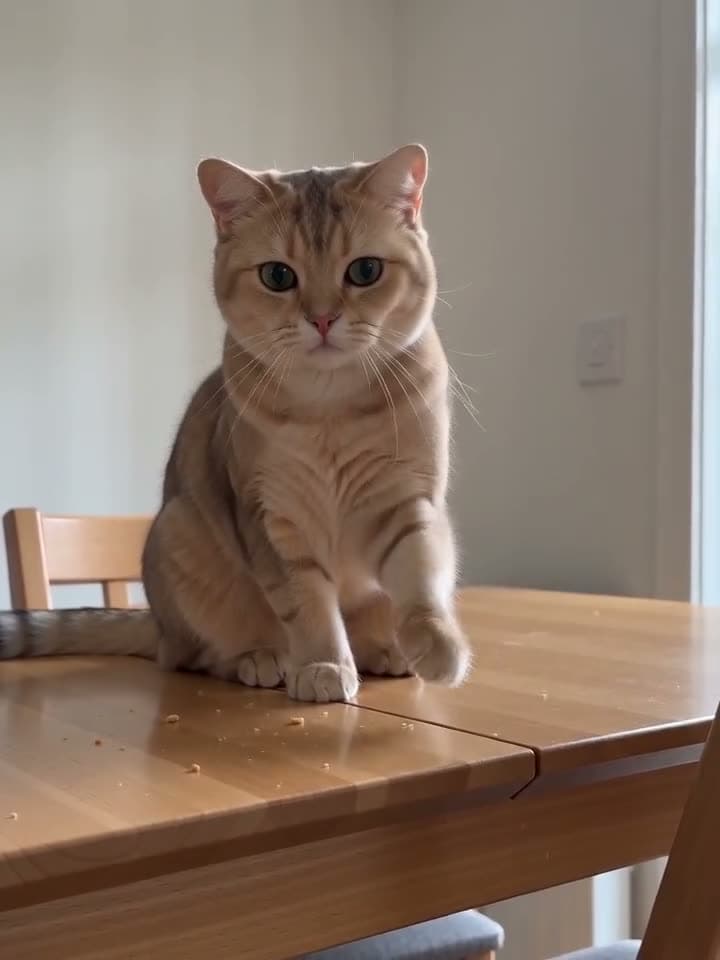
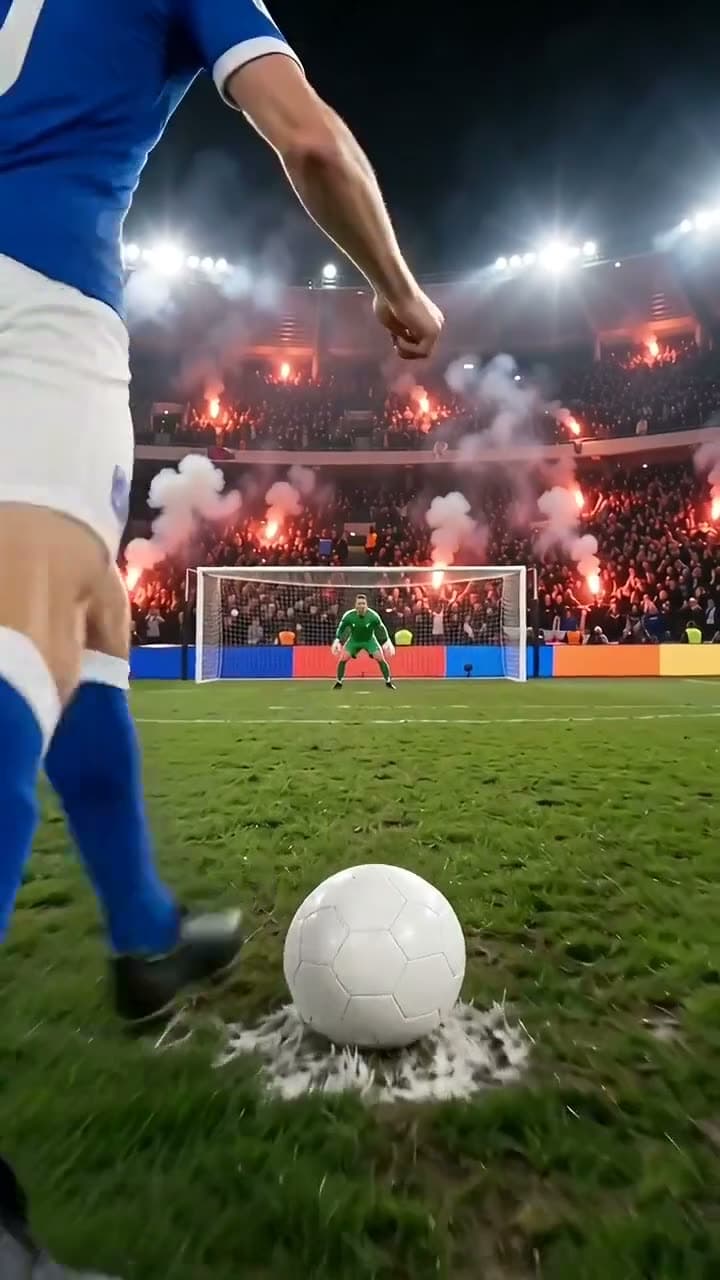
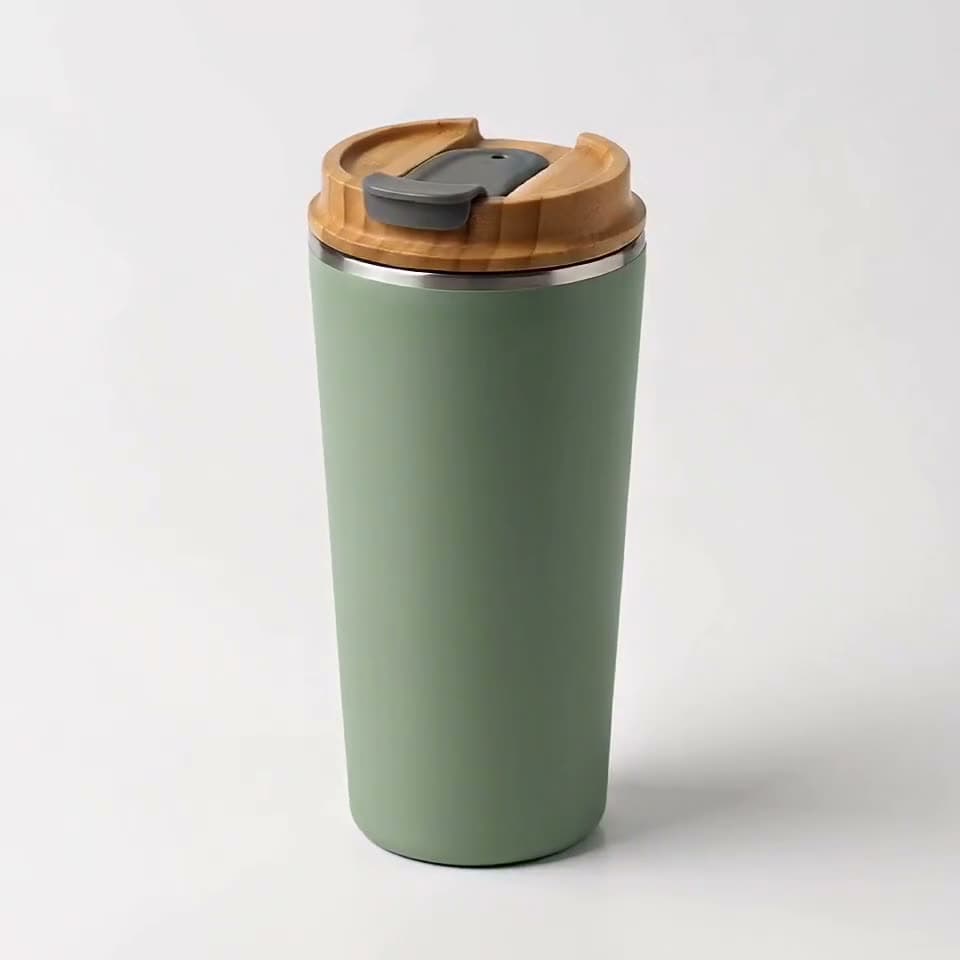
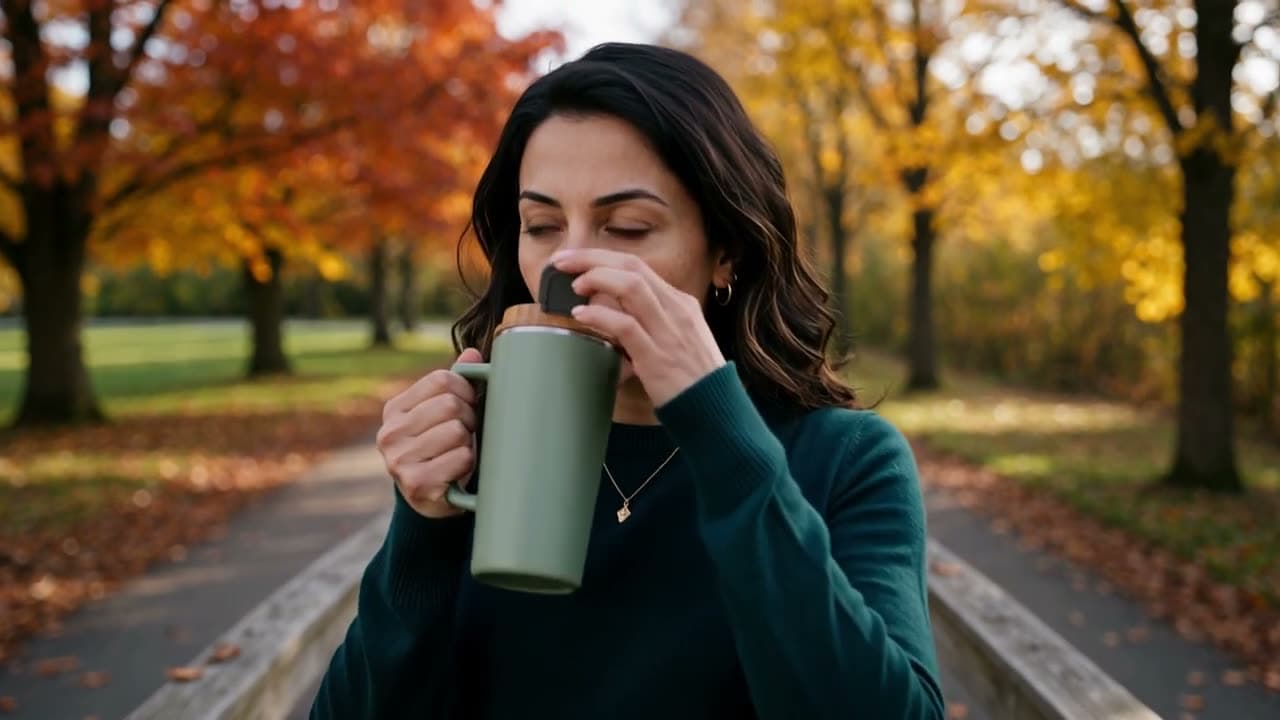
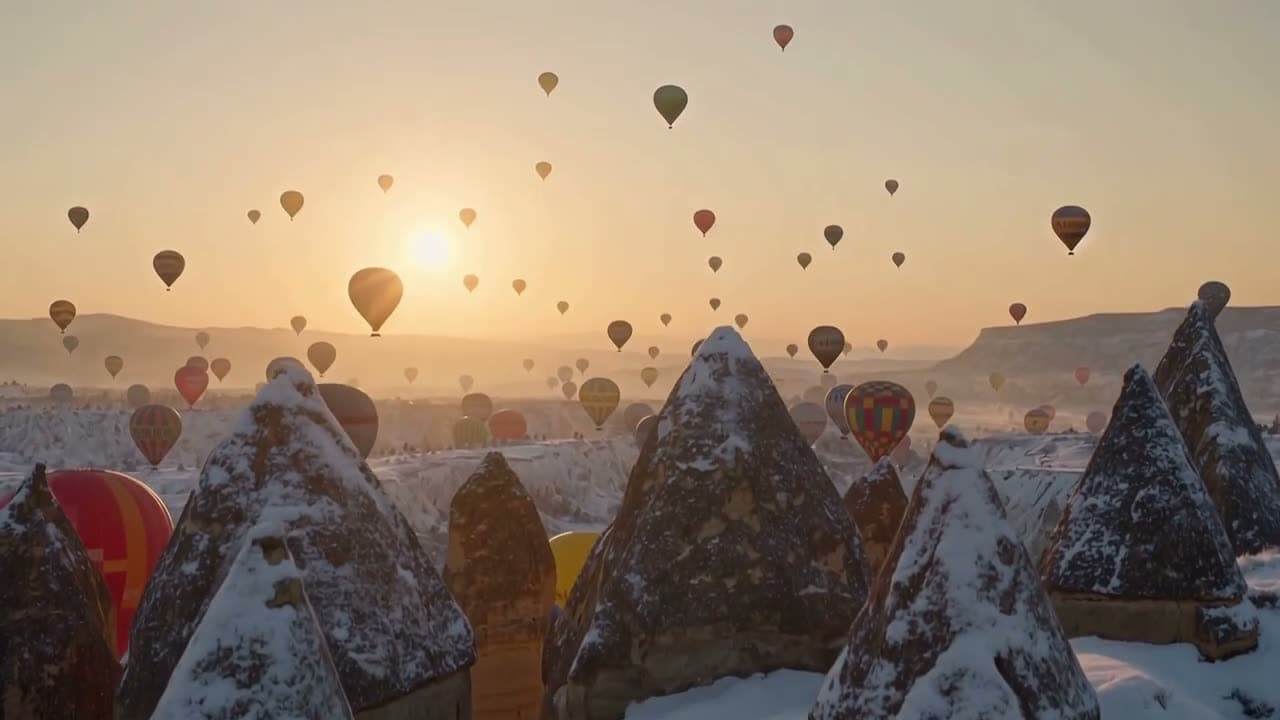
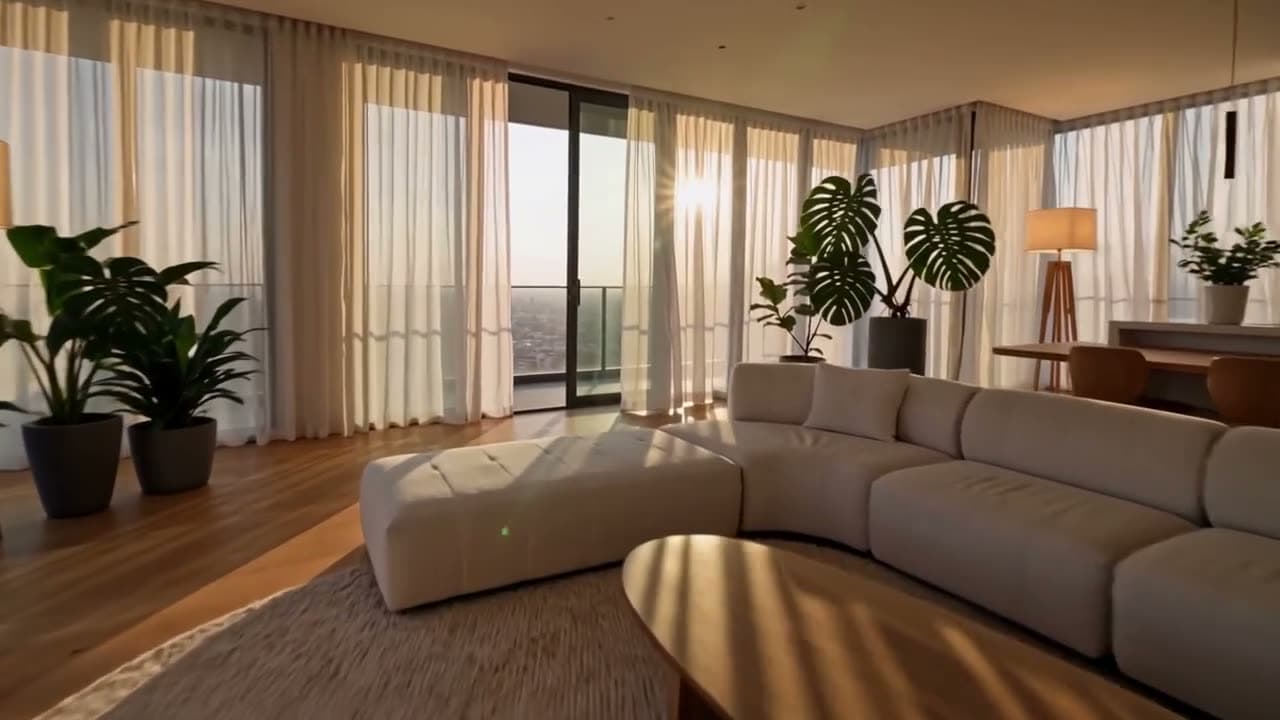
Each sample shows the model that made it. Tap a video to open it with sound.






How it works
Three steps
Upload a sharp photo
Product shots, portraits, rooms, food, pets, and landscapes all work. A clear, well-lit photo matters more than resolution.
Describe the motion
One sentence is enough: “the camera slowly pushes in” or “she smiles and waves.” Keep movements small for people.
Generate and compare
The clip is ready in a few minutes. Not quite right? Run the same photo on another model; every take is different.
Models
Models you can use
Prices are in credits, and you see the exact cost before you generate. Credit packs start at $5 for 75 credits.
| Model | Best for | Credits |
|---|---|---|
| Seedance 2.5ByteDance | A single shot up to 30 seconds long, or up to 25 seconds in Full HD. The most ambitious model in the lineup, and the most expensive. | 1475 sec |
| Seedance 2.0ByteDance | The more affordable Seedance: video with sound up to 15 seconds, up to 4K, at a balanced price. | 955 sec |
| Seedance 2.0 MiniByteDance | The cheapest Seedance: quick, short clips with sound for social media. | 485 sec |
| Seedance 2.5 ReferenceByteDance | Add up to 30 photos, 10 videos and 10 audio clips as references: product, place, motion and music come together in one video. | 1165 sec |
| Seedance 2.0 ReferenceByteDance | Up to 9 photos, 3 videos and 3 audio clips as references, combined into one video. Up to 4K. | 845 sec |
| Seedance 2.0 Mini ReferenceByteDance | The cheapest way to use multiple references: up to 9 photos, 3 videos and 3 audio clips, for quick social clips. | 425 sec |
| Seedance 2.5 Video EditByteDance | Upload your video and describe the change: remove an object, swap the background or the product. Everything else stays the same. | 154120-character script |
| Seedance 2.5 Video ExtendByteDance | Picks up from your video's last frame and continues the scene for up to 30 seconds. You write what happens next. | 1545 sec |
| MiniMax H3 Max TurboMiniMax | Brings a photo to life quickly and cheaply. | 205 sec |
| MiniMax H3 MaxMiniMax | Best at keeping faces and details intact. Recommended for old photos. | 405 sec |
| Google Gemini Omni FlashGoogle | The highest realism, with synced sound. For your most important projects. | 505 sec |
| Google Veo 3.1 LiteGoogle | The more affordable version of Google's video model. Generates dialogue and ambient sound along with the picture. | 408 sec |
| Wan 3.0Alibaba | A single shot up to 30 seconds long, in Full HD. Good for longer scenes. | 10010 sec |
| Kling 4.0Kuaishou | Kling's newest model: a single shot up to 30 seconds, always with stereo sound. 720p or Full HD, including cinematic 21:9. | 795 sec |
| Kling 4.0 ReferenceKuaishou | Up to 10 photos and 5 videos as references: keeps the character, product, place and motion consistent in one video. A single shot up to 30 seconds, with sound. | 795 sec |
| Kling 4.0 Video EditKuaishou | Upload your video and describe the change: background, weather, lighting, colors, outfit or camera move. Everything else stays the same. | 94120-character script |
| Kling 3.0Kuaishou | Kling's newest video model: up to 15 seconds, with or without sound. Standard is 720p, Pro is 1080p. Built-in speech is English or Chinese. | 635 sec |
Highlights
Why make it here
Your photo stays the star
The image you upload is the first frame, so products, places, and faces stay recognizable in a way text to video can't match.
Up to 30 seconds
Clips run from 3 to 30 seconds depending on the model. Wan 3.0 and Seedance 2.5 handle the longest shots.
Sound in the same pass
Models generate ambient sound along with the motion. Veo 3.1 Lite, Wan 3.0, and the Seedance models let you turn it off.
Up to 30 reference photos
Seedance 2.5 Reference combines a product, a location, and a style reference in one video.
Plain-English prompts
Describe the motion the way you'd say it. We add the camera and lighting detail the models respond to.
Credits back on failure
If a generation doesn't finish, your credits are refunded automatically.
Guide
Motion prompts that work
With image to video, the size of the motion decides the result. Small moves keep your photo intact; big moves make the model redraw it. Copy these and adapt them to your picture.
| Goal | Prompt | Note |
|---|---|---|
| Product spin | “The bottle slowly rotates on the table, soft studio light, clean background.” | Works well for ecommerce listings and ads. |
| Slow push-in | “The camera slowly pushes in toward the center of the frame.” | The safest move for landscapes, rooms, and food. |
| Portrait smile | “She smiles softly, blinks, and turns slightly toward the camera.” | Small movements keep the face looking like the photo. |
| Wave hello | “He smiles and waves at the camera, hair moving in a light breeze.” | The hand needs to fit inside the frame. |
| Living scene | “Steam rises from the coffee, people walk past the window in the background.” | Adds life around a still subject. |
| Pet moment | “The cat yawns, stretches, and looks around.” | Pets are forgiving; human faces aren't. |
What to avoid: asking a person to spin, run, jump, or dance; cramming three separate events into one sentence; and crowded group shots where everyone has to move differently. For a ready-made dance or hug, AI video effects do it without a prompt.
Which model for which photo?
| Model | Use it for | Length | Note |
|---|---|---|---|
| MiniMax H3 Max | Portraits and old family photos | 5, 10, 15 sec | Keeps faces and fine detail closest to the original. |
| MiniMax H3 Max Turbo | Quick, cheap tests | 5, 10, 15 sec | Try your prompt here, then rerun the keeper on a stronger model. |
| Google Veo 3.1 Lite | Realistic scenes with sound | 4, 6, 8 sec | Generates ambient sound; vertical or horizontal. |
| Google Gemini Omni Flash | Work that matters | 5, 8, 10 sec | Most realistic motion, with a 4K option. |
| Wan 3.0 | Longer shots | 5, 10, 15, 20, 30 sec | Up to 30 seconds; keeps your photo's aspect ratio if you want. |
| Seedance 2.5 Reference | Product in a new setting | 4, 5, 6, 8, 10, 12, 15, 20, 25, 30 sec | Takes up to 30 photos, plus reference videos and audio, and combines them in one shot. |
The Seedance models don't accept photos that show a real person's face. For people, use MiniMax, Veo, Gemini, or Wan. Seedance works well on products, food, rooms, and pets.
Picking the right photo
- Sharp and well lit beats high resolution. Blurry or noisy photos get blurrier once they move.
- Crop to the shape you want to post. The video keeps your photo's framing on most models.
- For portraits, the face should fill a good part of the frame and look toward the camera.
- Leave room around the subject if you ask for camera movement, so the edges don't run out.
Image to video, talking photo, or effects?
| You want | Tool | What happens |
|---|---|---|
| A product, place, or person to move naturally | Image to video (this page) | You describe the motion; no speech. |
| A person in the photo to say your script | Talking photo | Your text is voiced, then the lips are synced to it. |
| Two people to hug, someone to dance or age | AI video effects | Ready-made templates, no prompt to write. |
| A scene that doesn't exist as a photo yet | Text to video | The model builds the whole scene from your description. |
Honest limits
What this tool can't do
- Big movements distort the photo. Spinning, walking, or dancing people often come out with changed faces or extra limbs; keep motion small.
- The model redraws every frame, so fine details and faces can shift slightly. For important work, run a few takes and keep the best.
- This isn't a photo editor. It won't restore, colorize, or sharpen a damaged picture, so fix those first.
- Seedance models reject photos that show a real person's face. Use MiniMax, Veo, Gemini, or Wan for people.
- One generation is at most 30 seconds. For a longer piece, generate several clips and edit them together.
- Only upload photos you have the rights to, and get permission from anyone who appears in them.
FAQ
Common questions
How do I turn an image into a video with AI?
Upload the image, write one sentence about how it should move (for example “the camera slowly pushes in” or “she smiles and waves”), pick a model and length, then generate. The AI uses your photo as the first frame and creates the motion from your description.
Is there a free image to video AI?
Not here. We pay the AI provider for every video and image we generate, and free tries pushed that cost too high. Before you buy, you can watch the samples on our examples page: unedited outputs we made with these same models. The 20 free credits you get after signing up and verifying your email work for voiceovers; video tools become available after your first credit purchase. A 5-second clip on MiniMax H3 Max Turbo is 13 credits at 480p and 20 at 768p, and the smallest option is the Mini pack, 75 credits for $5. There's no subscription requirement, and credits don't expire.
How much does it cost to animate a photo?
The cheapest option is MiniMax H3 Max Turbo at 13 credits for 5 seconds at 480p ($0.47–$0.87). MiniMax H3 Max, which keeps faces best, starts at 25 credits. Veo 3.1 Lite with sound is 40 credits for 8 seconds ($1.45–$2.67). The dollar range depends on your credit pack, and the exact price shows before you generate.
Which model is best for animating a portrait?
MiniMax H3 Max. It keeps faces and fine detail closest to the original photo, which matters most with portraits and old family pictures. Use small movements like a smile, a blink, or a slight head turn.
Can I animate old family photos?
Yes. Scan the photo or shoot it with your phone in soft daylight without glare, crop so the faces are clear, and ask for a small movement like “they smile and look at the camera.” Heavily damaged photos should be restored first, since this tool doesn't repair them.
Can I make a product video from a product photo?
Yes, it's one of the most common uses. A slow spin, a push-in, or light moving across the product works well. To put the product in a new setting, Seedance 2.5 Reference can combine your product photo with a location photo (116 credits for 5 seconds at 720p).
Does the video have sound?
Yes, the models here generate ambient sound that fits the scene. It's not music or a voiceover. For narration, create it separately with Voiceover and add it in your editor.
Can the person in my photo talk?
Not with this tool. For a person saying a script, use Talking Photo: it voices your text with a real-sounding voice, then syncs the lips to it.
What image formats can I upload?
Standard photo formats like JPG, PNG, and WebP work. Choose a sharp, well-lit image; the video can't add detail that isn't in the photo.
Try it now
Signing up is free. This tool becomes available after your first credit purchase, and packs start at $5 for 75 credits. No subscription needed, and you can watch the samples above before you decide.
Animate a photo