AI video effects from a single photo
AI video effects turn your photos into short clips using ready-made templates: two people hugging, a person dancing, a face aging over the years. Most effects need one photo; Heart hands needs two. There are 13 templates. Pick one, upload your picture, and the clip is ready in a few minutes.

Example
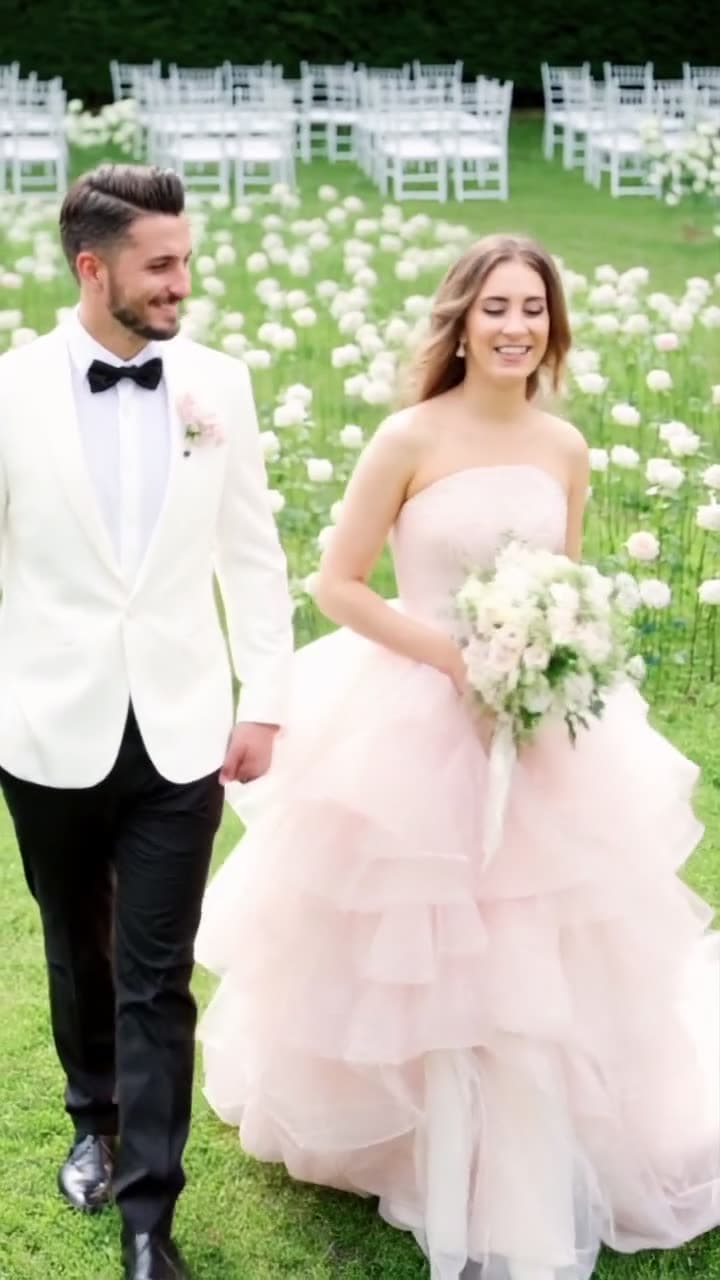
The photo that went in, the video that came out
This video was made on this site with one of the models listed below.


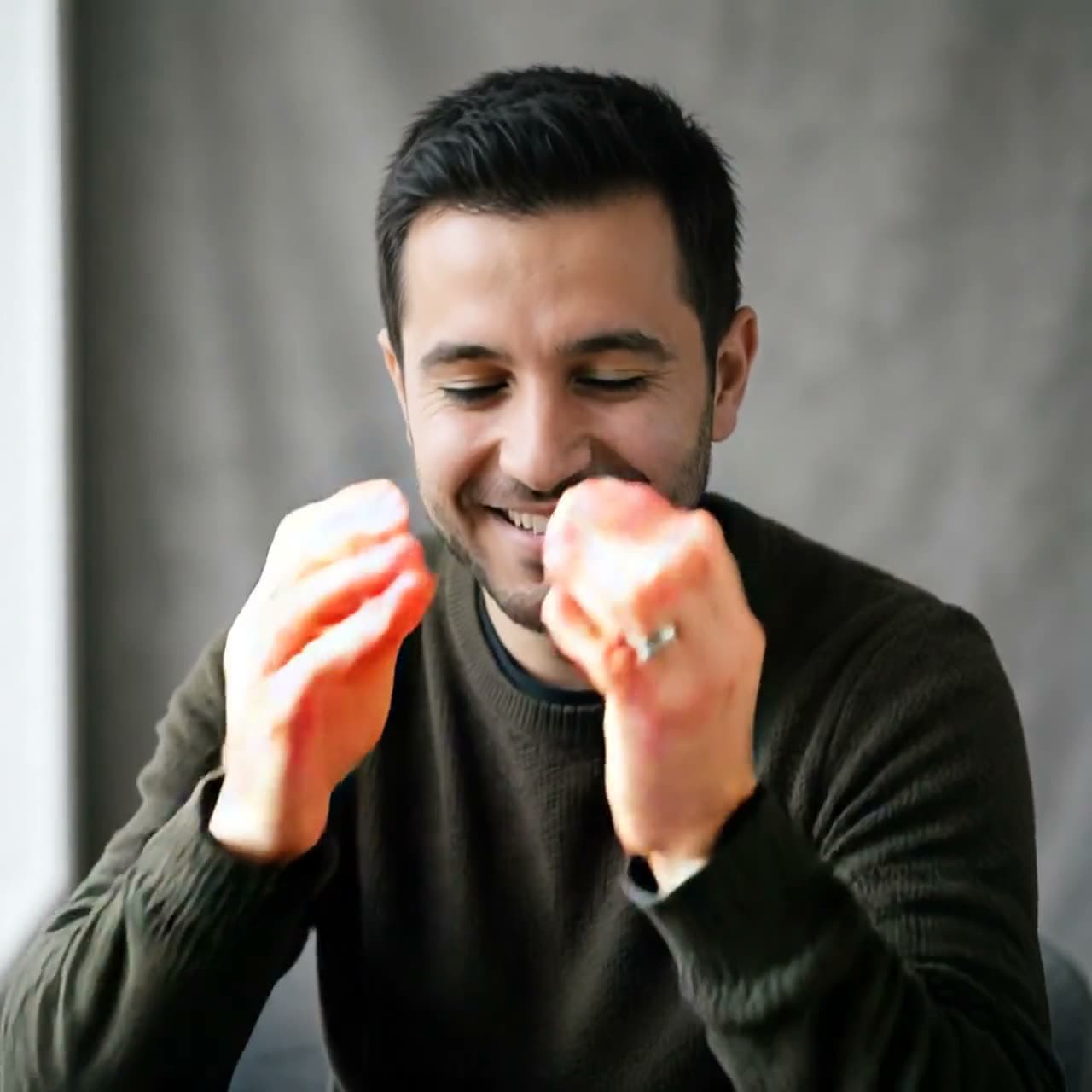
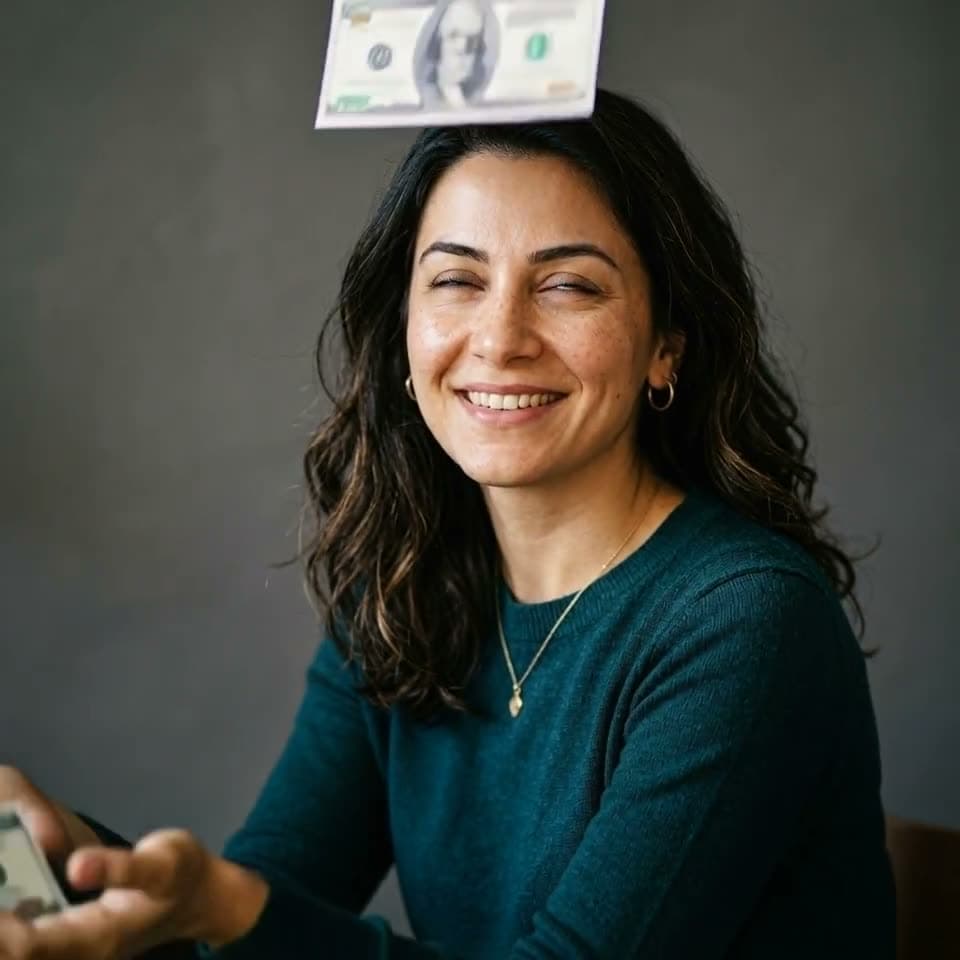
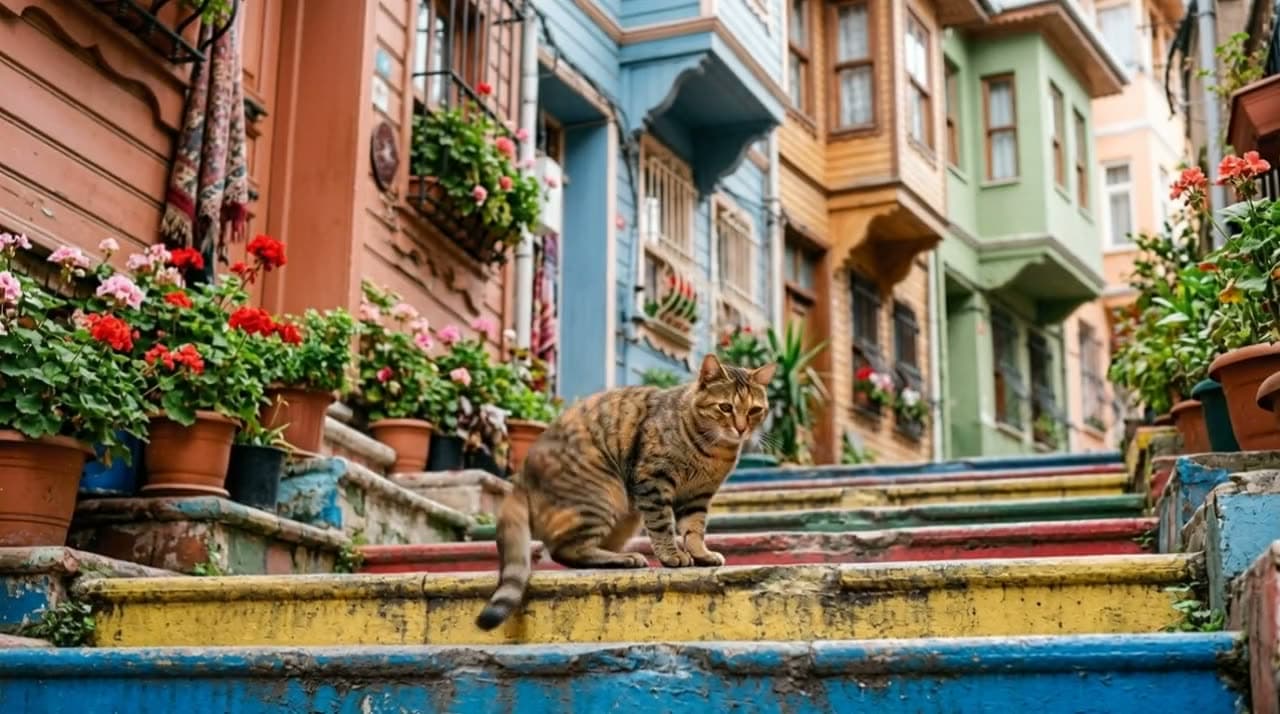
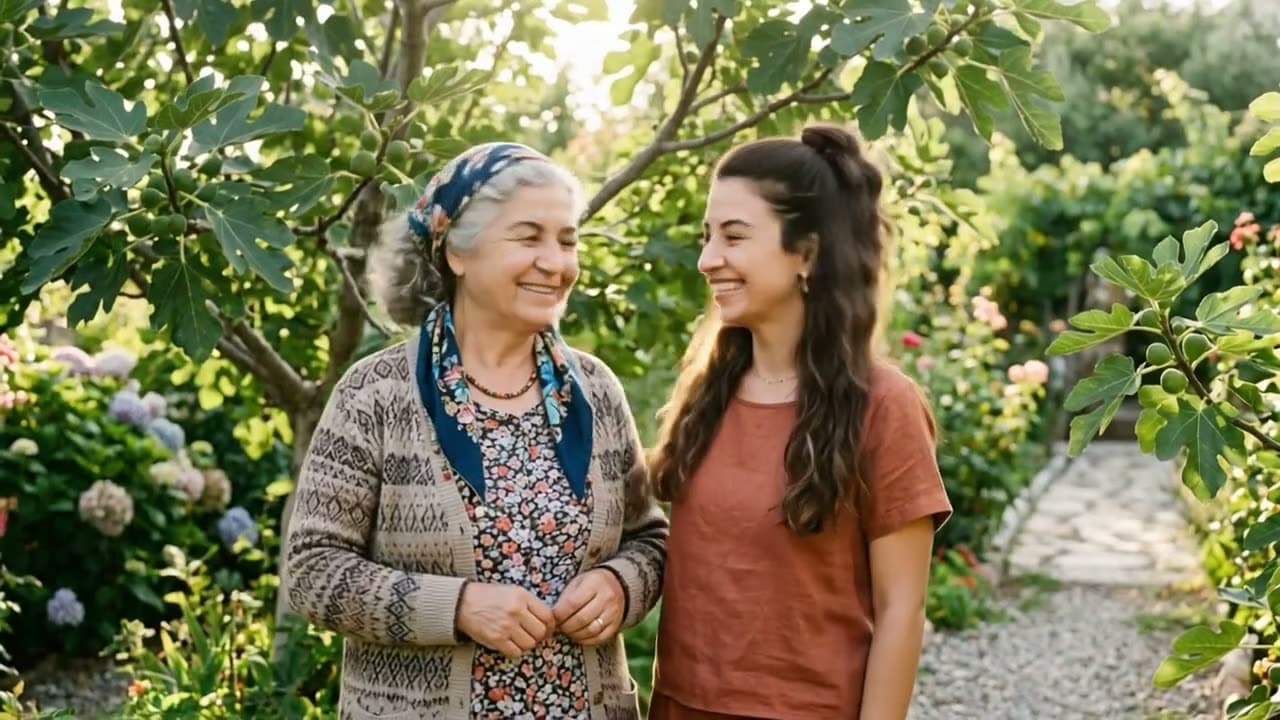
Real outputs
Made with this tool
Each sample shows the model that made it. Tap a video to open it with sound.
How it works
Three steps
Pick the effect
Choose Kling effects or PixVerse effects, then the template: Hug, Dance, Aging, Heart hands, and more.
Upload and confirm consent
Most templates need one photo; Heart hands needs two. Confirm that everyone in the photo agreed to it.
Generate and share
The clip is ready in a few minutes. Download it and post it, with a note that it was made with AI.
Models
Models you can use
Prices are in credits, and you see the exact cost before you generate. Credit packs start at $5 for 75 credits.
| Model | Best for | Credits |
|---|---|---|
| Kling effectsKuaishou | Ready-made templates like heart hands, birthday, money rain and pet dance. | 285 sec |
| PixVerse effectsPixVerse | Popular transformation and dance effects that work from a single photo. | 205 sec |
Highlights
Why make it here
No prompt to write
Every template has the motion built in. Pick it, upload a photo, and you're done.
Hug from one photo
Two people standing side by side in a single photo turn and hug each other.
Dance for people and pets
One template for a trending dance, another that gets your cat or dog dancing.
From 15 credits
PixVerse templates start at 15 credits for a 5-second clip, so trying a few effects doesn't cost much.
Ready to post
Short clips you can download and share straight to TikTok, Instagram, or a group chat.
Credits back on failure
If a generation doesn't finish, your credits are refunded automatically.
Templates
Every effect, and how many photos it needs
Effects are ready-made templates, so there's no prompt to write. There are 13 right now; one needs two separate photos, and the rest work from a single picture.
| Effect | Model | Photos | What happens |
|---|---|---|---|
| Hug | PixVerse effects | One photo | Two people standing side by side in the photo hug each other |
| Baby face | PixVerse effects | One photo | Turns their face into a baby's |
| Aging | PixVerse effects | One photo | Watch them age over the years |
| Muscle up | PixVerse effects | One photo | Instant bodybuilder muscles |
| Long hair | PixVerse effects | One photo | Hair grows long and flows in the wind |
| Dance | PixVerse effects | One photo | A viral dance trend |
| 3D figurine | PixVerse effects | One photo | Turns them into a collectible desk figurine |
| Eye zoom | PixVerse effects | One photo | A cinematic zoom into the eye |
| Zombie | PixVerse effects | One photo | Turns into a zombie |
| Heart hands | Kling effects | Two photos | The people from the two photos make a heart together with their hands |
| Happy birthday | Kling effects | One photo | A cake and a birthday celebration |
| Money rain | Kling effects | One photo | Cash rains down around them |
| Pet dance | Kling effects | One photo | Your pet breaks into a dance |
Dance effects
There are two dance templates. Dance in PixVerse effects makes the person in your photo perform a popular dance trend, and Pet dance in Kling effects gets a cat or dog up on its back legs. Both work from one photo with no prompt. For people, a waist-up or full-body photo where the arms fit inside the frame gives the best result. You can't pick the song or the choreography; the template applies one fixed routine. To copy a routine from your own clip instead, see the AI dance generator guide.
AI hug video
The Hug template needs one photo with two people side by side. The model turns them toward each other and animates the hug. Both faces should be clear and both people fully in the frame. Because it involves two real people, both have to agree to it.
Age progression and baby face
The Aging template shows the person at different ages across a few quick scenes; the background and clothes change too. Baby face turns the face into a baby version of itself. Both need one clear portrait facing the camera.
Better results
- Use a photo where the face fills a good part of the frame and the light is even.
- Glasses glare, hat shadows, and motion blur make templates struggle.
- Every run is different. If you don't like the first one, generating again with the same photo often fixes it.
- Want to describe the motion yourself? Use image to video instead.
Pricing
What effects cost
Prices depend on the model, length, and quality. You see the exact cost before you generate.
| PixVerse effects | 540p | 720p | 1080p |
|---|---|---|---|
| 5 seconds | 15 credits | 20 credits | 40 credits |
| 8 seconds | 30 credits | 40 credits | 80 credits |
| 10 seconds | 33 credits | 44 credits | Not available |
Kling effects templates are 28 credits for 5 seconds and 56 credits for 10 seconds. The 20 free credits you get at signup work for voiceovers only; effects become available after your first credit purchase. A 5-second PixVerse clip at 720p works out to $0.73–$1.33 depending on your credit pack. No subscription is required; see pricing for packs.
Consent
Only use photos of people who said yes
Effects change real people's faces and bodies, so before every generation you confirm that everyone in the photo has given permission. The generation won't start until you tick the box, and your confirmation is saved with the generation. For anyone under 18, permission has to come from a parent or guardian. Photos of celebrities and pictures you found online aren't allowed.
When you share an effect video, say that it was made with AI. If you use one in an ad, disclose it there too: TikTok, Meta, and YouTube each have rules for labeling realistic AI-generated content.
Honest limits
What this tool can't do
- Templates are fixed. You can't describe your own scene; use Text to Video or Image to Video for that.
- The dance template applies one routine. You can't choose the song or the moves.
- It's not a birthday video or slideshow editor. It can't combine several photos, add names, or add music.
- Two-person effects need both faces clear and facing the camera. Side profiles and distant shots break the result.
- There's no kiss template, and effects can't be used on photos of people who haven't agreed to it.
- Results vary from run to run. Sometimes you'll need to generate again.
FAQ
Common questions
Are AI video effects free?
No. We pay the AI provider for every video and image we generate, and free tries pushed that cost too high. Before you buy, you can watch the samples on our examples page: unedited outputs we made with these same models. The 20 free credits you get after signing up and verifying your email work for voiceovers. A 5-second PixVerse effect is 15 credits at 540p and 20 at 720p, and Kling templates are 28 credits for 5 seconds. You buy credits as you need them; the smallest option is the Mini pack, 75 credits for $5.
How do I make an AI dance video from a photo?
Open Effects in the Studio, choose PixVerse effects, pick the Dance template, upload a photo of the person, and generate. There's no prompt. A waist-up or full-body photo where the arms fit in the frame works best. A 5-second clip is 15 credits at 540p and 20 at 720p.
Can I make my pet dance?
Yes. The Pet dance template in Kling effects works from one photo of a cat or dog and gets it dancing on its back legs. A 5-second clip is 28 credits.
How does the AI hug effect work?
Upload one photo with two people standing side by side and choose the Hug template. The model turns them toward each other and animates the hug. Both faces need to be clear, and both people need to agree to it.
Which effects work with one photo?
All of them except Heart hands, which needs two separate photos that get combined into one scene.
How long are effect videos?
You choose 5 or 10 seconds on Kling effects and 5, 8, or 10 seconds on PixVerse effects. Some templates return a slightly longer clip than you picked because the routine has its own length.
How much does a dance or age effect cost?
PixVerse templates like Dance and Aging are 15 credits at 540p, 20 at 720p, and 40 at 1080p for 5 seconds ($0.73–$1.33 at 720p, depending on your credit pack). Longer clips cost more.
Why do I have to confirm consent?
Effects change real people's faces, so you confirm that everyone in the photo agreed before the generation starts. The confirmation is stored with the generation. With two-person templates, both people have to agree.
Do effect videos have sound?
It depends on the template. In our samples, the Kling effects templates and Aging came with sound, while Hug, Dance, and Baby face were silent. Add music when you post.
Is there an AI kiss effect?
No. We don't offer a kiss template. The closest option is the Hug template, and it still needs the consent of both people in the photo.
Try it now
Signing up is free. This tool becomes available after your first credit purchase, and packs start at $5 for 75 credits. No subscription needed, and you can watch the samples above before you decide.
Make an effect video