AI dance generator: make any photo dance
An AI dance generator turns one photo into a short dance video. Pick the Dance template for a person or Pet dance for a cat or dog, upload the photo, and the clip is ready in minutes with no prompt. To copy a routine you choose, upload your own dance clip and motion transfer puts those moves on the character in your photo.
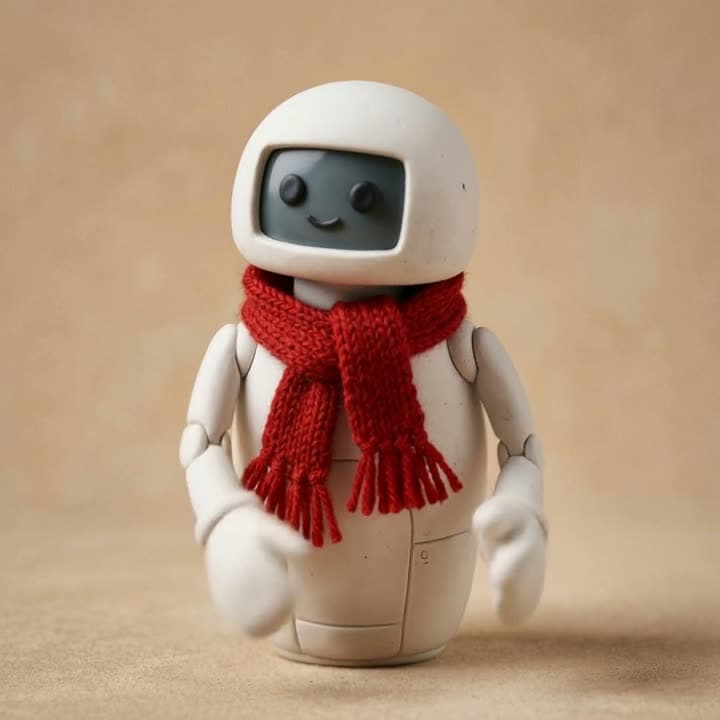
Example
The photo that went in, the video that came out
This video was made on this site with one of the models listed below.
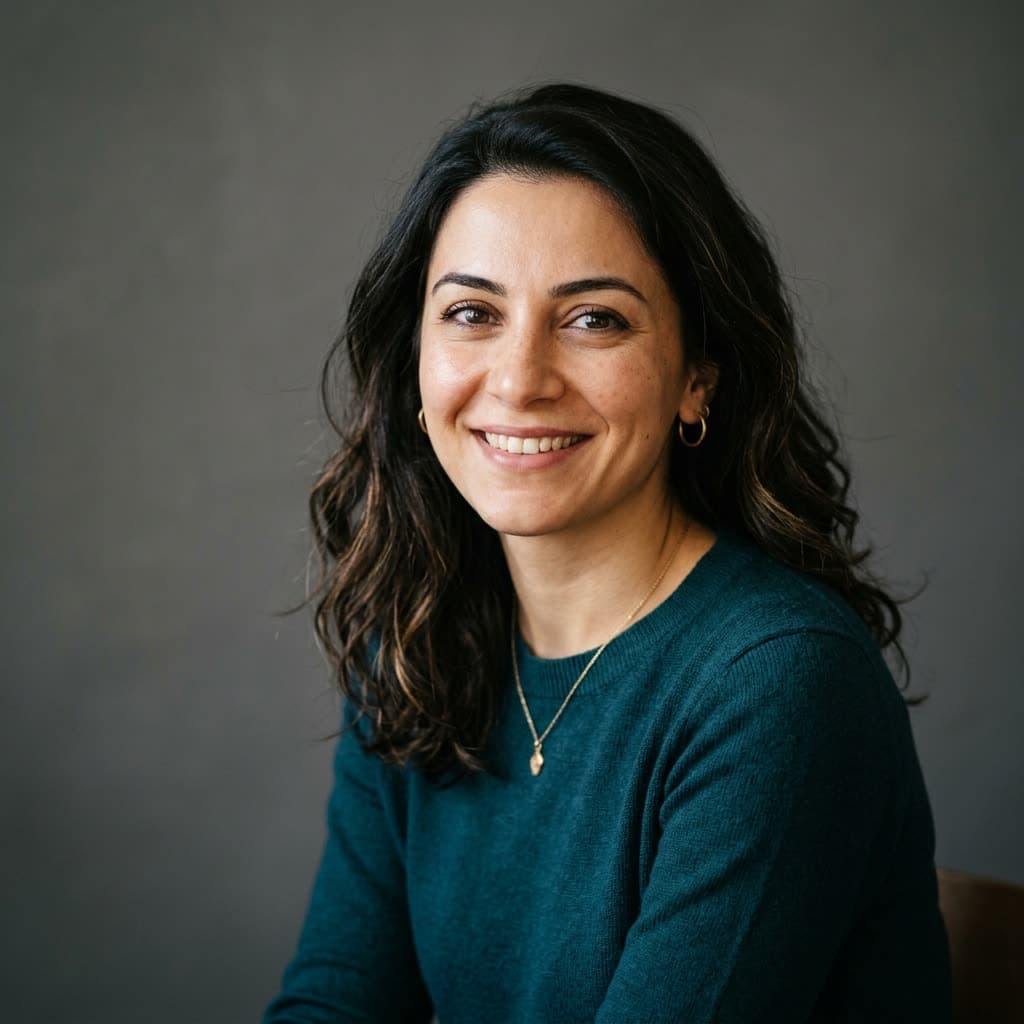
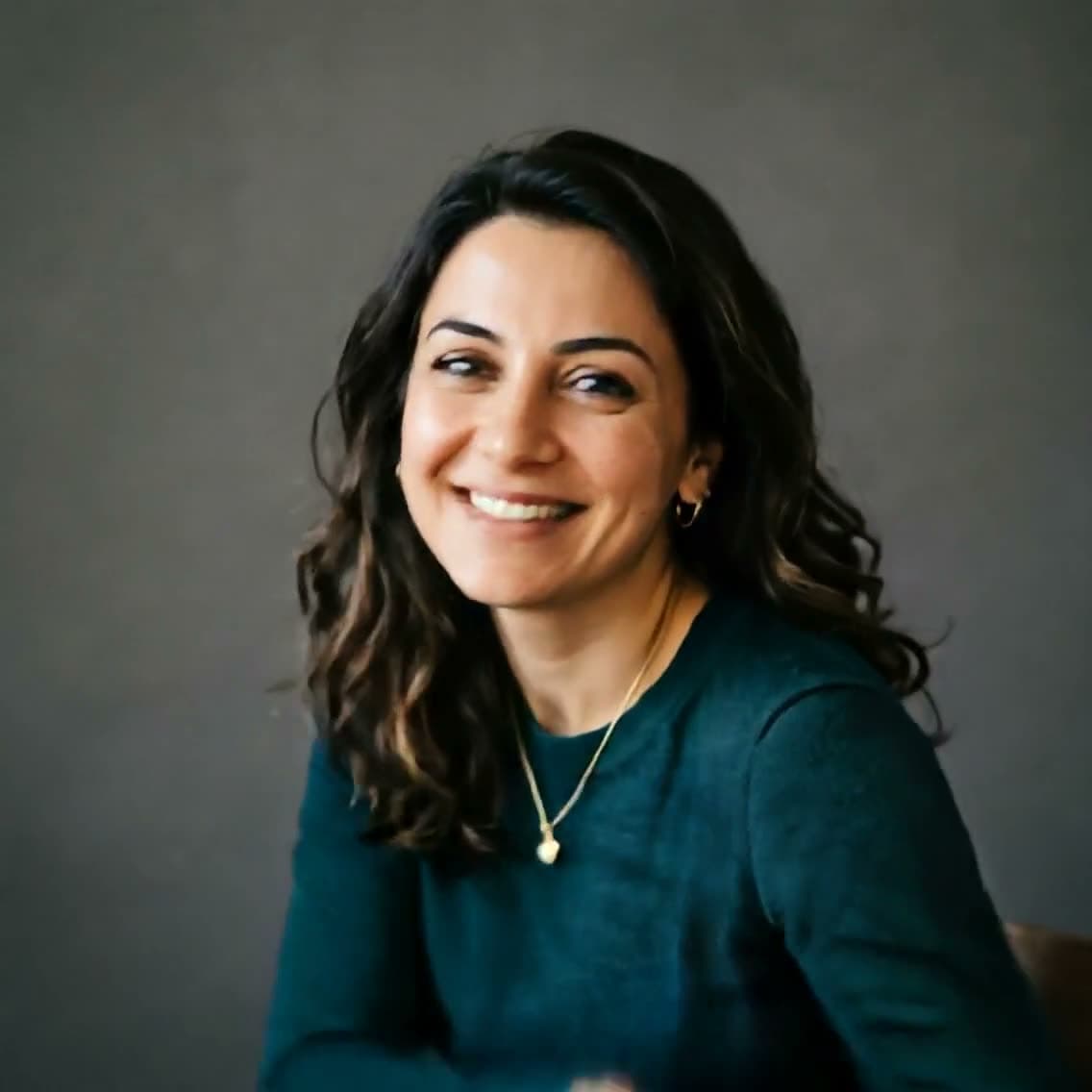
Real outputs
Made with this tool
Each sample shows the model that made it. Tap a video to open it with sound.
How it works
Three steps
Choose how to dance
Dance for a person, Pet dance for a pet, or motion transfer to copy the moves from your own clip.
Upload the photo
A clear photo of one person, pet, or character, ideally waist-up or full body with the arms in the frame. Only photos you have permission to use.
Generate and share
A template clip takes a few minutes. In our samples Dance came out silent and Pet dance came with sound, so plan to add music when you post.
Models
Models you can use
Prices are in credits, and you see the exact cost before you generate. Credit packs start at $5 for 75 credits.
| Model | Best for | Credits |
|---|---|---|
| Kling effectsKuaishou | Ready-made templates like heart hands, birthday, money rain and pet dance. | 285 sec |
| PixVerse effectsPixVerse | Popular transformation and dance effects that work from a single photo. | 205 sec |
Highlights
Why make it here
No prompt to write
Dance templates work from one photo. Upload it, generate, done.
Pets dance too
Pet dance gets a cat or dog dancing on its back legs, from one photo.
Your routine, any character
Motion transfer copies a 3–30 second dance from your clip onto a person, mascot, toy, or drawing.
Pay per clip
A 5-second template clip starts at 15 credits ($0.54–$1.00, depending on your pack). No subscription needed.
No face swap
Nobody's face is replaced. Templates animate the person in your photo; motion transfer takes only the movement from the clip.
Safety checks first
Photos of children, celebrities, and explicit content are blocked before generating, and a blocked request uses no credits.
Two ways
A dance template, or the moves from your own clip
Templates are the quick way: one photo, no prompt, one fixed routine. Motion transfer copies a routine you choose.
One photo, a dance template
In the Effects tool, Dance in PixVerse effects makes the person in your photo perform a popular dance trend, and Pet dance in Kling effects gets a cat or dog up on its back legs. Upload the photo and generate; there's nothing to type. A waist-up or full-body photo with the arms inside the frame gives the cleanest moves. The template decides the routine, so you can't pick the song or the steps.
Your own dance video: motion transfer
To copy a specific routine, use motion transfer. Upload a 3–30 second clip of one person dancing and a photo of the character who should dance, and Kling 3.0 Motion Control applies the same body movement, gestures, and timing to that character. Nobody's face is swapped; only the motion is taken from the clip. The result is as long as your clip and silent, so add the music when you post. More on the Kling Motion Control page.
Pets, mascots, and drawings
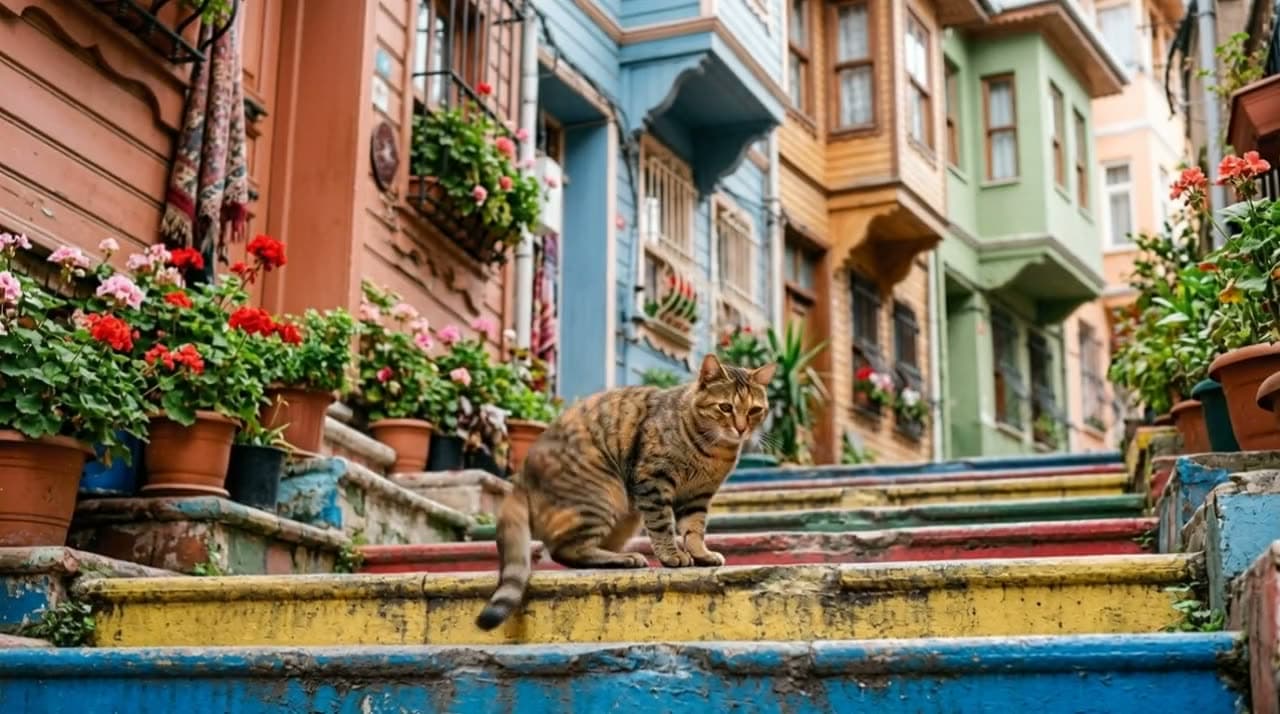
Both ways work beyond people. Pet dance is made for cats and dogs, and motion transfer can make a drawing, a plush toy, a clay figure, or your brand's mascot dance. A character with clear arms and legs, in a pose similar to the first frame of the clip, moves most naturally.
Costs
What a dance video costs
Templates have a fixed price per clip; motion transfer is priced by the length of your clip. The exact price shows before you generate.
| Way | Model | Length | Credits |
|---|---|---|---|
| Dance template (a person) | PixVerse effects | 5 sec, 540p | 15$0.54–$1.00 |
| Dance template (a person) | PixVerse effects | 5 sec, 720p | 20$0.73–$1.33 |
| Pet dance template (a cat or dog) | Kling effects | 5 sec | 28$1.02–$1.87 |
| Motion transfer from your clip | Kling 3.0 Motion Control | 10 sec, 720p | 126$4.58–$8.40 |
| Motion transfer from your clip | Kling 3.0 Motion Control Pro | 10 sec, 1080p | 168$6.10–$11.20 |
PixVerse effects also renders at 1080p (40 credits for 5 seconds), and Kling effects templates are 56 credits for 10 seconds. A full 30-second motion transfer on Kling 3.0 Motion Control is 378 credits. Packs start with the Mini pack, 75 credits for $5.
Consent
Whose photo can dance?
- Your own photo, or the photo of an adult who agreed to it. Ask first, and tell people the video is AI-made when you share it.
- Photos of children, celebrities, and public figures are blocked. So are clips with nudity or explicit content.
- The photo and the clip are checked before anything is generated; a blocked request uses no credits.
Honest limits
What this tool can't do
- Templates apply one fixed routine. You can't choose the song, the steps, or the tempo.
- Dance came out silent in our sample, and motion transfer doesn't carry the clip's audio. Add music in your editor.
- One person per photo and per clip works best; groups confuse the model.
- Photos of children, celebrities, and public figures can't be used. A real person's photo needs their permission.
- Motion transfer clips must be 3–30 seconds long, with a steady camera and the dancer fully in frame.
FAQ
Common questions
How do I make a photo dance with AI?
Open Effects in the Studio, choose PixVerse effects, pick the Dance template, upload a photo of the person, and generate. There's no prompt. A 5-second clip is 15 credits at 540p and 20 at 720p.
Is there a free AI dance generator here?
No. Each dance clip is made by a paid video model, so it needs credits. Signing up is free, a 5-second template clip starts at 15 credits, and packs start with the Mini pack, 75 credits for $5.
Can I choose the song or the dance?
Not with a template: each one applies a fixed routine, and Dance came out silent in our sample. To choose the dance, use motion transfer with a clip of the routine, then add your song when you edit.
Can I make my cat or dog dance?
Yes. The Pet dance template in Kling effects works from one photo of a cat or dog and gets it dancing on its back legs. A 5-second clip is 28 credits.
How do I copy a dance from a TikTok onto my character?
Use motion transfer: upload a 3–30 second clip of one person doing the dance and a photo of your character. Use a clip you filmed or have the rights to. A 10-second transfer is 126 credits on Kling 3.0 Motion Control and 168 on Kling 3.0 Motion Control Pro.
Is this a deepfake?
No. No face is swapped onto anyone. Templates animate the person in the photo you upload, and motion transfer takes only the body movement from the clip. You can still only use a real person's photo if it's you or you have their permission.
How long is an AI dance video?
Template clips are 5 to 10 seconds. Motion transfer runs as long as your reference clip, up to 30 seconds.
Try it now
Signing up is free. This tool becomes available after your first credit purchase, and packs start at $5 for 75 credits. No subscription needed, and you can watch the samples above before you decide.
Make a dance video