AI image generator
An AI image generator turns a written description into a new picture, from a realistic product photo to a watercolor illustration. Type what you want, then pick one of three models: Meta's Muse Image at 2 credits per image, Google's Nano Banana 2 for images with text, or OpenAI's GPT Image 2.5 for the finest detail. Most images are ready in under a minute.
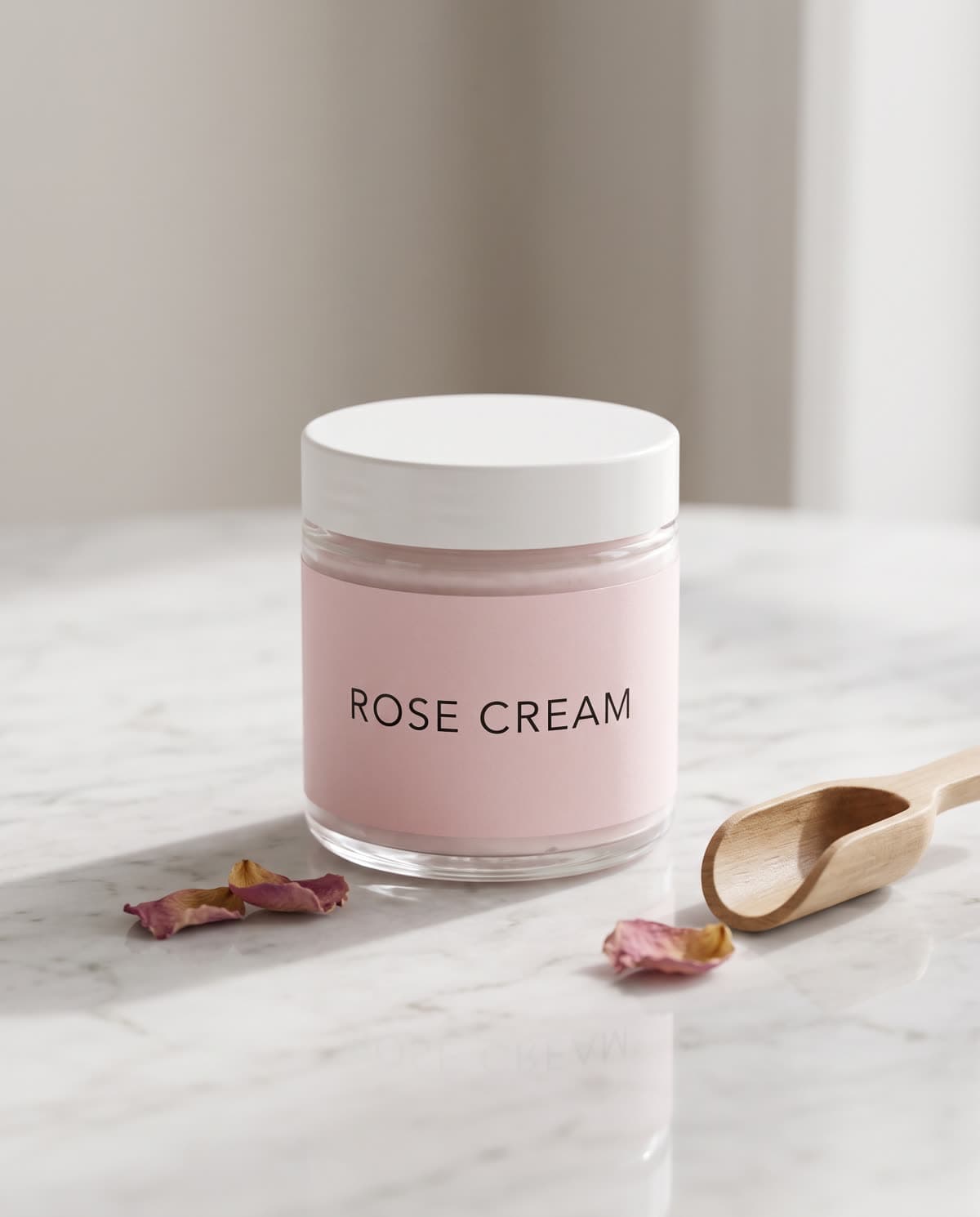
Real outputs
Made with this tool
Each sample shows the model that made it. Tap one to see it full size.
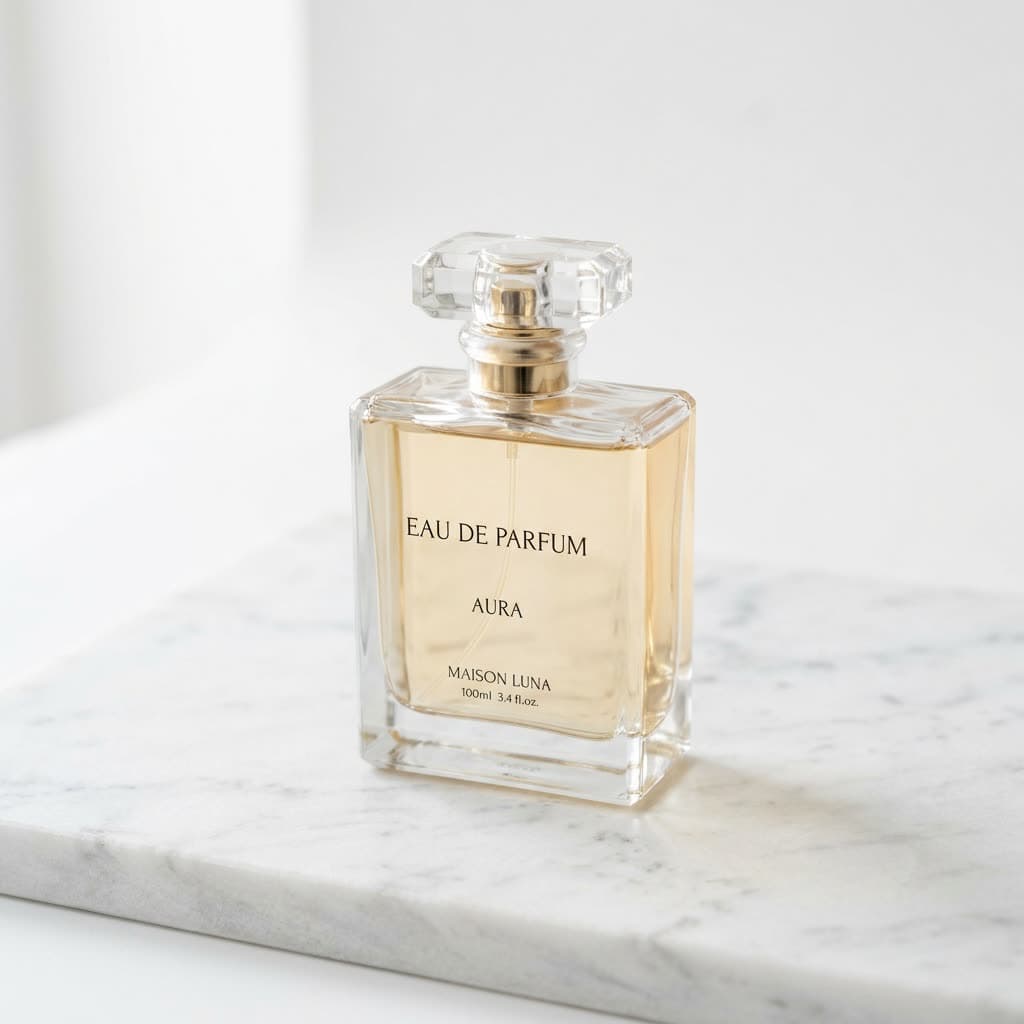
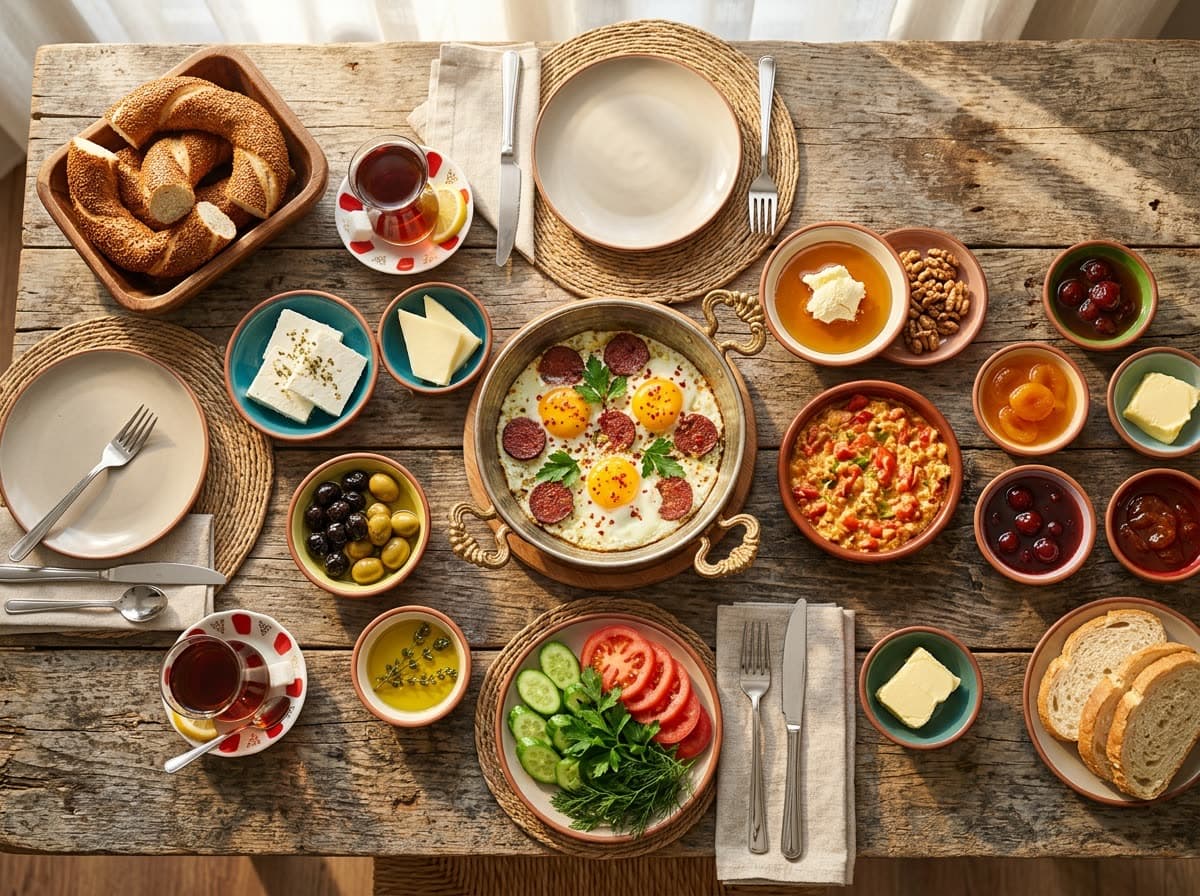
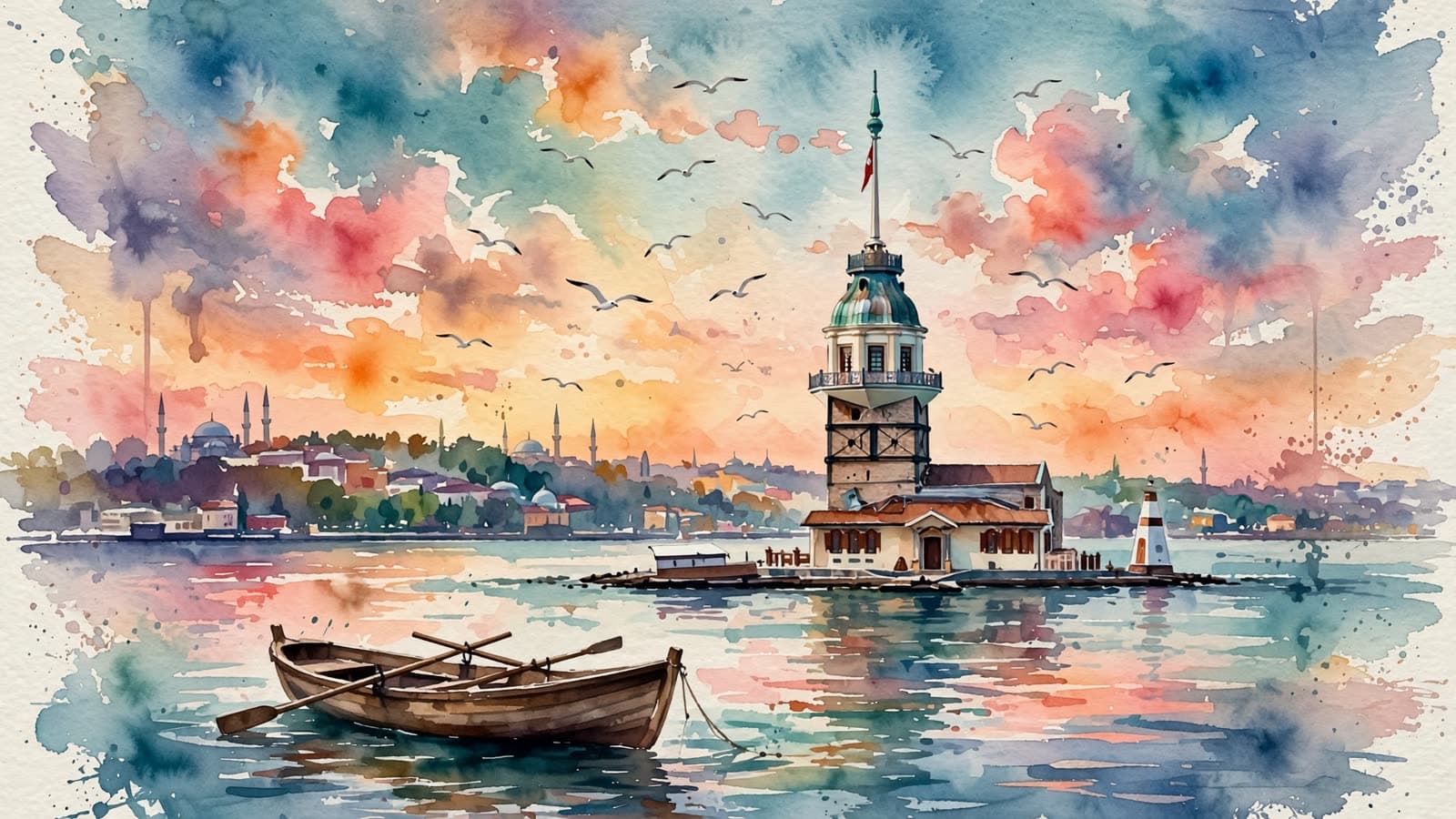
How it works
Three steps
Pick a model
Muse Image for cheap, fast ideas; Nano Banana 2 for text and 4K; GPT Image 2.5 for the most detail. The credit cost shows as you choose.
Describe the image
Subject, setting, and style are enough to start. Put any words that should appear in the image in quotes.
Set the shape and generate
Choose square, vertical, or horizontal, and set the quality. The image lands in your Library, ready to download.
Models
Models you can use
Prices are in credits, and you see the exact cost before you generate. Credit packs start at $5 for 75 credits.
| Model | Best for | Credits |
|---|---|---|
| Muse ImageMeta | Very cheap and fast. Good for testing ideas and making lots of images. | 2per image |
| Nano Banana 2Google | High quality with accurate lettering. The best pick for putting text on an image. | 8per image |
| GPT Image 2.5OpenAI | OpenAI's newest image model, at the top of independent comparisons. Excellent at fine detail, realism and text inside the image. | 25per image |
Highlights
Why make it here
Three top models
Meta, Google, and OpenAI image models in one place. Run the same prompt on all three and keep the best.
Readable text in images
Nano Banana 2 and GPT Image 2.5 handle headlines, signs, labels, and menus well. Handy for posts and posters.
From 2 credits per image
Muse Image is cheap enough to explore dozens of ideas before you commit to a final.
Up to 4K
Nano Banana 2 renders at 1K, 2K or 4K, so images hold up in print and on large screens.
From image to video
Send any image you like to Image to Video and animate it in a few clicks.
Credits back on failure
If a generation doesn't finish, your credits are refunded automatically and show as a refund in your credit history.
Compare
Which image model should you use?
All three run in the same Studio. They differ in price, speed, and how well they put text on an image.
| Model | Credits | Speed | Text in images | Best for |
|---|---|---|---|---|
| Muse Image (Meta) | 2 | Usually under a minute | Short headlines came out right in our test (one try) | Brainstorming, lots of variations, and illustration or watercolor styles |
| Nano Banana 2 (Google) | 8 / 12 / 16 (1K / 2K / 4K) | Usually under a minute | Strong: short headlines and signs come out right | Social posts and posters with text, product and food shots, and 4K prints |
| GPT Image 2.5 (OpenAI) | 5 to 25 | Slowest: up to about 90 seconds at max quality | Strong: menus, labels, and prices came out clean | Finest detail and realism; campaign and product images |
All three are recent: Meta announced Muse Image on July 7, 2026, Google released Nano Banana 2 on February 26, 2026, and OpenAI introduced GPT Image 2.5 on September 8, 2026. For an independent view, the Artificial Analysis text to image leaderboard ranks models by blind votes. As of Sep 23, 2026, GPT Image 2.5 Sunburst at max quality was first with 1197 Elo, Nano Banana 2 sixth with 1122, and Muse Image seventh with 1112. All three are in the top seven, so the choice comes down to the job and the budget more than raw quality.
Cost per image
No subscription is required. You buy credits and spend them per image. Muse Image is 2 credits ($0.07–$0.13), Nano Banana 2 at 1K is 8 credits ($0.29–$0.53), and GPT Image 2.5 at max quality in square is 25 credits ($0.91–$1.67). GPT Image 2.5 at standard quality is 5 credits for horizontal or vertical and 7 for square; at max quality, horizontal and vertical are 19. The dollar ranges depend on which credit pack you buy; see pricing.
The 20 free credits new accounts get after verifying their email work for voiceovers, not images. Image tools become available after your first credit purchase: the Mini pack, 75 credits for $5, covers 37 images with Muse Image or 9 with Nano Banana 2. There's no daily cap: you can generate as long as you have credits.
Prompting
How to write an image prompt
A strong prompt usually has five parts: the subject, the setting, the light, the framing, and the style. This one has all five, plus a line of text:
A ceramic coffee mug on a sunlit kitchen counter, morning light through the window, shallow depth of field, product photo. The mug says “Good Morning” in hand-lettered black script.
- For photos, say so: “product photo,” “35mm street photography,” “studio portrait.”
- For art, name the style: watercolor, oil painting, 3D render, flat illustration, anime.
- Pick the shape (square, vertical, or horizontal) in the Studio instead of describing it.
- If the result looks generic, add a place, a time of day, and a mood.
Text
Putting words on an image
Put the exact words in quotes and say where they go: “the sign above the door reads ‘Open Late.’” Short headlines, signs, and labels usually come out right on all three models. Small background text and long paragraphs still slip, so proofread before you use the image.
Prompt help rewrites short prompts into more detailed ones. If the quoted text must stay exactly as typed, turn prompt help off and write the full prompt yourself.
Need the image to move? Download it and bring it to Image to Video. For videos with a logo or readable text, that route is more reliable than asking a video model to write.
Honest limits
What this tool can't do
- It creates new images from text. It doesn't edit your photos, remove backgrounds, or merge two pictures.
- Real people, celebrities, and copyrighted characters can't be generated.
- Each generation gives one image, and the same prompt never produces the exact same picture twice.
- Short headlines usually come out right, but small background text and long paragraphs can have typos. Always proofread.
FAQ
Common questions
What is the best AI image generator?
It depends on the job. On the Artificial Analysis blind-vote leaderboard (Sep 23, 2026), GPT Image 2.5 at max quality ranks first, Nano Banana 2 sixth, and Muse Image seventh. In practice: GPT Image 2.5 for the finest detail, Nano Banana 2 for images with text, Muse Image for cheap, fast variations.
Is there a free AI image generator?
Not here. We pay the AI provider for every video and image we generate, and free tries pushed that cost too high. Before you buy, you can watch the samples on our examples page: unedited outputs we made with these same models. The 20 free credits you get after signing up and verifying your email work for voiceovers. For images, you buy credits as you need them: the Mini pack, 75 credits for $5, covers 37 images with Muse Image or 9 with Nano Banana 2. There's no subscription requirement, and credits don't expire.
How much does an AI image cost?
Muse Image is 2 credits per image ($0.07–$0.13). Nano Banana 2 is 8 credits at 1K, 12 at 2K, and 16 at 4K. GPT Image 2.5 ranges from 5 to 25 credits depending on quality and shape. Dollar prices depend on your credit pack.
How does AI turn text into an image?
Image models are trained on huge numbers of images paired with descriptions. When you type a prompt, the model builds a new image that matches it. It doesn't copy or search for an existing picture.
Can I make realistic photos, not just art?
Yes. The style you write decides it. “Product photo,” “35mm photo,” or “studio portrait” gets you something that looks shot on a camera; “watercolor,” “oil painting,” or “3D render” gets you art.
Can I upload my own photo and edit it?
Not here. This tool only creates new images from text. To animate a photo you already have, use Image to Video.
Do the images have a watermark?
We don't add a visible watermark. Google says images made with Nano Banana models carry an invisible SynthID watermark, including through the API. We haven't verified invisible marks on the other models, so don't present generated images as real photos.
Can I use AI images commercially?
Yes, for personal and commercial work, as long as you follow our terms and the law. The model providers' terms apply too. If an image depicts a realistic person or event, label it as AI-generated.
Can I put text on an AI image?
Yes. Put the words in quotes and say where they go. Nano Banana 2 and GPT Image 2.5 get short text right most of the time, and Muse Image handled a short headline in our test. Proofread small or long text.
Try it now
Signing up is free. This tool becomes available after your first credit purchase, and packs start at $5 for 75 credits. No subscription needed, and you can watch the samples above before you decide.
Generate an image