Product Shoot
AI product photography: studio, model and ad shots from one photo
Product Shoot is the AI product photography studio in Klakix. Upload one phone photo of your product; the background is separated and the product is recognized automatically. Pick a model or none, choose styles or let the art director suggest six shot ideas, select formats such as Amazon's 2000×2000 main image, and the whole set renders in one batch.
Upload products and get the art director's ideas before you spend a credit.
Quick answer
- What you get
- White-background packshots, studio and lifestyle scenes, on-model photos, virtual try-on, and ad images with your headline and price.
- What you upload
- One clear photo of the product. Back, side, detail and label photos are optional, up to four per product.
- Cost
- 3 credits for a white-background image, from 11 for a scene, a model shot or a virtual try-on. The total shows before you shoot.
- Sizes
- Amazon main image 2000×2000, marketplace square, Instagram square and portrait, Stories and Reels 9:16, a 1200×628 ad banner and Pinterest 2:3.
- Product accuracy
- White-background shots keep your product's real pixels. Scenes are compared with your product, and if it changed, you can redo the image once for free.
- AI disclosure
- Exports carry IPTC metadata that marks them as AI-generated, and the ad designer can add a visible AI label.
Real outputs
Made with Product Shoot
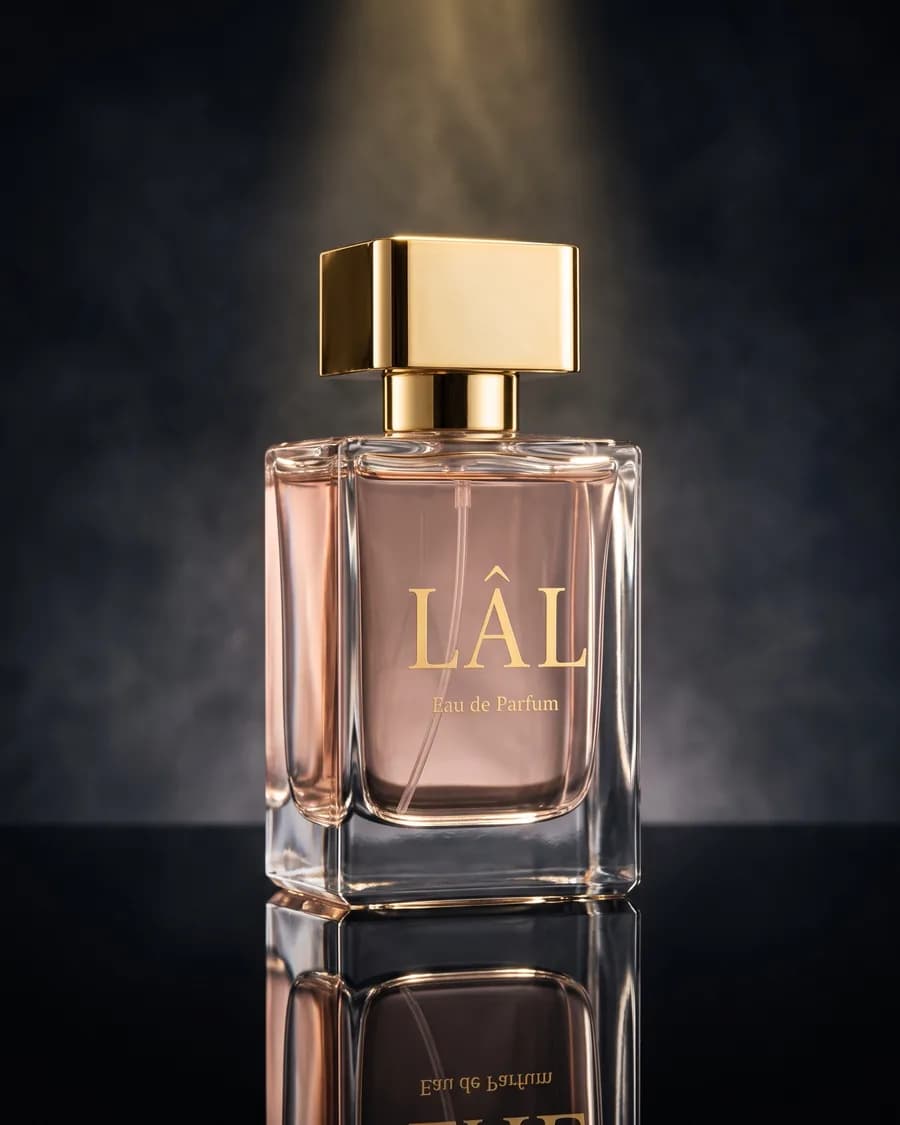
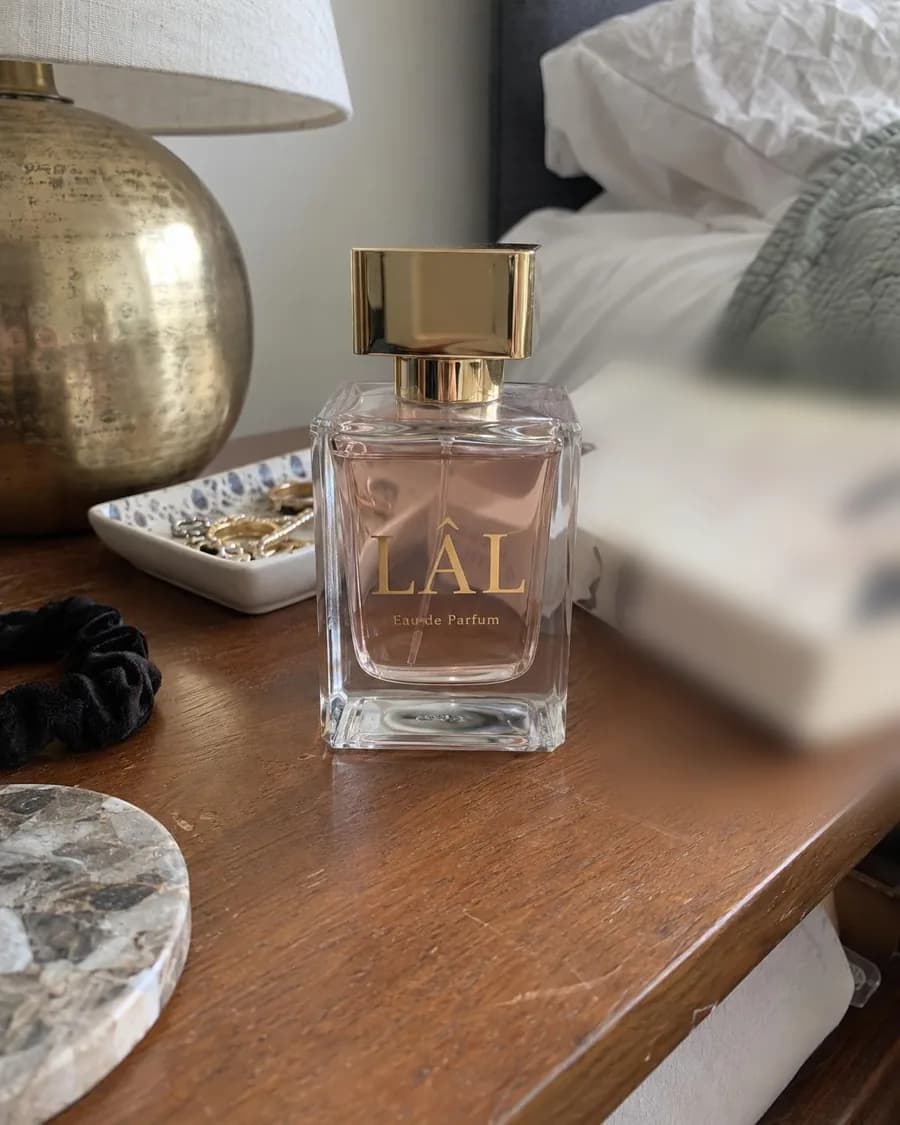
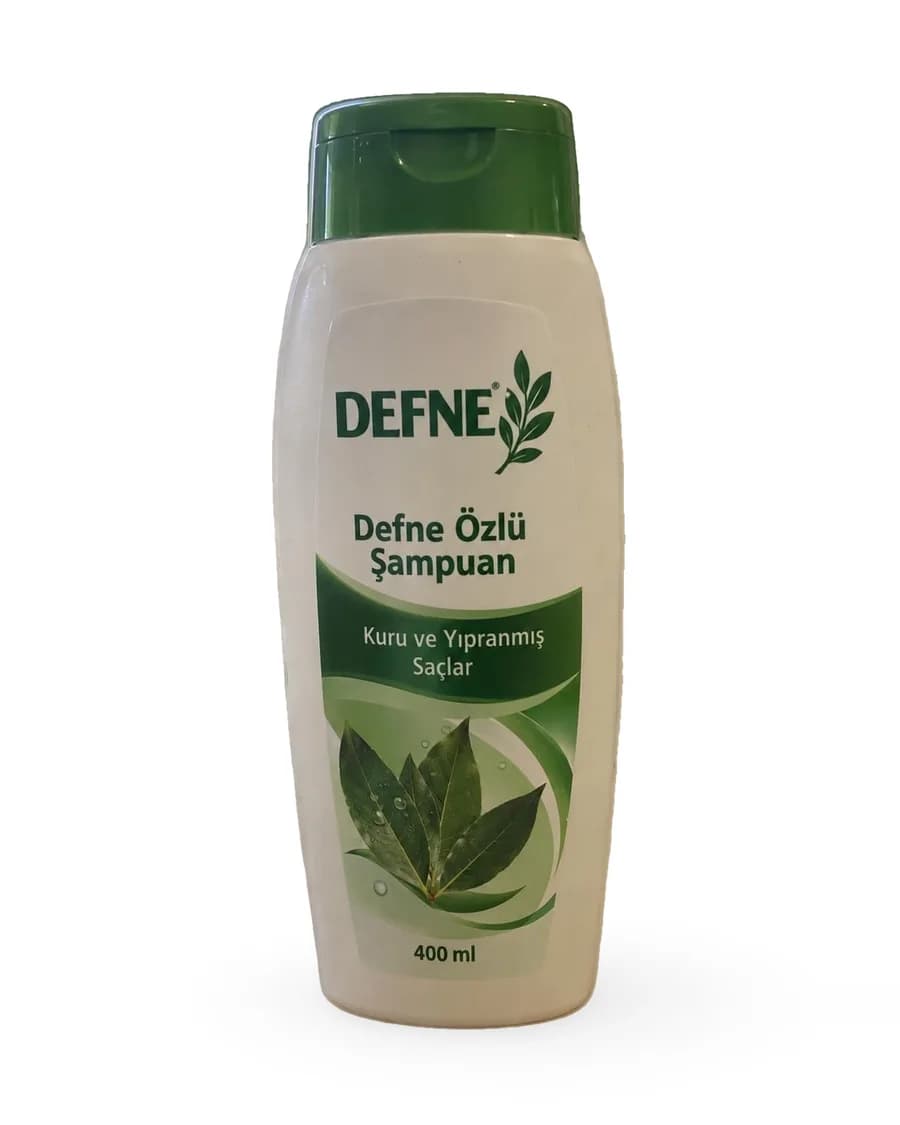
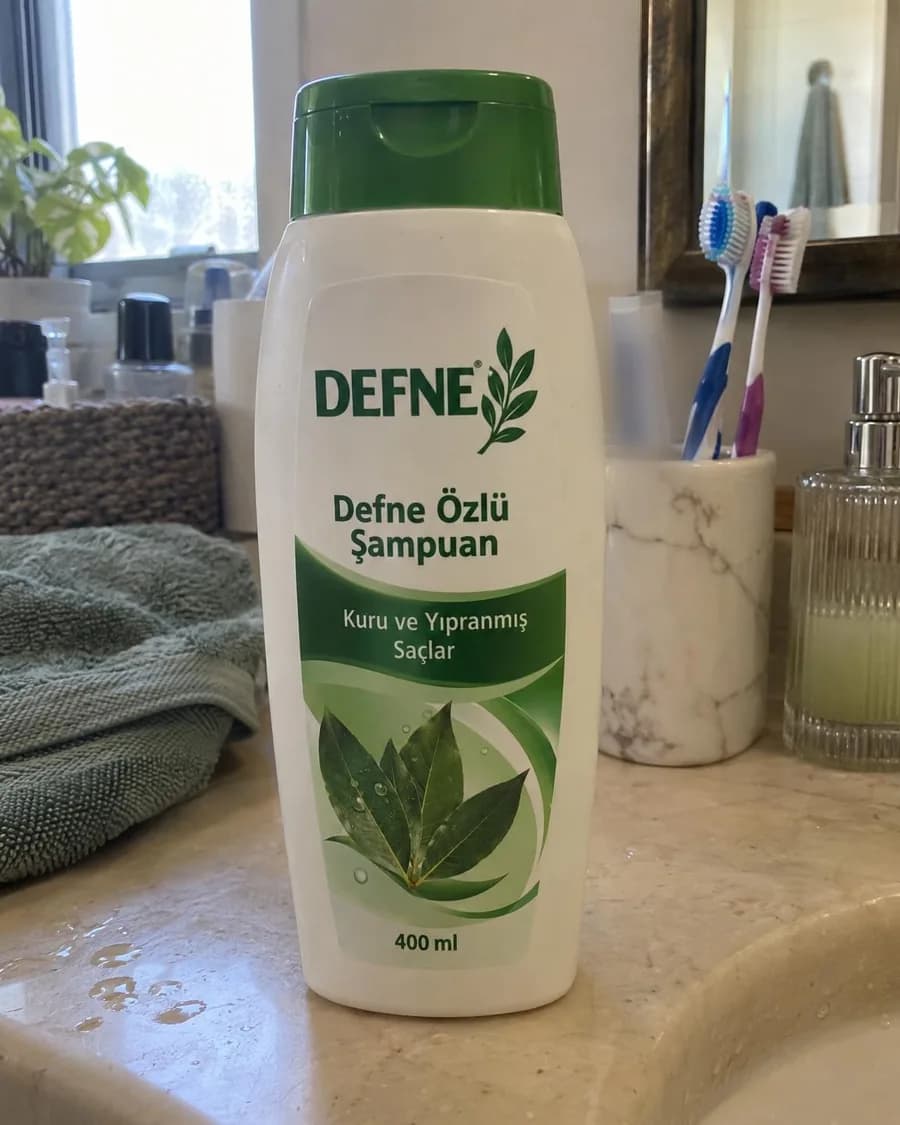
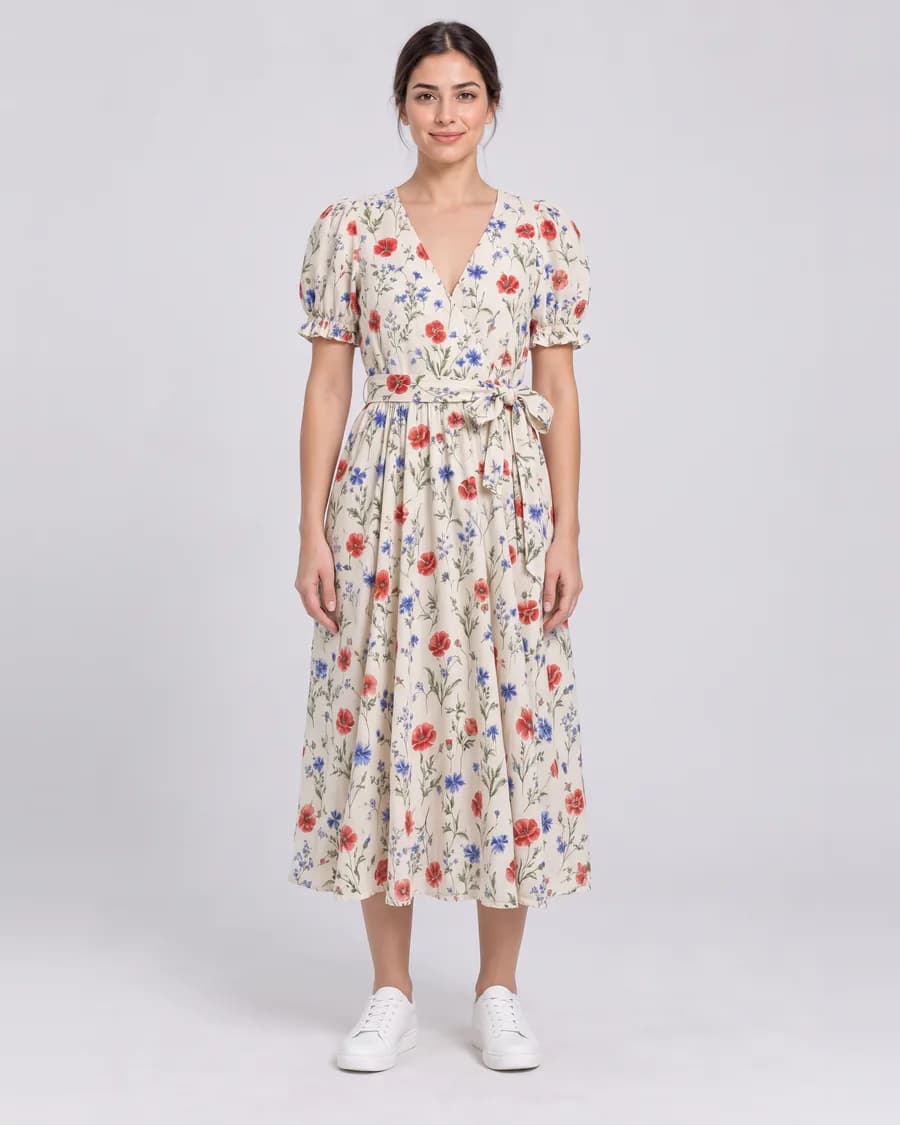
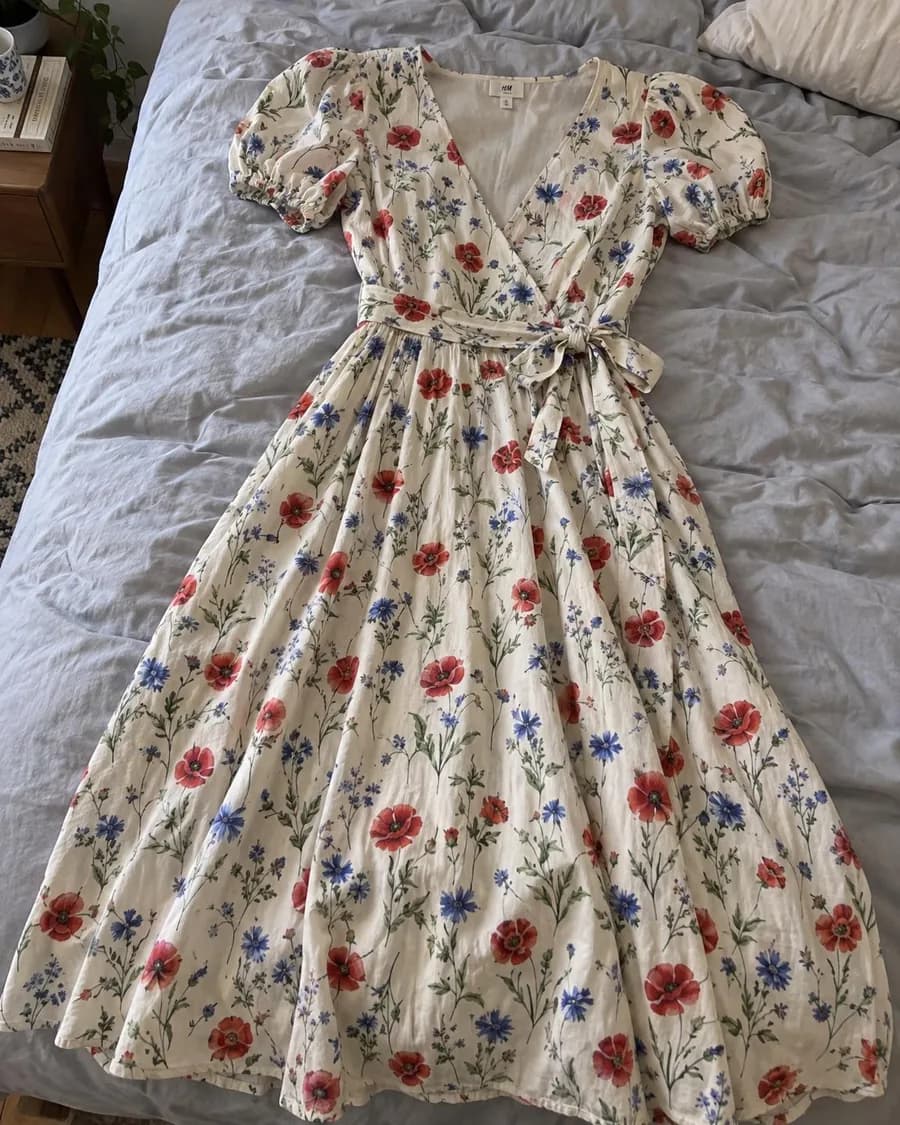
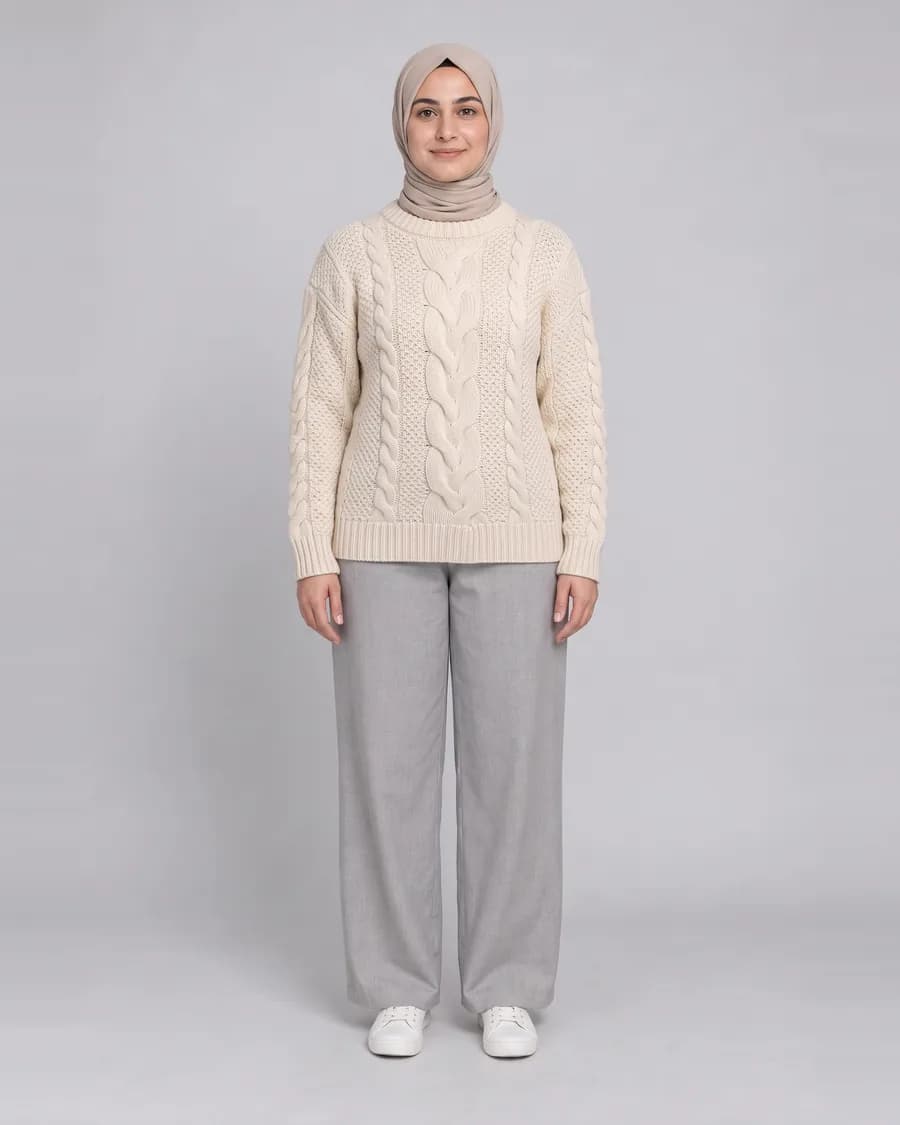
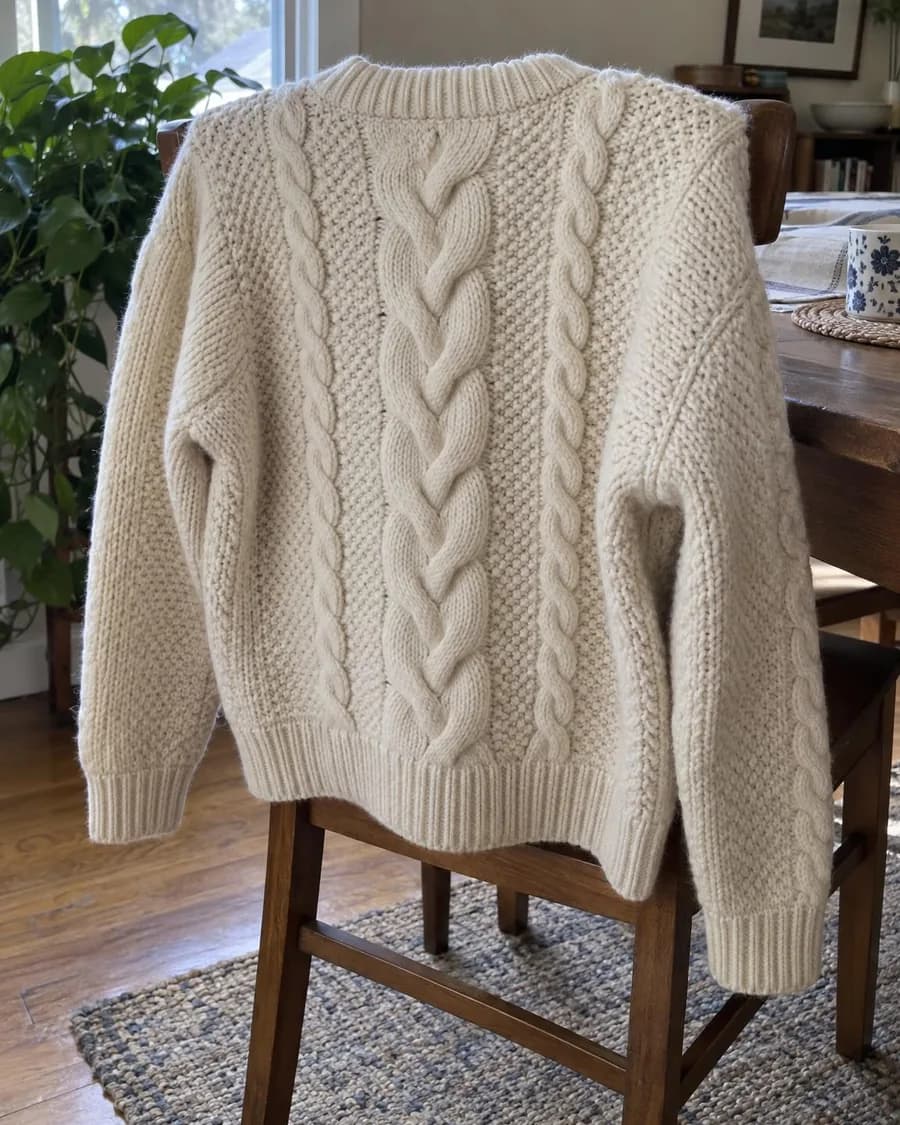
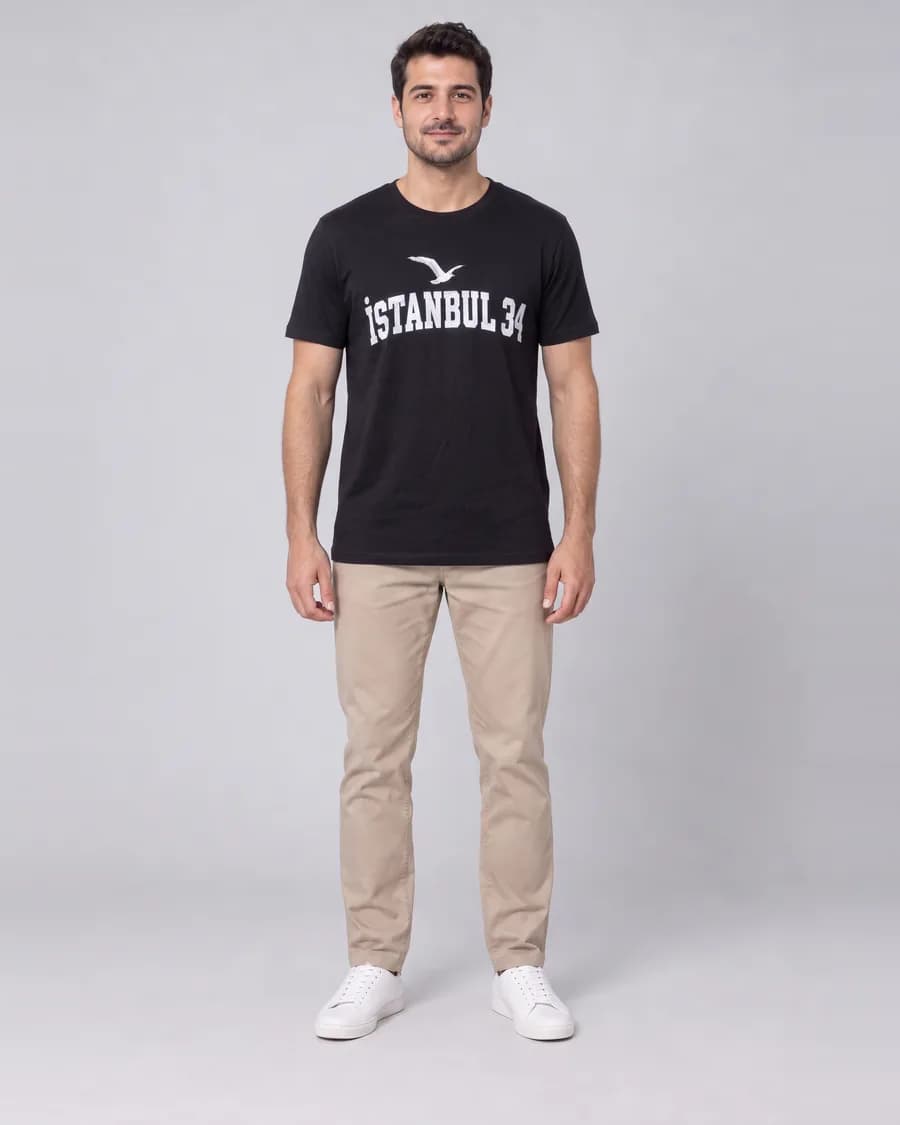
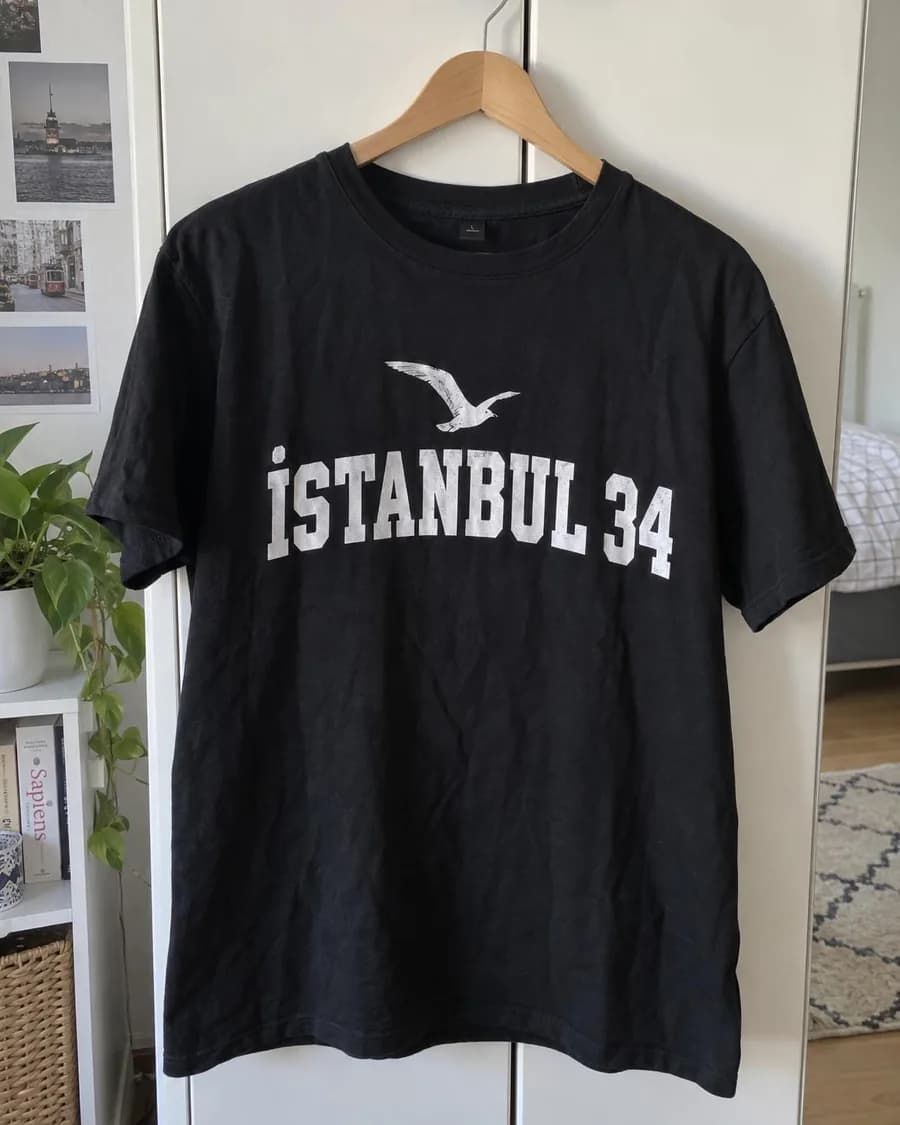
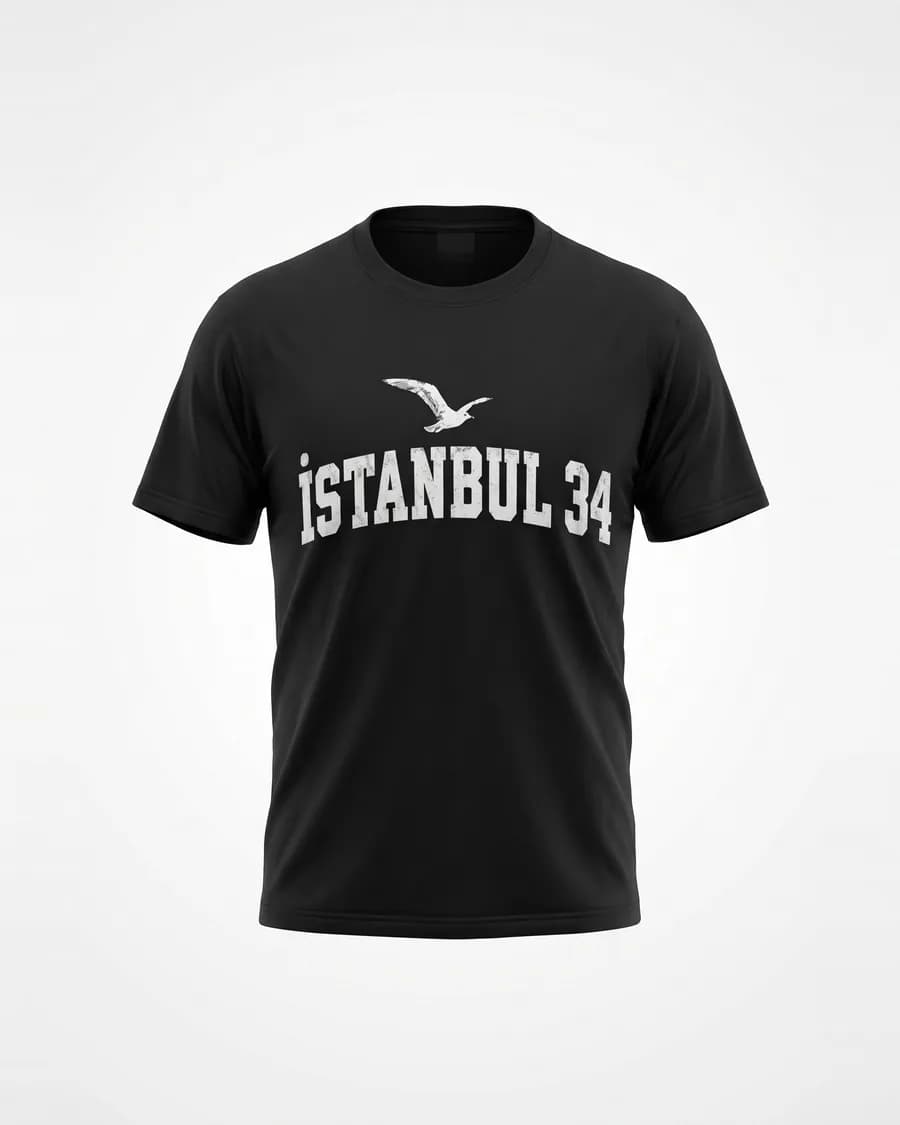
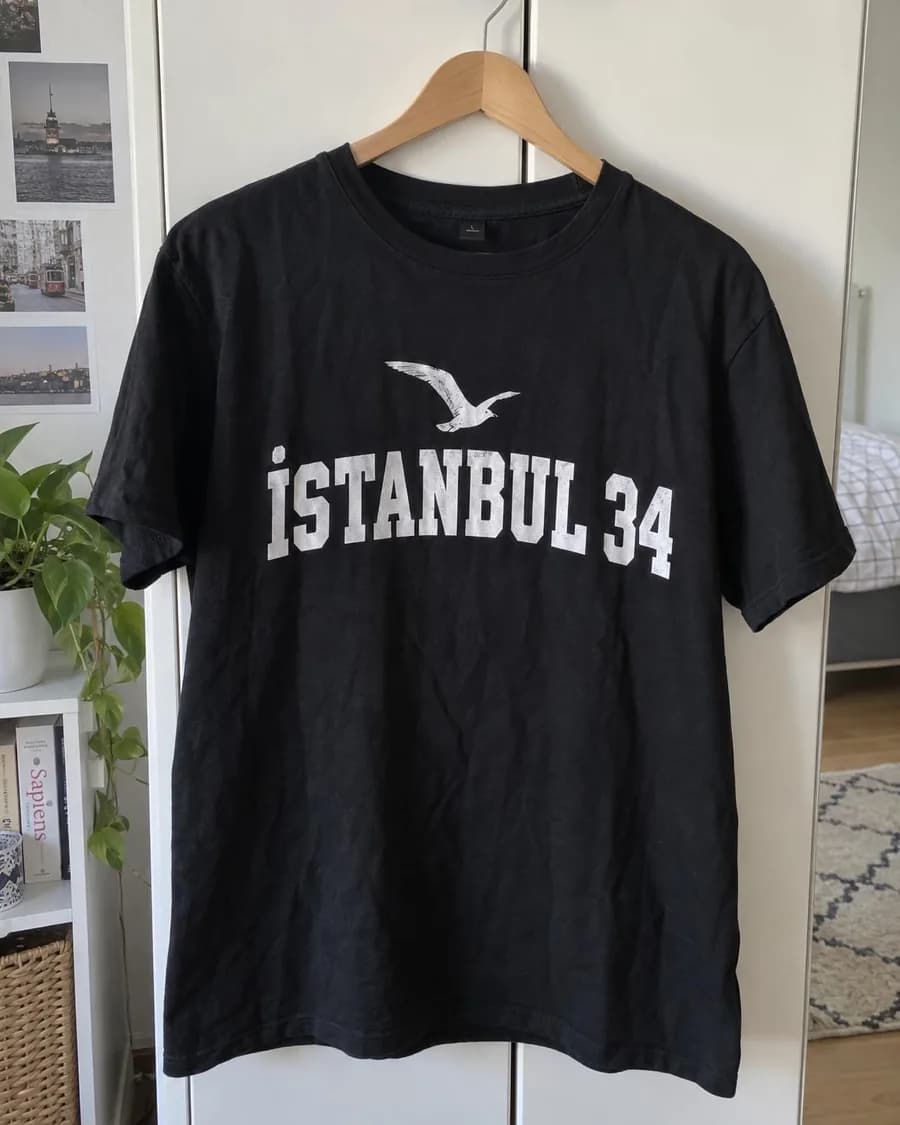
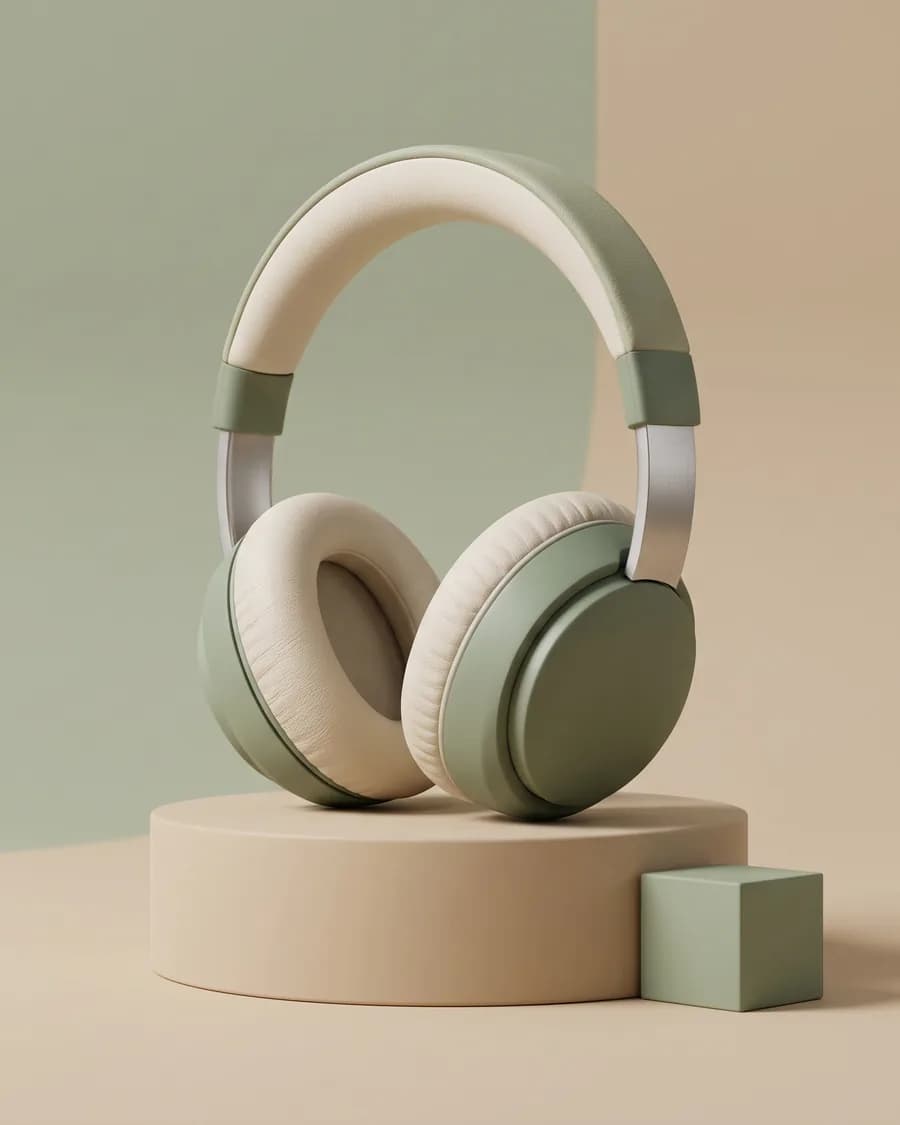
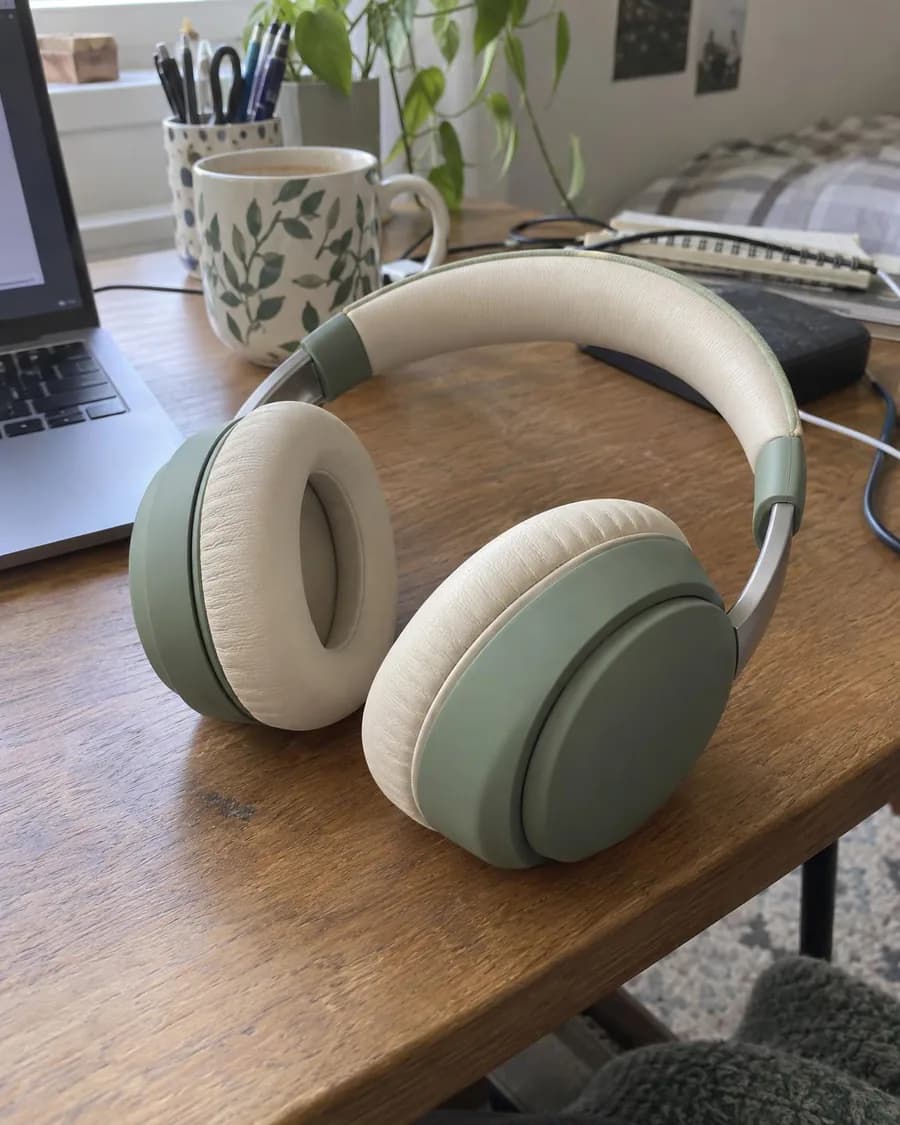
Each pair shows the photo that went in and the image that came out, with the style and the model that made it.
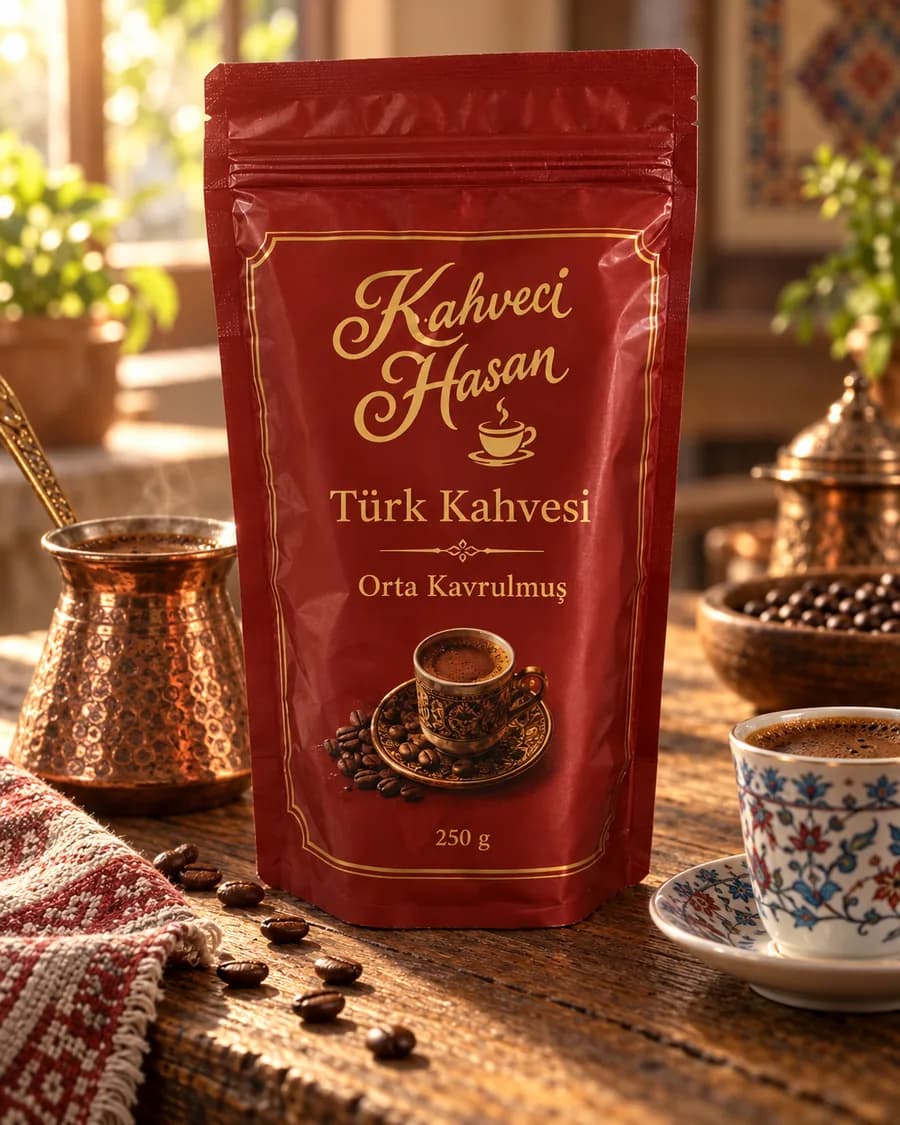
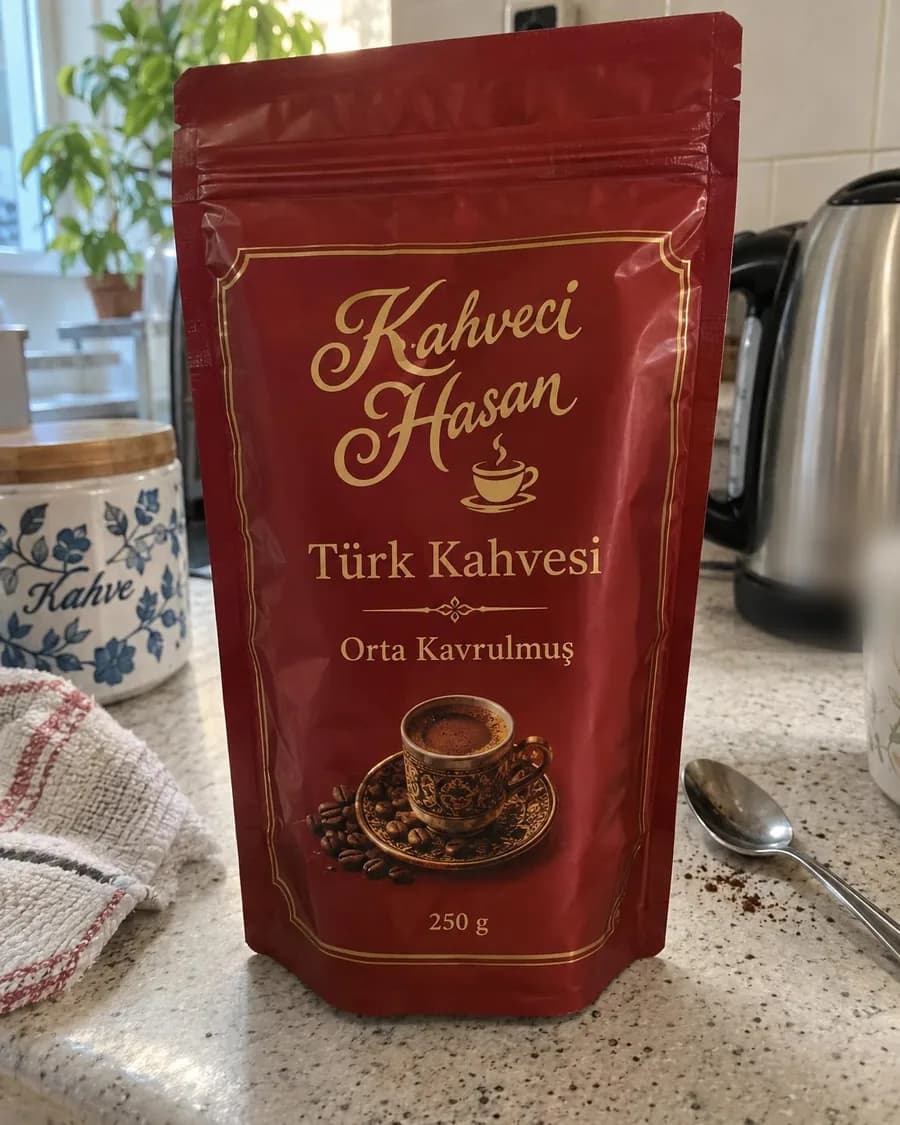
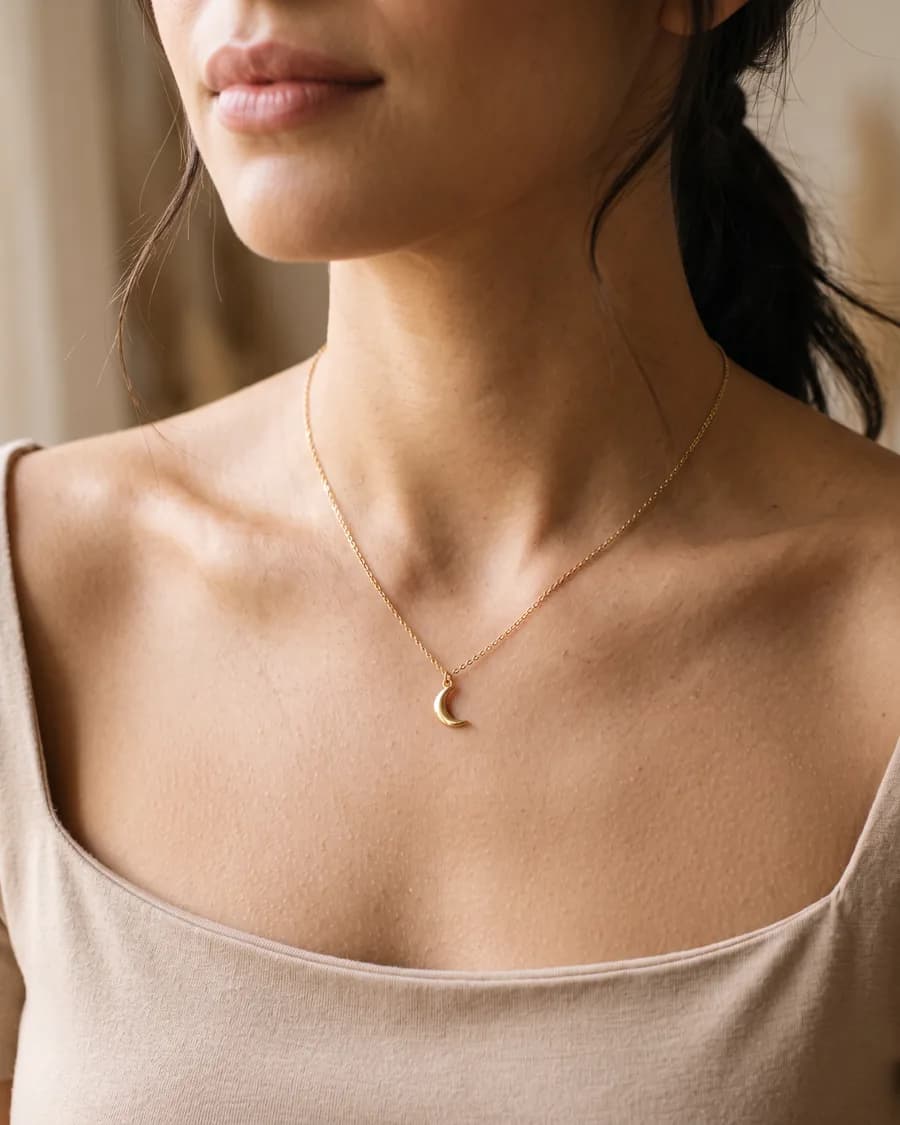
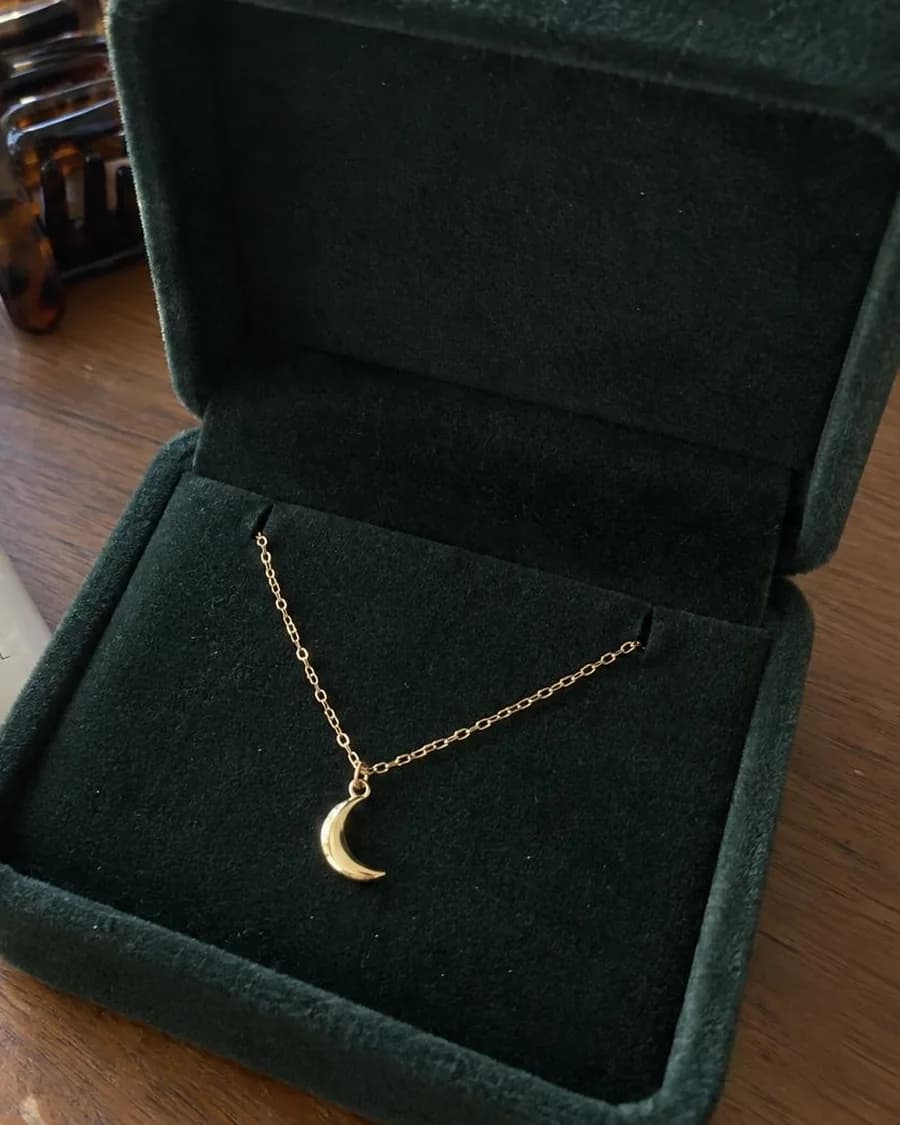
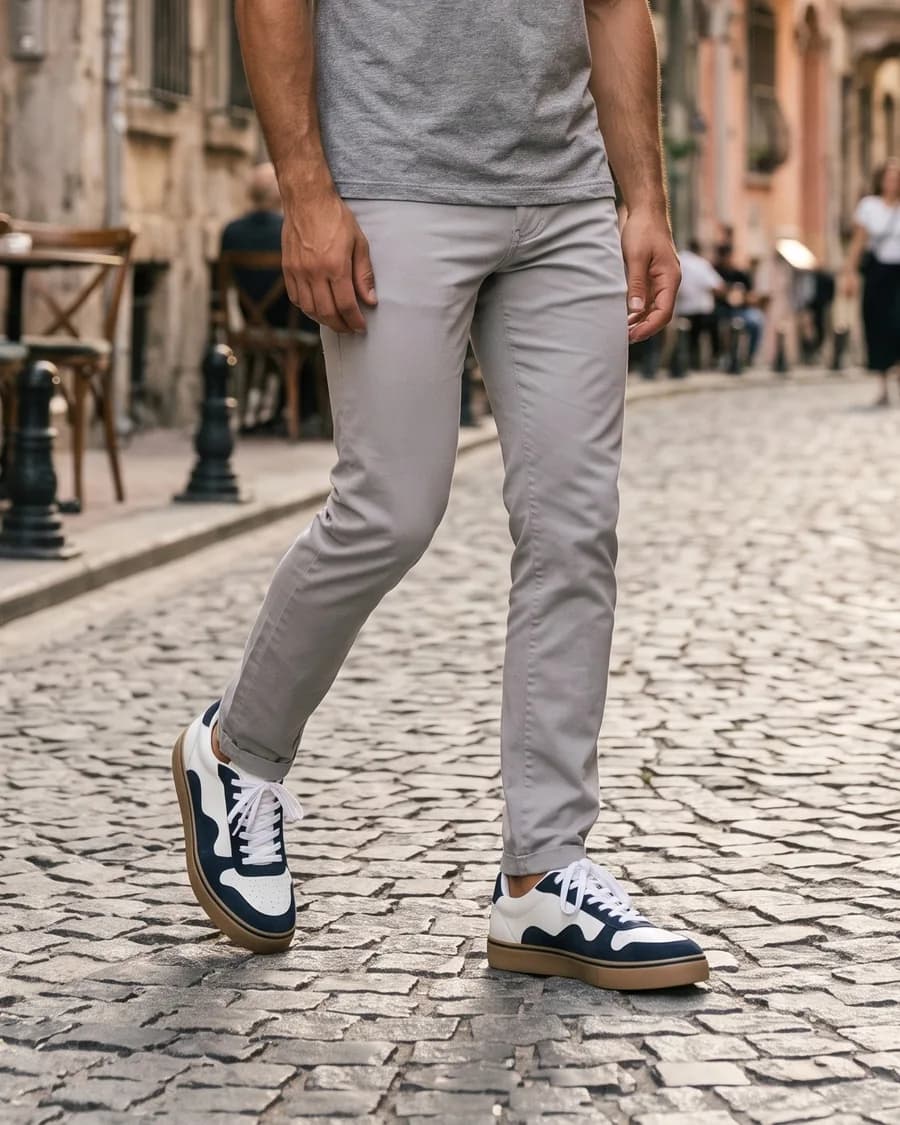
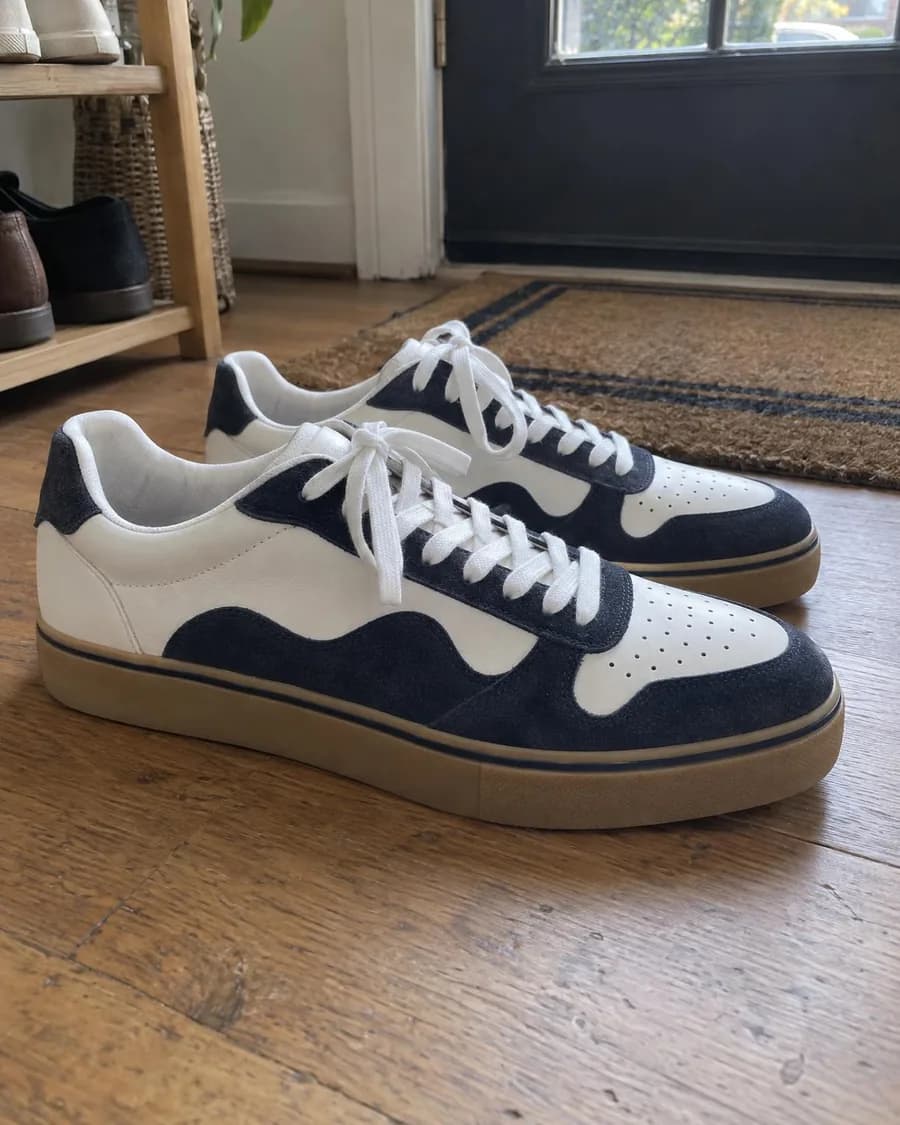
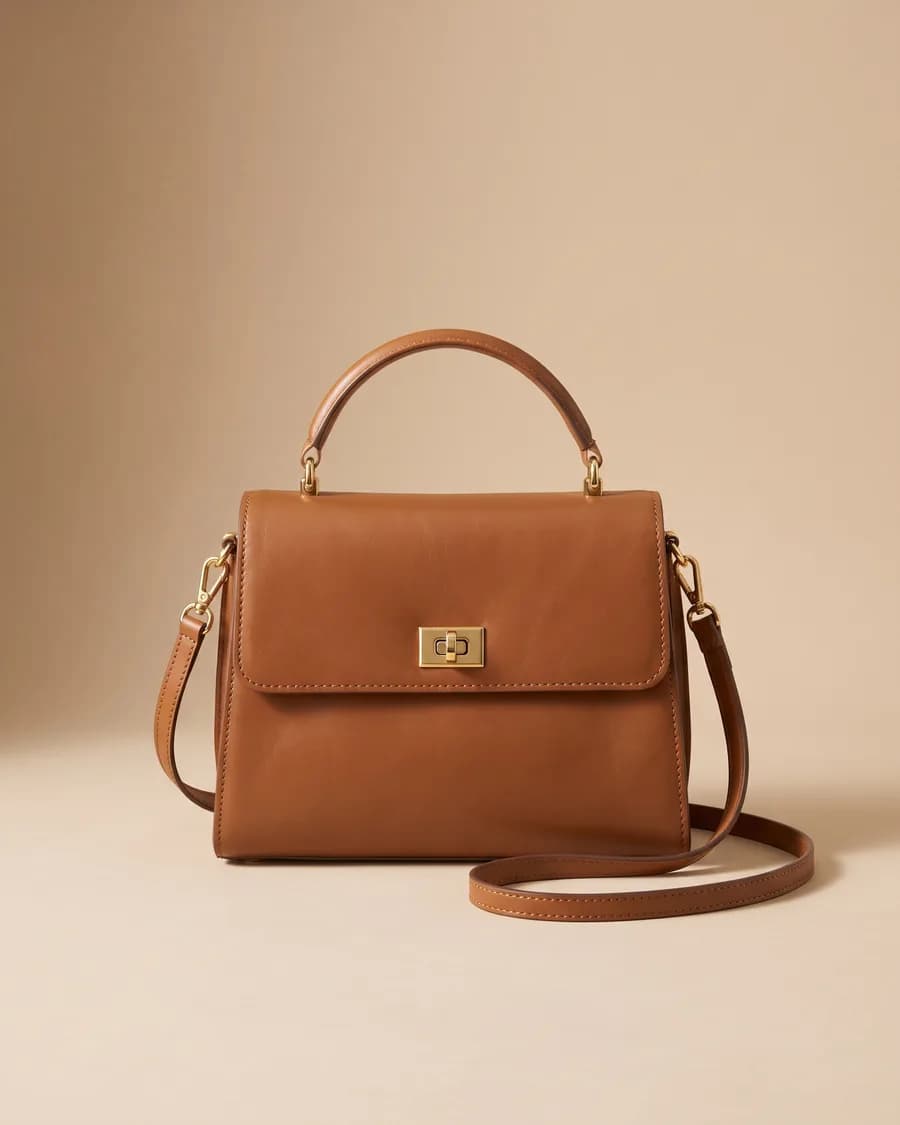
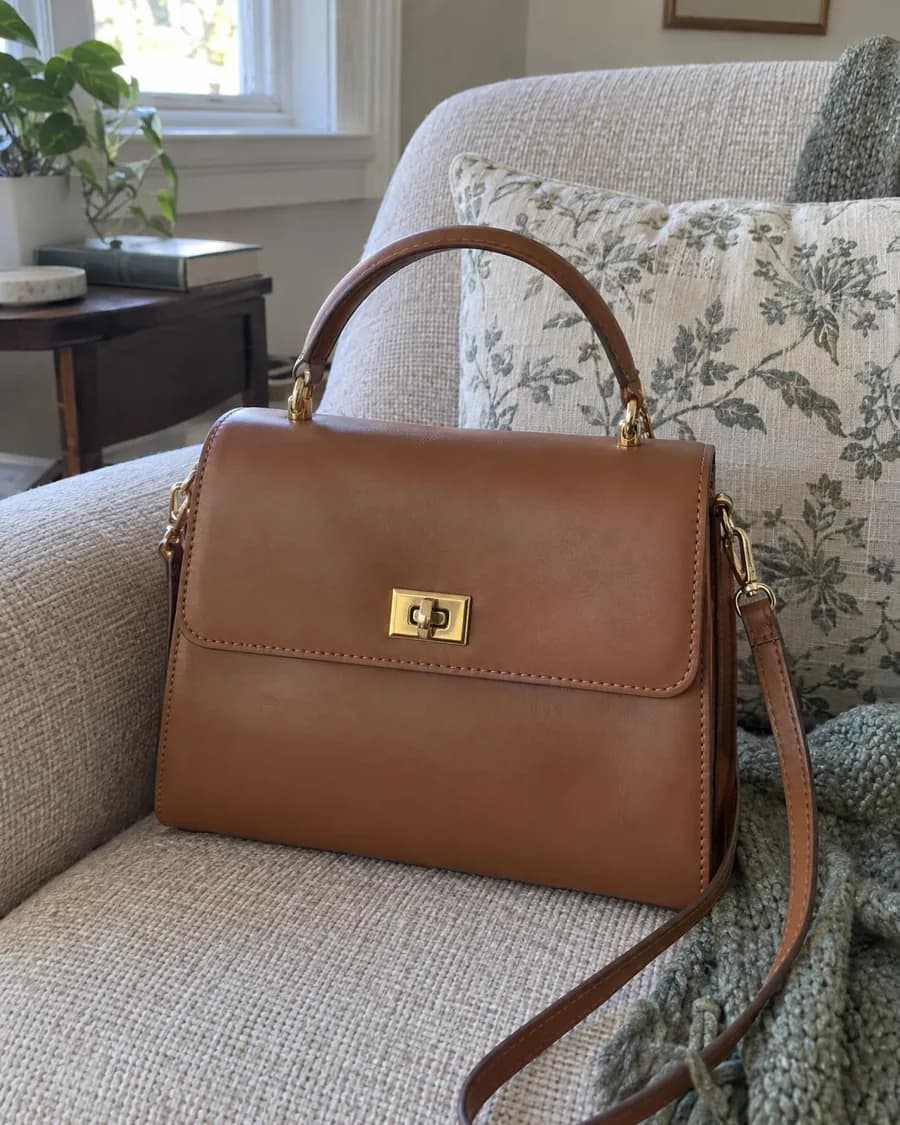
How it works
From a phone photo to a full product shoot
Upload your product photo
A phone photo is fine. The background is removed and the product is read automatically: its name, category, colors and any printed text. You can correct anything it got wrong.
Choose a model, or none
Shoot the product on its own, on a ready-made AI model, on one of your own fictional characters, or on your own model if you have their written consent.
Pick styles or ask the art director
Choose ready-made styles such as white background, marble, dark luxury or street style, or get six shot ideas written for your product. Add a note to any of them.
Shoot the whole set
Pick where the images will go (Amazon, your store, Instagram, Stories, ads) and how many variations you want. One click queues every image, and each result is checked against your product.
Outputs
What you can make from one product photo
- White-background packshots for Amazon, your store and marketplace listings. The product is cut out and placed on white, not redrawn.
- Studio and lifestyle scenes for social posts and ads: a colored backdrop, marble and window light, a dark set with rim light, stone and leaves, a flat lay from above.
- On-model photos: your product worn or held by an AI model of the age, size and style you choose. See AI fashion models.
- Virtual try-on: a garment from a flat lay or hanger photo, worn by the model you choose and checked against your photo. See AI clothes changer and virtual try-on.
- Ghost mannequin shots of clothing from a flat lay or hanger photo. See ghost mannequin AI.
- Ad images with your headline, price, discount badge and logo, sized for each placement. See the AI ad generator.
- Video: any result can become a short clip in Image to Video or a presenter video in AI UGC ads.
Marketplaces
White background product photos for Amazon and online stores
Marketplaces are strict about the main image. Amazon asks for a pure white background (RGB 255, 255, 255), the product filling at least 85% of the frame, and no text, logos, borders or watermarks; images 1,000 pixels or larger on the longest side can be zoomed. Google Merchant Center wants the primary image to show the exact item for sale, with no promotional overlays.
That's why Product Shoot treats white backgrounds differently from scenes. It cuts the product out of your photo, sets it on the backdrop with a soft shadow and leaves the product's pixels as they were. Nothing about the product is redrawn, so the label, logo and color in the image are the ones in your photo. The Amazon format exports at 2000×2000 with the product filling most of the frame; the marketplace square uses the same size for stores with square listings, and the tall marketplace format is 1200×1800.
In Europe this kind of image is often called a packshot. Whatever you call it, it's the image to get right first: it's the one shoppers see in search results.
Backgrounds
AI product backgrounds and lifestyle scenes
For social posts and ads you usually want more than white. Product Shoot has 35 ready-made styles today, and the art director can write six more ideas for your product.
- E-commerce
- White backgroundMarketplace main image: pure white, soft shadow, product untouched
- Brand-color backdropProduct untouched on your brand color; warm sand if no brand is set
- Flat lay outfitTop-down: the product laid out neatly with a few matching pieces
- On a hangerOn a wooden hanger against a plain wall, daylight
- Ghost mannequinThe garment holds a worn 3D shape with no person or mannequin
- Neatly foldedNeatly folded on plain fabrics, on a light wooden table
- Studio
- Grey-beige studio sweepSeamless plain backdrop, soft studio light, lots of space
- Marble and daylightWhite marble, morning window light, clean and airy
- Dark luxuryDark backdrop, glossy black surface, dramatic rim light
- Geometric podiumPastel cylinder podium and simple blocks, modern set
- Lifestyle
- Nature: stone and leavesNatural stone, fresh leaves, dappled sunlight
- Bathroom shelfStone shelf, towel, morning light through frosted glass
- Kitchen counterBright home kitchen, morning light, warm and homely
- Work deskTidy wooden desk, laptop and notebook, daylight
- Bedside tableWalnut nightstand, linen bed, late-afternoon light
- Water splashClear water splash, fresh droplets, cool light
- In handHeld in an adult hand, front facing the camera
- On a model
- Jewelry close-upWorn up close: neck, ear or hand; soft light
- Beauty close-upHeld near the face, natural skin; no effect shown on the skin
- Sport and activeMorning running track, energetic angle, sense of motion
- Creative
- FloatingThe product floats in the air over a soft shadow
- Close-up detailMaterial and craft up close: stitching, texture, finish
- Seasonal campaigns
- November saleBold red and black set; add the text in the ad designer
- New YearWarm fairy lights, pine sprigs, wrapped gifts
- Ramadan and Eid tableAn elegant iftar and Eid table, lantern light, gold details
- Mother's DayFresh tulips, a ribboned gift box, soft morning light
- Valentine's DayRed roses, satin, warm light; romantic, not kitsch
- Summer holidayStriped towel on sand, straw bag, turquoise sea
- UGC style
- Phone snapshot on a tableLike a customer took it: cafe table, tea, natural light
Ask the art director and it looks at your product, its category and your brand kit, then proposes six shots with a title and a short description each, for example a serum on wet stone with morning light, or a sneaker on a concrete step with a long shadow. You can add a note to any idea ("put a lemon slice next to the bottle") before you shoot.
In these scenes the image model redraws the product together with the background, so the light and the shadows match. That looks more natural than a cut-out pasted onto a backdrop, but it's also where details can drift, which is why each scene is checked against your photo.
Formats
Every size you need, from one shoot
Pick the formats once, and every idea renders at the right shape. Downloads are cropped to the exact pixel size.
| Format | Pixels | Ratio | Where it goes |
|---|---|---|---|
| Marketplace (2:3) | 1200×1800 | 2:3 | Tall marketplace listing image |
| Marketplace square | 2000×2000 | 1:1 | Square marketplace listing on white |
| Amazon main image | 2000×2000 | 1:1 | Pure white background, product fills 85%+ |
| Square post | 1200×1200 | 1:1 | Instagram, Facebook and Google ads |
| Portrait post | 1440×1800 | 4:5 | Takes up the most room in the feed |
| Story and Reels | 1440×2560 | 9:16 | Instagram Stories, Reels, TikTok, Shorts |
| Ad banner | 1200×628 | 1.91:1 | Facebook and Google ads, link previews |
| Landscape | 1920×1080 | 16:9 | YouTube thumbnails, website banners |
| 1000×1500 | 2:3 | Pinterest pins |
Stories and Reels exports keep the product and any text inside the area Instagram, TikTok, YouTube Shorts and Pinterest leave free of buttons and captions. Meta, for example, asks you to keep text and logos out of the top 14%, the bottom 35% and 6% on each side of a 9:16 ad. Need a result in another size later? Crop it for free, or let AI extend the background (5 credits) so the product isn't cut off.
Accuracy
Will AI change my product? How the accuracy check works
General image models still change products more often than most people expect. In Photoroom's test of 850 fashion products (July 2026), leading models gave a flawless result only 27% to 29% of the time, and distorted logos or text showed up in 20.1% of all images (source).
Product Shoot handles this in three ways:
- Pixels kept where it matters most. White-background images use your real product pixels, so the main listing image can't drift.
- Every scene is compared with your photo. The printed text is read in both images and compared letter by letter; logo, color, shape and pattern are scored too. The result shows whether the product matches, and if it doesn't, what changed.
- One free redo. If an image is flagged, you can regenerate it once at no cost. If a generation fails, the credits are refunded automatically.
The check is a second pair of eyes, not a guarantee. In our tests it reliably caught changed text and obvious distortions, while subtle shifts in color or material could slip through, so look at the label, logo and color yourself before an image goes live.
After the shoot
Resize, upscale, edit, then make ads and video
Every result has its own menu:
- Resize to another format: a free crop, or an AI extension that adds background so nothing important is cut.
- Upscale for print two or four times, with a mode that keeps small packaging text sharp.
- Edit with words: "make the backdrop light blue", "add water drops on the bottle".
- Remove the background of a result, for free.
- Design an ad with a headline, price, discount badge, logo and button in your brand colors and font. Free, drawn in your browser.
- Make a video in Image to Video or a UGC ad with a presenter.
The brand kit keeps your logo, up to five brand colors, a font and your tone of voice, so ads and the art director's ideas match your brand without setting them up each time.
Pricing
How much AI product photography costs
You pay per image in credits, and the total shows before you shoot. Packs start at $5 for 75 credits; dollar amounts below depend on the pack.
| Image | What it is | Credits |
|---|---|---|
| White background | Your product cut out and placed on white with a soft shadow. Its pixels aren't redrawn. | 3$0.11–$0.20 |
| Scene, standard quality | The product in a new setting: backdrop, props, light. Redrawn and then checked. | from 11$0.40–$0.73 |
| Scene or model shot, high quality | Finer detail; used for every shot with a person in it. | from 12$0.44–$0.80 |
| Virtual try-on | A garment from your photo, worn by the model you choose. Drawn and then checked. | from 11$0.40–$0.73 |
| Extend to another size | AI adds background around the image so the product isn't cropped. | 5$0.18–$0.33 |
| Upscale for print | Two times (9 credits) or four times (17 credits) larger. | from 9$0.33–$0.60 |
| Edit with words | "Make the backdrop light blue." The product is kept. | 11$0.40–$0.73 |
| Everything else | Background removal, product recognition, art director ideas, cropping to size, ad design and one accuracy redo. | Free |
Scene prices are per image with up to three reference photos; more photos add a credit or two. Variations multiply: four takes of one idea cost four images. A set of one white-background image, three scenes and one model shot comes to 48 credits ($1.74–$3.20).
AI labels
Do AI product photos need a label?
Often, yes. These are the rules that apply to AI product and ad images on the main platforms.
- EU AI Act, Article 50: Applies from August 2, 2026. Providers of AI systems that generate images must mark the output in a machine-readable way, and anyone publishing a realistic AI image of a person that could pass as real has to disclose that it's AI-generated. Source.
- Meta ads: Since June 1, 2026, Meta detects ads created or edited with third-party AI tools and adds an "AI info" label in About this ad. Source.
- Google Merchant Center: Images created with generative AI must carry metadata that says so, such as the IPTC DigitalSourceType TrainedAlgorithmicMedia tag, and you shouldn't remove it. The primary image must show the exact item for sale, with no promotional overlays. Source.
- TikTok ads: Ads with content that's completely AI-generated must be disclosed, with TikTok's AIGC label or your own clear caption or sticker. Undisclosed AI content can get the ad rejected. Source.
- Pinterest: Pinterest reads IPTC metadata (and runs its own classifiers) to show an "AI modified" label on Pins. Source.
- Amazon: Sellers must tag product images that contain photorealistic AI-generated people with the keyword contains-synthetic-performer in the image metadata, in every Amazon store. Source.
Rules checked on November 2, 2026. Platforms change them often, and this isn't legal advice.
Every Product Shoot export carries IPTC metadata that identifies it as AI-generated, which is the signal Google, Meta and Pinterest read. When an image shows a person, the ad designer turns on a visible "AI-generated" label by default. Keep the metadata when you compress or resize files in other tools.
Highlights
Why shoot your products here
One upload, a full set
White background, scenes, model shots and every size you need come out of one shoot, not one image at a time.
No prompt to write
The art director reads your product and proposes six shot ideas. Ready-made styles cover the rest.
Your product, checked
Every scene is compared with your photo. Changed labels and logos are flagged, and you can redo the image once for free.
Sized for each platform
Amazon, marketplaces, Instagram, Stories and Reels, ad banners and Pinterest, at the pixel sizes those platforms recommend.
Brand kit and ad designer
Save your logo, colors and font once. Headlines, prices, discount badges and buttons go on top of any result, for free.
Refunds on failures
If a generation fails, its credits come back automatically. You see the total before you shoot.
Honest limits
What Product Shoot can't do
- Scene and model shots are redrawn by an image model, so small print, logos and patterns can change. The accuracy check flags it, but look at every image before you publish.
- There's no free tier for images. Uploading, background removal, recognition and the art director's ideas cost nothing; every generated image costs credits.
- There are no child models. Kids' products are shot without a model: flat lay, hanger or on a white background.
- Celebrities, public figures and real people without written consent can't be used as models.
- It makes still images. For a moving ad, send a result to Image to Video or the UGC ad tool, which are priced separately.
- It doesn't publish to Amazon, Shopify or ad accounts. You download the files and upload them yourself.
FAQ
Common questions
What is AI product photography?
AI product photography means making product images with an image model instead of a camera, a studio and a photographer. You start from a plain photo of the product, and the AI places it on a clean background, builds a scene around it or shows it on a model. Good tools also check that the product itself didn't change.
Can I use AI product photos on Amazon?
For the main image, use a white-background shot that keeps your product's real pixels: Amazon wants the main image to show the actual product on pure white, filling at least 85% of the frame, with no added text or logos. Scenes and model shots work as additional images. If an image shows a photorealistic AI person, Amazon asks you to tag it with contains-synthetic-performer in its metadata.
Will the AI change my product or its label?
White-background shots don't: the product is cut out of your photo and its pixels stay as they were. Scenes and model shots are redrawn, so details can drift. Each one is compared with your product photo, printed text letter by letter, and if something changed you see what it was and can redo the image once for free.
How much does AI product photography cost?
A white-background image is 3 credits ($0.11–$0.20), a scene starts at 11 credits and a virtual try-on at 11. A set of one white-background image, three scenes and one model shot comes to 48 credits ($1.74–$3.20, depending on your credit pack). The exact total shows before you shoot.
Is there a free AI product photography tool?
Not here. We pay the model provider for every image, so images need credits; packs start at $5 for 75 credits, with no subscription. Uploading products, background removal, recognition and the art director's ideas don't cost credits.
What photo should I upload?
A sharp photo of one product, whole and centered, in even light, without hands or other objects. A plain background helps but isn't required. Add back, detail or label photos if the product has text or a pattern that matters. The studio warns you if a photo is blurry, cropped, too dark, too small or shows more than one product.
Which sizes can I export?
Amazon main image and marketplace square at 2000×2000, a 2:3 marketplace image at 1200×1800, Instagram square 1200×1200 and portrait 1440×1800, Stories and Reels 1440×2560, an ad banner at 1200×628, landscape 1920×1080 and Pinterest 1000×1500. Any result can be cropped to another size for free or extended with AI.
Can I add my logo, price or a headline?
Yes, with the ad designer. It puts a headline, price, old price, discount badge, logo and button on top of a result in your brand colors and font, and it's free. Keep marketplace main images clean: Amazon and Google Merchant Center don't allow promotional text on them.
Learn more: AI ad generator
Do I have to label AI product photos?
It depends on where they go. The EU AI Act requires disclosure of realistic AI images of people, and platforms such as Meta, TikTok, Pinterest and Amazon have their own labels. Every export carries metadata that marks it as AI-generated; don't strip it when you compress or resize the file elsewhere.
Can I turn the photos into a video?
Yes. Send any result to Image to Video for a short clip with camera movement, or to the UGC ad tool for a presenter who holds the product and talks about it. Those tools are priced per clip.
Learn more: Image to video
Shoot your next product today
Signing up is free, and you can upload products and see the art director's ideas right away. Images need credits; packs start at $5 for 75 credits, with no subscription.
Start a product shoot