Rules · 12 min read · Nov 7, 2026
How long can YouTube Shorts be? Length, size and ratio
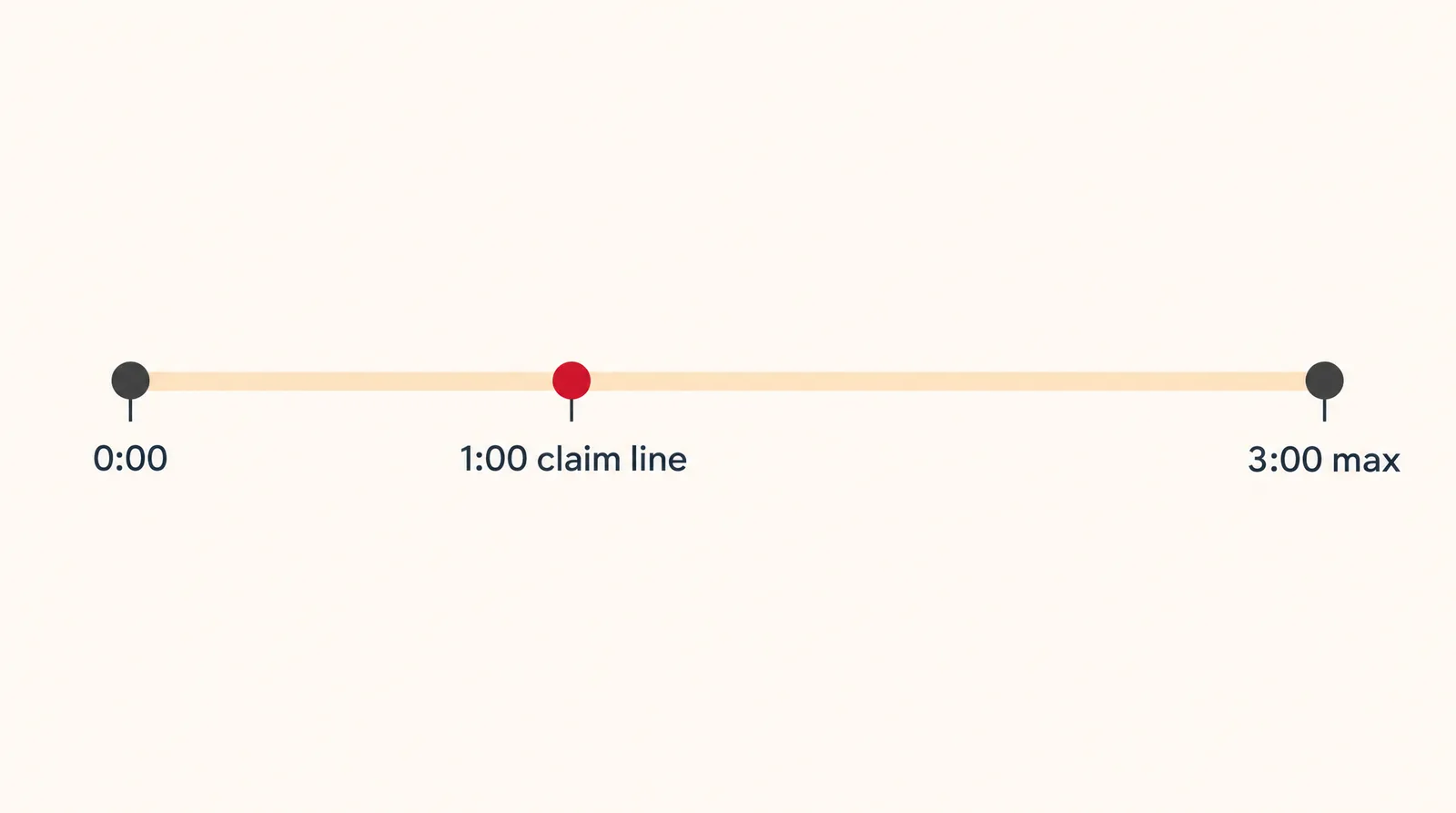
YouTube Shorts can be up to 3 minutes (180 seconds) long, as long as the video is square or vertical. That limit has applied to videos uploaded on or after October 15, 2024. There's no general minimum length, but a Short over 1 minute faces stricter music and copyright rules, and uploads max out at 1080p.
If you're wondering how long YouTube Shorts can be, the short answer is 3 minutes, but the rules around that number decide whether your upload actually lands in the Shorts feed. This guide covers the length limit, the cutoff dates, the right aspect ratio and resolution, how to upload from your phone or computer, and why the 1 minute mark still matters for music and copyright claims.
Every rule here was checked on November 7, 2026 against YouTube's official help pages, with press coverage and independent studies labeled as such. At the end you'll also see how to build a vertical Short from AI clips if you don't film your own footage, starting with Text to Video.
How long can YouTube Shorts be in 2026?
YouTube Shorts can be up to 3 minutes long in 2026. According to the official YouTube Help page on Shorts length, videos uploaded on or after October 15, 2024 with "a square or vertical aspect ratio up to three minutes in length will be categorized as Shorts." You can upload them through both the YouTube app and YouTube Studio.
YouTube Shorts length rules at a glance
| Rule | Standard channels | Official Artist Channels |
|---|---|---|
| Maximum length | 3 minutes (180 seconds) | 3 minutes (180 seconds) |
| Required shape | Square or vertical | Square or vertical |
| Rule applies to uploads from | October 15, 2024 | December 8, 2025 |
| Older uploads | Stay long-form videos | Stay long-form videos |
| General minimum length | None stated | None stated |
| Max upload resolution | 1080p | 1080p |
Source: YouTube Help (answers 15424877 and 10343433), checked November 7, 2026; may change.
The old cap was 60 seconds. Variety reported that the change tripled the maximum to 3 minutes starting October 15, 2024, and noted that TikTok made the same 60 second to 3 minute move in 2021.
What happens if your Short is longer than 3 minutes
A vertical video that runs even one second past 3:00 is treated as a regular long-form video, not a Short. The same goes for a 2 minute vertical video uploaded before October 15, 2024: YouTube says those uploads "will remain the same, as a long-form video," and YouTube doesn't describe any way to convert them, so uploading the video again is the practical route if you want it to count as a Short.
Is there a minimum length for YouTube Shorts?
There's no general minimum length for YouTube Shorts on the official help pages. The only minimum we found is for the Edit with AI feature, which accepts "up to 3 minutes in total assets with a minimum of 5 seconds," according to the Shorts creation help page. Edit with AI isn't available in every region.
YouTube Shorts size and aspect ratio
A YouTube Short has to be square (1:1) or vertical, and the common recommendation is 9:16 at 1080x1920 pixels. YouTube's own pages say "square or vertical" and a maximum upload resolution of 1080p, while the exact 1080x1920 figure comes from third-party guides like Hopper HQ and Riverside. For the math behind that size, see our 1080x1920 guide.
YouTube Shorts dimensions and what they do
| Setting | What happens | Source type |
|---|---|---|
| 9:16 vertical, 1080x1920 | Counts as a Short (common recommendation) | Independent guides |
| 1:1 square | Counts as a Short | Official |
| 16:9 wide | Becomes a regular video | Official |
| Over 1080p (for example 4K) | Shorts uploads max out at 1080p | Official |
Sources: YouTube Help, Hopper HQ, Riverside; checked November 7, 2026; may change.
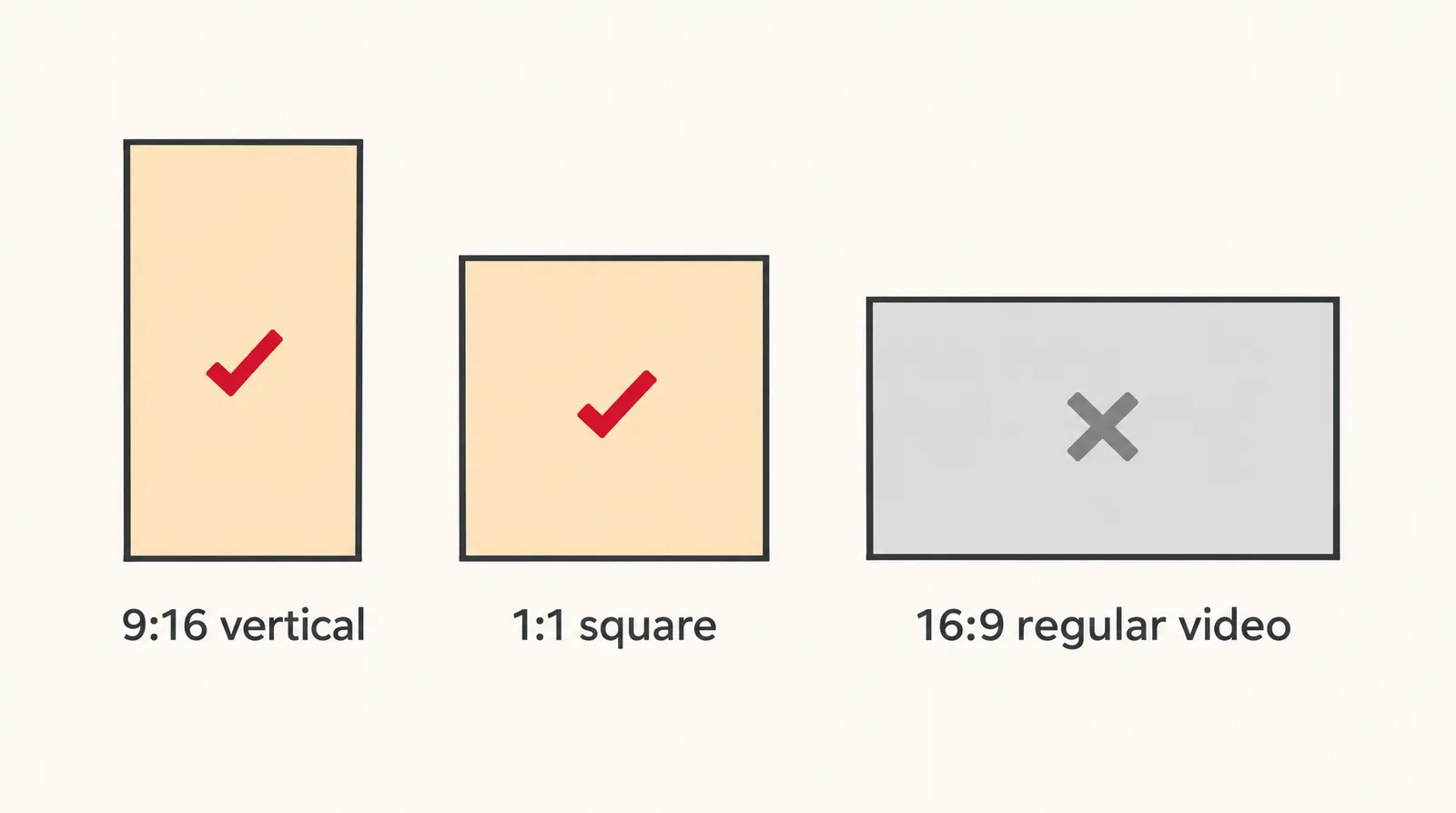
If you want a short video to stay out of the Shorts feed, YouTube's advice is to "use a wider aspect ratio such as 16:9." Our 16:9 aspect ratio guide lists the pixel sizes. Exporting in 4K won't help a Short look sharper, since the upload is capped at 1080p anyway.
How to upload a 3 minute Short from YouTube Studio or the app
You can upload a Short up to 3 minutes long from a computer through YouTube Studio, following the steps on the official upload help page. Studio lets you pick up to 15 short videos at a time.
- Open YouTube Studio: Sign in to YouTube Studio with the channel you want to post on.
- Start an upload: Click CREATE, then Upload videos.
- Pick the right file: Choose a file that's up to 3 minutes long with a square or vertical aspect ratio. You can select up to 15 at once.
- Open each draft: Click EDIT DRAFT next to each video to fill in its details.
- Check privacy: Confirm the visibility setting. It defaults to private for creators aged 13 to 17 and public for 18 and older.
- Publish: Finish the details and publish. The video lands in Shorts as long as it meets the length and shape rules.
On a phone, the path is Create > Short, then hold or tap Capture, tap Done and Next, add a title (up to 100 characters), choose Select audience, and finish with Upload Short or Save draft. The Shorts camera lets you record one or more clips that add up to three minutes, and a Get feedback button reviews your hook and pacing.
Why the 1 minute mark still matters: music and copyright claims
The 1 minute mark matters because Shorts longer than 60 seconds follow stricter copyright rules than shorter ones. YouTube says there are "no changes in limitations for Shorts that are less than one minute in length," but for longer Shorts, its US and international English help pages currently say different things.
Copyright claims on Shorts over 1 minute: two official versions
| Help page | What it says | What it means for you |
|---|---|---|
| US English | Any Short over one minute with an active copyright claim of any type is blocked globally | Not playable, recommended or monetizable until the claim is resolved; no channel penalty |
| UK/international English | From September 24, 2026, new Shorts over one minute (under three) with an active Content ID claim are no longer automatically blocked and may remain playable | Applies to Content ID claims; the US page hasn't adopted this wording |
Sources: YouTube Help answer 15424877 (en and en-ws versions), checked November 7, 2026; may change.
The US page still shows the blocking rule as of November 7, 2026, while the newer wording appears on the international English page. Exemplary also reported the US page showing the old rule on September 30. A blocked Short becomes viewable again once you remove the claimed content or win a dispute.
How long can music be in a YouTube Short?
Most songs in the Shorts Audio Library can be used for up to 90 seconds in a 3 minute Short, though some tracks are limited to 60 or 30 seconds. Royalty-free music from the YouTube Audio Library won't receive a Content ID claim, so it's the safer pick for a Short that runs past a minute.
How long should YouTube Shorts be to get views?
Most YouTube Shorts run 20 to 40 seconds, with an average of 33 seconds, according to Piktochart, an independent source. The same page cites an Inflow Network study of 5,400 Shorts in which 50 to 60 second videos got nearly 22x more views than those under 10 seconds. YouTube itself doesn't publish an ideal length.
- Under 60 seconds: the safest range if your Short uses a popular song, since the over-1-minute claim rules don't apply.
- 60 to 90 seconds: room for a tutorial or story; most Audio Library songs still cover the full length.
- 90 seconds to 3 minutes: use your own audio, royalty-free tracks or voiceover so music limits don't cut you off.
- Any length: a 3:01 cut becomes a regular video, so trim to 3:00 or less before upload.
How can YouTube Shorts be monetized?
Shorts earn money through Shorts revenue sharing from the Shorts Feed. YouTube's monetization help page states that, starting February 1, 2027, a monthly share of Shorts ad and Premium revenue requires "at least 10 million qualified Shorts views in the last 90 days." Independent site vidIQ describes Partner Program paths of 1,000 subscribers plus 4,000 watch hours in 12 months or 10M Shorts views in 90 days, and a lower tier of 500 subscribers plus 3M Shorts views.
How to make a vertical Short with AI if you don't film it
You can build a 30 to 60 second vertical Short from AI clips on Klakix by generating 9:16 clips one at a time and joining them in the Video Editor. Klakix is not affiliated with YouTube. Video tools unlock after your first credit purchase; the 20 free sign-up credits work only for voiceovers.
- Clips: Text to Video makes one clip per generation in 9:16. Seedance 2.5, Wan 3.0 and Kling 4.0 go up to 30 seconds; Seedance 2.0 Mini goes up to 15 seconds and costs 48 credits at default settings (720p, 5 seconds), about $3.20 on the Mini pack ($5 for 75 credits).
- From a photo: Image to Video animates a still image into a vertical clip.
- Assembly: the Video Editor has 9:16 and 1:1 projects where you join and trim clips and add a voiceover or music track. Editing and MP4 export are free; automatic captions cost credits per minute of speech.
- Voice and music: turn your script into narration with AI voiceover; Music Composer tracks are cleared for commercial use.
- From a long video: Viral Clips costs 15 credits and cuts vertical clips with face tracking and word-by-word captions.
- Explainers: Motif makes a 30 to 90 second video with voiceover and captions; a 45 second 9:16 video is 159 credits by default.
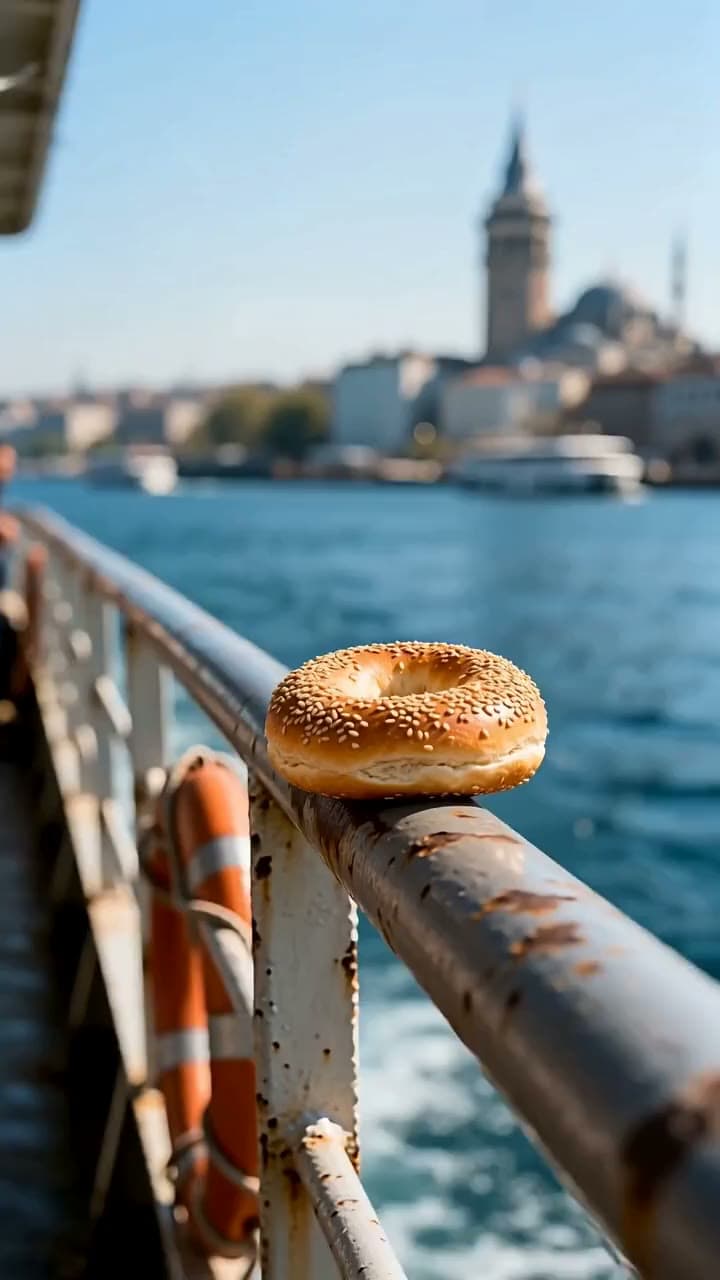
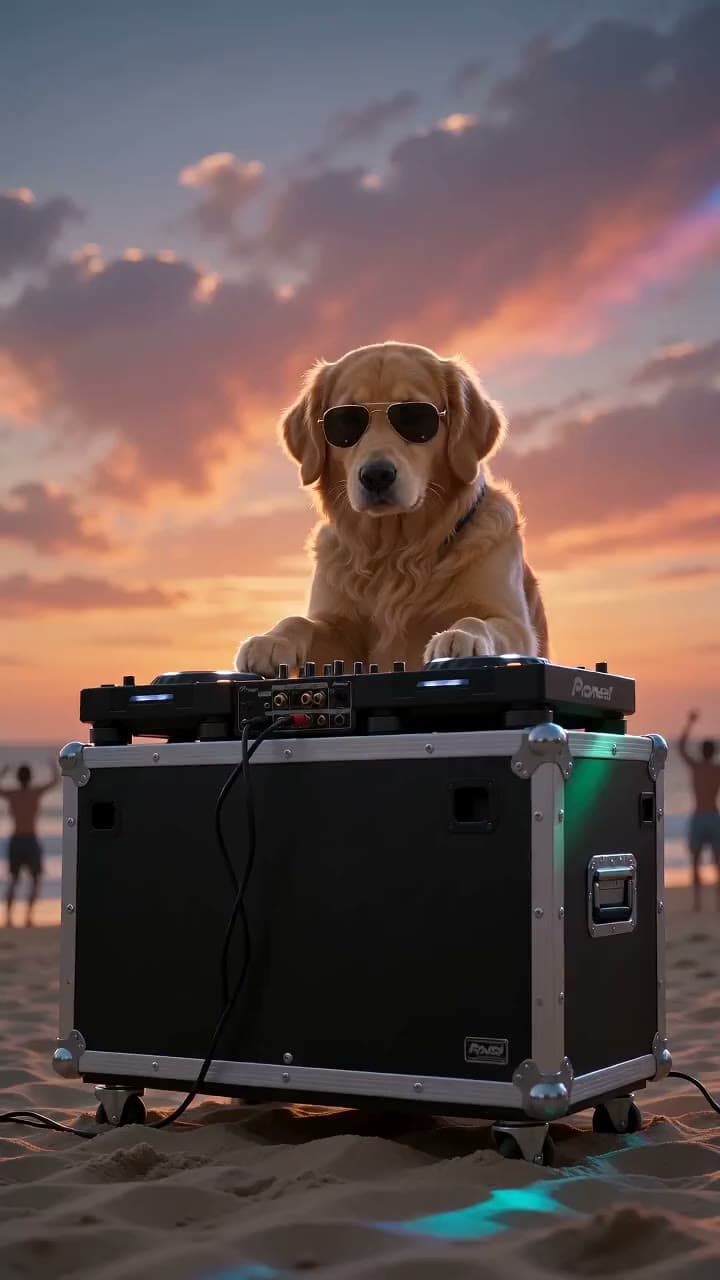

Each sample was generated in one take on this site with the model shown on it; nothing was edited.
Seedance 2.5, Wan 3.0, Kling 4.0 and Seedance 2.0 Mini top out at 1080p or lower, which matches YouTube's 1080p upload cap. If a generation fails, its credits are refunded automatically.
Sources
The facts in this post were checked against the pages below on Nov 7, 2026. Prices and limits may change.
- YouTube Help: Shorts up to three minutes (US English) (official source)
- YouTube Help: Shorts up to three minutes (international English) (official source)
- YouTube Help: Shorts monetization (official source)
- Variety: YouTube Shorts maximum length rises to three minutes (news)
- Exemplary: YouTube Shorts music rules (independent source)
- Hopper HQ: YouTube Shorts dimensions (independent source)
- Riverside: How long can YouTube Shorts be (independent source)
- Piktochart: How long can YouTube Shorts be (independent source)
- vidIQ: YouTube Partner Program guide (independent source)
This post was drafted with AI assistance. Facts were checked against the sources above, and model, credit and price details were checked automatically against the site's current price list.
Frequently asked questions
How long can YouTube Shorts be in 2026?
YouTube Shorts can be up to 3 minutes long in 2026, as long as the video is square or vertical. The limit has applied to standard channel uploads since October 15, 2024. Official Artist Channels got the same rule for uploads from December 8, 2025.
Can YouTube Shorts be 3 minutes long?
Yes, a Short can run a full 3 minutes, or 180 seconds. Anything longer, even by a second, becomes a regular video. A 2 minute vertical video works fine too.
Is there a minimum length for YouTube Shorts?
YouTube doesn't list a general minimum length for Shorts. The only minimum on the official pages is 5 seconds of total footage for the Edit with AI feature. Older advice about a 15 second minimum is outdated.
How long should YouTube Shorts be?
Independent data puts the average Short at about 33 seconds, with most between 20 and 40 seconds. One study of 5,400 Shorts found 50 to 60 second videos drew far more views than very short ones. If you use a popular song, staying under a minute avoids the stricter claim rules.
Why aren't my old 2 minute vertical videos showing as Shorts?
Videos uploaded before October 15, 2024 stay long-form, even if they're vertical and under 3 minutes. YouTube didn't reclassify old uploads. YouTube doesn't describe a way to convert old uploads, so uploading the video again is the practical option.
How long can music be in a YouTube Short?
Most songs in the Shorts Audio Library can be used for up to 90 seconds in a 3 minute Short. Some tracks are limited to 60 or 30 seconds. Royalty-free tracks from the YouTube Audio Library won't get a Content ID claim.
Can you record a 3 minute Short on a tablet?
Not with the built-in camera, since YouTube says the Shorts camera isn't available on tablets right now. Record on a phone, where clips can add up to three minutes. You can also upload a finished file through YouTube Studio on a computer.
How can YouTube Shorts be monetized?
Shorts earn through revenue sharing from the Shorts Feed. YouTube states that from February 1, 2027, you need at least 10 million qualified Shorts views in the last 90 days for a monthly share of Shorts ad and Premium revenue. A Short over 1 minute with an active claim may be blocked and can't earn until it's resolved.
Try what you just read
Signing up is free. Video and image tools unlock after your first credit pack, and credits are refunded if a generation fails.
Open Text to Video