Guide · 13 min read · Nov 10, 2026
How to animate a photo with AI, step by step
To animate a photo, upload it to an AI image-to-video tool, describe what should move and how the camera moves, then generate a short clip, usually 5 to 10 seconds. Google Photos makes 6-second clips, according to news reports. Canva's free Animate button only pans, zooms or tumbles the whole picture.
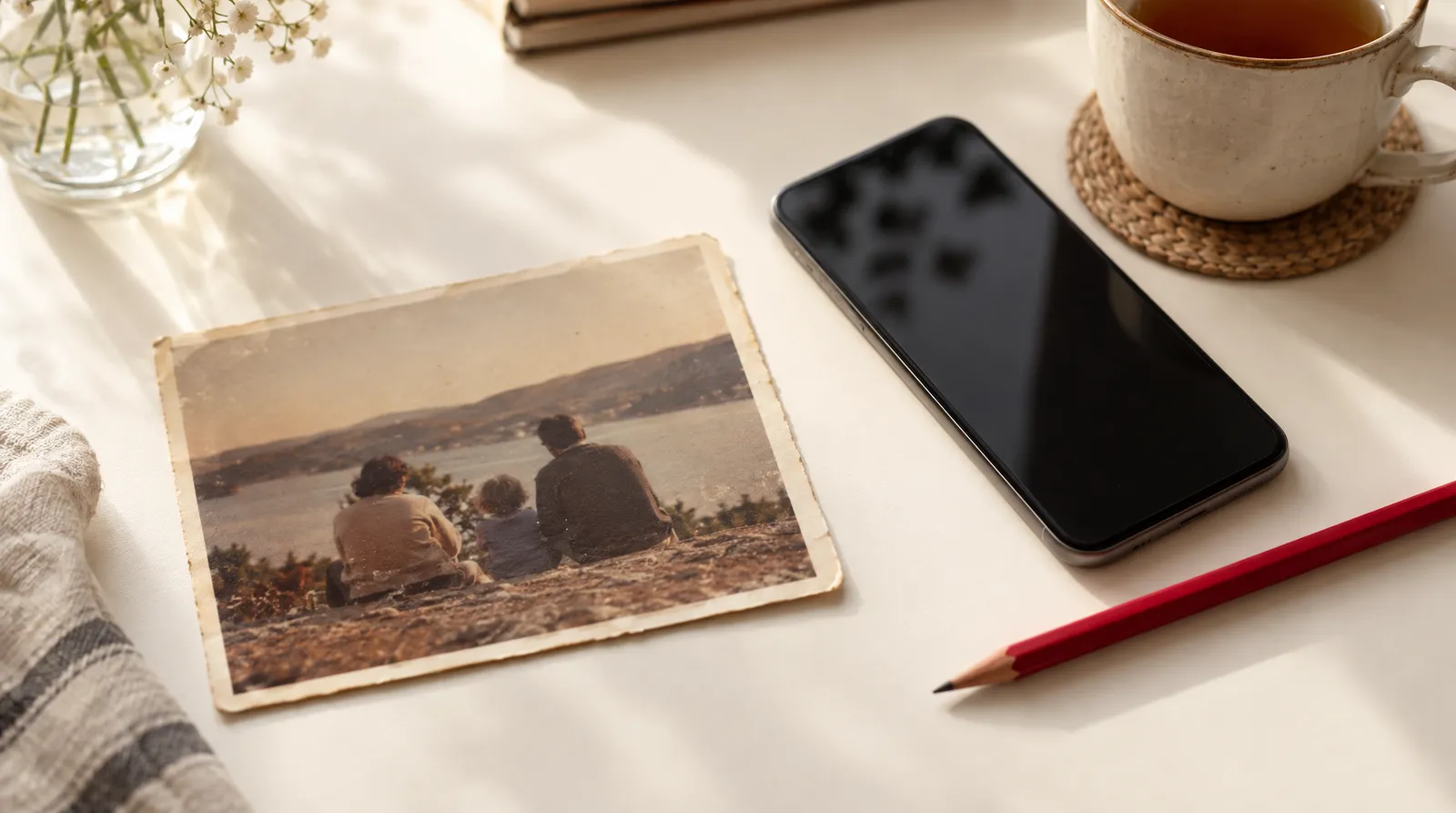
Learning how to animate a photo starts with knowing which kind of motion you want: a simple pan and zoom, real AI motion inside the picture, or a 3D tilt effect on your phone. This guide explains all three, walks you through the AI method with copyable prompts, and covers Google Photos, iPhone, Canva, old family photos and the honest limits of each. If you already know you want AI motion, you can jump straight to Image to Video on Klakix.
Facts were checked on November 10, 2026, against official pages from Canva, Microsoft and MyHeritage, and against news coverage from PetaPixel, Android Police, AppleInsider and Cult of Mac. Where only press reports exist, we say so. Klakix is not affiliated with Google, Apple, Canva or MyHeritage.
What does it mean to animate a photo?
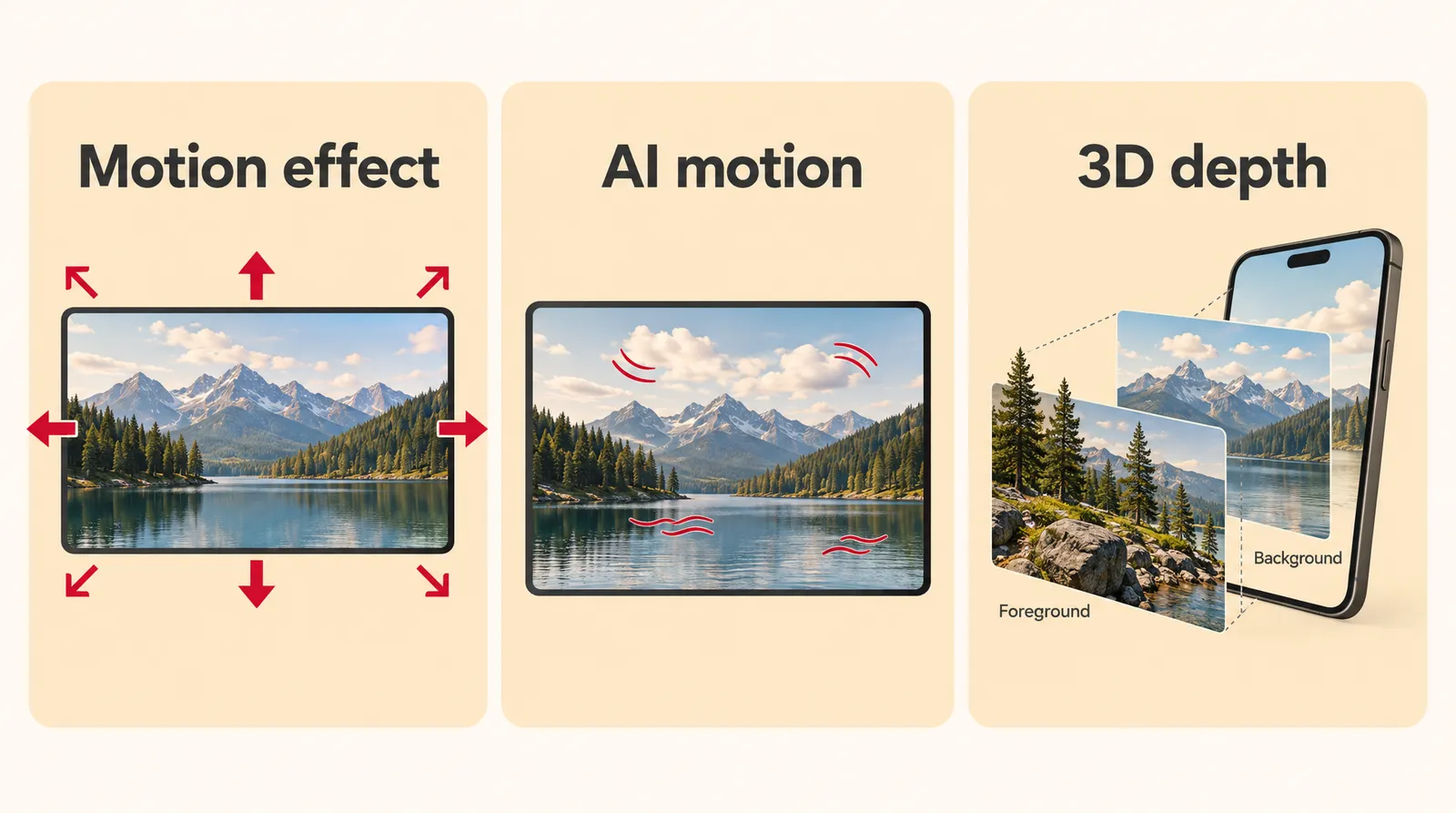
Animating a photo means one of three different things: moving the whole image with an effect, having AI generate new motion inside it, or adding 3D depth that shifts as you tilt your phone. Many top search results mix these up, so it's easy to try Canva expecting a smiling face and get a zoom instead. Pick the type first and the right tool follows.
Three ways to animate a photo
| Type | What moves | Examples | What you get |
|---|---|---|---|
| Motion effect (no AI) | The whole picture pans, zooms, slides or tumbles | Canva Animate, PowerPoint Animations tab, keyframe editors like VEED or Flixier | An animated design or slide; nothing inside the photo moves |
| AI image-to-video | New motion inside the photo: faces, hair, steam, water, the camera | Google Photos Photo to video, Fotor, Klakix Image to Video | A short video clip, usually 5 to 10 seconds |
| 3D depth | Foreground separates from background as you tilt the phone | iPhone Spatial Scenes on iOS 26 | A viewing effect in Photos, not a video file |
Sources: Canva, Microsoft Support, PetaPixel, AppleInsider. Checked November 10, 2026.
If you just need a picture to fly onto a slide, Microsoft's PowerPoint guide covers it: select the picture, open the Animations tab, pick an effect such as Fly In, then use Effect Options for the direction. That's how to animate a photo without AI. For everything else on this page, we mean AI motion.
How to animate a photo with AI
To animate a photo with AI, you upload the image, write a short motion prompt and let a video model generate a clip from it. Vendor tools such as Fotor follow the same pattern: upload, choose a model, enter a prompt. Here's the full process using Klakix as the example.
- Prepare the photo: Pick a sharp, well-lit photo with one clear subject. Crop out signs, logos and extra people, since the model will try to move everything it sees.
- Open an image-to-video tool: On Klakix, open Image to Video and upload your photo. Use a portrait of yourself or of someone who has agreed to it.
- Choose a model: For a quick test, pick MiniMax H3 Max Turbo (20 credits for 5 seconds at 768p). For faces and fine detail, pick MiniMax H3 Max (40 credits). For products, food, pets and landscapes without people, Seedance models also work.
- Write a motion prompt: Describe one subject motion and one camera move, for example: she smiles softly and looks at the camera, slow push-in.
- Set length and quality: Start with 5 seconds at the default quality. Go longer only after the short version looks right.
- Generate and review: Watch the eyes, hands and edges. If something warps, simplify the prompt and generate again; if a generation fails, the credits are refunded automatically.
On the Mini pack (75 credits for $5), one credit is about 6.7 cents, so a 20-credit Turbo clip comes to about $1.33 and a 40-credit H3 Max clip about $2.67 (our math, before tax). If you want sound, Google Veo 3.1 Lite makes an 8-second 720p clip with ambient sound for 40 credits. For longer shots, Kling 4.0 (79 credits for 5 seconds) and Wan 3.0 (100 credits for 10 seconds) go up to 30 seconds. Current pack prices are on the pricing page.
Prompt patterns that work for animating photos
The prompts that work best name one thing that moves, one camera move and, if the model supports it, one sound. Short prompts keep the model from inventing new objects. Copy and adapt these:
- Portrait: She smiles and waves at the camera as her hair moves gently in a light breeze, camera holds still.
- Pet: The dog yawns, its ears twitch and its tail wags slowly, slow push-in, quiet living room sound.
- Food: Steam rises from the tea as the camera glides slowly over the breakfast table, soft morning light.
- Landscape: Clouds drift across the sky and the lake ripples, slow pan to the right, wind and distant birds.
- Product: The bottle turns slowly as light slides across its surface, clean studio background.
Each prompt describes motion that could plausibly happen in that exact frame, which is why it holds together. For more camera vocabulary, such as dolly, orbit and tilt, see our guide to camera movements.
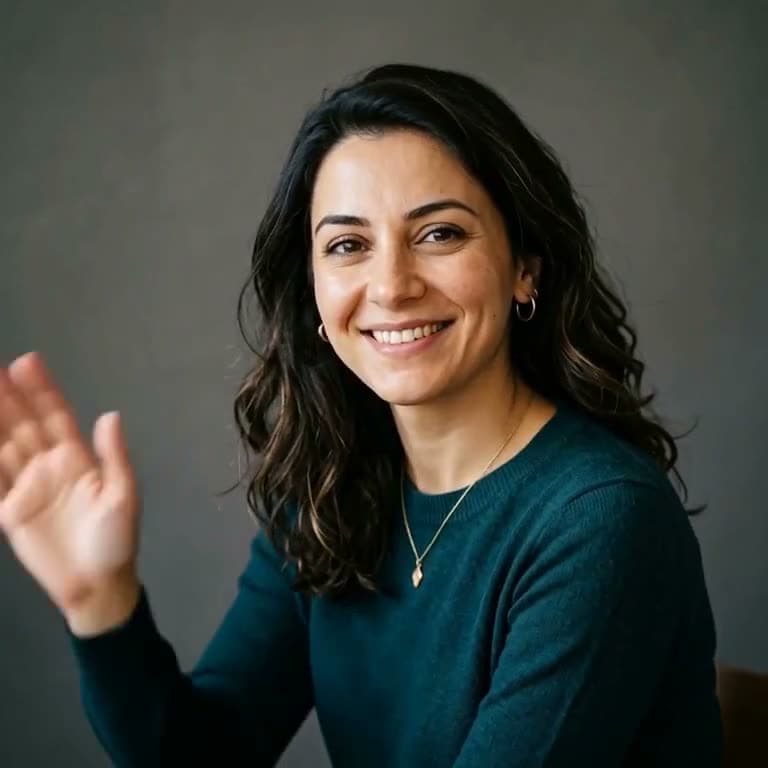

Each sample was generated in one take on this site with the model shown on it; nothing was edited.
How to animate a photo on iPhone, in Google Photos or in Canva
Phone and design apps can animate a photo, but each does something different and has its own limits. Google Photos makes an AI video clip from your photo on the phone itself, while MyHeritage's app animates faces using pre-recorded driver videos.
Built-in and app options compared
| Tool | What it does | Length | Free or paid |
|---|---|---|---|
| Google Photos Photo to video | AI motion from a photo, with presets and, per later reports, custom prompts | 6 seconds | Built into the app; visible watermark plus SynthID; not for users under 18 |
| iPhone Spatial Scenes | 3D depth that shifts as you tilt the phone | Not a clip | Built into Photos on iOS 26 (iPhone 12 or later, per Cult of Mac) |
| Canva Animate | Preset movements like Pan, Tumble and Zoom on the whole image | Not stated | Free to try; all animation styles need Canva Pro |
| MyHeritage Deep Nostalgia | Animates faces in old photos using pre-recorded driver videos | Not stated | Several free animations; special animations need MyHeritage Complete |
| Klakix Image to Video | AI motion with a choice of models | 3 to 30 seconds, depending on the model | Paid credits; 20 for a default 5-second MiniMax H3 Max Turbo clip |
Sources: PetaPixel (July 23, 2025), Android Police (January 2026), AppleInsider, Cult of Mac, Canva, MyHeritage, Klakix catalog. Checked November 10, 2026; may change.
Google Photos Photo to video
Google Photos animates a photo through Photo to video in its Create tab, which started appearing in the US in August 2025, according to PetaPixel. At launch you picked a photo and a preset, "Subtle movements" or "I'm feeling lucky", and got a six-second clip powered by Veo 2. Android Police reported that custom text prompts and optional audio came later. Availability outside the US is not confirmed by an official source.
iPhone Spatial Scenes
On iOS 26, open a photo in Photos and tap the hexagon icon at the top right, as AppleInsider explains. The picture gains depth and shifts as you tilt the phone. Cult of Mac lists iPhone 12 or later as the requirement. To get an actual moving clip on iPhone, you need Google Photos or a browser-based AI tool.
Canva and CapCut
In Canva, the official steps are: upload through the Uploads tab, select the photo, click Animate, then pick a style such as Pan, Tumble, Zoom, Brush strokes or Ink splotches. Canva's separate AI video feature generates clips from text with synced audio. In CapCut desktop, CapCut's own page gives the path Media > AI video > Image to video; CapCut isn't available on Klakix.
Can you animate a photo for free?
You can animate a photo for free in a few places, but free almost always comes with a catch: limited styles, a watermark or a small number of tries. Here's what the official pages and news reports say:
- Canva: free to start, but all animation styles need Pro.
- Google Photos: clips carry a visible watermark plus an invisible SynthID watermark, and Google calls the feature experimental, according to news reports.
- MyHeritage: non-paying users can make several animations, with special animations reserved for paid subscribers.
- Viggle: its page says free credits refresh daily; we didn't verify its limits or watermark policy.
- Klakix: there's no free video. The 20 free credits you get after verifying your email work only for voiceover, and outputs have no visible watermark.
Skip cracked apps and modified APKs that promise unlimited free animation; they're a common source of malware.
How to animate an old family photo
To animate an old family photo, digitize it cleanly first, then use a model that keeps faces intact and ask for very subtle motion. Lay the print flat by a window, shoot straight down to avoid glare, and crop the scan to the people you want animated.
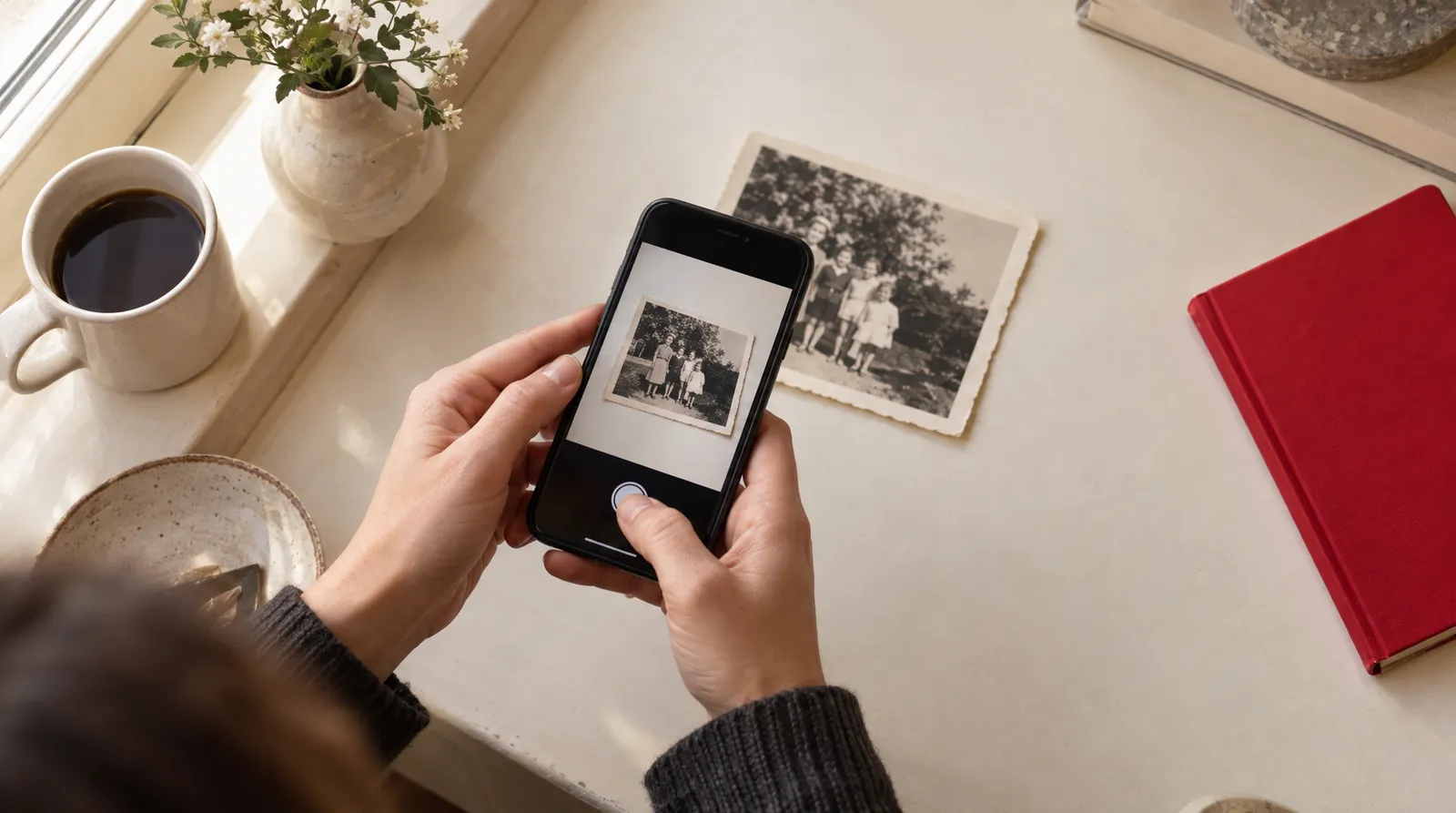
MyHeritage Deep Nostalgia is free to sign up for and is also in the MyHeritage app; its motion comes from pre-recorded driver videos. On Klakix, MiniMax H3 Max is the model recommended for old photos, at 40 credits for 5 seconds. A prompt like "they smile softly and look at the camera" keeps the result calm and believable.
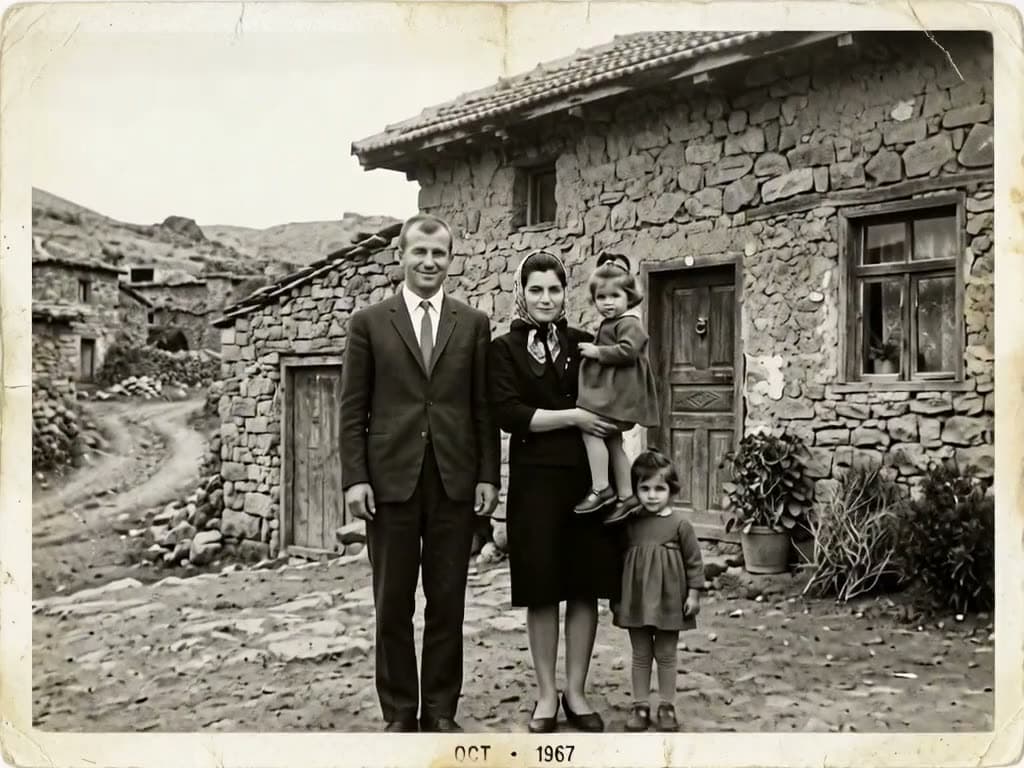
Each sample was generated in one take on this site with the model shown on it; nothing was edited.
Common problems and what AI photo animation can't do
AI photo animation fails in predictable ways, and most fixes come down to a simpler photo or a simpler prompt.
- Warped hands and faces: ask for small movements, keep hands out of the frame when you can, and use a model built for faces.
- Extra people or objects appear: the prompt asked for something not in the photo. Describe only what's already there.
- Text in the photo melts: signs, shirts and captions distort. Crop them out and add text later in a video editor.
- Face refusals: some models reject photos with people. On Klakix, Seedance image-to-video models don't accept human faces.
- Short clips: Google Photos makes 6 seconds and most AI tools make 5 to 10. Klakix's longest single shots are 30 seconds with Kling 4.0 or Wan 3.0.
- No 4:5 video: Klakix's video models don't output 4:5; the Video Editor can export a 4:5 project.
- Low resolution: a soft result can be upscaled to Full HD or 4K with the video upscaler, from 20 credits.
How to make a photo talk, and rules for real people
To make a photo talk, use a lip sync tool rather than image-to-video: you upload a portrait, type the words and the face speaks them. Klakix's Talking Photo does this with HeyGen Avatar IV for 95 credits, with up to 200 characters of text. For fun transformations like a hug, aging or a dance, AI video effects with PixVerse cost 20 credits at the default 5-second, 720p setting.
Use only your own photo or a photo of someone who has given clear consent. Klakix asks for consent on tools that use a person's photo and doesn't allow celebrities, politicians or other well-known people. If you use an AI-generated person in an ad, disclose it where platform rules or local law require. This is general information, not legal advice.
Sources
The facts in this post were checked against the pages below on Nov 10, 2026. Prices and limits may change.
- Canva: Photo animation (official source)
- Canva: AI video generator (official source)
- CapCut: How do I animate a picture (official source)
- Microsoft Support: Animate a picture on your slide (official source)
- Fotor: Animate photos (official source)
- Viggle: AI image animator (official source)
- MyHeritage Education: How to use Deep Nostalgia (official source)
- MyHeritage Blog: Deep Nostalgia special animations (official source)
- PetaPixel: Google Photos turns still images into 6-second videos (news)
- Android Police: Google Photos Photo to video custom prompts (news)
- AppleInsider: View 2D photos as 3D Spatial Scenes on iOS 26 (news)
- Cult of Mac: Spatial Scenes (news)
This post was drafted with AI assistance. Facts were checked against the sources above, and model, credit and price details were checked automatically against the site's current price list.
Frequently asked questions
How do you animate a photo with AI for free?
Google Photos' Photo to video and a few vendor tools offer free tries, but they come with limits such as watermarks, daily credits or a small number of animations. Canva's free option only pans and zooms the image. Klakix has no free video; its free signup credits cover voiceover only.
What is the best AI to animate a photo?
It depends on the photo. For faces and old photos, a model built to keep details intact, such as MiniMax H3 Max, is a safer pick. For sound, Veo 3.1 Lite adds ambient audio, and for long single shots Kling 4.0 or Wan 3.0 reach 30 seconds.
How do I animate a photo on iPhone for free?
The built-in Spatial Scenes feature on iOS 26 adds a tilt-based 3D effect, but it doesn't create a video. For a real moving clip on iPhone, use Google Photos' Photo to video or a browser-based image-to-video tool.
How do I animate a photo in Canva?
Upload the photo through the Uploads tab, select it, click Animate and choose a style such as Pan, Zoom or Tumble. This moves the whole image rather than adding motion inside it, and the full set of styles requires Canva Pro.
Can ChatGPT animate a photo?
We couldn't confirm from an official source whether ChatGPT itself turns a photo into a video. Check OpenAI's current help pages for the latest. Dedicated image-to-video tools are the reliable route today.
How do I animate a photo in CapCut?
According to CapCut's own resource page, on desktop you go to Media, then AI video, then Image to video, and import your image. We didn't verify CapCut's free limits or watermark policy.
How long can an animated photo be?
Most AI tools produce clips of 5 to 10 seconds, and Google Photos makes 6-second clips according to news reports. Some newer models handle a single shot of up to 30 seconds. Longer videos are usually several clips joined in an editor.
Can I animate someone else's photo?
Only with that person's clear consent, and never a celebrity or public figure. Some tools, including Klakix, ask you to confirm consent before using a photo of a person. This is general information, not legal advice.
Try what you just read
Signing up is free. Video and image tools unlock after your first credit pack, and credits are refunded if a generation fails.
Open Image to Video