Prompts · 13 min read · Nov 18, 2026
AI video prompts: examples and a formula that works
Good AI video prompts name seven things in plain words: subject, action, setting, camera, light, sound and what must not change. Keep each one to a single main action and a single camera move, because clips are short: Google's Veo 3.1 makes clips of 4, 6 or 8 seconds. Below are copyable examples, a template and honest limits.
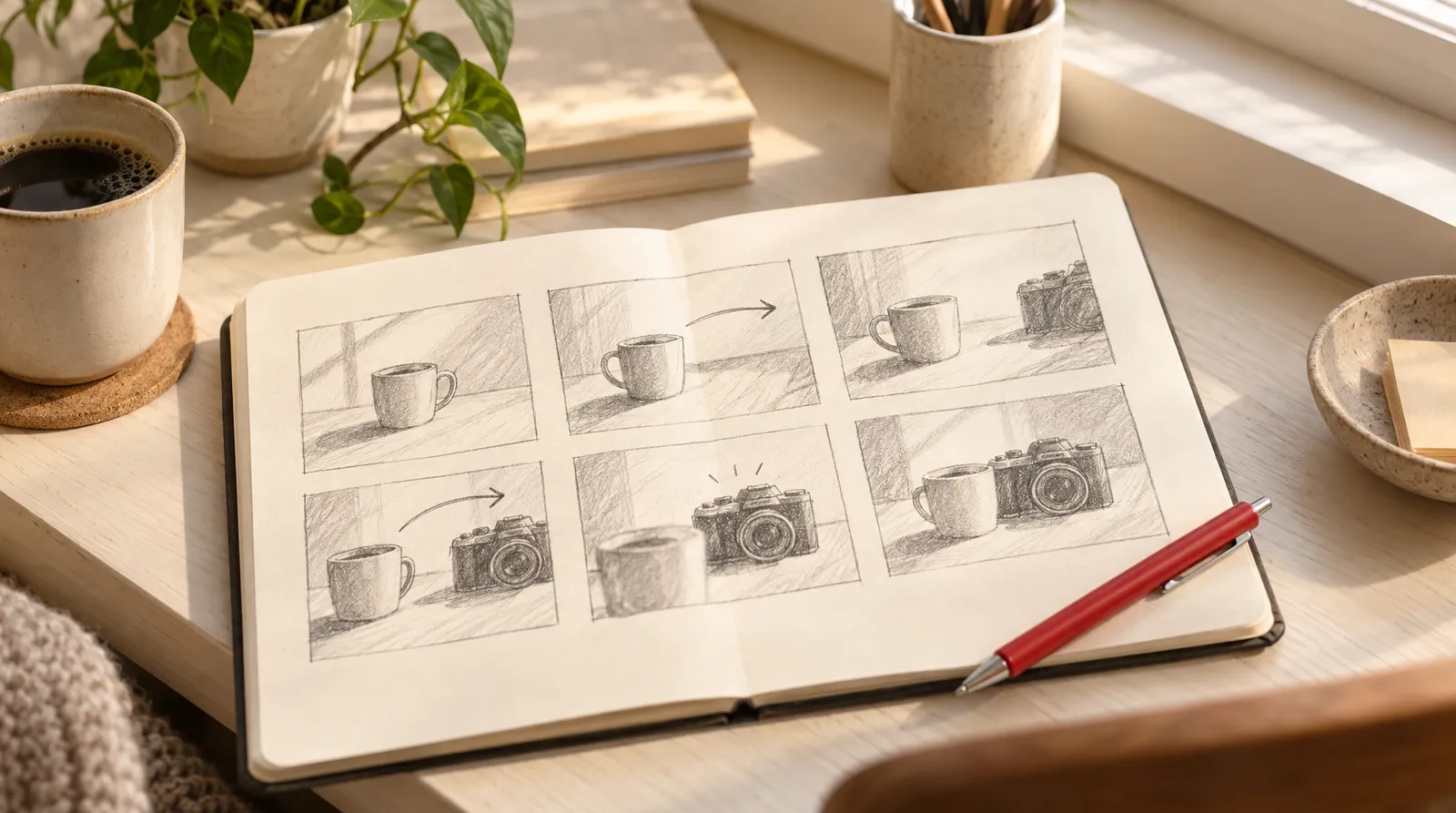
Below you'll find one formula, nine original prompts, camera and sound words, and a clip-length rule. You can test any of them in Text to Video or another generator.
The advice comes from official prompt guides by Google Cloud for Veo 3.1 and Kling, plus a few vendor and community guides, which we label as such. Facts and credit costs were checked on November 18, 2026. Klakix is not affiliated with Google, Kuaishou or Luma.
What is an AI video prompt?
An AI video prompt is the text description a video model turns into a clip: who or what is on screen, what happens, where, how the camera sees it and how it should look and sound. Kling's official guide suggests answering seven questions before you write, ending with what must stay consistent. The FlexClip help center adds a useful habit: simple words and short sentences.
The AI video prompt formula: 7 parts
A practical AI video prompt template is subject, action, setting, camera, light, sound and constraints, written as two to four plain sentences. It blends Kling's official seven-part formula with the sound rules from Google's Veo guide.
AI video prompt template, part by part
| Part | What to write | Example |
|---|---|---|
| Subject | Who or what, with 2 or 3 visible details | A matte white ceramic mug |
| Action | One main thing that happens | Steam curls up from fresh coffee |
| Setting | Where, plus time of day | On a light oak kitchen table, morning |
| Camera | Shot size and one move | Close-up, slow push-in |
| Light and style | Light source, mood, pace | Soft window light, warm and calm |
| Sound | Dialogue, SFX or ambient line | Ambient noise: quiet kitchen |
| Constraints | What stays the same or is avoided | Keep the mug shape unchanged, no extra objects |
Sources: Kling official blog (Oct 16, 2026), Google Cloud Veo 3.1 guide (Oct 15, 2025). Checked November 18, 2026.
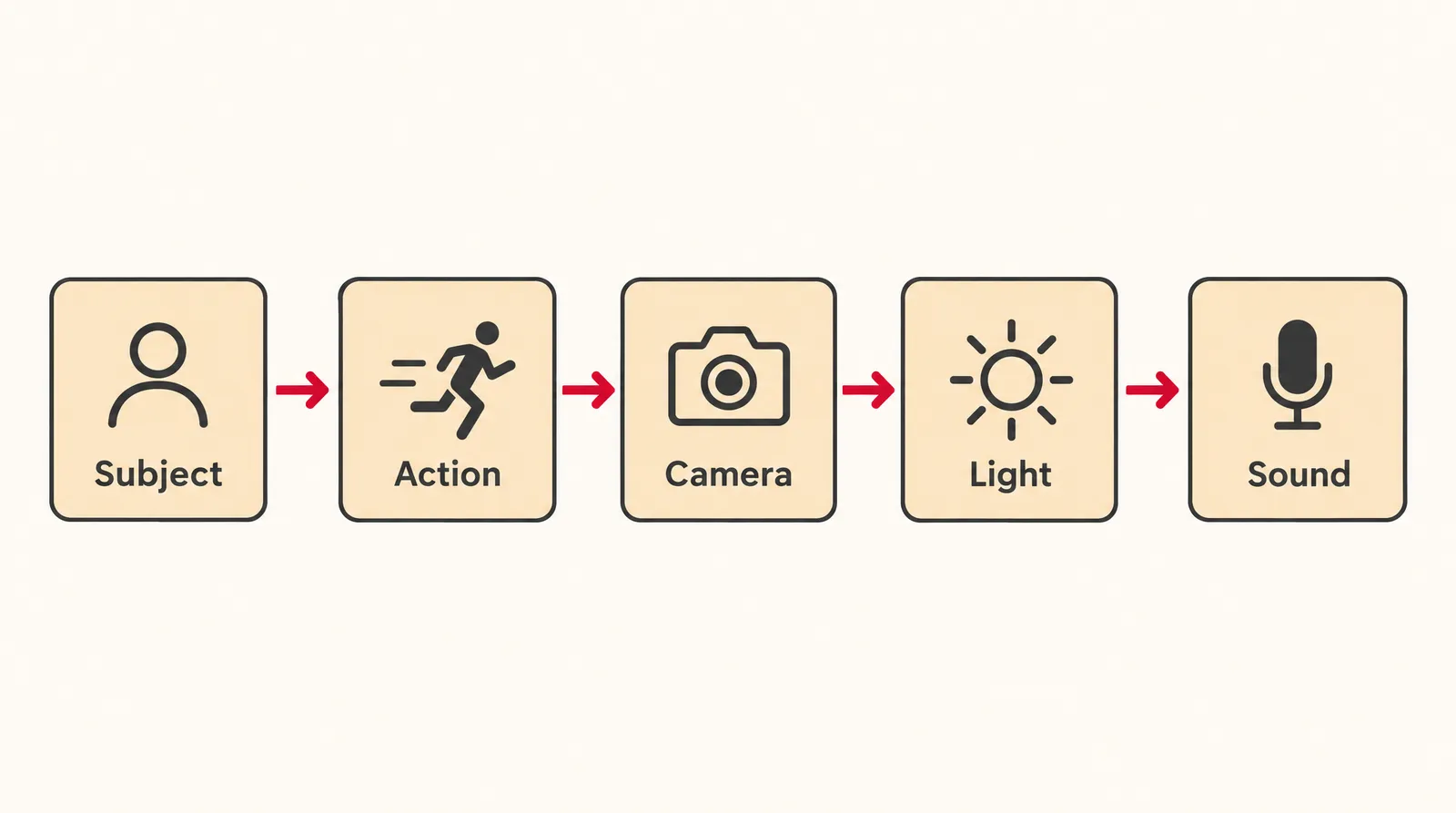
Short version: subject + action + setting + camera, in one sentence. Use it for quick drafts. Long version: all seven parts, which is worth it for product shots and anything with sound. eachlabs writes the long version as a brief with labeled lines (Scene, Subject, Action, Camera, Sound, Mood), which makes edits easier.
AI video prompt examples you can copy and paste
These nine AI video prompt examples fit 5 to 8 second clips. Swap the subject and keep the structure.
- Product: Close-up of a matte white ceramic mug on a light oak table. Steam curls up from fresh coffee as the camera slowly pushes in. Soft morning window light from the left, warm and calm. Keep the mug shape and color unchanged, no extra objects. Why it works: one action, one move and a keep line that protects the product.
- Food: Overhead shot of a cast iron pan of vegetables over a gas flame. A wooden spoon stirs once and steam rises. Warm kitchen light, shallow depth of field. SFX: oil sizzling. Why it works: the single stir fits a short clip, and the SFX line gives the model a sound to match.
- Real estate: Slow dolly forward through a bright, empty living room with white walls and light wood floors, toward a large window. Late afternoon sun, soft shadows, realistic. No people, no text. Why it works: the camera move is the whole story, and the constraints remove common clutter.
- Pet or funny: A small orange cat on a kitchen counter slowly pushes a pen toward the edge with one paw, then looks straight at the camera. Static medium shot, natural daylight, playful tone. Why it works: a static camera keeps attention on one small, readable gag.
- Travel: Aerial view gliding forward over a winding coastal road at sunrise, cliffs on one side and calm sea on the other. Golden light, light haze, slow pace. Ambient noise: wind and distant waves. Why it works: the camera move carries the shot, so there's no character action to get wrong.
- Cinematic mood: Low angle tracking shot from the side of a lone cyclist crossing an empty, wet city square at night. Streetlights reflect on the stones. Cool blue tones with warm lamp light, slow pace. Why it works: angle, move and color are named in plain words instead of a film reference.
- POV for social: POV shot: your hands open a small cardboard box on a bed and lift a pair of white sneakers toward the camera. Handheld feel, bright daylight. Why it works: POV framing puts the viewer inside the action.
- Talking scene: Medium close-up of a baker in her 30s behind a counter, flour on her apron. She smiles and says, "Fresh batch, just out of the oven." Warm interior light. Ambient noise: soft cafe chatter. Why it works: one short line in quotation marks is easy to lip sync in a few seconds.
- Image to video: The steam rises slowly and the camera pushes in a little. Keep the label, colors and shape unchanged. Why it works: it describes only motion, because the photo already shows everything else.
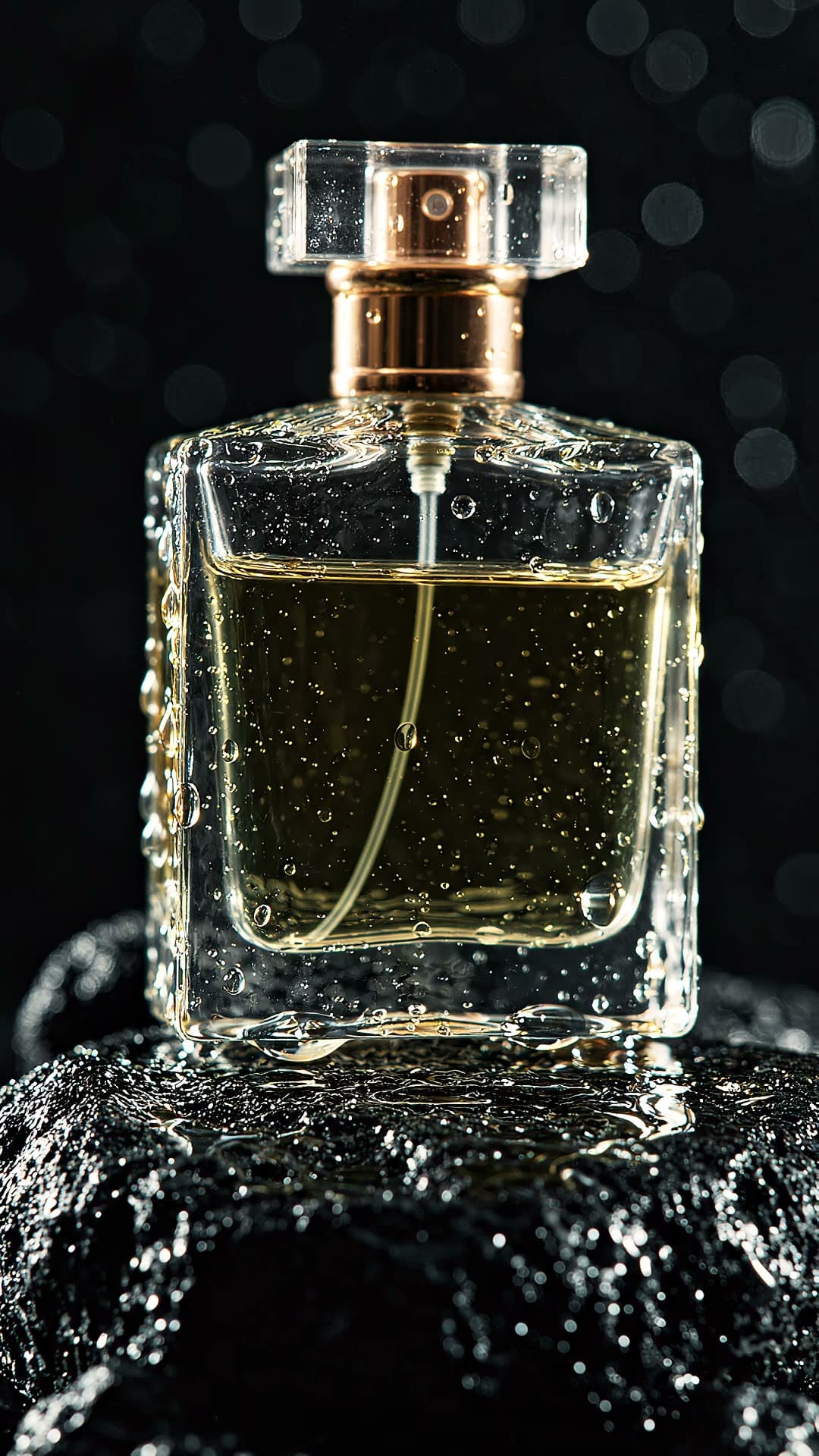

Each sample was generated in one take on this site with the model shown on it; nothing was edited.
Camera words AI video models understand
Video models generally understand standard film terms for shot size, movement and lens. Google calls cinematography "the most powerful tool for conveying tone and emotion" in its Veo guide, and OpenArt's Seedance 2.5 guide (third party) lists similar terms.
Camera terms for AI video prompts
| Term | What it does | Use it for |
|---|---|---|
| Slow push-in / dolly forward | Camera moves toward the subject | Products, reveals, emotion |
| Tracking shot | Camera follows a moving subject | People walking, cars, cyclists |
| Aerial view | High view from above, often moving | Travel, landscapes, real estate |
| Orbit | Camera circles the subject | Products, food plates |
| Slow pan | Camera turns left or right in place | Rooms, skylines |
| POV shot | Viewer sees through the character's eyes | Unboxing, sports, social hooks |
| Extreme close-up / macro | Very tight framing on detail | Textures, drops, steam |
| Low angle | Camera looks up at the subject | Making a subject feel big |
| Shallow depth of field | Sharp subject, soft background | Clean, premium look |
Sources: Google Cloud Veo 3.1 guide; OpenArt Seedance 2.5 guide (third party). Checked November 18, 2026.
How to prompt sound and dialogue in AI video
To get sound, write it as its own labeled line. These three rules come from Google's Veo 3.1 guide; they're a useful pattern for other sound-capable models, but only confirmed for Veo.
- Dialogue: put exact speech in quotation marks, for example: A man says, "We're open until nine."
- Sound effects: start with SFX, for example: SFX: a door creaks open.
- Background: start with Ambient noise, for example: Ambient noise: light rain on a window.
- Keep lines short: a 5 to 8 second clip only fits about one short sentence of speech, by our estimate.
Not every model makes sound. On Klakix, Kling 4.0 always outputs stereo sound, Seedance, Veo 3.1 Lite and Wan 3.0 run with or without sound, MiniMax H3 Max Turbo generates sound, and Kling 3.0's built-in speech is English or Chinese only. For narration over a finished video, generate it in AI Voiceover and add it in the Video Editor.
How to write image-to-video prompts
For image-to-video, describe only the motion, the camera and what changes over time. Kling's official guide says the image provides the visual foundation, and founderz adds one line about what must stay intact, such as the face, product or brand colors.
One honest limit on Klakix: the Seedance models in Image to Video don't accept photos with human faces. For portraits and old family photos, MiniMax H3 Max is the model best at keeping faces intact (40 credits at default).
How long should an AI video prompt be? Match it to the clip
An AI video prompt should hold about one main action per 5 to 8 seconds of video. That's our own rule of thumb, not a published one: a 5 second clip can show a pour, a turn or a glance, but not four events in a row. For longer scenes, pick a model that makes longer single shots or join several clips.
Klakix text-to-video models: lengths, sound and default credits
| Model | Lengths | Sound | Default credits |
|---|---|---|---|
| MiniMax H3 Max Turbo | 5, 10, 15 sec | Yes | 20 (768p, 5 sec) |
| Google Veo 3.1 Lite | 4, 6, 8 sec | Optional | 40 (720p, 8 sec) |
| MiniMax H3 Max | 5, 10, 15 sec | Yes | 40 (768p, 5 sec) |
| Seedance 2.0 Mini | 4 to 15 sec | Optional | 48 (720p, 5 sec) |
| Kling 4.0 | 3 to 30 sec | Always, stereo | 79 (720p, 5 sec) |
| Seedance 2.0 | 4 to 15 sec | Optional | 95 (720p, 5 sec) |
| Wan 3.0 | 5 to 30 sec | Optional | 100 (720p, 10 sec) |
| Seedance 2.5 | 4 to 30 sec | Optional | 147 (720p, 5 sec) |
Source: Klakix model catalog at default settings (16:9). Checked November 18, 2026; may change.
Luma's guide suggests a "5-10-1" workflow: several cheap variations, refine the strongest, then save premium settings for the final render. On Klakix that means drafting on MiniMax H3 Max Turbo (20 credits, about $1.33) or Seedance 2.0 Mini (48 credits, about $3.20), then rendering the keeper on Veo 3.1 Lite (40 credits, about $2.67) or Seedance 2.5 (147 credits, about $9.80). Dollar figures are our math on the Mini pack ($5 for 75 credits), before tax.
- Pick one moment: Decide the single action the clip should show, such as a pour, a turn or a glance.
- Write the core sentence: Describe the subject, the action and the setting in one plain sentence.
- Add camera and light: Name one shot size, one camera move and the light source.
- Add sound and constraints: Add an SFX, ambient or dialogue line, then a line on what must stay unchanged.
- Draft cheaply: Run two or three versions on a budget model at default settings.
- Change one thing at a time: Edit only the camera, the light or the action between drafts so you can see what helped.
- Render the final: Run the winning prompt on a premium model at the length and quality you need.
Common AI video prompt mistakes (and what AI video can't do)
Many weak results come from asking one clip to do too much.
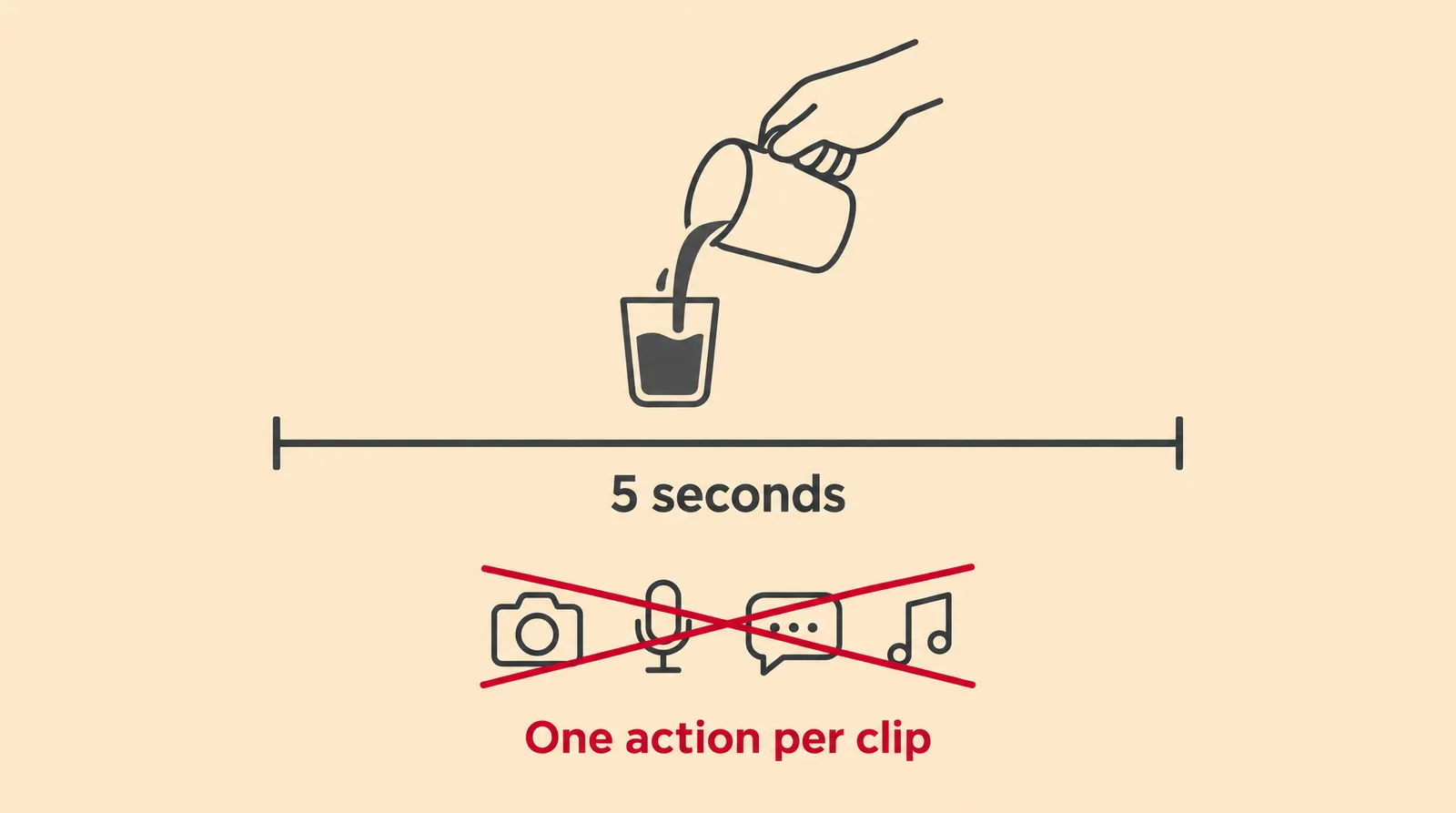
- Too many actions: cut to one main action, and split a story into several clips.
- Stacked camera moves: one move per clip, as covered above.
- Readable text or logos: Luma advises never asking a video model for readable text. For on-screen text, use Motif, which draws text in code, or make a text image with Nano Banana 2 in the AI image generator.
- Real or famous people: don't prompt a celebrity's face or voice. Klakix doesn't allow well-known people, and deepfakes without consent are off-limits everywhere.
- Film titles as style: describe the look in your own words ("cool blue tones, wet streets, slow pace") instead of naming a movie.
- Expecting a 60 second film: generation tools make one clip at a time, so join clips in the Video Editor.
Sources
The facts in this post were checked against the pages below on Nov 18, 2026. Prices and limits may change.
- Google Cloud: Ultimate prompting guide for Veo 3.1 (official source)
- Kling AI blog: AI Video Prompt (official source)
- FlexClip Help Center: How to write effective text prompts to generate AI videos (independent source)
- eachlabs: AI video prompt examples that work (independent source)
- OpenArt: Seedance 2.5 prompt guide (independent source)
- Luma: How to Write AI Video Prompts (independent source)
- Seedance 2.0 Complete Prompting Guide (community, GitHub) (independent source)
- founderz: AI video prompts for production (independent source)
This post was drafted with AI assistance. Facts were checked against the sources above, and model, credit and price details were checked automatically against the site's current price list.
Frequently asked questions
Can I make AI videos from prompts for free without a watermark?
On Klakix, the 20 free credits you get after verifying your email work only for voiceovers, so video needs a credit purchase. Outputs don't get a visible watermark. Keep in mind that no visible watermark isn't the same as no AI marking: Google says every Veo 3.1 video carries an invisible SynthID marker.
How do you write a good AI video prompt?
Use plain words and short sentences that cover one subject, one action and one camera move. Draft on a cheap model, change one thing at a time, then render the final on a better one.
Is there an AI video prompt template I can reuse?
Yes: keep the seven-part structure and swap the subject, for example from a coffee mug to a perfume bottle. Don't skip the constraints line.
How long should an AI video prompt be?
Two to four sentences is usually enough for a 5 to 8 second clip. Length matters less than focus, since one clear action beats a paragraph of events. Add more detail only for the subject and what must stay consistent.
How do I create a Gemini or Veo video prompt?
Google's official Veo 3.1 formula is cinematography, subject, action, context, then style and ambiance. Put speech in quotation marks and write sound effects and background as SFX and Ambient noise lines. Veo 3.1 clips are 4, 6 or 8 seconds, so plan one moment per clip.
Should I use an AI video prompt generator?
A generator or chatbot can help with ideas, but check its output before you use it. Generated prompts can stack several actions and camera moves into one clip. Trim the result to one action and one move.
Can AI video models show readable text or a logo?
Not reliably, so plan to add text and logos afterward. Motion graphics tools that draw text in code, or a video editor, handle on-screen text far better. Use the prompt to keep space in the frame for it.
What's the difference between text-to-video and image-to-video prompts?
A text-to-video prompt describes the whole scene, since the model starts from nothing. An image-to-video prompt describes only motion, camera and change, because the photo already sets the look. Add a line on what must stay intact, like a product label.
Try what you just read
Signing up is free. Video and image tools unlock after your first credit pack, and credits are refunded if a generation fails.
Open Text to Video