Guide · 12 min read · Nov 10, 2026
How to start a faceless YouTube channel with AI video
A faceless YouTube channel tells its stories with voiceover, animation, stock or AI footage and screen recordings instead of an on-camera host. To earn ad revenue you need 1,000 subscribers plus 4,000 watch hours in 12 months or 10 million Shorts views in 90 days. YouTube says channels using AI remain eligible, as long as content isn't mass-produced.
This guide covers the thresholds for getting paid, how YouTube treats AI content after its July 2025 update, when you need the AI label, and what each video costs. Thresholds and labeling rules come from YouTube's help center and blog, checked November 10, 2026; statements reported by the press are marked as such.
The second half shows a full production workflow on Klakix, from an animated explainer in Motif Video to voiceover and B-roll, with credit math per video. Klakix is not affiliated with YouTube.
What is a faceless YouTube channel?
A faceless YouTube channel is one where the creator never appears on camera, and the video is carried by voiceover, animation, stock footage, AI visuals or screen recordings instead. That's the definition Metricool uses, and most guides share it. A well-known example is Lofi Girl, which Epidemic Sound lists among the most popular faceless channels with around 15 million subscribers.
- Voiceover explainers: a narrated script over animation, diagrams or motion graphics.
- List and ranking videos: "top 5" style videos where your criteria and research are the value.
- B-roll stories: narration over footage of places, objects or processes (see what B-roll is).
- Screen recordings: software tutorials, walkthroughs and gameplay with commentary.
- Ambient and music channels: long loops for studying, sleep or focus.
For more formats, including short-form ideas, see our guide to faceless video.
Can a faceless YouTube channel make money?
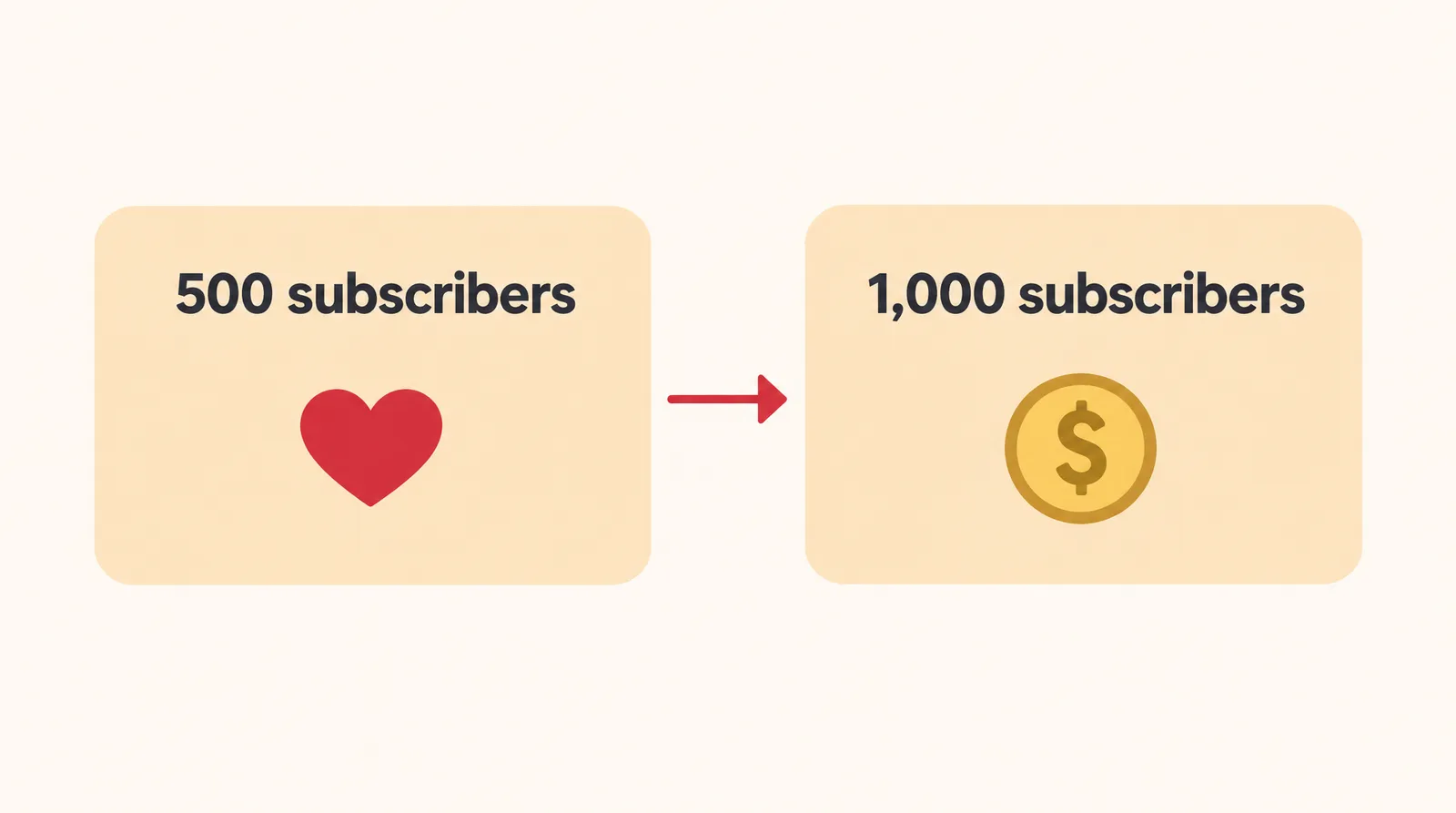
Yes, a faceless channel joins the YouTube Partner Program (YPP) on the same terms as any other channel: ad revenue opens at 1,000 subscribers plus either 4,000 qualified watch hours in the last 12 months or 10 million qualified Shorts views in the last 90 days, according to YouTube Help. There's no separate rule for faceless channels. A lower tier at 500 subscribers opens fan funding first.
YouTube Partner Program tiers
| Tier | Requirements | What it opens |
|---|---|---|
| 500 subscribers (expanded YPP) | 3 valid public uploads in the last 90 days, plus 3,000 qualified watch hours in 12 months or 3 million qualified Shorts views in 90 days | Channel memberships, Super Chat and Super Stickers, Super Thanks, Shopping |
| 1,000 subscribers | 4,000 qualified watch hours in 12 months, or 10 million qualified Shorts views in 90 days | Ad revenue and YouTube Premium revenue sharing |
Source: YouTube Help, YPP overview and expanded YPP pages (United States is an eligible country). Checked November 10, 2026; may change.
One detail trips people up: watch hours from Shorts views in the Shorts feed don't count toward the 4,000 hours, per the YPP help page. If you post mostly Shorts, you're working toward the 10 million views path, not the hours path. The 500-subscriber details come from the expanded YPP page.
Earnings vary by niche, audience and video length, and there's no reliable public data on faceless channel income. Some sites report higher thresholds coming in 2027, but the official help pages we checked on November 10, 2026 don't mention it, so treat that as not confirmed.
Does YouTube allow AI faceless channels? The inauthentic content rule
Yes. YouTube has said that "channels that use AI in their content remain eligible for monetization," as long as creators follow the monetization policies and disclose realistic altered or synthetic content, according to Social Media Today. What isn't eligible is content that looks mass-produced or repetitive.
On July 15, 2025, YouTube updated its YPP guidelines "to better identify mass-produced and repetitious content." YouTube called it a "minor update": the main change renamed "repetitious" content to "inauthentic" content. Its Creator Liaison also said reused content can still be monetized "if you've added significant original commentary, modifications, or educational or entertainment value."
An independent summary says the policy covers "AI-generated content made with generic or unoriginal templates that gives the impression of mass production" (Exemplary AI); we couldn't confirm that wording on the official help page.
Faceless YouTube channel ideas that work with AI video
The best faceless YouTube channel ideas are ones where your research, opinion or writing is the product and AI only handles the visuals.
- One money habit per video (budgeting, reading a pay stub): an animated explainer with on-screen numbers.
- History in 60 seconds: one event per Short, scripted from sources you list in the description.
- Software how-tos: a screen recording plus voiceover, with AI used only for the intro and cutaways.
- Original short fiction: stories you write yourself, narrated over AI B-roll of settings and moods.
- Tips for one trade (florists, bakers, cleaners): your own checklist over B-roll of the work.
- Honest comparisons: two products or services judged on criteria you define and explain.
Ideas to skip: reuploaded clips with nothing added, or one template with only the topic swapped. Those are the patterns most at risk under the inauthentic content rule.
How to make a faceless YouTube video with AI, step by step
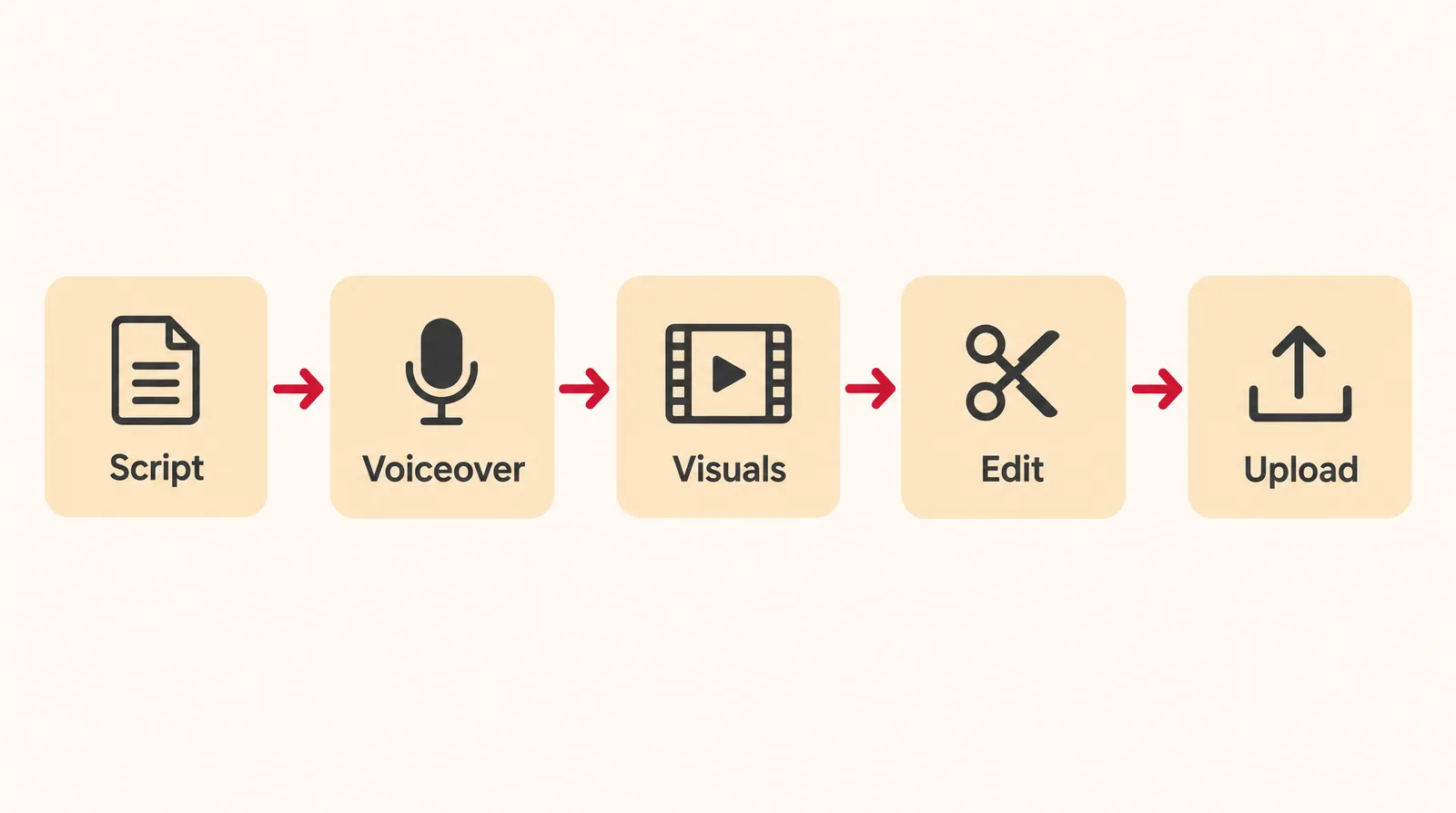
You can make a faceless YouTube video with AI in six steps: niche, script, voiceover, visuals, edit and upload. Here's how each step works on Klakix.
- Pick a niche and a repeatable format: Choose one topic area and one format, for example 45-second animated explainers in 9:16, and keep each video's content distinct.
- Write the script yourself: Open with a hook, cover one idea, end with a clear takeaway. AI-assisted brainstorming is fine and doesn't need a label. Use our video script template as a starting point.
- Record the voiceover: Paste the script into Voiceover. Voice v4 costs 2 credits per 200 characters and understands tags like [excited] or [whispers]; Voice v4 Turbo and Voice Flash cost 1 credit. Each run takes up to 5,000 characters, so split longer scripts.
- Make the visuals: For an animated video, type your topic into Motif Video, pick one of 46 templates and get a 30, 45, 60 or 90 second video with voiceover, captions and motion graphics. For realistic B-roll, use Text to Video, where each generation makes one clip.
- Edit and caption: Open the Video Editor (beta, sign-in required). Join clips, place your voiceover and music on their tracks, and add automatic captions, which cost credits per minute of speech. Editing and MP4 export are free.
- Upload and disclose: In YouTube Studio, answer the altered or synthetic content question honestly (see the labeling section below), then add your title, description and sources.
One limit to know: Motif makes 30 to 90 second videos, and the generation tools make one clip at a time. An 8-minute video means joining several Motif segments, B-roll clips and your voiceover in the Video Editor; there's no one-click long video. Klakix also doesn't clone voices, so you pick from the built-in voices.


Each sample was generated in one take on this site with the model shown on it; nothing was edited.
Turning long videos into Shorts
Once you have long-form videos, Viral Clips picks the strongest moments and cuts vertical clips with word-by-word captions for 15 credits per video. Check the length rules in our guide to how long YouTube Shorts can be.
How much does a faceless YouTube video cost to make with AI?
A 45-second animated faceless Short costs 159 credits in Motif Video, which is about $5.77 at the Studio pack rate or about $10.60 at the Mini pack rate. A longer narrated video costs whatever its voiceover and clips add up to.
Credit cost per faceless video on Klakix
| What you make | Tool and setting | Credits | At Mini pack rate | At Studio pack rate |
|---|---|---|---|---|
| 45-sec animated Short, 9:16 | Motif Video | 159 | about $10.60 | about $5.77 |
| 30 to 90 sec animated video | Motif Video | 139 to 217 | about $9.27 to $14.47 | about $5.05 to $7.88 |
| 6,000-character narration | Voice v4 | 60 | about $4.00 | about $2.18 |
| 6,000-character narration | Voice v4 Turbo or Voice Flash | 30 | about $2.00 | about $1.09 |
| 10 B-roll clips, 5 sec each | MiniMax H3 Max Turbo, 768p | 200 | about $13.33 | about $7.26 |
| 10 B-roll clips, 5 sec each | Seedance 2.0 Mini, 720p | 480 | about $32.00 | about $17.43 |
| 30 still images | Muse Image | 60 | about $4.00 | about $2.18 |
| Shorts from one long video | Viral Clips | 15 | about $1.00 | about $0.54 |
| Editing and MP4 export | Video Editor (beta) | 0 (auto captions extra) | free | free |
Source: Klakix catalog and pricing; our math. Mini is $5 for 75 credits, Studio is $69 for 1,900 credits, before tax. Checked November 10, 2026; may change.
The 6,000-character script is our assumption for roughly 1,000 words, about 6 to 7 minutes of narration. Subscriptions start at $9 a month for 200 credits; see pricing.
Example: a roughly 7-minute narrated video with a Voice v4 Turbo voiceover (30 credits), 10 MiniMax H3 Max Turbo clips (200 credits) and 30 Muse Image stills (60 credits) comes to 290 credits, about $10.53 at the Studio rate. Ten clips is only 50 seconds of footage, so plan to fill the rest with stills, screen recordings or reused cutaways.
Do you have to label AI videos on YouTube?
You have to label a YouTube video only when it contains realistic altered or synthetic content, meaning something "a viewer could easily mistake for a real person, place, scene, or event," according to YouTube's official blog. The disclosure tool in Creator Studio arrived on March 18, 2024.
When YouTube's AI disclosure applies
| Situation | Label needed? |
|---|---|
| AI used for scripts, content ideas or automatic captions | No |
| Animation and other clearly unrealistic content | No |
| Color or lighting filters, special effects, beauty filters | No |
| Synthetically generating a person's voice to narrate a video | Yes (YouTube's example) |
| Altering footage of real places or events | Yes |
| Realistic scenes of fictional major events | Yes |
Source: YouTube Official Blog, March 18, 2024. Checked November 10, 2026; may change.
An animated Motif explainer generally falls under clearly unrealistic content, while photorealistic B-roll of a real-looking place or a realistic synthetic narrator may need the label. It isn't clear whether a generic text-to-speech voice counts as YouTube's narrator example, so read the question in YouTube Studio and disclose when you're unsure.
The label usually appears in the expanded description; for health, news, elections and finance, a more prominent label also shows on the video itself. YouTube may also apply the label on your behalf when content could mislead viewers, according to press coverage. This is general information, not legal advice.
Sources
The facts in this post were checked against the pages below on Nov 10, 2026. Prices and limits may change.
- YouTube Help: YouTube Partner Program overview and eligibility (official source)
- YouTube Help: Expanded YouTube Partner Program (official source)
- YouTube Official Blog: How we're helping creators disclose altered or synthetic content (official source)
- Social Media Today: YouTube clarifies monetization update on inauthentic, repeated content (news)
- PPC Land: YouTube introduces mandatory disclosure for AI content (news)
- Exemplary AI: YouTube inauthentic content policy (independent source)
- Metricool: How to start a faceless YouTube channel (independent source)
- Epidemic Sound: Faceless YouTube channels (independent source)
This post was drafted with AI assistance. Facts were checked against the sources above, and model, credit and price details were checked automatically against the site's current price list.
Frequently asked questions
Can I start a faceless YouTube channel for free?
Creating the channel itself costs nothing, and you can script, record screens and edit without paying. On Klakix, the 20 free credits you get after verifying your email work only for voiceovers. Video, image and Motif generation unlock after your first credit purchase.
How much does a faceless YouTube channel make?
There's no reliable public data on faceless channel income, and earnings vary by niche, audience and video length. What is fixed is when you can start earning: ad revenue needs 1,000 subscribers plus 4,000 watch hours in 12 months or 10 million Shorts views in 90 days.
How do you monetize a faceless YouTube channel?
Apply to the YouTube Partner Program once you meet a threshold. Fan funding like memberships and Super Thanks comes first at 500 subscribers, and ad revenue starts at 1,000.
Do Shorts count toward the 4,000 watch hours?
No, watch hours from Shorts views in the Shorts feed don't count toward the 4,000 hours. Shorts-heavy channels qualify through the 10 million Shorts views path instead.
Does YouTube demonetize AI-generated videos?
Not for using AI alone. YouTube has said channels that use AI remain eligible if they follow its policies and disclose realistic synthetic content. Mass-produced or repetitive content is what isn't eligible.
Faceless vs face YouTube channel: which is better?
Neither is better by default. A faceless channel protects your privacy and lowers the barrier to starting, but your script, research and voice have to carry the originality a host's personality would. Pick the one you can sustain on a regular schedule.
What are good faceless YouTube channel ideas for beginners?
Start with something you can explain from your own knowledge: software how-tos with screen recordings, short history explainers, tips for a trade you know, or fiction you write yourself. Avoid reuploads and topic-swapped templates, since those are the patterns YouTube's inauthentic content rule targets.
What is the biggest faceless YouTube channel?
There's no official ranking of faceless channels. Lofi Girl is often cited as one of the most popular, with around 15 million subscribers according to Epidemic Sound. Subscriber counts change, so check the channel page for the current number.
Try what you just read
Signing up is free. Video and image tools unlock after your first credit pack, and credits are refunded if a generation fails.
Open Motif Video